





Skip to content
View in the app

A better way to browse. Learn more.

Audi Owners Club (UK)

A full-screen app on your home screen with push notifications, badges and more.

To install this app on iOS and iPadOS
  1. Tap the Share icon in Safari
  2. Scroll the menu and tap Add to Home Screen.
  3. Tap Add in the top-right corner.
To install this app on Android
  1. Tap the 3-dot menu (⋮) in the top-right corner of the browser.
  2. Tap Add to Home screen or Install app.
  3. Confirm by tapping Install.


JL9987

Members
  • Joined

  • Last visited

Everything posted by JL9987

  1. JL9987 replied to JL9987's topic in Audi A5 Club
    i== is it the facelift version?
  2. JL9987 posted a topic in Audi A5 Club
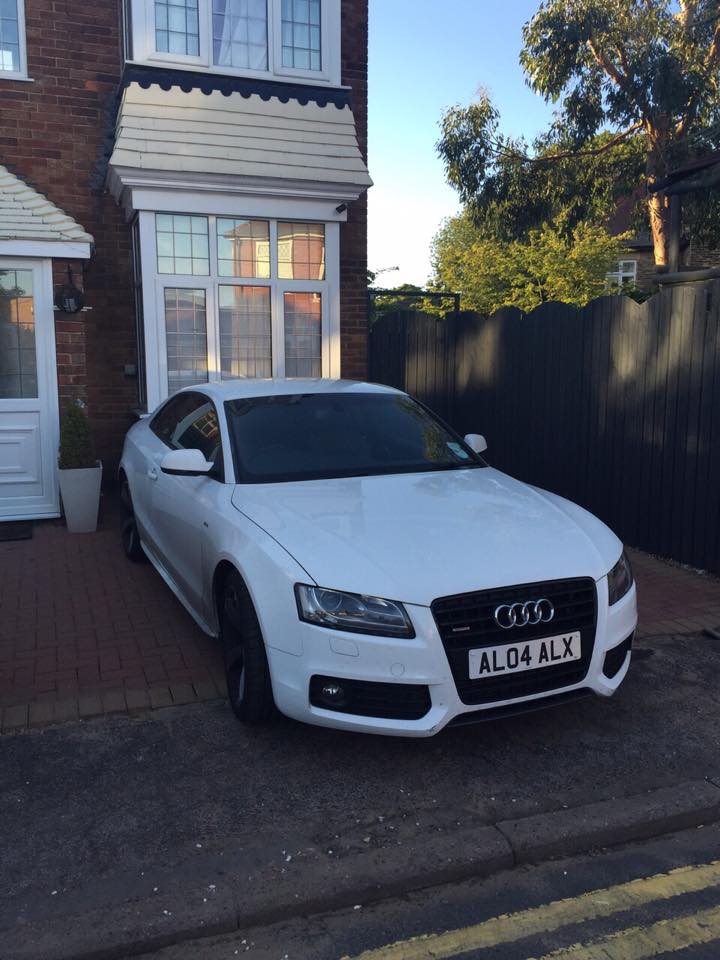
    Getting my Audi A5 2,0tdi quattro black edition on friday. i've bought a dtuk tuning box...but its the 170 model from the reg that's on the car... I thought with it being a 2012 model it would be the facelift model with 177bhp? Can anyone clarify please.... (Reg is thats on the car atm is in pic attached - AL04 ALX) Thanks
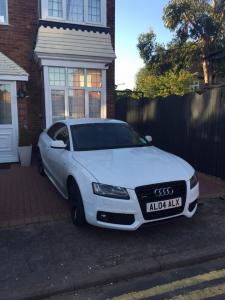
  3. Excited. Its a 2012 plate, Audi A5 2.0tdi Quattro Black Edition... How do i find out if it's the 170 or 177? Gonna message Andrew about getting a DTUK box on it. Seems the best option.... Thanks



Background Picker
Customize Layout

Account

Navigation

Search

Search

Configure browser push notifications

Chrome (Android)
  1. Tap the lock icon next to the address bar.
  2. Tap Permissions → Notifications.
  3. Adjust your preference.
Chrome (Desktop)
  1. Click the padlock icon in the address bar.
  2. Select Site settings.
  3. Find Notifications and adjust your preference.