Megabart
Members
-
Joined
-
Last visited
Everything posted by Megabart
-
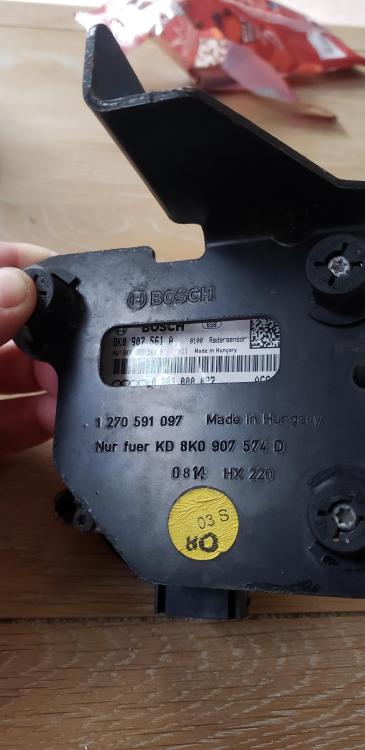
Thanks Steve for your respond. It's 561A whatever in means. I wanted to replace the whole thing from the beginning but when I opened it I think I found the main failure and I'm hoping to fix this proplem cheap. The unit itself is minimum 400£ second hand so probably won't last long. Maybe it will be my way to fix it but if I had a chance to buy that little bugger I think it would be really cheap fix.
-
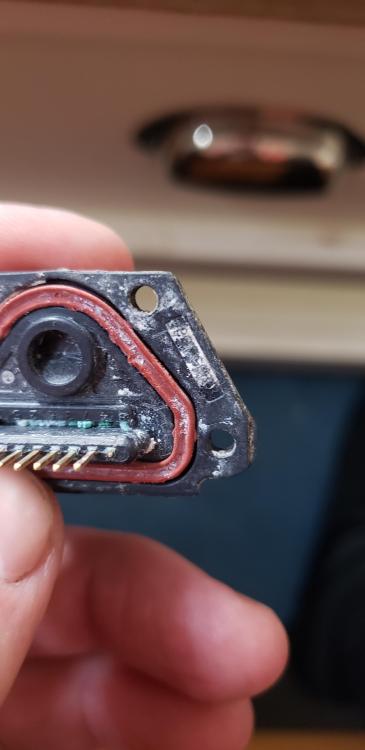
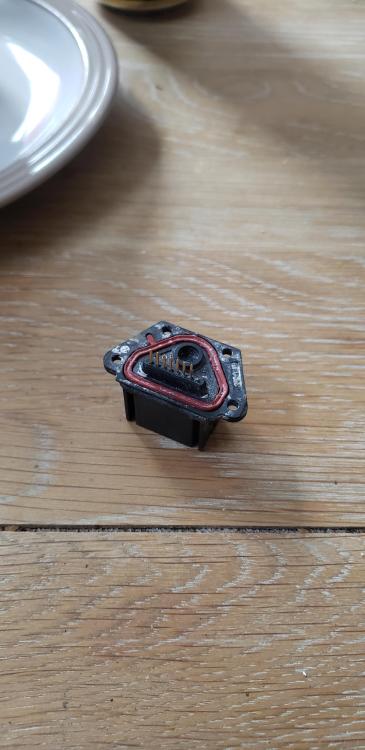
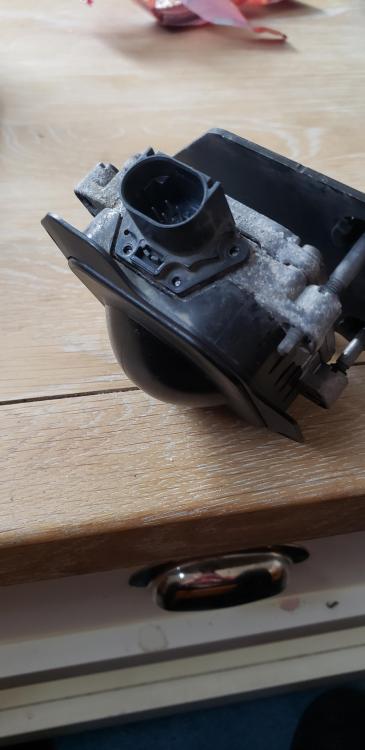
Hello guys. I have problem with auto cruise control unit. It intermittently stop working and now completely died. I found that 1 of the pins were corroded and felt off. I almost sure that this is the problem and if I replace it will go back to life. I have a problem to find replacement as the part number is unreadable. Can anybody tell me the part number or where to buy. I only need that little port. Thanks in advance