John Steggall
Members
-
Joined
-
Last visited
Everything posted by John Steggall
-
Jon Fantastic news, I am very pleased for you, well done. Perseverance does work. A very nice Christmas present for your Audio. Merry Christmas & a Happy New Year for 2026. All the best John
-
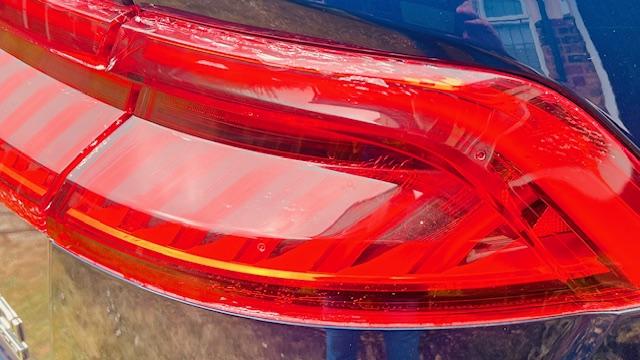
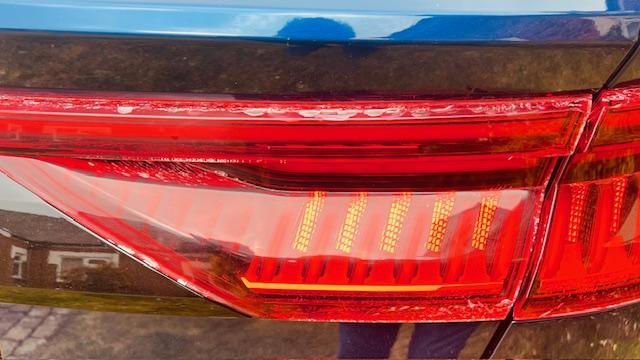
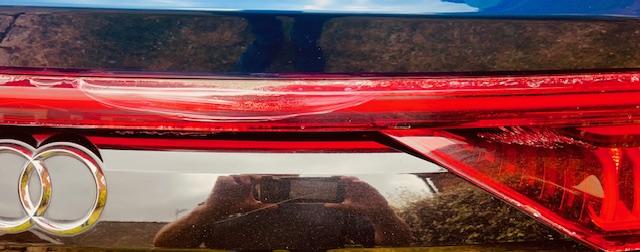
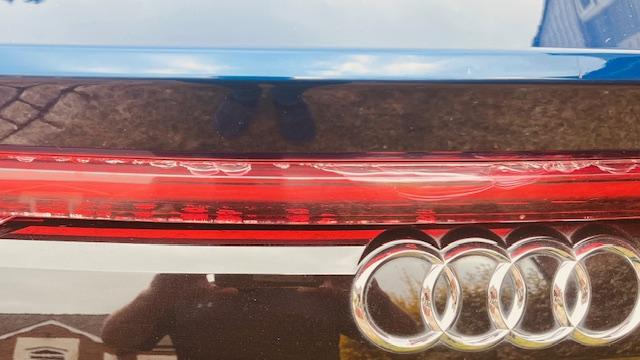
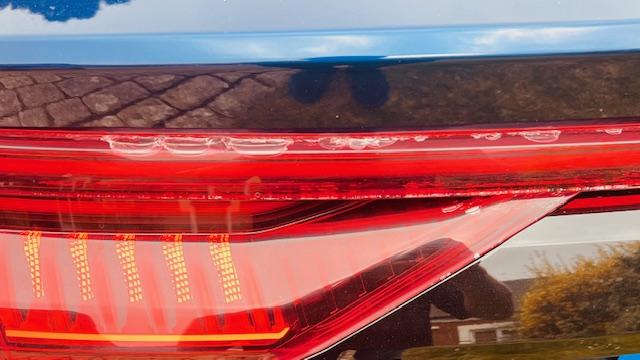
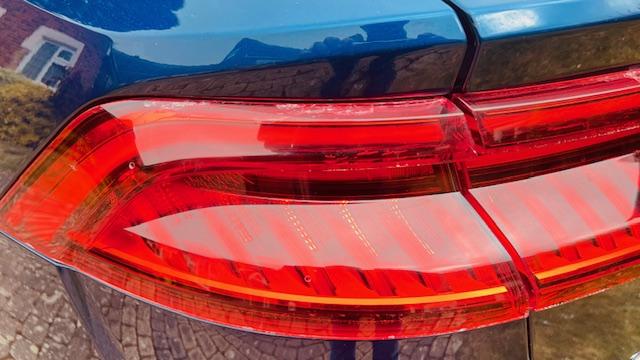
Jon. I had the same problem on my 2018 Q8, which was extremely bad. i escalated my issue the the Managing Director of Audio UK, as my car was not in warranty, they offered me to replace all the lights for a contribution of £1500.00, if it was under warranty they would have completed the replacement for free? I have now raised my issue to Audio Global, which is an going matter. I replaced all my re lights for inder £900.00 by shopping around (part new part second market in excellent condition). I hope this helps, reach out to me if you would like further information.
-
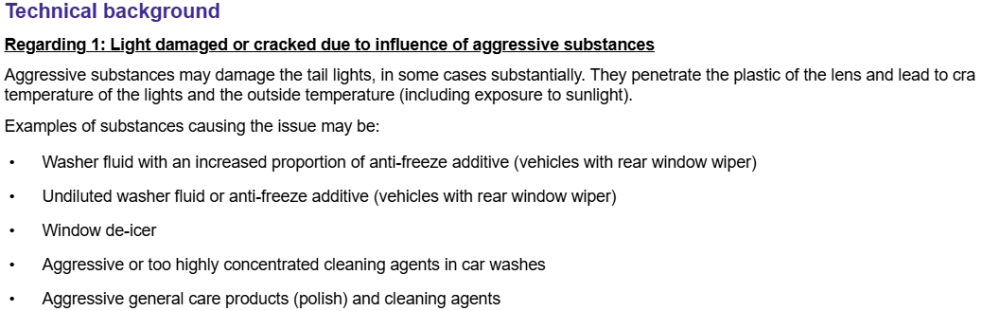
Hi Nigel. Great news! They changed it under warranty. I have the same issue with my Q8 2018, but it's all the rear lights, and in some cases, with very heavy delamination of the internal lenses. Audio UK states all these rear units are air-tight and water-tight sealed; it seems they are in denial that they have a manufacturing defect issue. There are now so many issues being reported globally regarding the delamination of the internal light lens of the rear lighting units on different forums. This is the response I received from Audi UK. I hope your warranty doesn't expire should you experience this issue again!