GuyG
Members
-
Joined
-
Last visited
-
Anybody ?
-
Thank you Steve. I've got a thread up asking how to remove the spoiler, to get at the third brake light. Do you know of anyone who might know how?
-
The light comes on as soon as I press the brake peddle for the tailgate brake light. I'm in process of taking it out to inspect it but have come to a halt and hope someone here might be able to help me - Google is not being helpful. I've stripped the inside of the tailgate, thinking there might be bolts that release the spoiler to access the light. There were two 10mm bolts, which I have removed. However, the spoiler is still held fast. Is it also bonded on or am I going about this wrong? Thanks, Guy
-
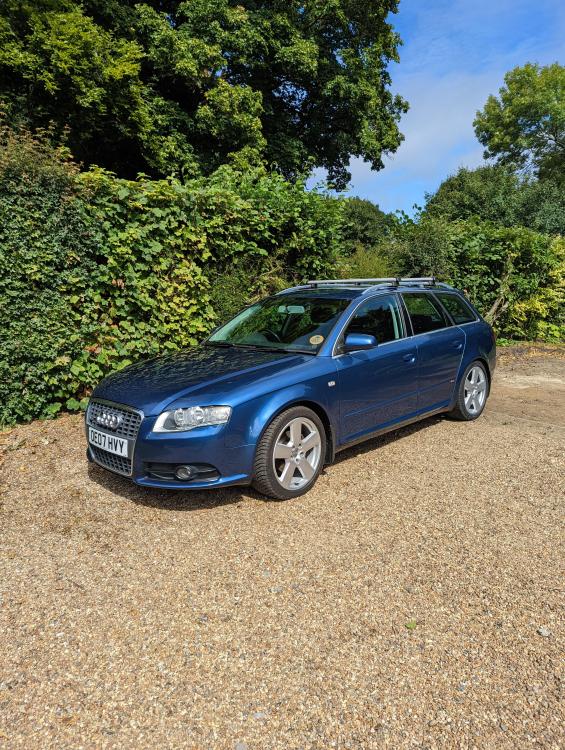
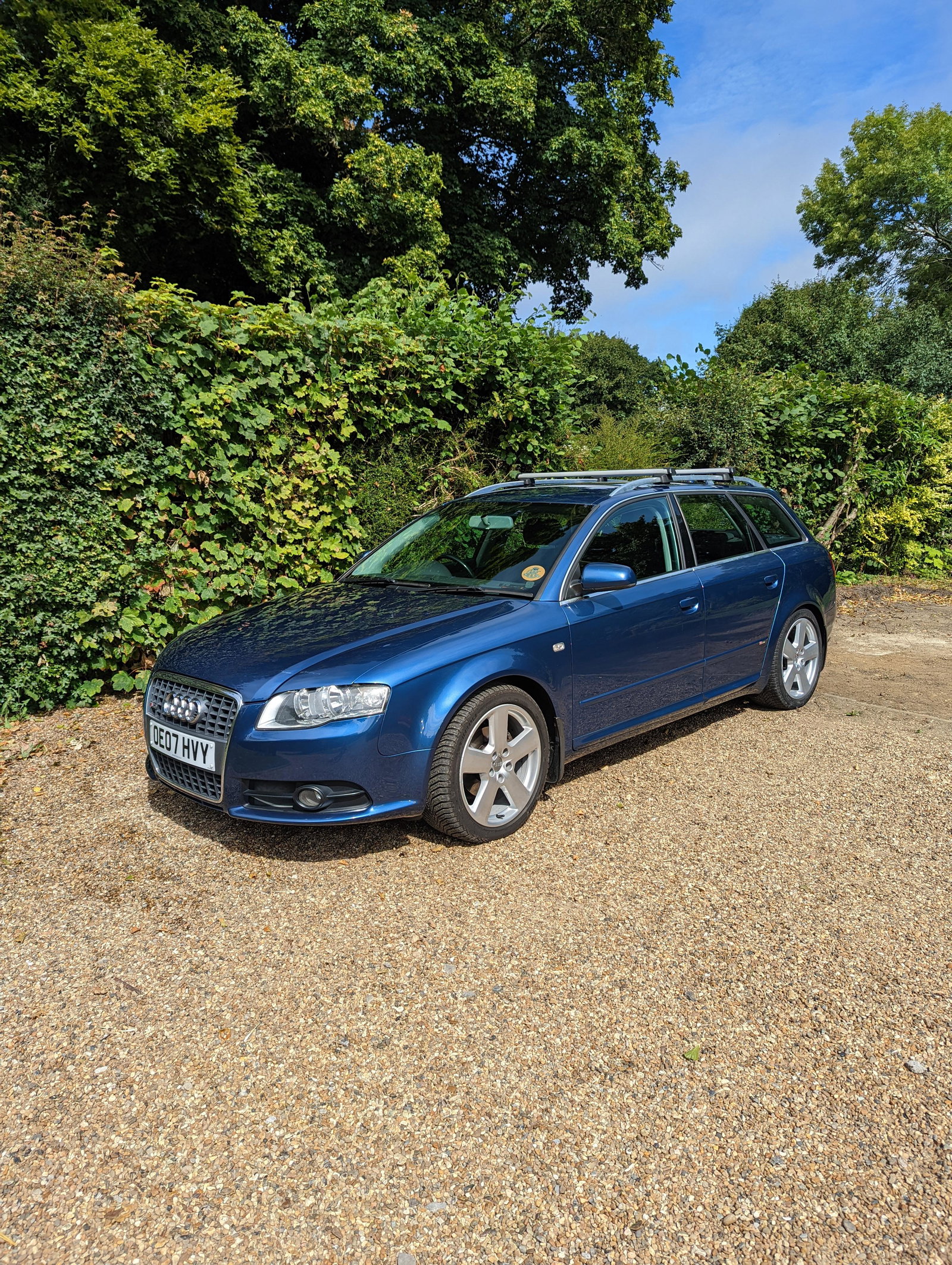
I have joined, as I have owned a B7 Avant 2.0TDI S-Line Special Edition for about four years. I bought it as a mile muncher to commute to and from London and as a general work horse. It is now a hack for local and long distance journeys due to the wretched ULEZ. Confession - I have an illness where i do up all my cars to a standard that is not financially viable, but it means the cars look and drive fantastically. This car has had a massive amount of parts replaced to make it mechanically tip top. The only last thing it needs is a set of front arms, which I plan to replace in the next month or so. It's a 140 bhp with a stage 1 map, added cruise control and centre armrest. I sold the twin spoke Special Edition wheels and replaced them with the Ronals in the photo and they are wrapped in Cross Climate 2 rubber. I might pop in occasionally to ask a question and have a browse. Guy