Stevie1
Members
-
Joined
-
Last visited
Everything posted by Stevie1
-
Hi Due to the fact that the radio did not fit I have sent it back, so can't really say about the sound quality. Sorry.
-
Don't think I will be getting the most liked content then!
-
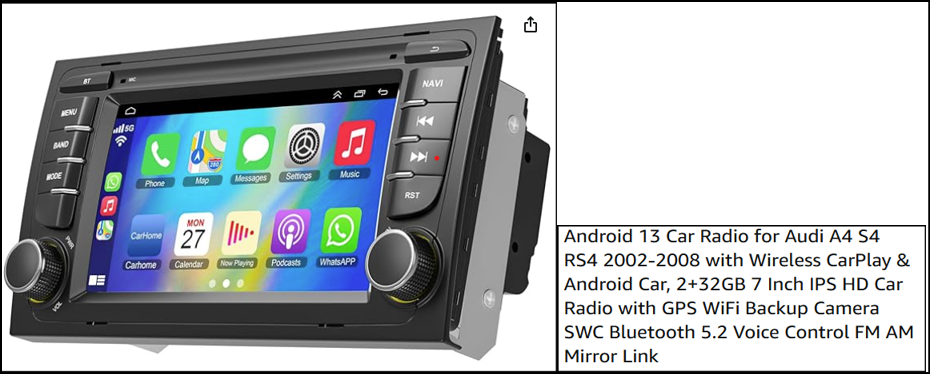
Lets have another go. Hi I have an Audi A4 2006 Convertible B7 it has an Audi Concert B7 soul currently in place. I recently purchased an Android 13 for an Audi A4 S4 RS4 2002-2008 Wireless 7 inch. I attempted to fit it this last weekend but I was unable to get it to fit. Does anybody out there in the Audi wilderness now which one would fit or why the one mentioned didn't.
-
Great Forum this. I was always under the impression that forums are to help each other 53 views but not one reply!
-
I recently purchased an Android 13 Plug and Play Car Radio, unfortunately although it all connected and operated okay it didn't quite fit the double Din. Has anyone else had this issue or was i just unlucky to get a slightly misfitted unit. I couldn't understand why it wouldn't sit flush as the dimensions were the same. Any suggestions would be greatly appreciated.