rotis23
Members
-
Joined
-
Last visited
-
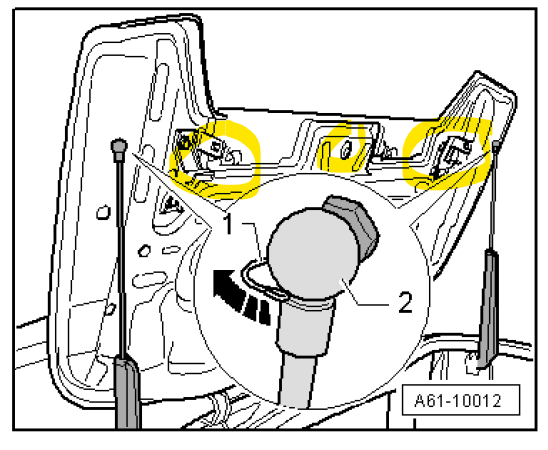
Hi all, A4 B7 2006 2.0TDI convertible So, I've had this one for a few years now and the roof has always been a bit temperamental (as they are) - so I'm used to occasionally using the manual keytool to open or close when required. However, - Been using the auto roof ok for last few weeks since the weather has improved - no problems - Decided to wash it for first time in a very long while - with roof up and then with roof down - no idea if this has any relevance - no water with roof down - Roof would then not go up so tried to use manual release keytool but didn't work - The keytool is not releasing the convertible top (after being closed down) - it feels blocked or jammed - the key not locating fully and there is some play one the red part of the tool is tightened - although there is a bit of play. I know how this works as have used it many times. So presumably either a mechanical jam or a controller/sensor issue. So - with keytool engaged the two latches are not releasing. The only post I have seen related to this for a B7 is where the rear windows were not down fully - and this not allowing the manual keytool to be used. Any ideas on what to do next. The emergency aint working. Guess I'm lucky the weather is ok for next couple days 😕 Thanks in advance. rotis23