ryan-m
Members
-
Joined
-
Last visited
-
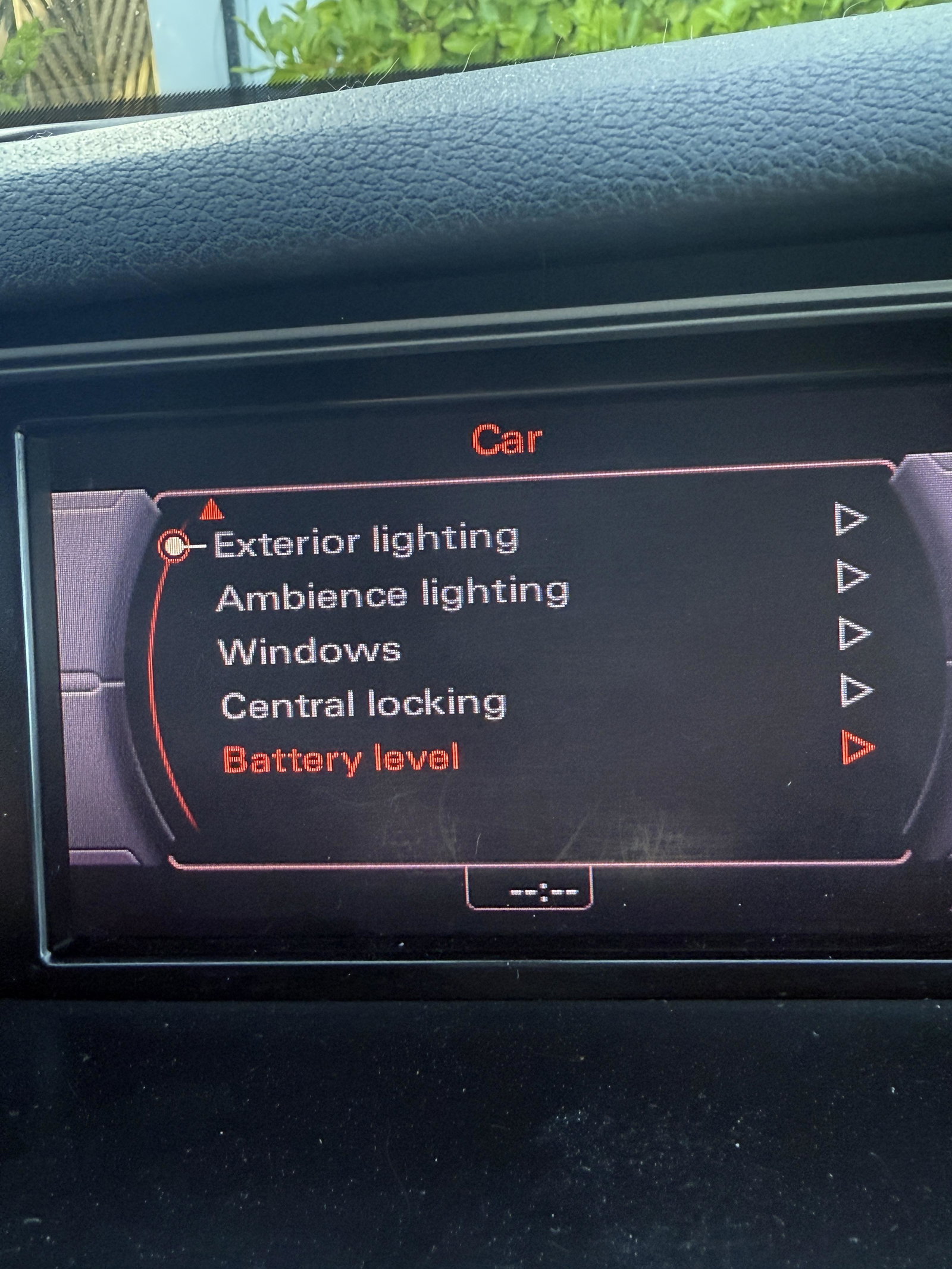
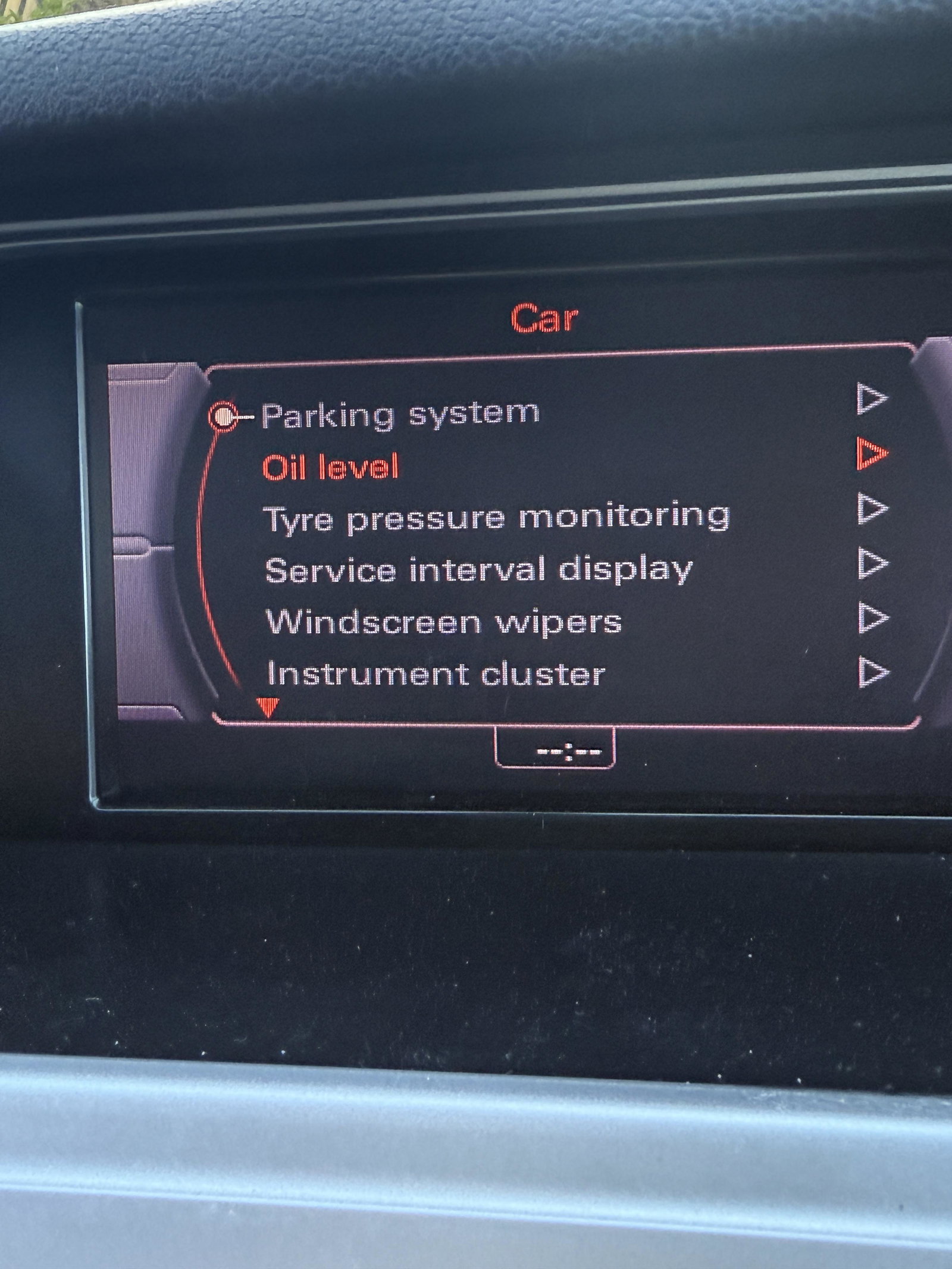
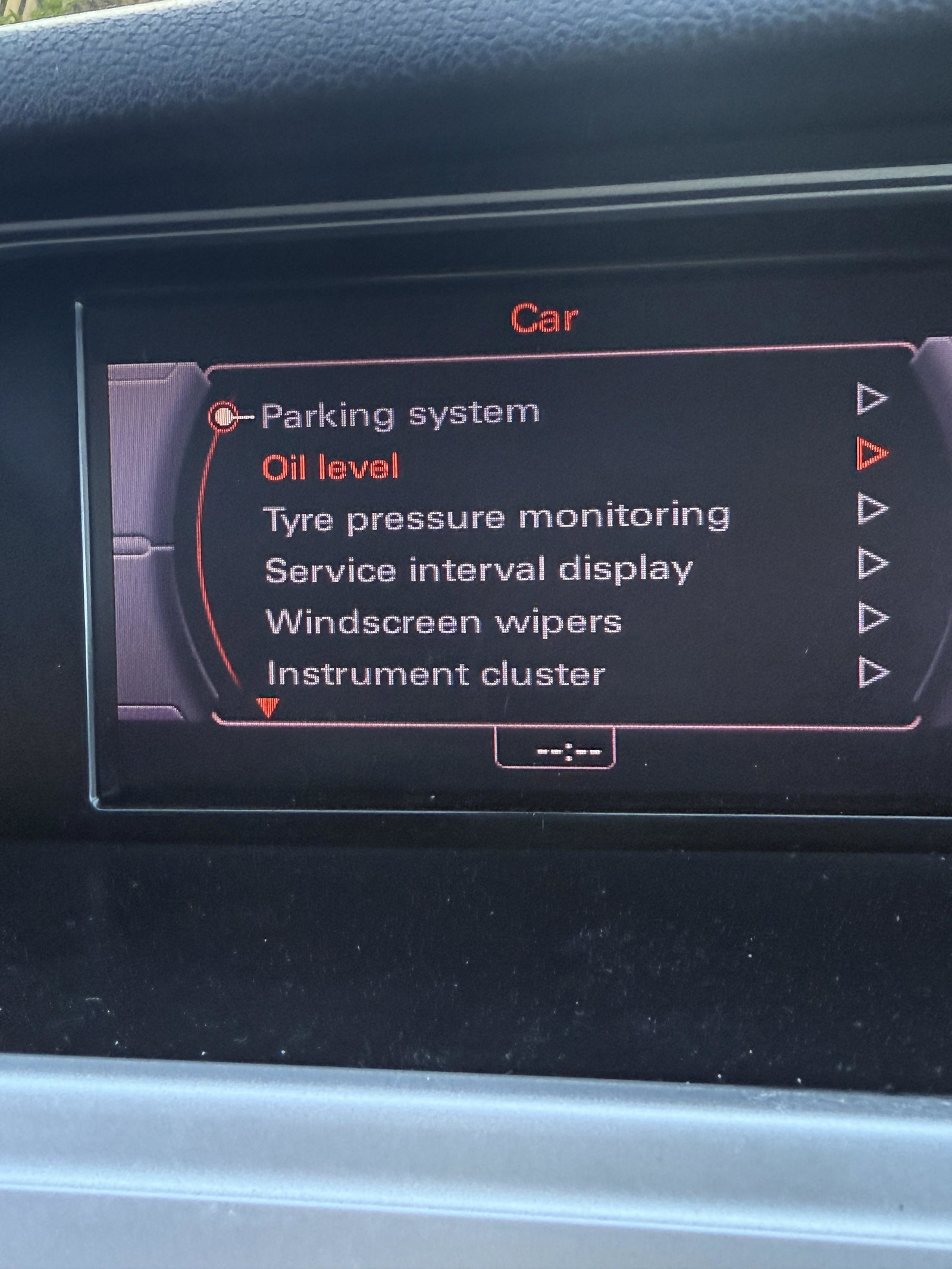
Hello, I would have posted this in a current Topic, but they were so old I doubt they would have been seen. Could someone do me a Huge favour, please? You'd be helping me out a great deal and also others, maybe in the future, If you have an Audi A4 B8 could you please take 10 minutes and post photos from the Green Engineering Menu? I really appreciate any help you can provide.
-
Thanks
-
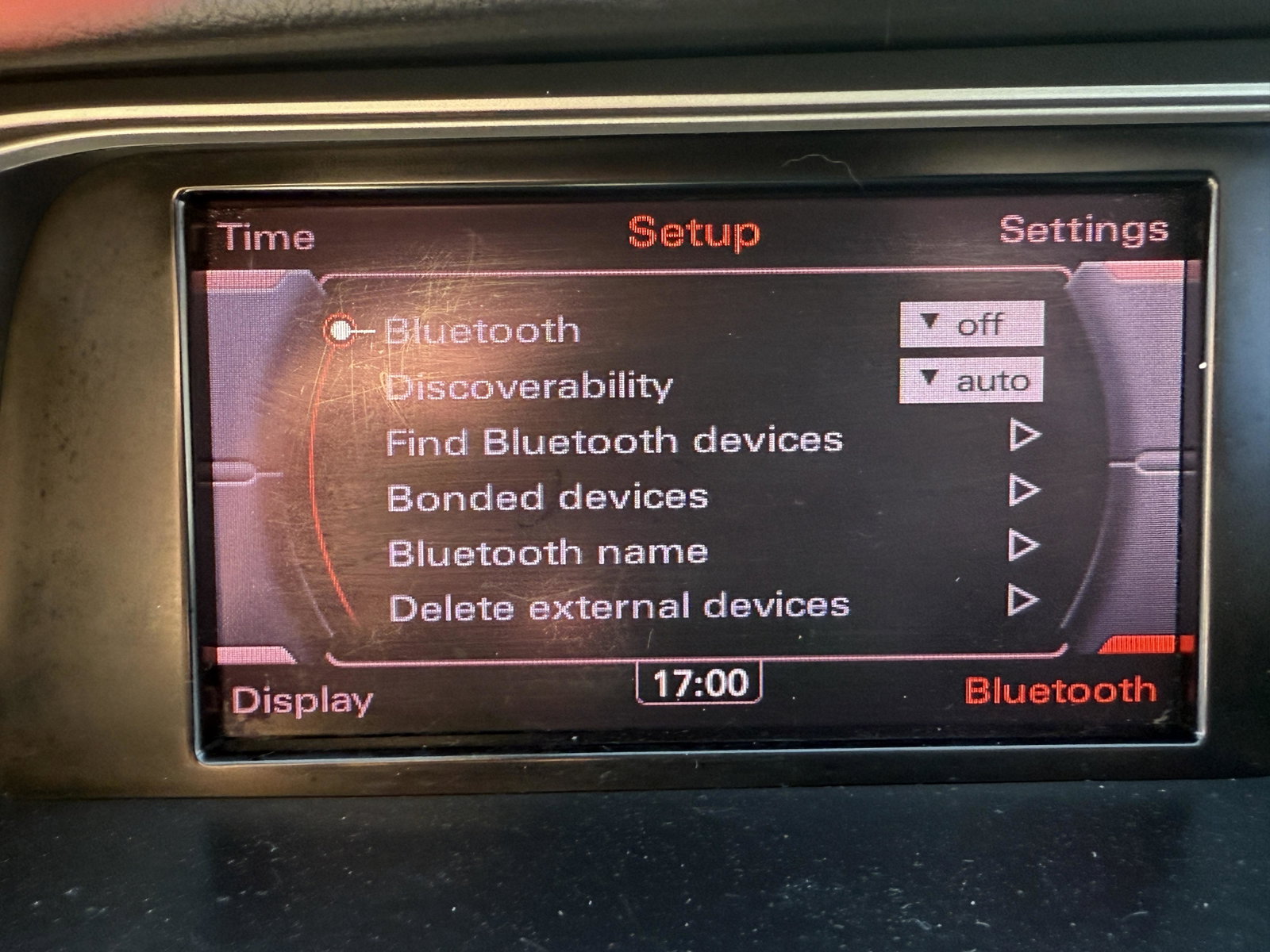
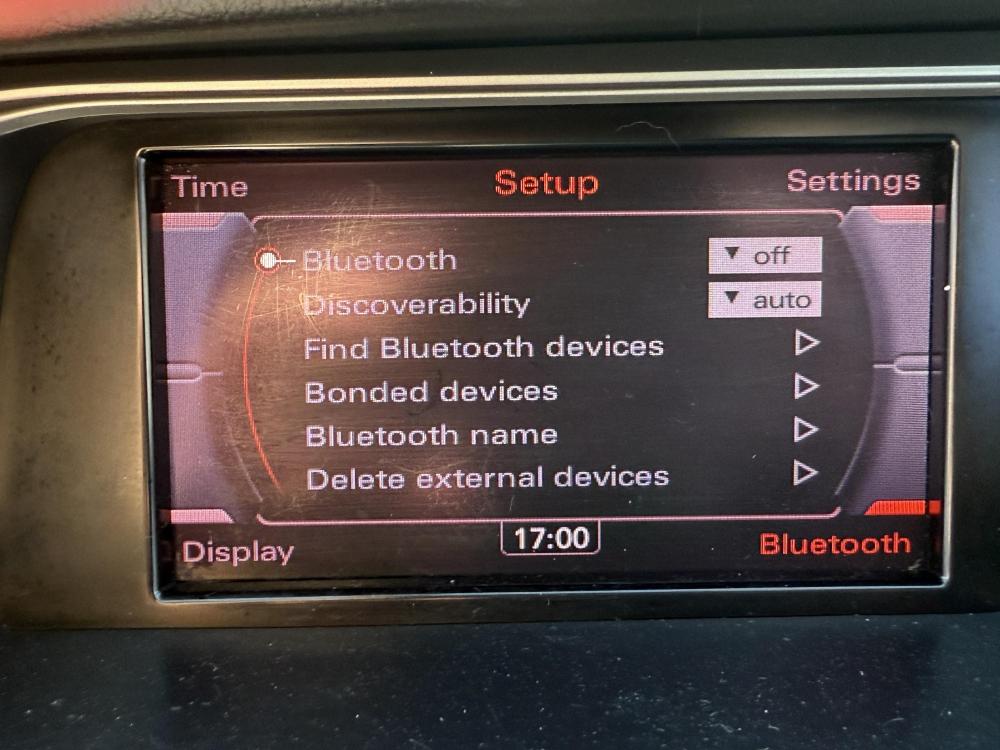
Hi, would someone please help me out with correct settings for Bluetooth in the green menu, as I stated in a previous post I went a bit giddy in the green menu last week and everything is now either not working or blacked out. The Bluetooth simply isn’t working so some help would be very much appreciated.
-
New member here, looking for advise, I was pretty stupid recently , I decided take a look around the Audi A4 B8 hidden green menu, I made a few changes without keeping track of them I now have a list of greyed out items that do nothing but get on my nerves. I’ve tried doing the 3 button reset but it does nothing. Does anyone here have knowledge on resetting to ‘the you bought it new menus?New member here, looking for advise, I was pretty stupid recently , I decided take a look around the Audi A4 B8 hidden green menu, I made a few changes without keeping track of them I now have a list of greyed out items that do nothing but get on my nerves. I’ve tried doing the 3 button reset but it does nothing. Does anyone here have knowledge on resetting to ‘the you bought it new menus?