robboquattro
Members
-
Joined
-
Last visited
-
Thanks Steve, that's a logical starting point. I'll see what I can find through them
-
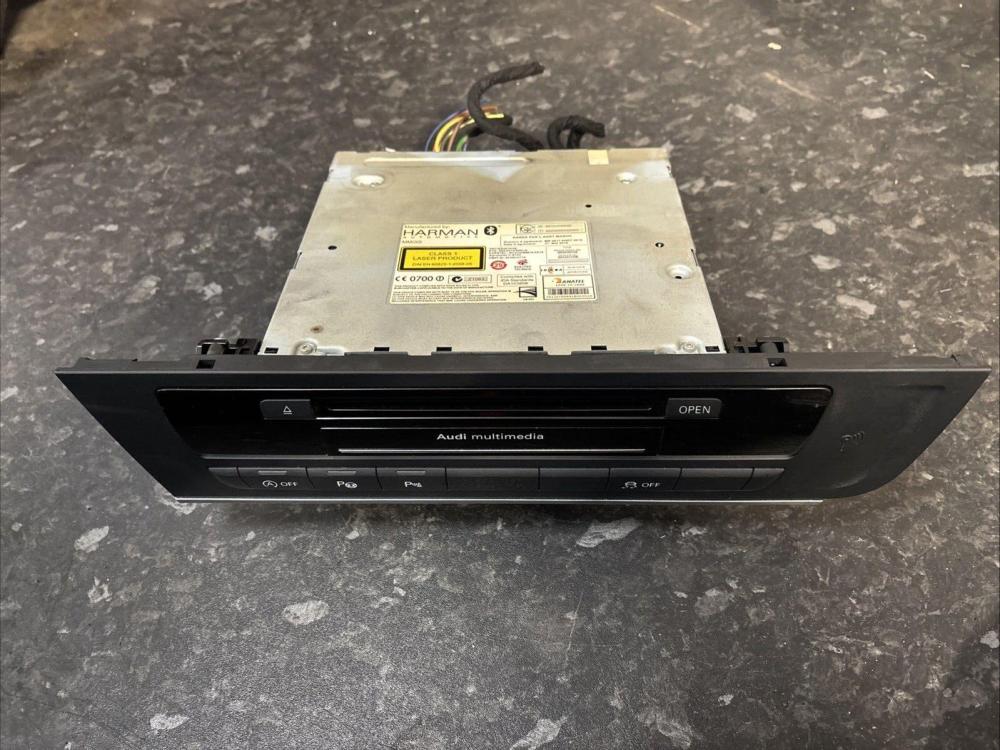
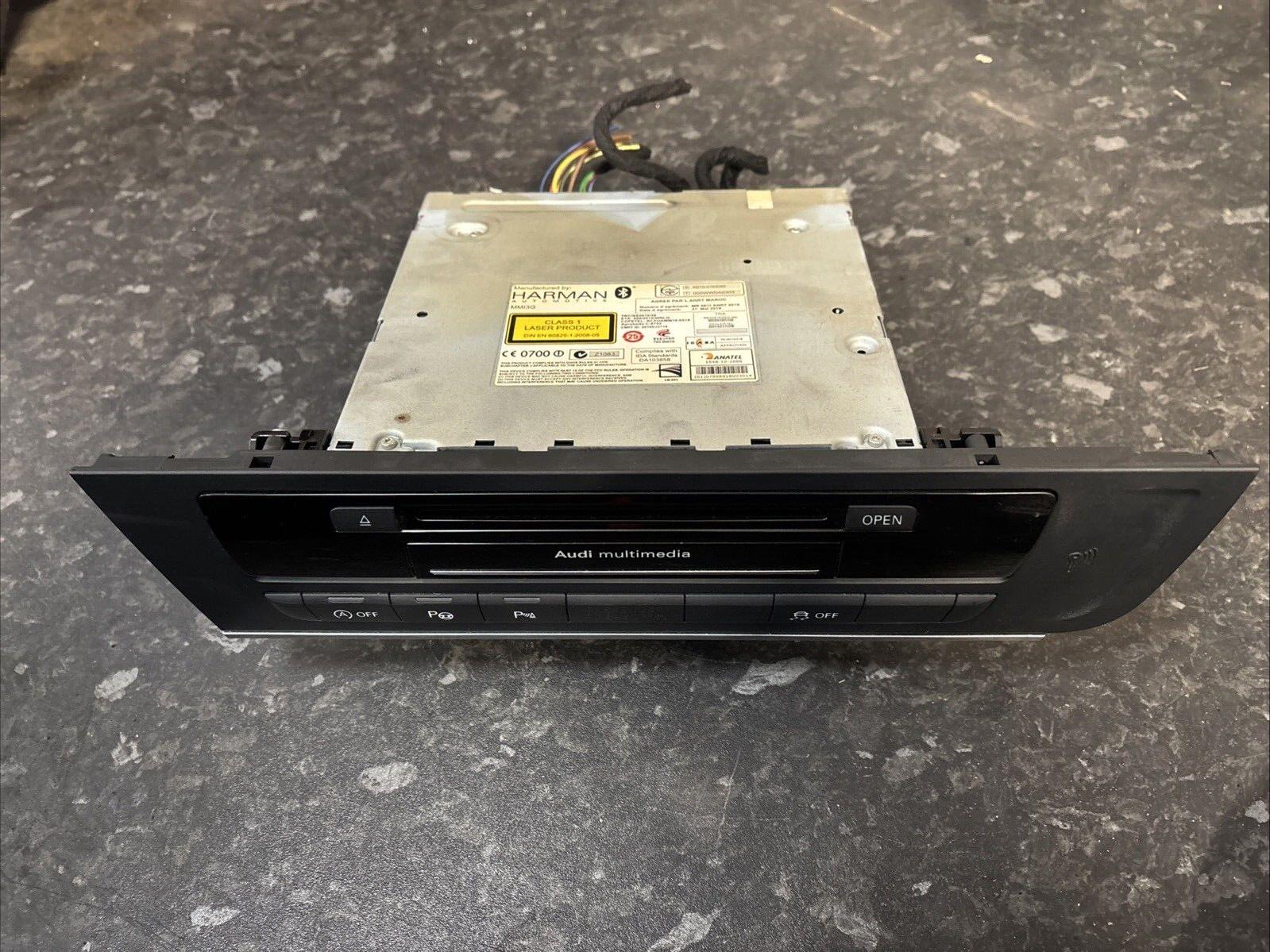
Does anyone know the part number for the MMI unit from a 2013 A6 Allroad? It's the 245bhp variant if that makes any difference. I've got currently got a replacement unit from an A7 (I'll spare the back story) that is mostly compatible but cannot be recoded to match the car, and has an open circuit which means the centre console strip with start/stop, parking sensor etc does work. It also has put an airbag warning light on the dash so won't be able to pass an MOT until it's replaced. Unfortunately I do not have access to the car's original unit to check the part number. Any recommendations of where to source a second hand unit outside of ebay would also be greatly appreciated. I'm looking into aftermarket carplay type units as an alternative to replacing OEM but from what I can tell these still plug into the existing MMI unit? Thanks For reference the pic attached is the kind of part I'm trying to source