George42
Members
-
Joined
-
Last visited
Everything posted by George42
-
I did another test, drove a little bit in city to raise the engine temp to 90, parked, checked the radiator fans they were blowing hard, then shut off the AC and the fans stopped as well even though the engine was at 90 and it didn't drop... it seems like only after i drive on highway is doing it.
-
Hi, if you talk about the ones mounted on the radiator then yes, they are not swtiching off...also, they always spin when AC is ON. are you saying this is not normal behavior?
-
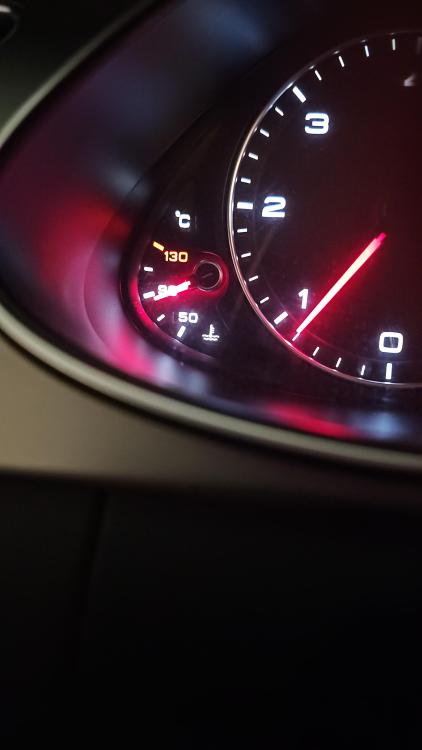
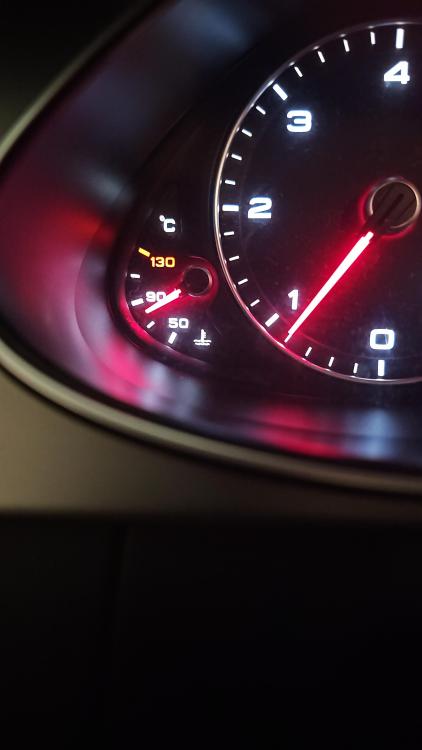
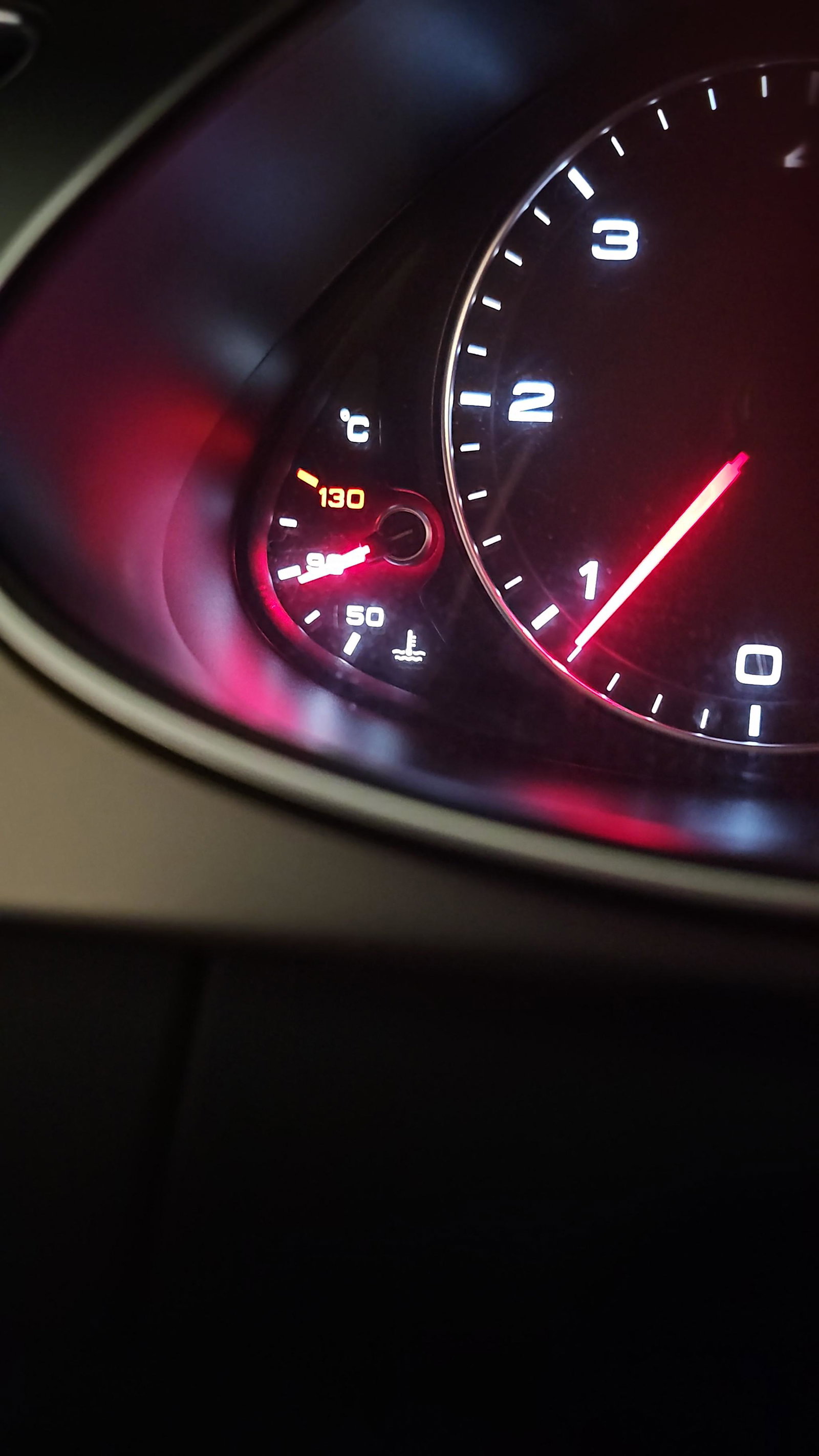
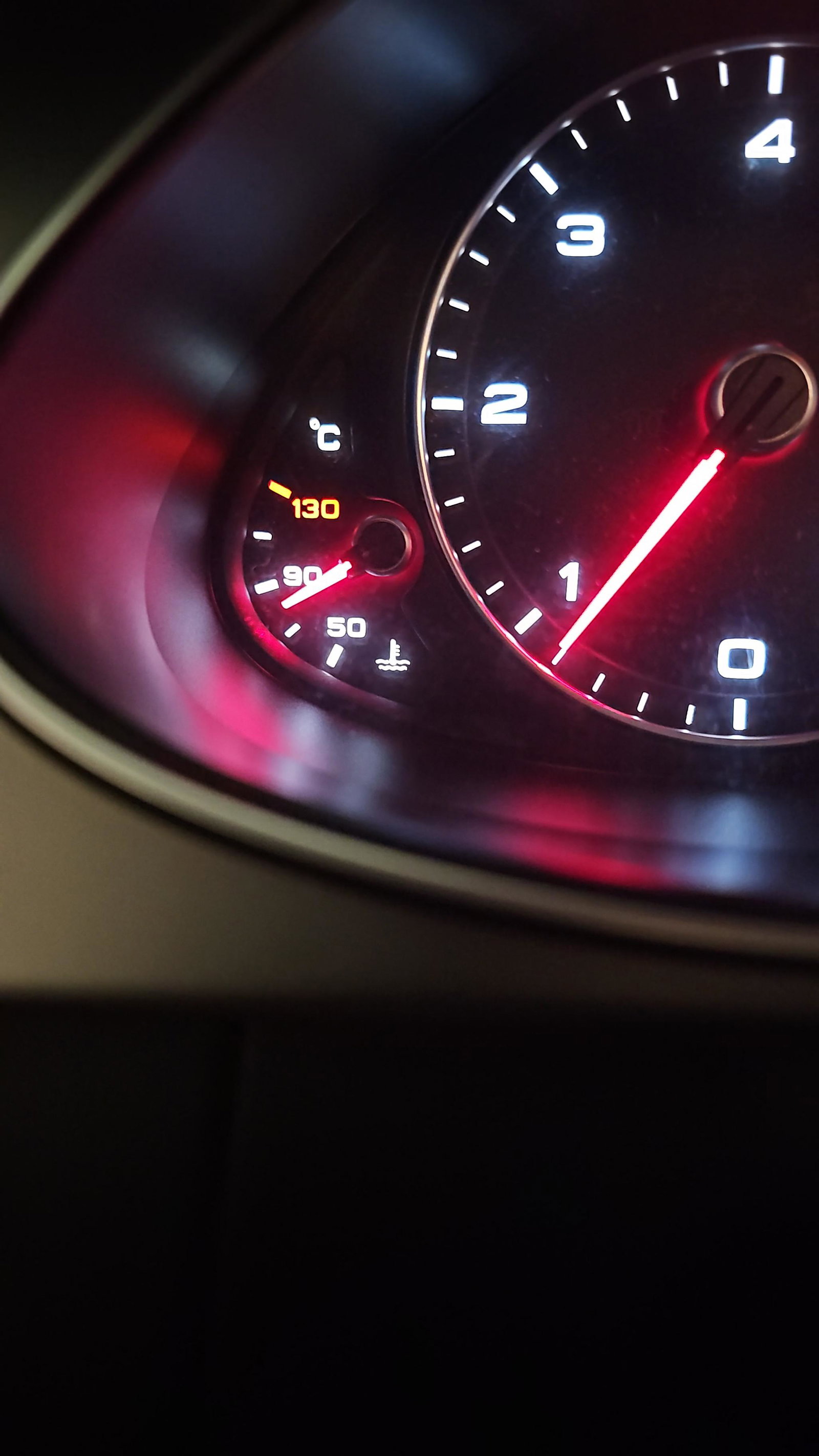
Hello, my 2013 Audi A4 2.0TDI 163PS has this weird issue. It takes around 3-5km for the engine to reach 90celsius, if i drive outside city few km then i go back into driving 1-2-3gear (city conditions) engine temperature drops slightly (to 85-88), if i Idle in neutral 5mins after engine ran constantly at 90celsius, the engine temperature drops to 80celsius, also if i drive on highway (150kmph) then is a portion of highway with 80speed limit it does the same...is this normal for this engine or i have to look into it? weather conditions: 12-15 celsius i recently changed the thermostat and the coolant (thought that might solve the issue). thank you.