




Skip to content
View in the app

A better way to browse. Learn more.

Audi Owners Club (UK)

A full-screen app on your home screen with push notifications, badges and more.

To install this app on iOS and iPadOS
  1. Tap the Share icon in Safari
  2. Scroll the menu and tap Add to Home Screen.
  3. Tap Add in the top-right corner.
To install this app on Android
  1. Tap the 3-dot menu (⋮) in the top-right corner of the browser.
  2. Tap Add to Home screen or Install app.
  3. Confirm by tapping Install.


vinny8467

Members
  • Joined

  • Last visited

Everything posted by vinny8467

  1. @Steve Q it was a private sale. @spartacus 68 I've tried this or so I believe but will research it a bit more.
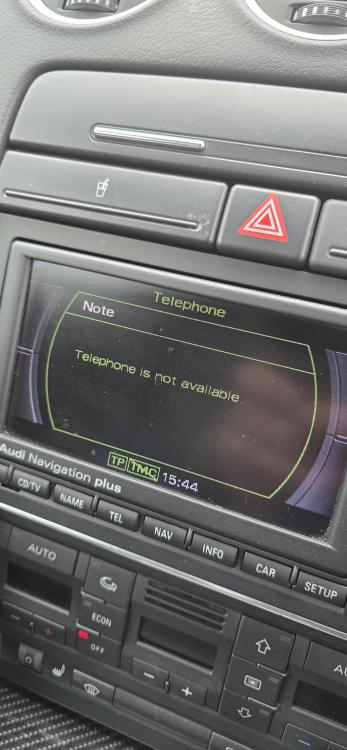
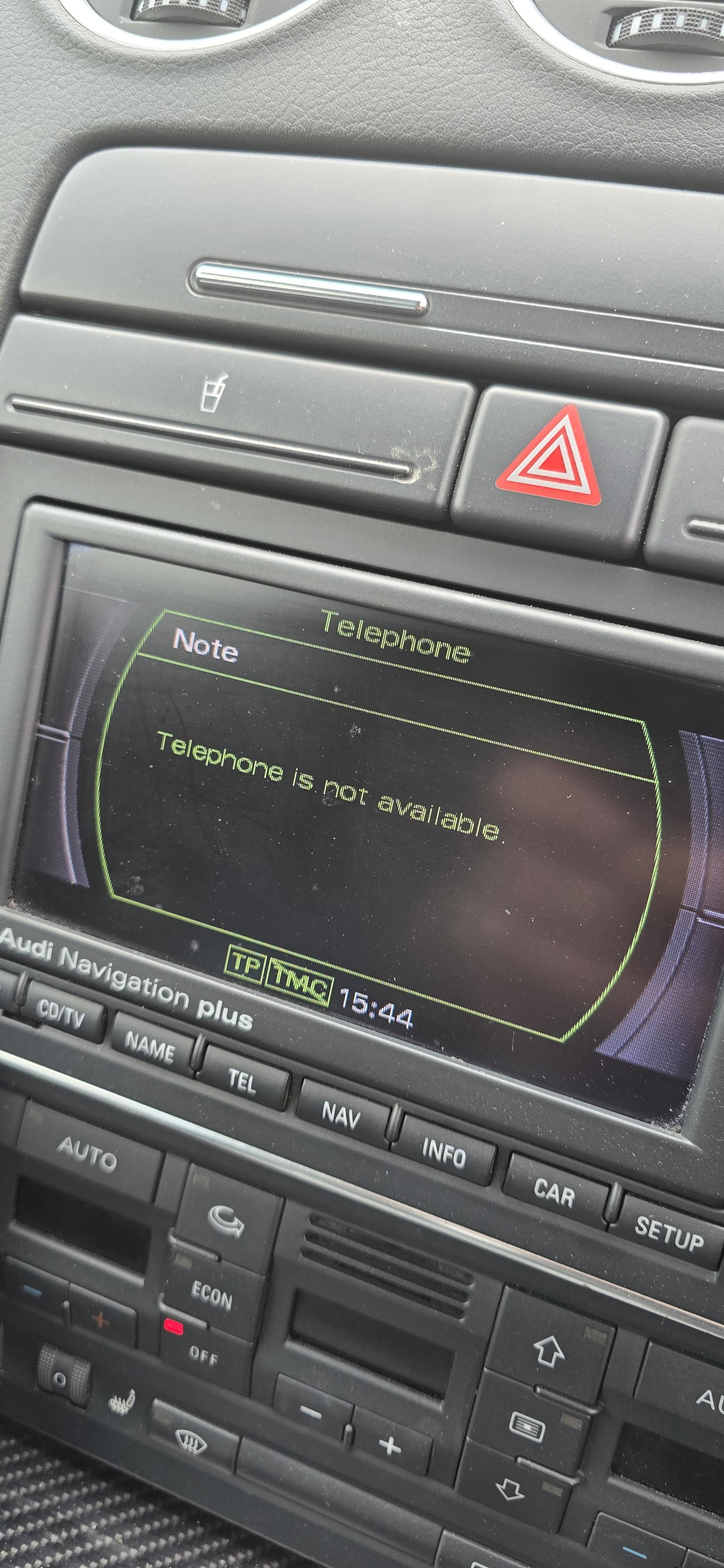
  2. Just bought a 2006 RS4 cabriolet and I cannot get my phone to link as it cannot find anything to link to in the phones Bluetooth menu. All it says on the car is "Telephone is not available". Also, the reception of the radio is terrible and plagued with interference! Any help in respect of the above would be much appreciated, thank you.


Background Picker
Customize Layout

Account

Navigation

Search

Search

Configure browser push notifications

Chrome (Android)
  1. Tap the lock icon next to the address bar.
  2. Tap Permissions → Notifications.
  3. Adjust your preference.
Chrome (Desktop)
  1. Click the padlock icon in the address bar.
  2. Select Site settings.
  3. Find Notifications and adjust your preference.