Gunther
Members
-
Joined
-
Last visited
Everything posted by Gunther
-
Good point maybe I’ll just look at that
-
Hi all looking for a bit of advice on what suspension to replace the existing with ? Original is Sport 40tdi suspension and has done 150000 miles and a little noisy now and a couple of lower rubbers cracked. Had the car from new still performs and fuel efficient so want to hang on to it for a couple of more years
-
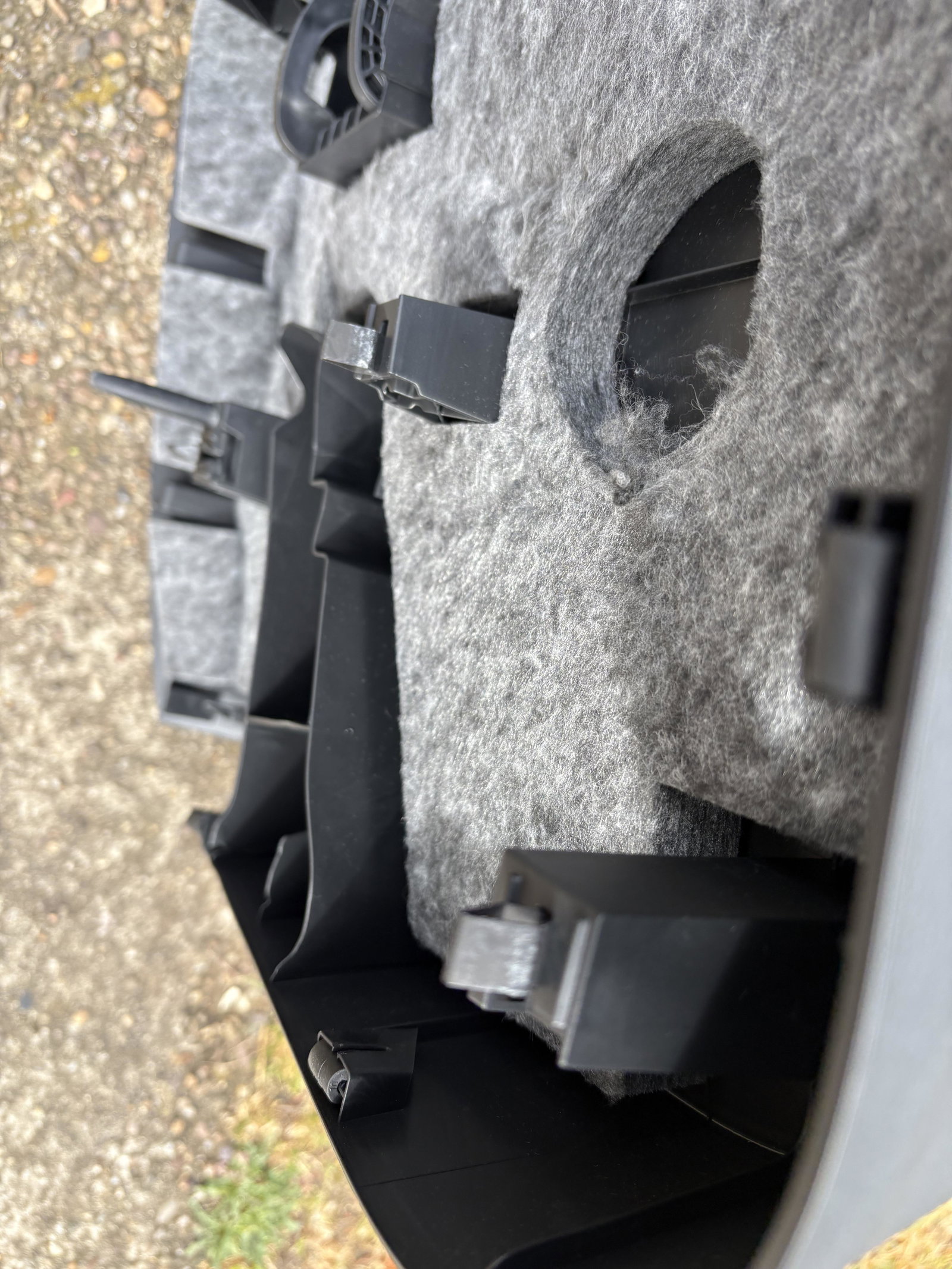
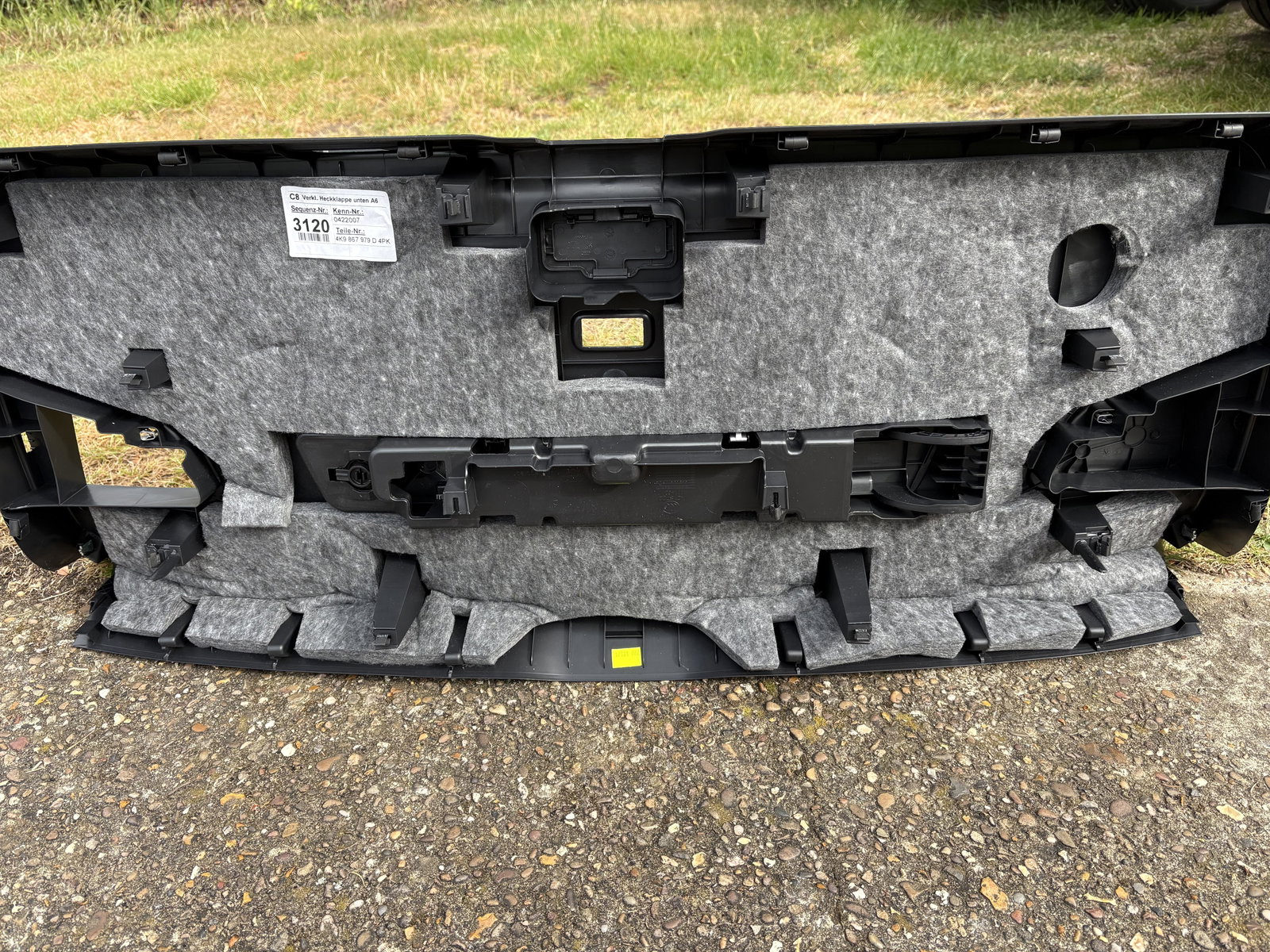
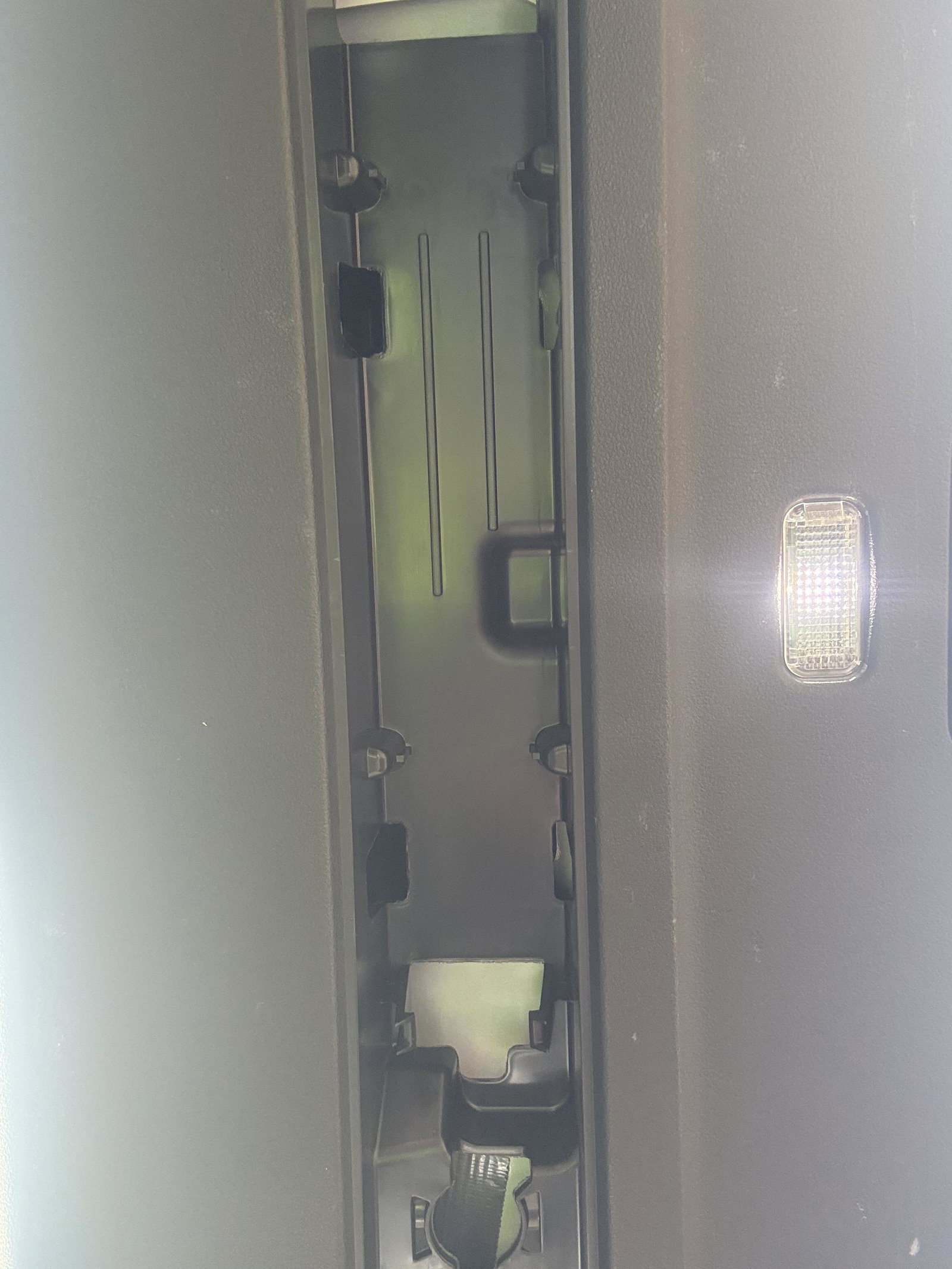
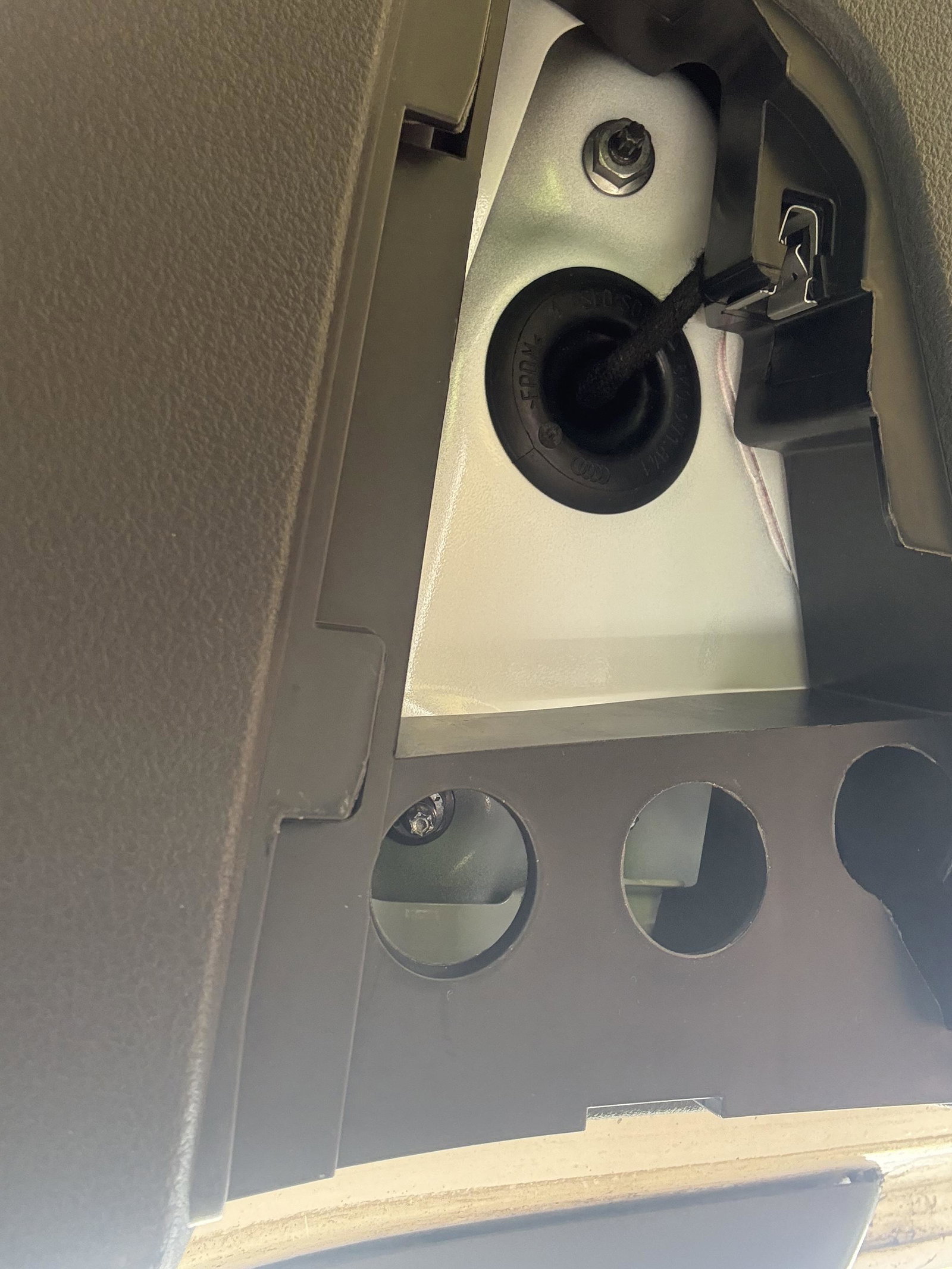
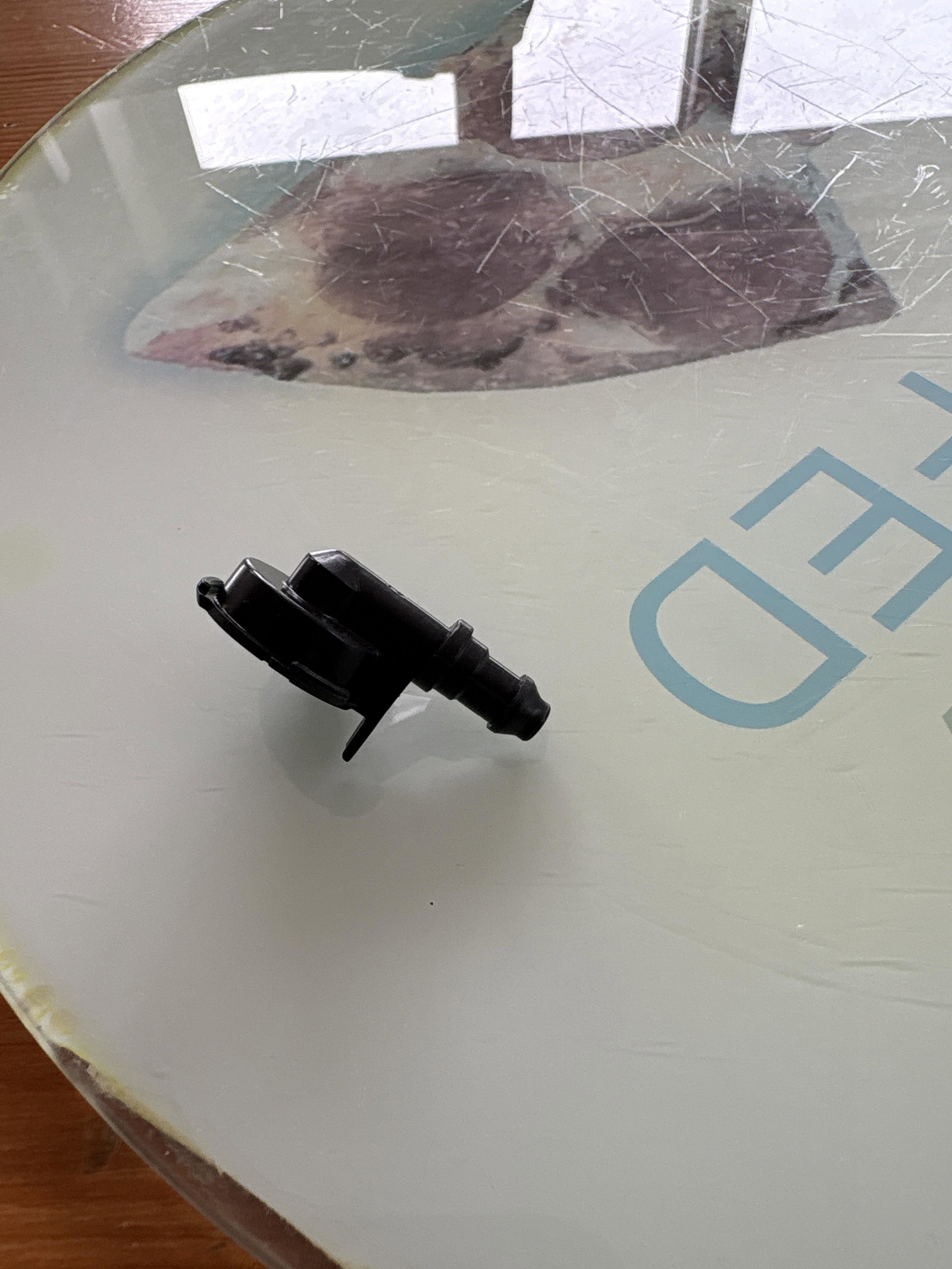
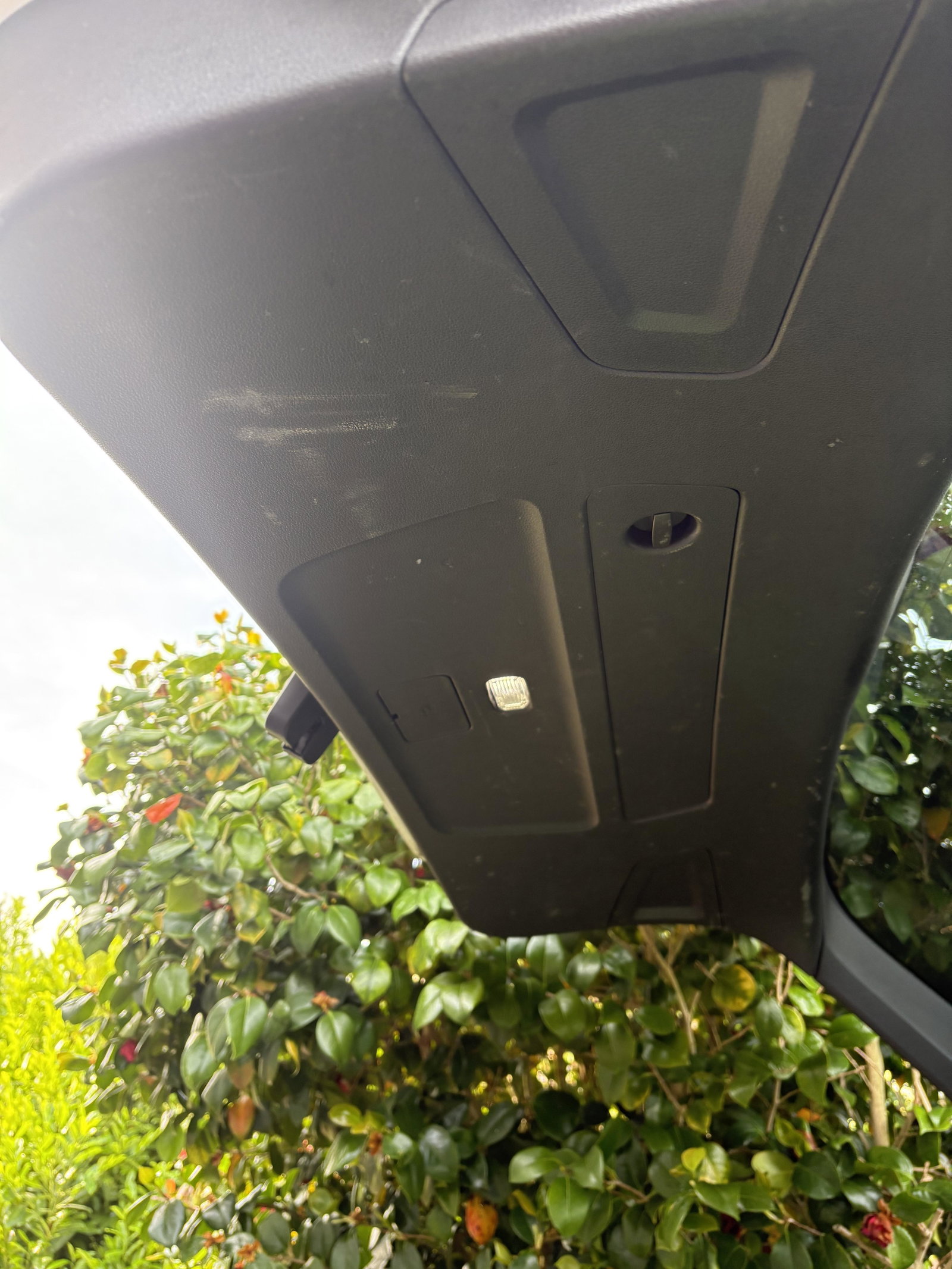
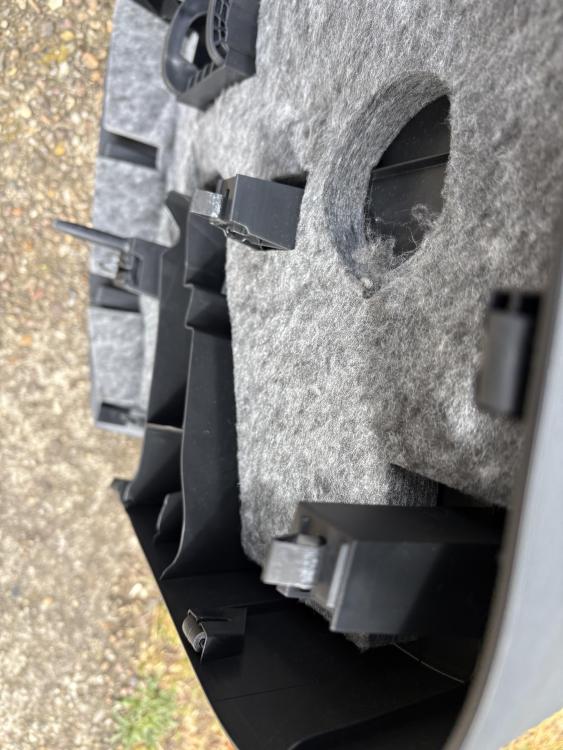
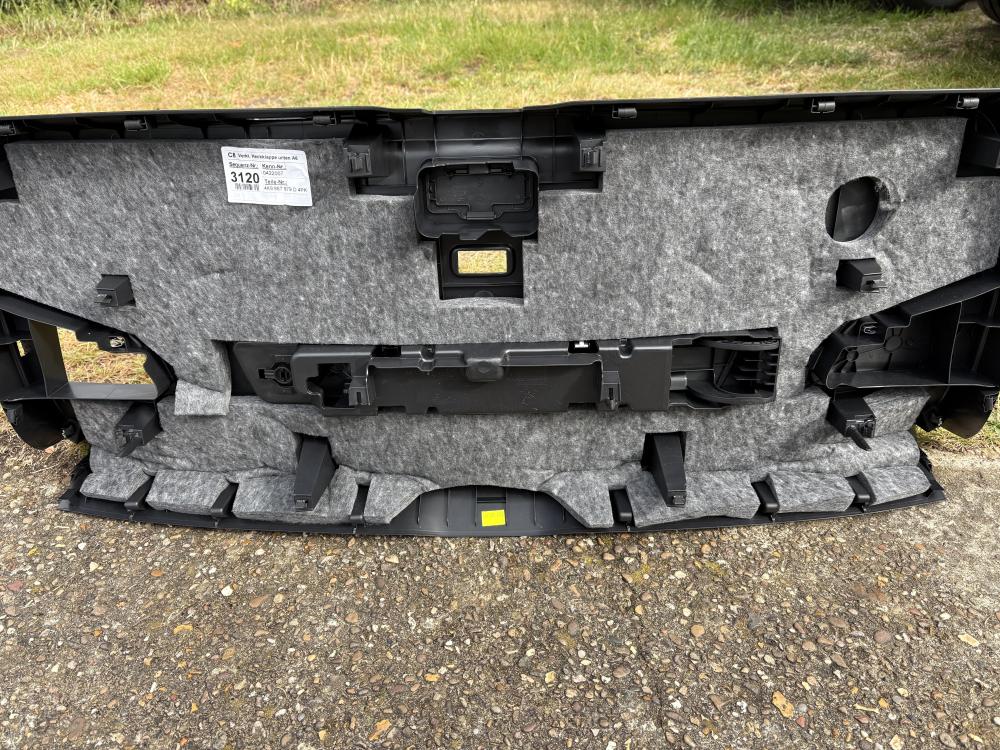
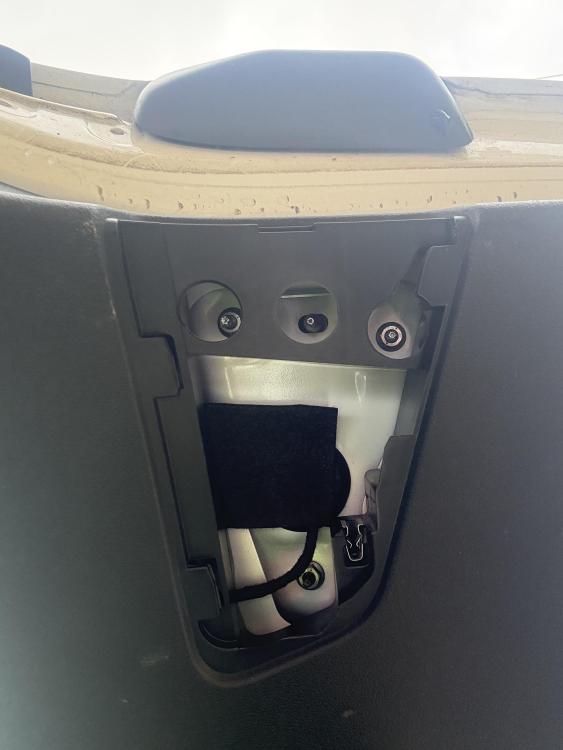
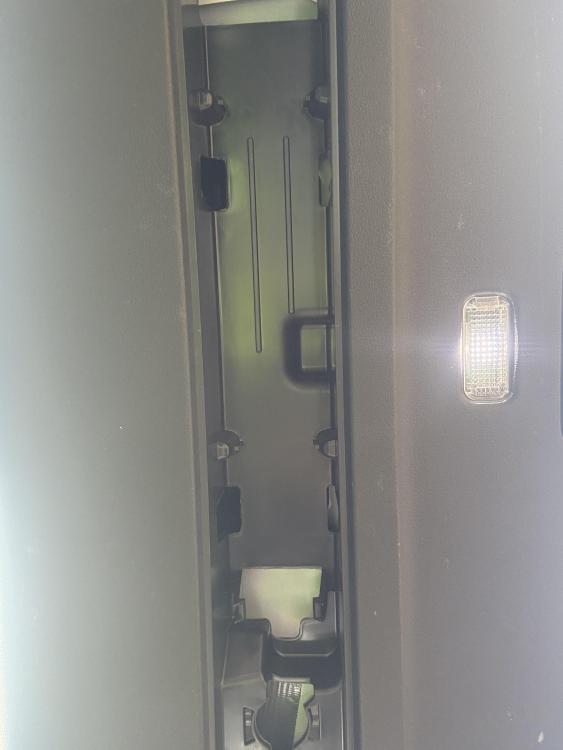
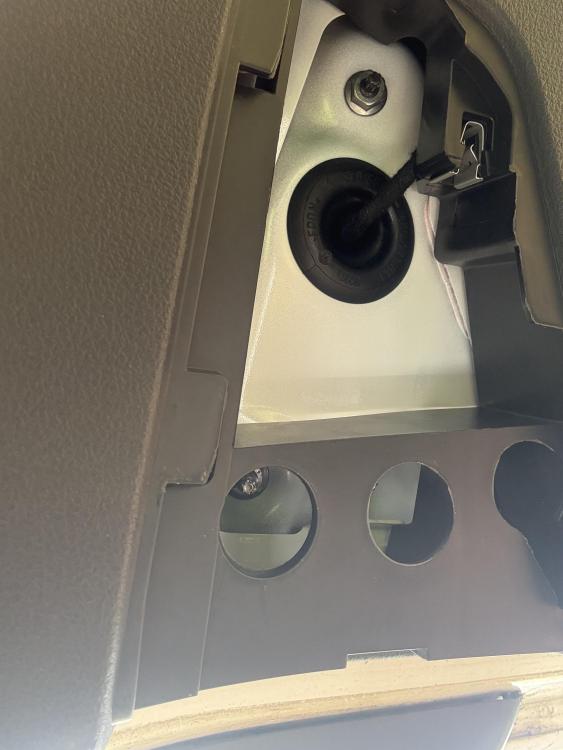
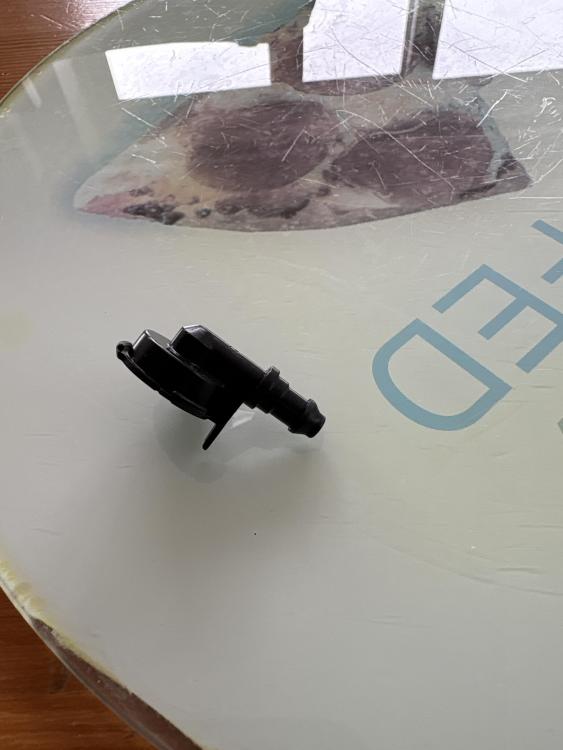
So as I thought no screws in the slide out panels or under the triangle, just a load of push in clips that need a bit of gentle persuasion. I used a trim tool bought in readiness, Wetado 8 piece £9 on Amazon, to get the right hand side off first then just gently work all the clips out. The light and boot switch have a small push down clip to disconnect the wiring plug. The adapter for the wiper washer, picture attached is blocked
-
I’ll take another look thanks
-
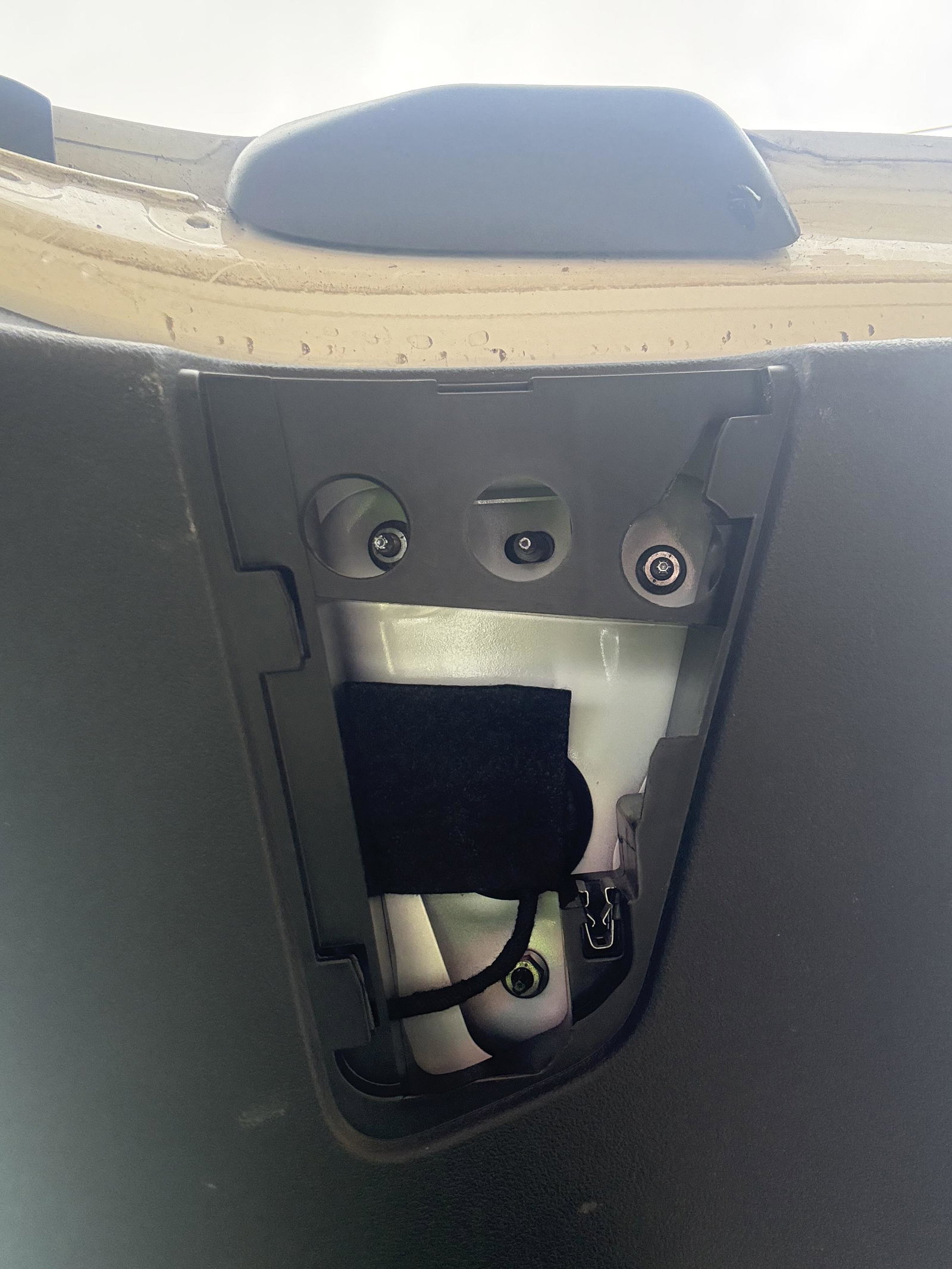
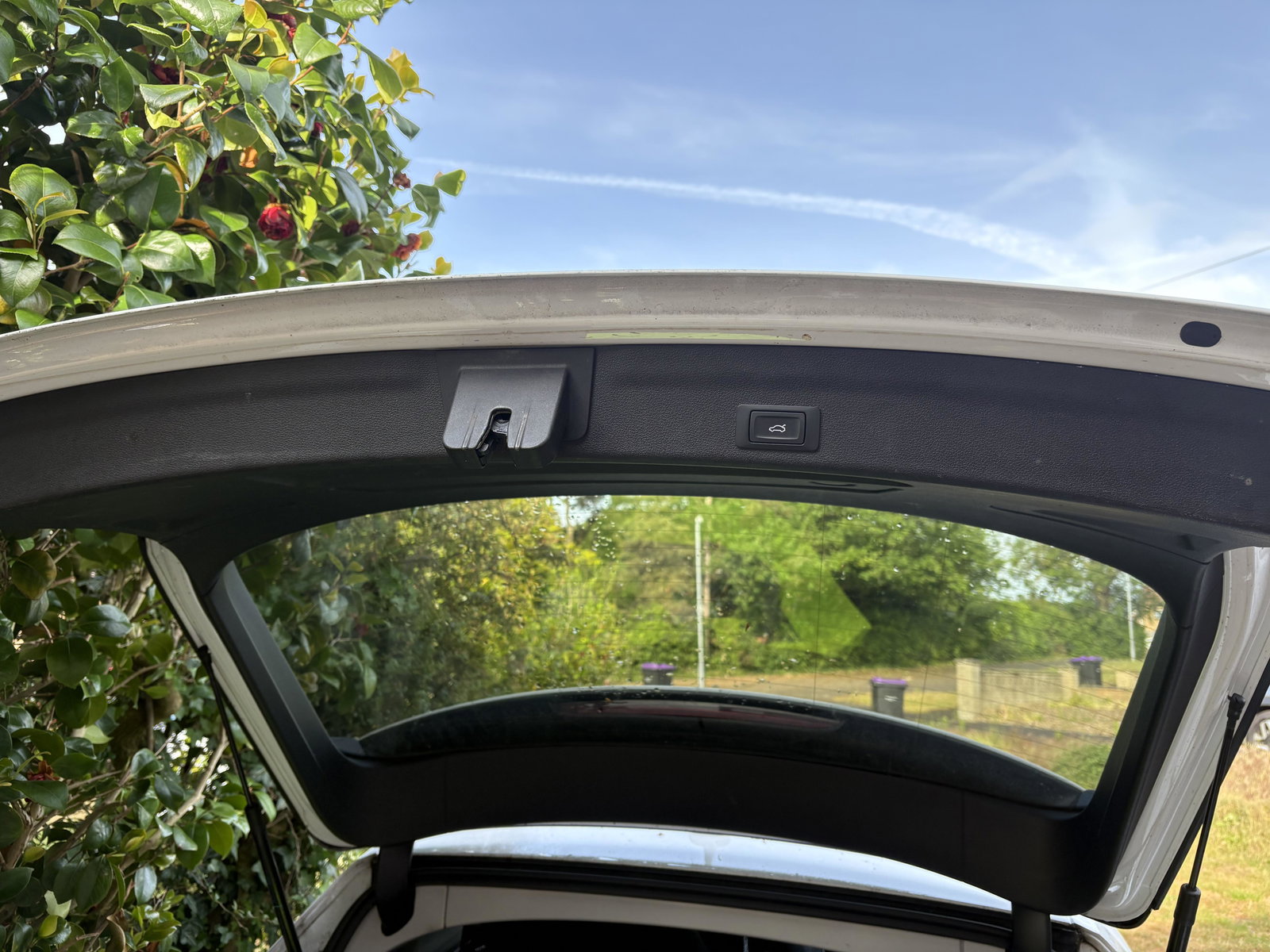
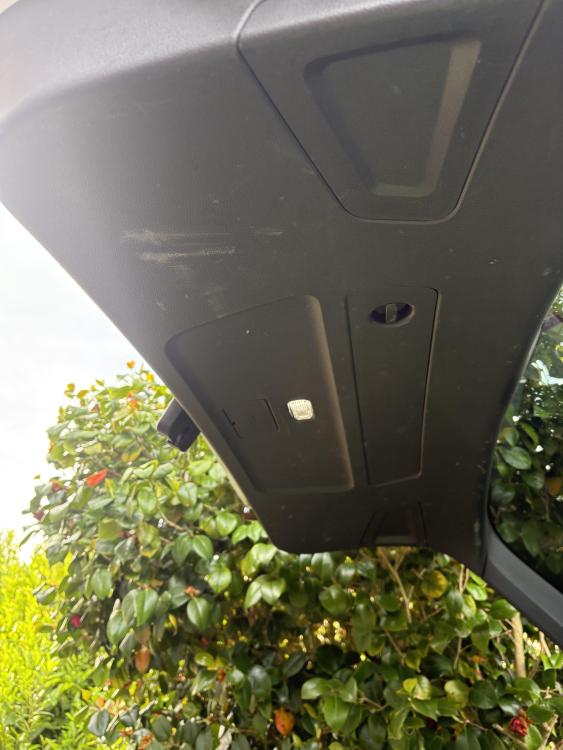
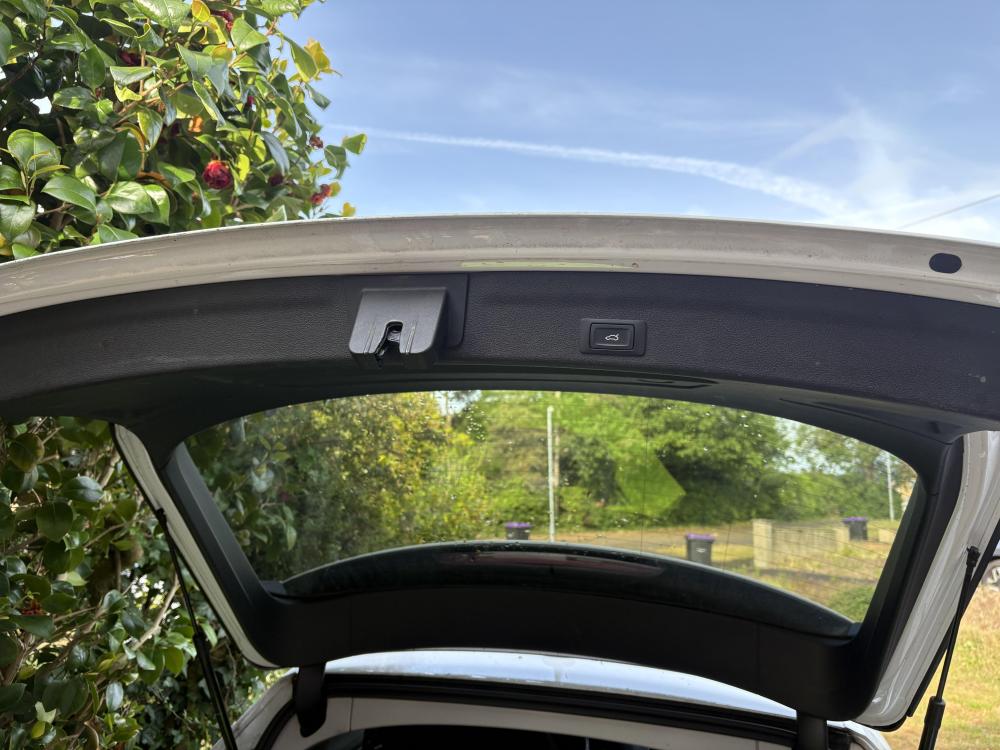
Greg many thanks for replying, the problem I have is there are no obvious screws ! I’ve looked behind the two slide off panels and the triangle compartment but nothing that appears to be holding the panel in. It’s a 2019 C8 ! Photos attached Pete
-
Hi can anybody help with instructions on how to remove the A6 C8 Avant Tailgate Trim ? The rear washer water is exiting through the rear camera instead of the washer jet, so assume pipe is disconnected or damaged. Bought the e copy of Haynes manual but not a lot in there to be honest thanks pete