Skip to content
View in the app

A better way to browse. Learn more.

Audi Owners Club (UK)

A full-screen app on your home screen with push notifications, badges and more.

To install this app on iOS and iPadOS
  1. Tap the Share icon in Safari
  2. Scroll the menu and tap Add to Home Screen.
  3. Tap Add in the top-right corner.
To install this app on Android
  1. Tap the 3-dot menu (โ‹ฎ) in the top-right corner of the browser.
  2. Tap Add to Home screen or Install app.
  3. Confirm by tapping Install.


Delios

Members
  • Joined

  • Last visited

Everything posted by Delios

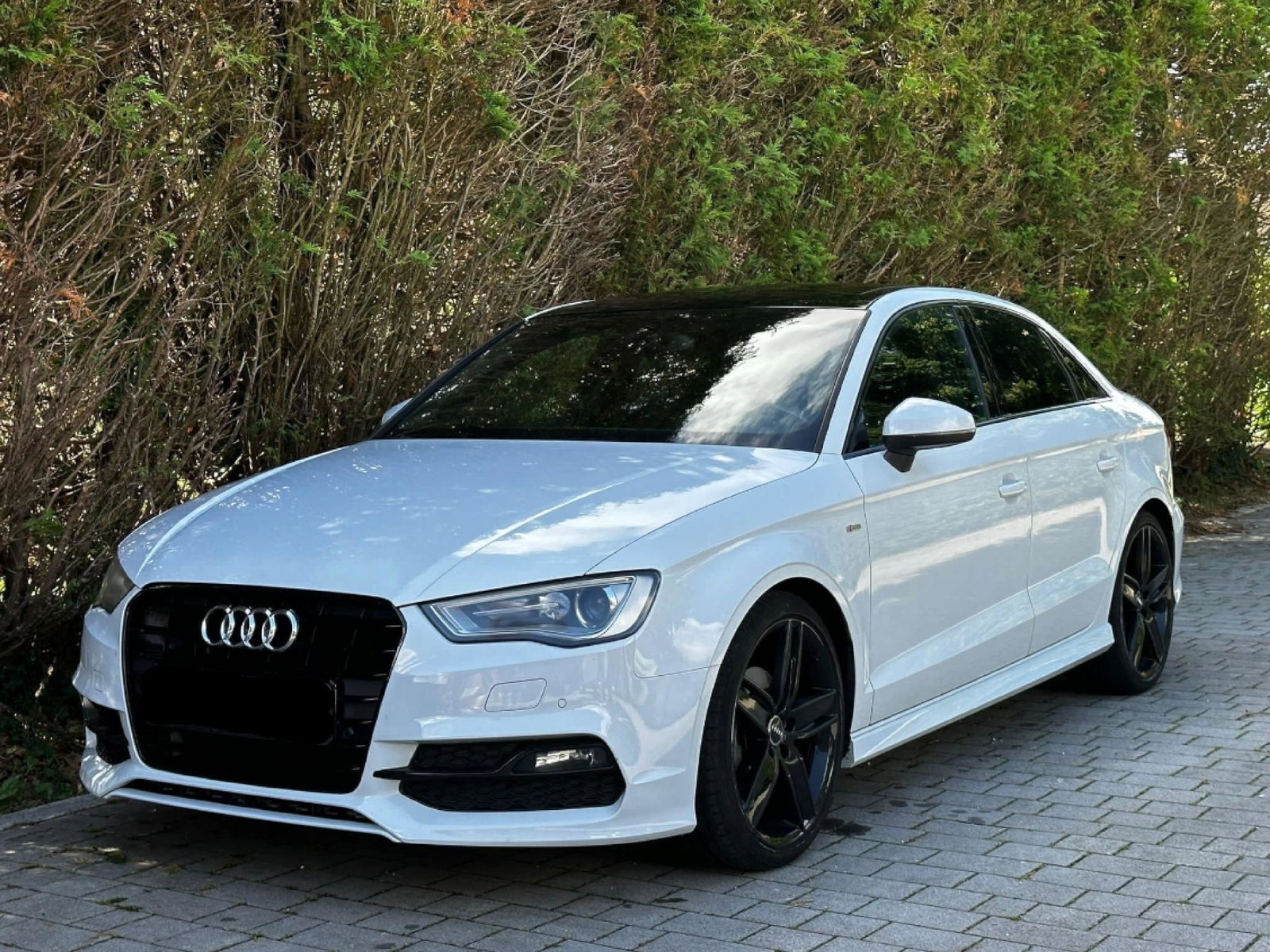
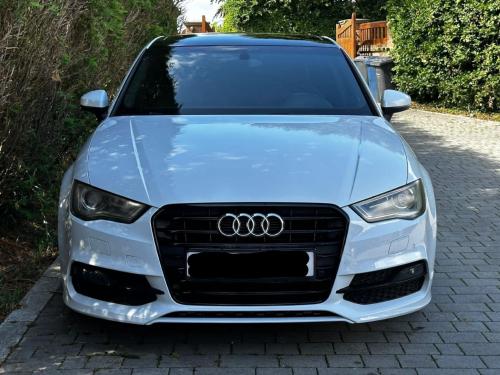
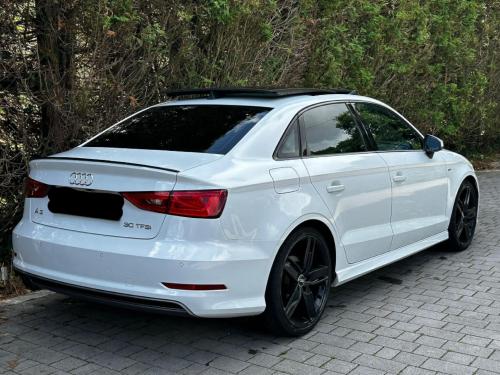
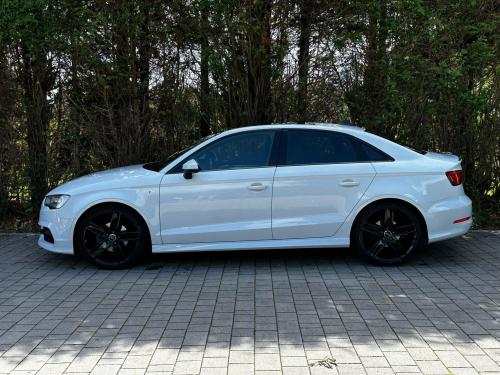
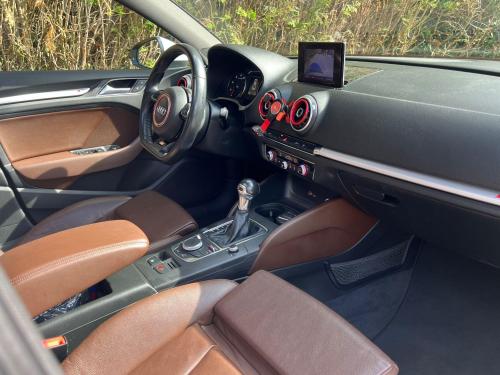
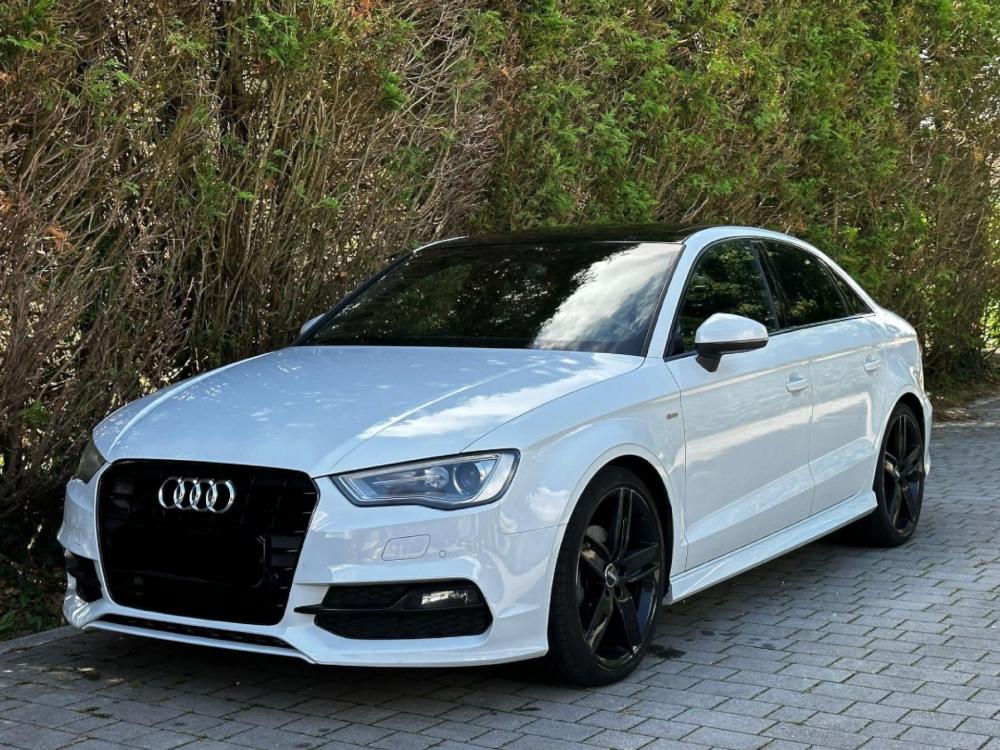
  1. Hi everyone ๐Ÿ˜€ As I just joined, I thought it best to intro myself here and showcase my pride&joy on 4 wheels ๐Ÿ˜… I've had my car since 2023 and still have the feelings it's new to me. While I've had other VAG cars before (Golf MK6, Skods Fabia 2015, Skoda Octavia 2002), this my first Audi - wow, it's such a difference in certain aspects. I do need to get some repair work done, which I'll ask for advice in a separate thread. For more photos, check out the post I made in the members gallery. Comments and questions are most welcome.
  2. Images added to a gallery album owned by Delios in Members Albums Category
    My "one of a kind" (or so I think ๐Ÿ˜œ) Audi.


Background Picker
Customize Layout

Account

Navigation

Search

Search

Configure browser push notifications

Chrome (Android)
  1. Tap the lock icon next to the address bar.
  2. Tap Permissions โ†’ Notifications.
  3. Adjust your preference.
Chrome (Desktop)
  1. Click the padlock icon in the address bar.
  2. Select Site settings.
  3. Find Notifications and adjust your preference.