Saadd
Members
-
Joined
-
Last visited
-
Its with an auto electrician atm so I'll let him know to double check that Thanks buddy ill let you know if it works or what the issue was otherwise Best Saad
-
Thanks mate So it might be as simple as just replacing the battery?
-
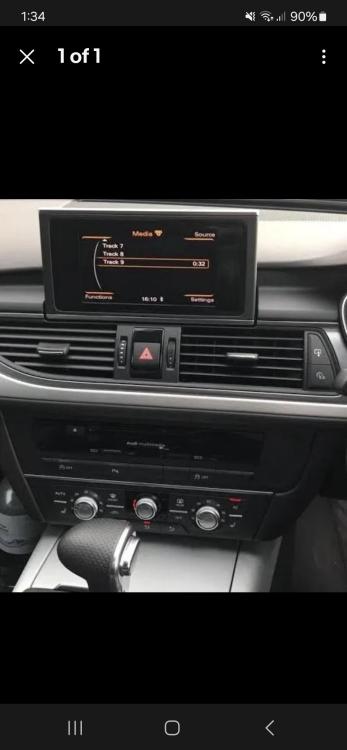
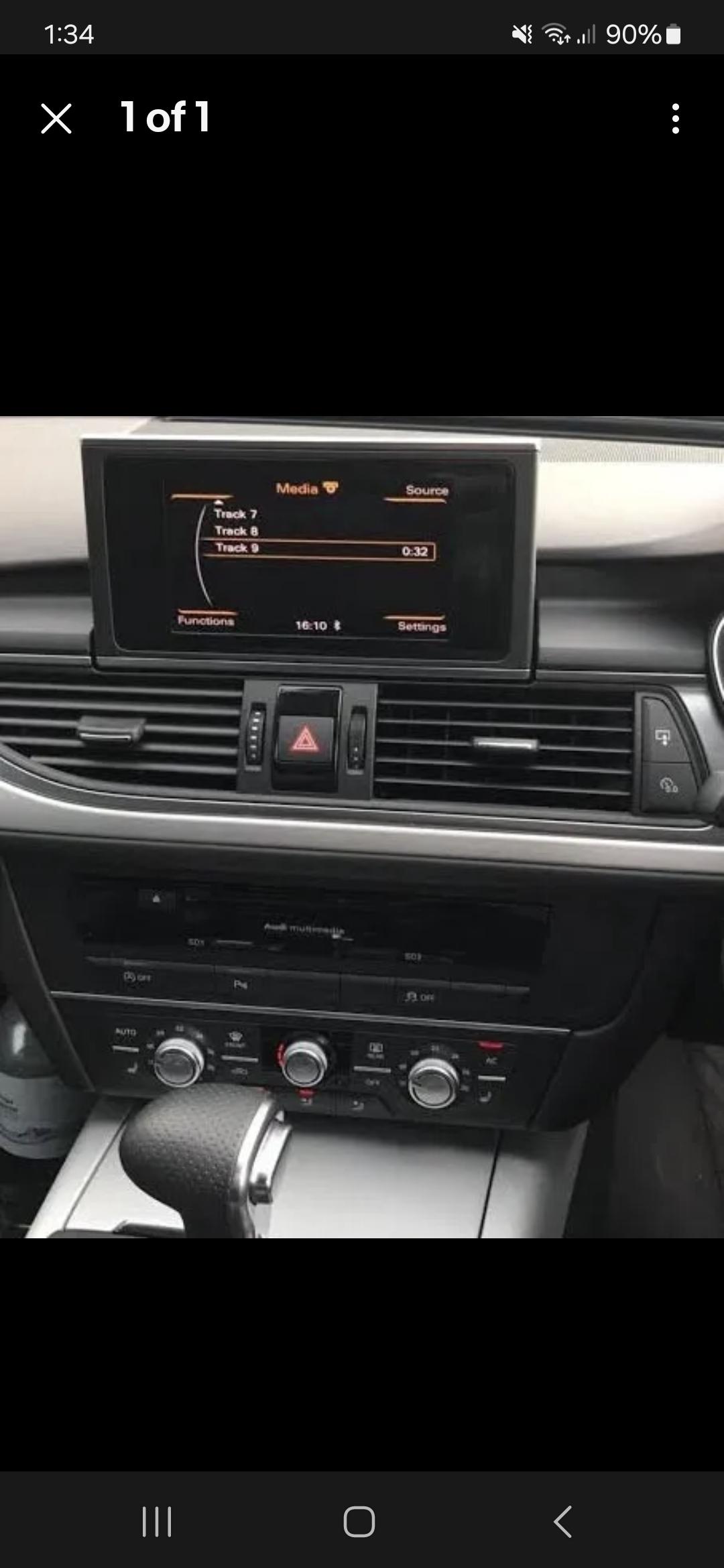
Hi all I have an audi A6 s line 2013 plate. The screen just randomly stopped popping up so I can't access anything I normally would on the screen. I've also noticed some of the lights on the buttons near the automatic gear shift are either dim or completely out. The image below is an example of what it should look like. i''ve taken it to a coding company and they initially thought i needed to replace the part with the cd but that didnt fix the issue. He put some power into the back of the cd compartment and the screen popped so its definitely a power issue somewhere, just no idea where. all fuses are fine and battery is fine. Any help please?