




Skip to content
View in the app

A better way to browse. Learn more.

Audi Owners Club (UK)

A full-screen app on your home screen with push notifications, badges and more.

To install this app on iOS and iPadOS
  1. Tap the Share icon in Safari
  2. Scroll the menu and tap Add to Home Screen.
  3. Tap Add in the top-right corner.
To install this app on Android
  1. Tap the 3-dot menu (⋮) in the top-right corner of the browser.
  2. Tap Add to Home screen or Install app.
  3. Confirm by tapping Install.

Roxywilk87

Members
  • Joined

  • Last visited

Everything posted by Roxywilk87

  1. It’s asking me to press the clutch to start and when I do it goes off 🙂 don’t know if that helps
  2. Thank you do you have your video of how you did the bypass it isn’t working on your post I have a machanic friend who will try the ideas as he knows what’s he’s doing 🙂
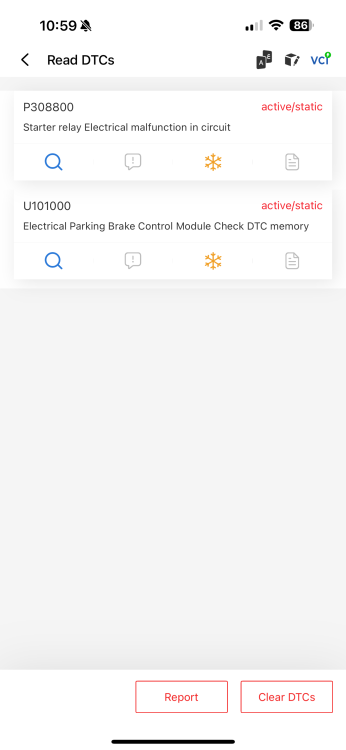
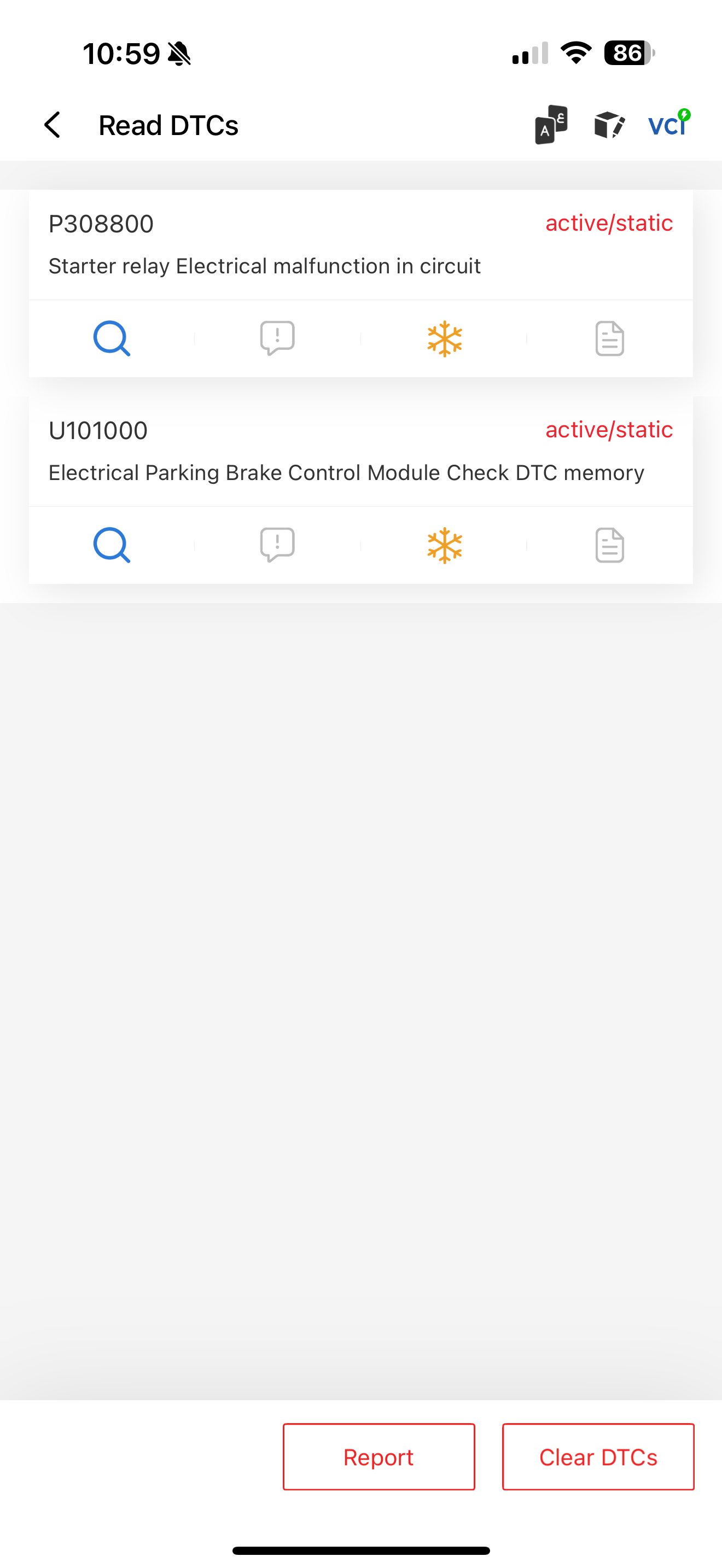
  3. Hi I am having the same issue a4 b8 won’t crank I have ran diagnostics and got the fault on the picture have tried new relays still nothing… only had the car a couple of month really stressing me out please help when it first happened it did eventually start again after a lot of tries 😕 battery is new and fully charged


Background Picker
Customize Layout

Account

Navigation

Search

Search

Configure browser push notifications

Chrome (Android)
  1. Tap the lock icon next to the address bar.
  2. Tap Permissions → Notifications.
  3. Adjust your preference.
Chrome (Desktop)
  1. Click the padlock icon in the address bar.
  2. Select Site settings.
  3. Find Notifications and adjust your preference.