edmiri
Members
-
Joined
-
Last visited
-
Engine earth is directly connected with extra wire.
-
The problem could be the ignition switch or the key?
-
I noticed something. The ingnito key is sending unregular voltage to the relay. When i feed the relay with full voltage during ignition the engine starts without cranking.
-
This would be the only issue or its an issua in adition to the ones you mentioned? Could a defective imobiliser also prevent the engine from starting and also turn off the engine suddently. Those happens when its hot weather only.
-
That doesn't explain the no dashboard lights issue.
-
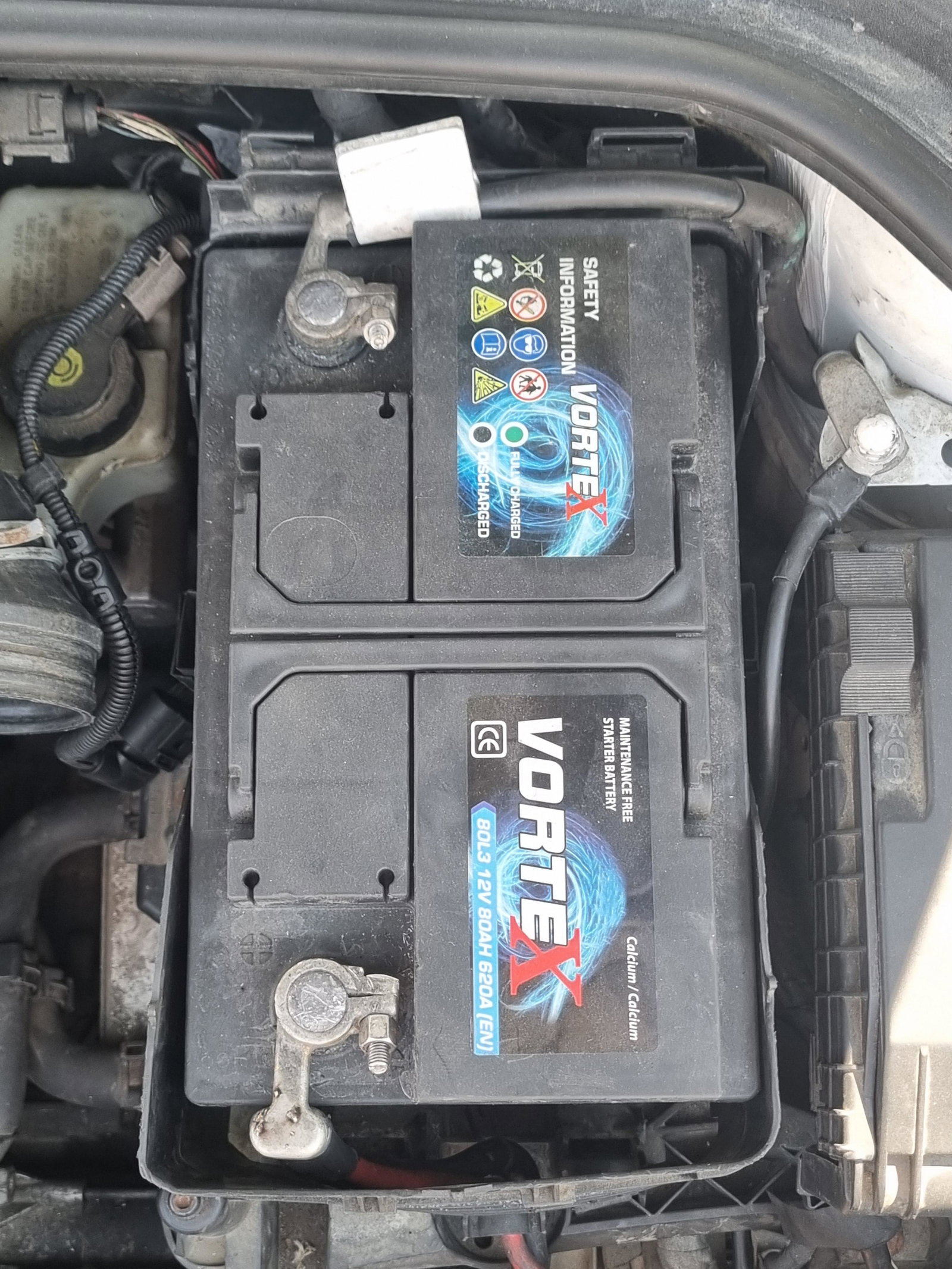
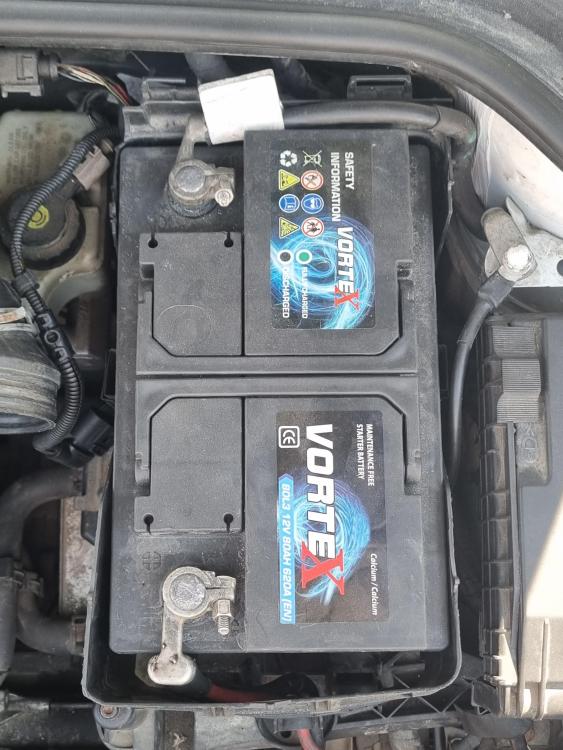
Grettings! Im having an issue with my audi 2010 a3 s3, 2.0 petrol, s-line. When the weather is hot or the car gets hot the engine cranks and doesnt start. It also shuts down suddently and occasionally there are no dashboard lights at all. After it cools down it starts and run fine. I connected my oschiloscope to the battery terminals and while engine cranks i noticed a drop in voltage everytime the engine rotates. It only does a few rotations and then stops. Max voltage drop i measured was 5v. I also used a clamp metter during cranks and got 59 ampere. Any iddea why this happens. I have tried a new battery.