Im_Deb
Members
-
Joined
-
Last visited
-
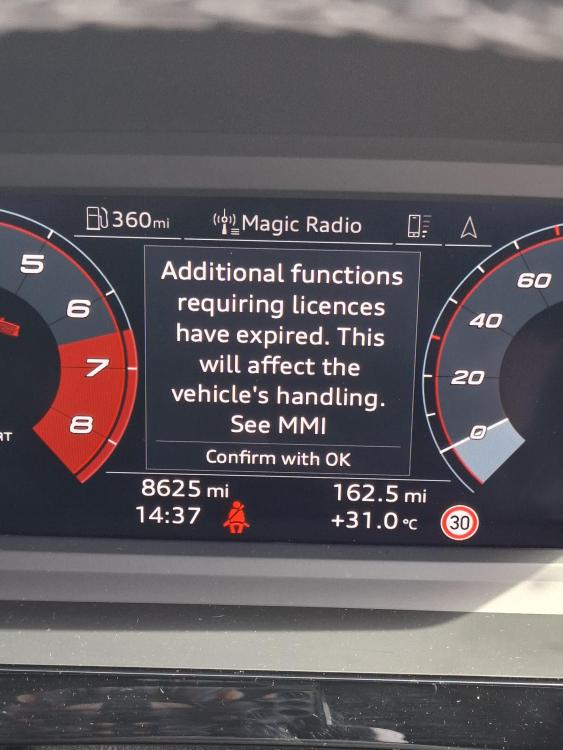
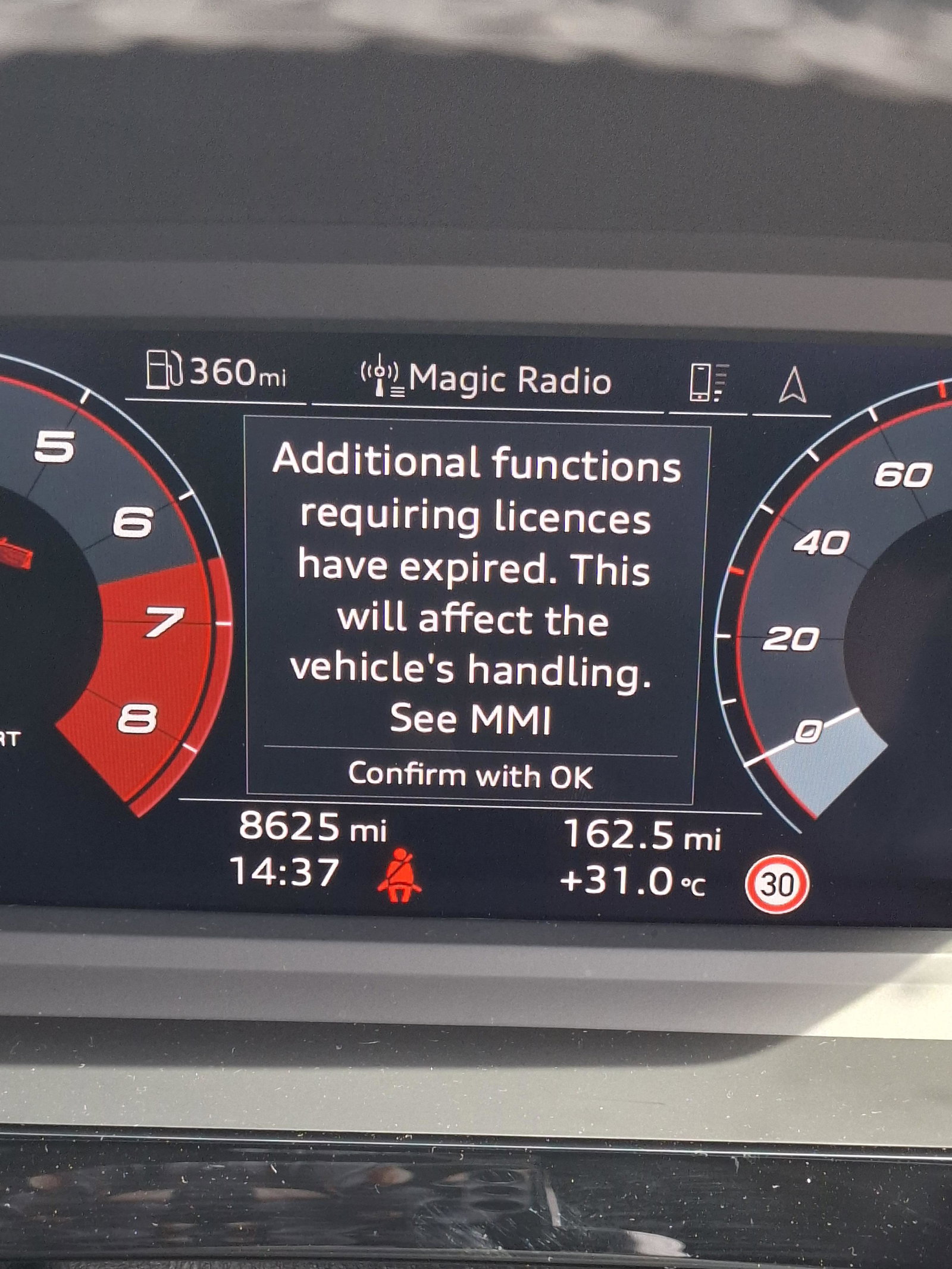
ThanksSteve Q. I popped in to my local dealer and explained the problem. Spoke to a young woman who reset my user. She looked at the screen and after a few moments of trial and error she found all that it needed was to press the roller wheel next to the OK on the steeling wheel and the message disappeared! Thanks for the help any one who replied on this forum. Kind regards
-
Is it covered under the Audi Warranty?
-
Hi Steve Q, Thank you for your reply. I have tried the app and it just tells me I have to pay to reinstate the function (Adaptive cruise control). The system has also reverted me to a guest user and removed me as a named user that the Audi dealer set me up with when I bought the car earlier this year. I think I am going to have to pop into the main dealer nearest me. Do you think they would be of any help? Kind regards
-
Hi, I am unable to remove the message on my screen so any suggestions would be most appreciated. I have tried every option on the touch screen but nothing so far.