Skip to content
View in the app

A better way to browse. Learn more.

Audi Owners Club (UK)

A full-screen app on your home screen with push notifications, badges and more.

To install this app on iOS and iPadOS
  1. Tap the Share icon in Safari
  2. Scroll the menu and tap Add to Home Screen.
  3. Tap Add in the top-right corner.
To install this app on Android
  1. Tap the 3-dot menu (⋮) in the top-right corner of the browser.
  2. Tap Add to Home screen or Install app.
  3. Confirm by tapping Install.

abshassan94

Members
  • Joined

  • Last visited

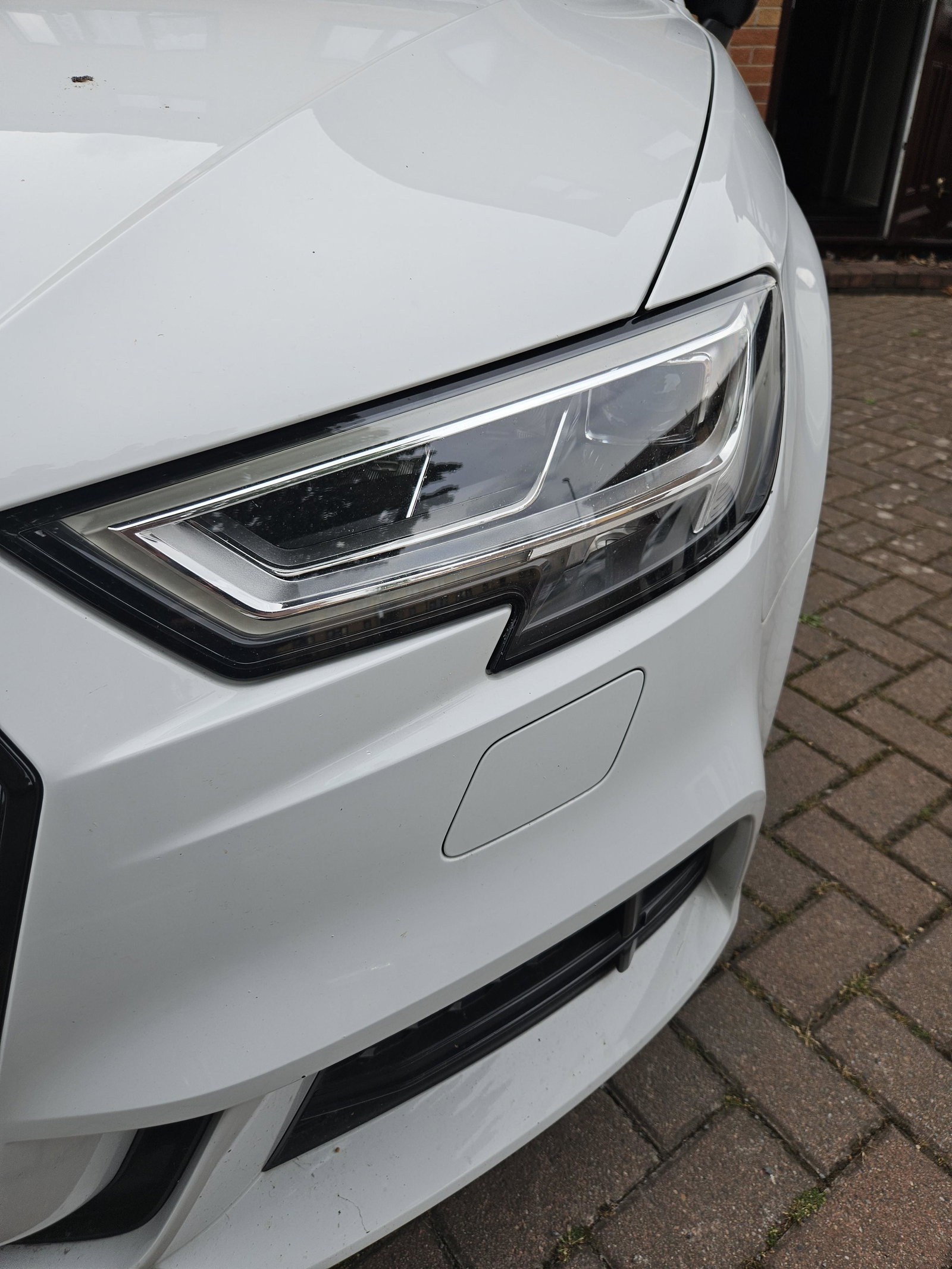
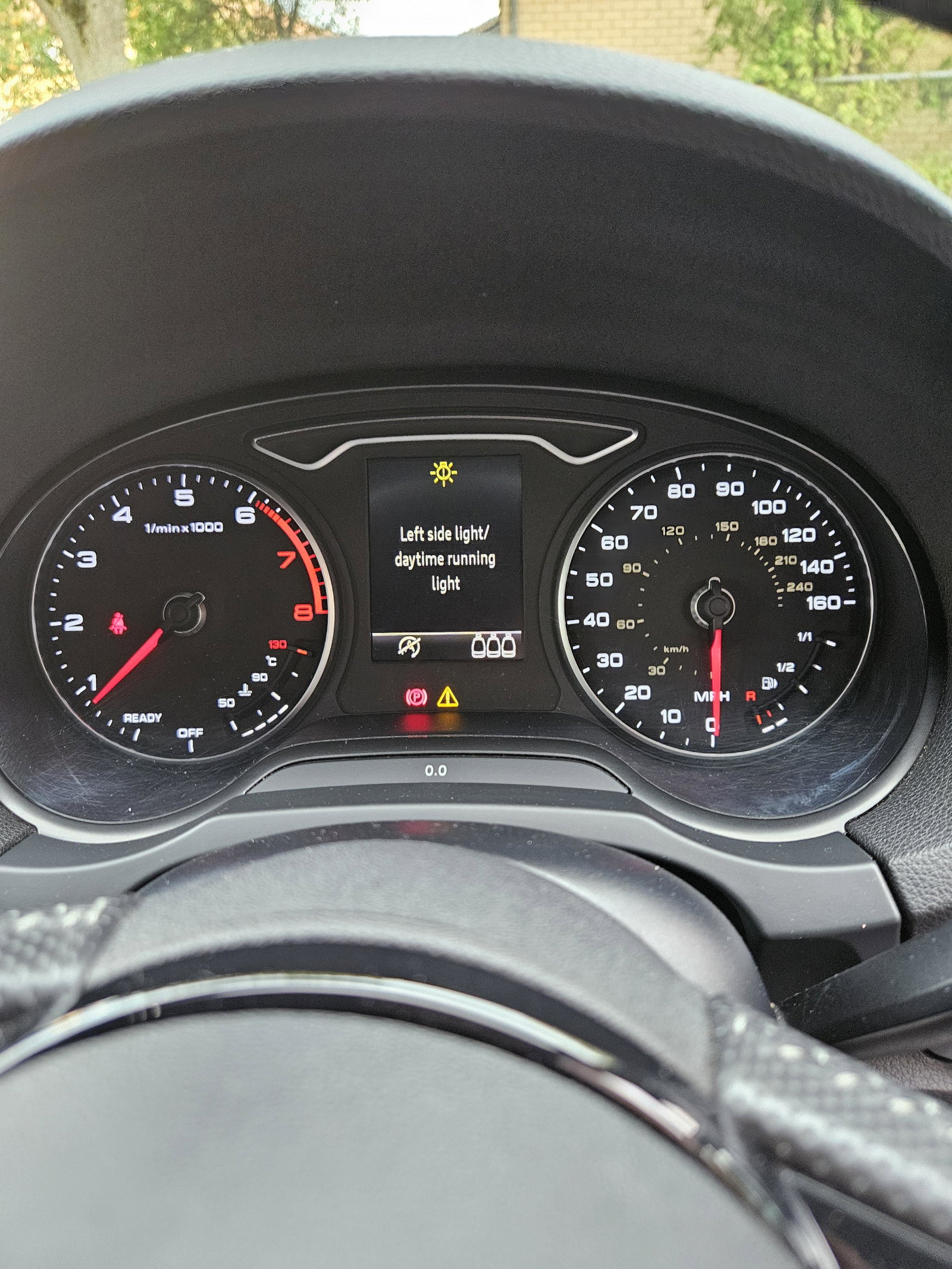
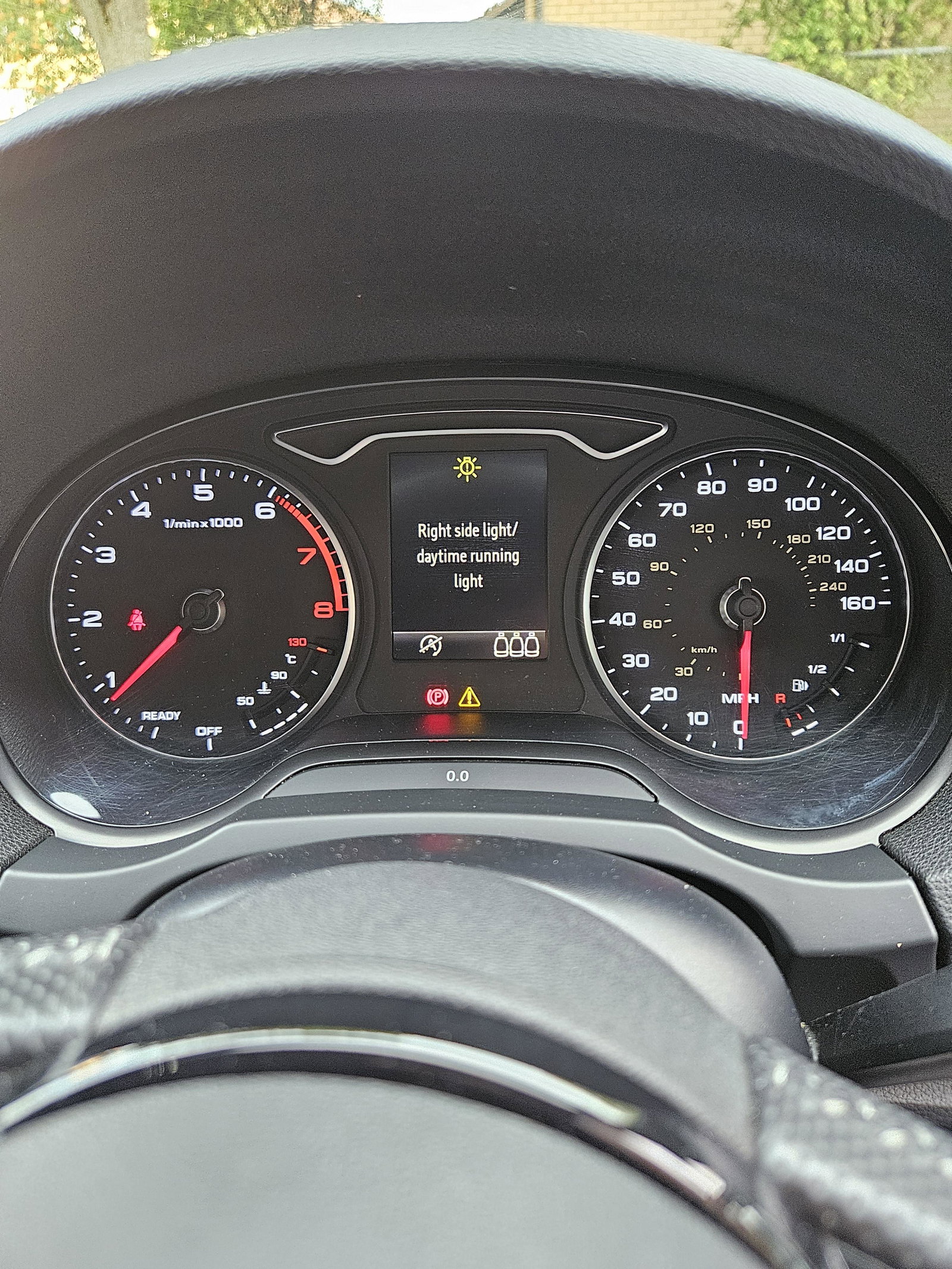
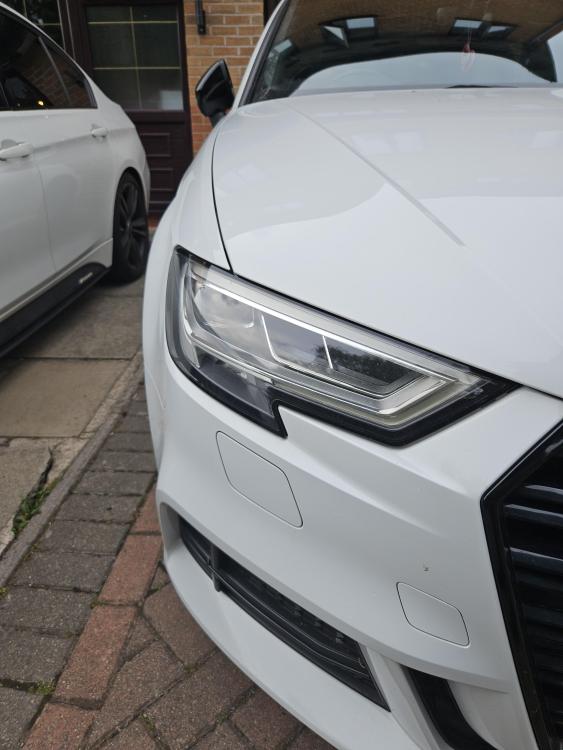
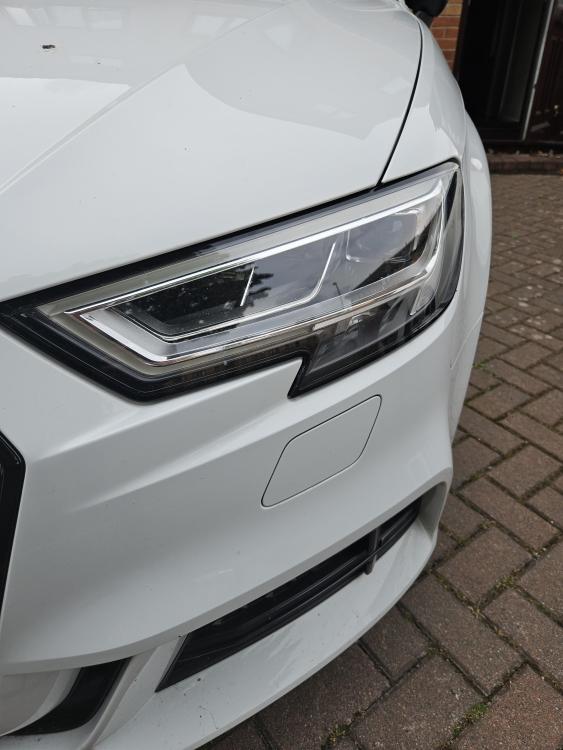
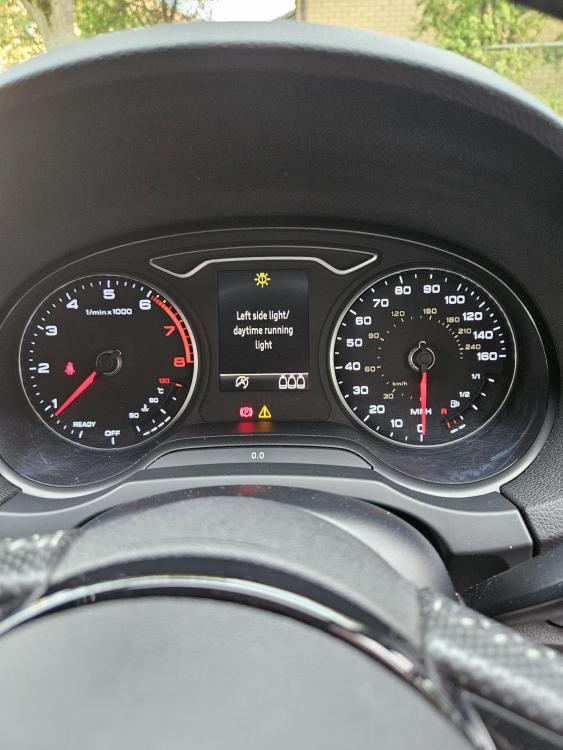
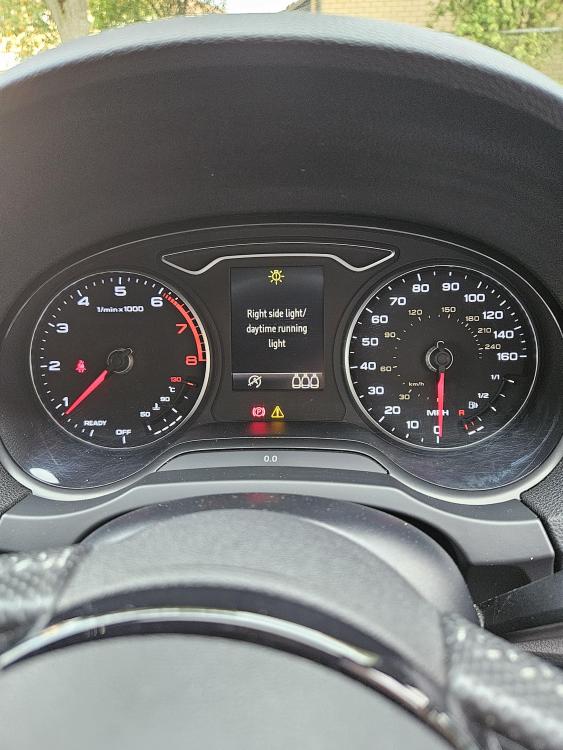
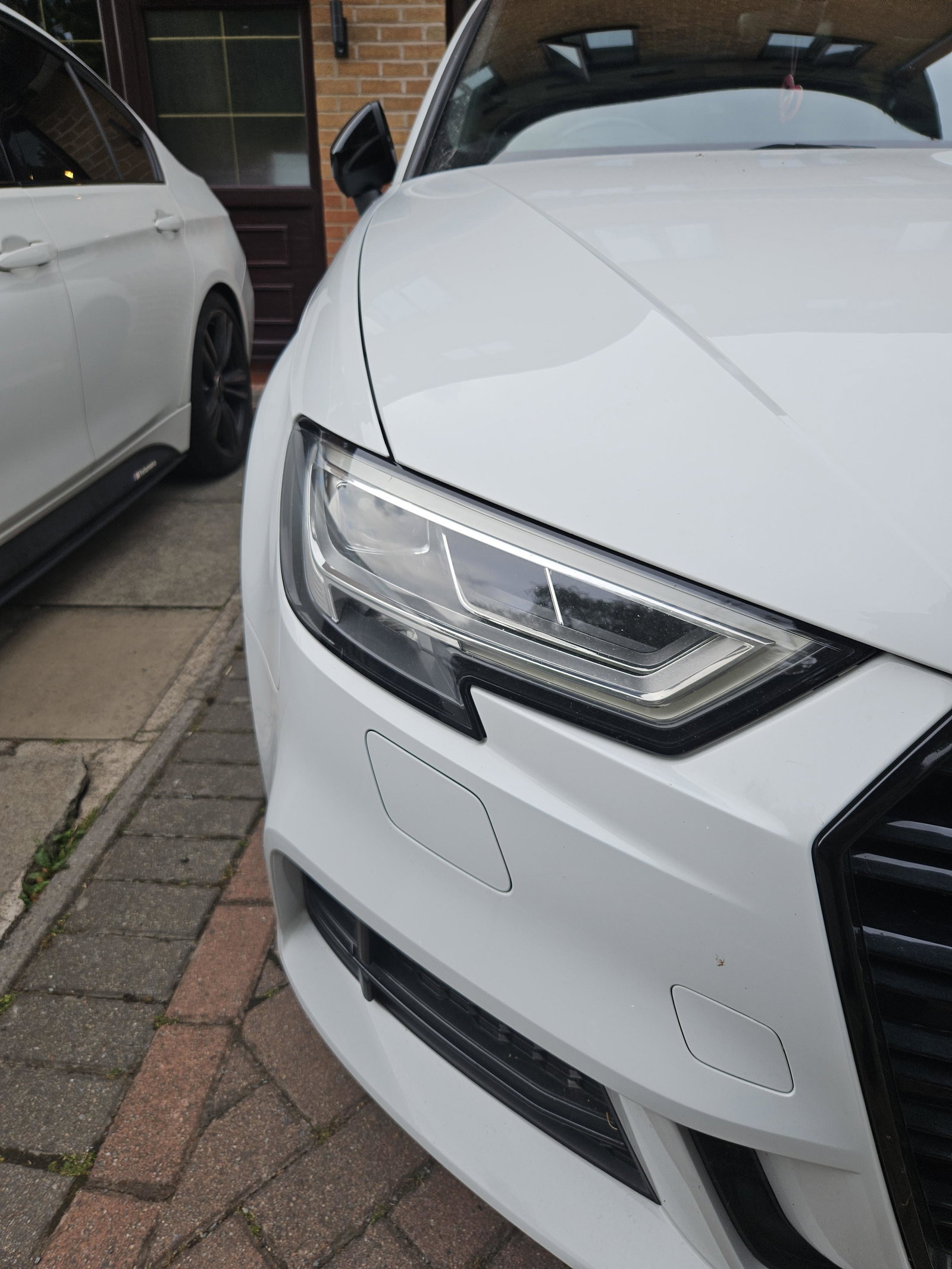
  1. Hi, My DRLs on my 2017 Audi A3 have stopped working altogether. I get the error message, see attached images. Just for some added info - A few weeks ago, the top strip on one of sides was working but not the bottom. Please can someone advise if this is simple DRL module issue or does the whole headlight need replacing. The indicators and headlights work as they should Thanks
Background Picker
Customize Layout

Account

Navigation

Search

Search

Configure browser push notifications

Chrome (Android)
  1. Tap the lock icon next to the address bar.
  2. Tap Permissions → Notifications.
  3. Adjust your preference.
Chrome (Desktop)
  1. Click the padlock icon in the address bar.
  2. Select Site settings.
  3. Find Notifications and adjust your preference.