Skip to content
View in the app

A better way to browse. Learn more.

Audi Owners Club (UK)

A full-screen app on your home screen with push notifications, badges and more.

To install this app on iOS and iPadOS
  1. Tap the Share icon in Safari
  2. Scroll the menu and tap Add to Home Screen.
  3. Tap Add in the top-right corner.
To install this app on Android
  1. Tap the 3-dot menu (⋮) in the top-right corner of the browser.
  2. Tap Add to Home screen or Install app.
  3. Confirm by tapping Install.


Chrisn57

Members
  • Joined

  • Last visited

  1. Chrisn57 replied to Chrisn57's topic in Audi Q5 Club
    Thanks Anthony, I'll have a go at weekend.
  2. Chrisn57 started following Newbie and Bad week...
  3. Chrisn57 posted a topic in Audi Q5 Club
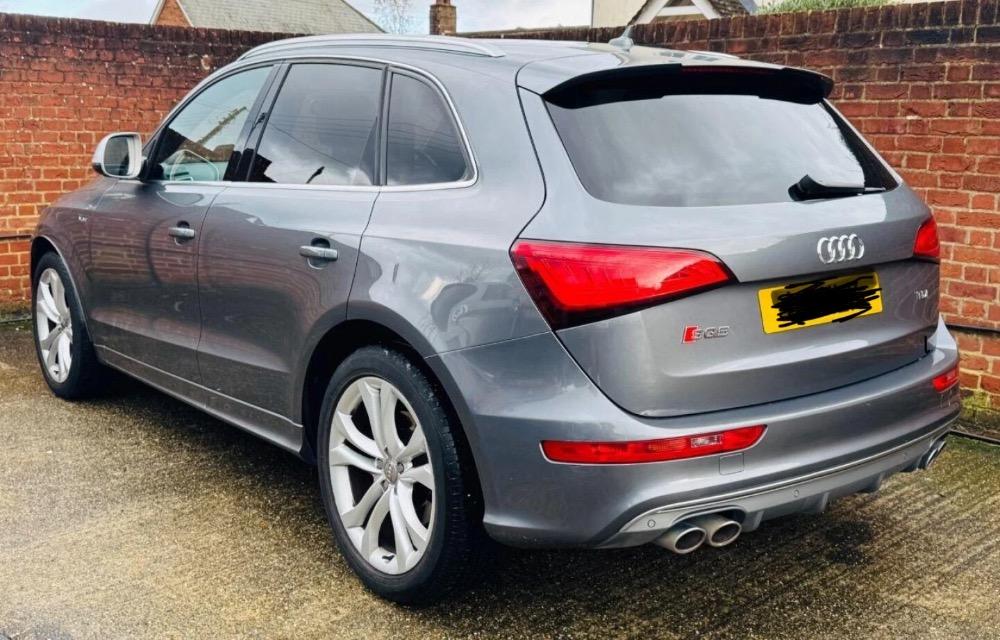
    Had my SQ5 a few weeks now but last week was a mare.. Started by locking my key in the boot which I thought was no issue until my spare key was found to be kaput. Not keyless entry so had to break drivers door window. Got a new regulator now, just need to fit it which I hope is straight forward.. Biggest problem is the car is now stuttering at low revs. Pulls like a train when you give it some so I guess the EGR needs cleaning. Can anyone direct me to where it is sited on the SQ5 or a link to a post? Sorry to be a pain but I didn't think I'd be asking for help this soon.. Thanks in advance. C
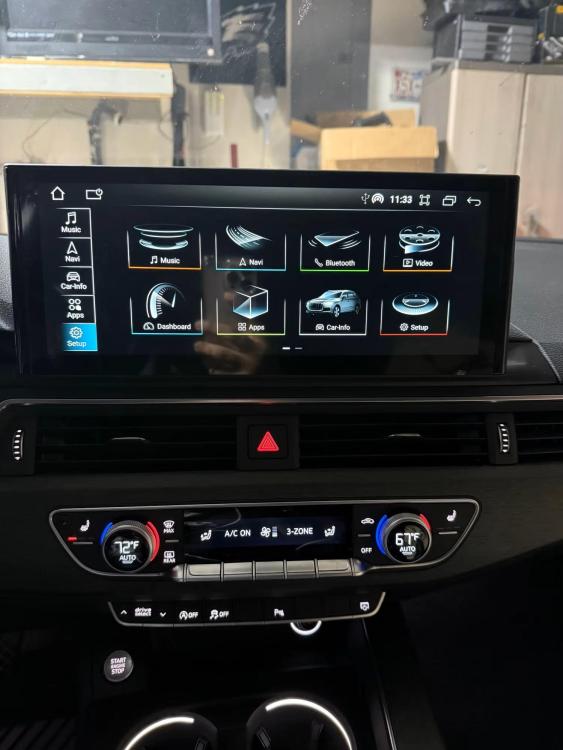
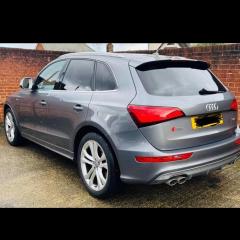
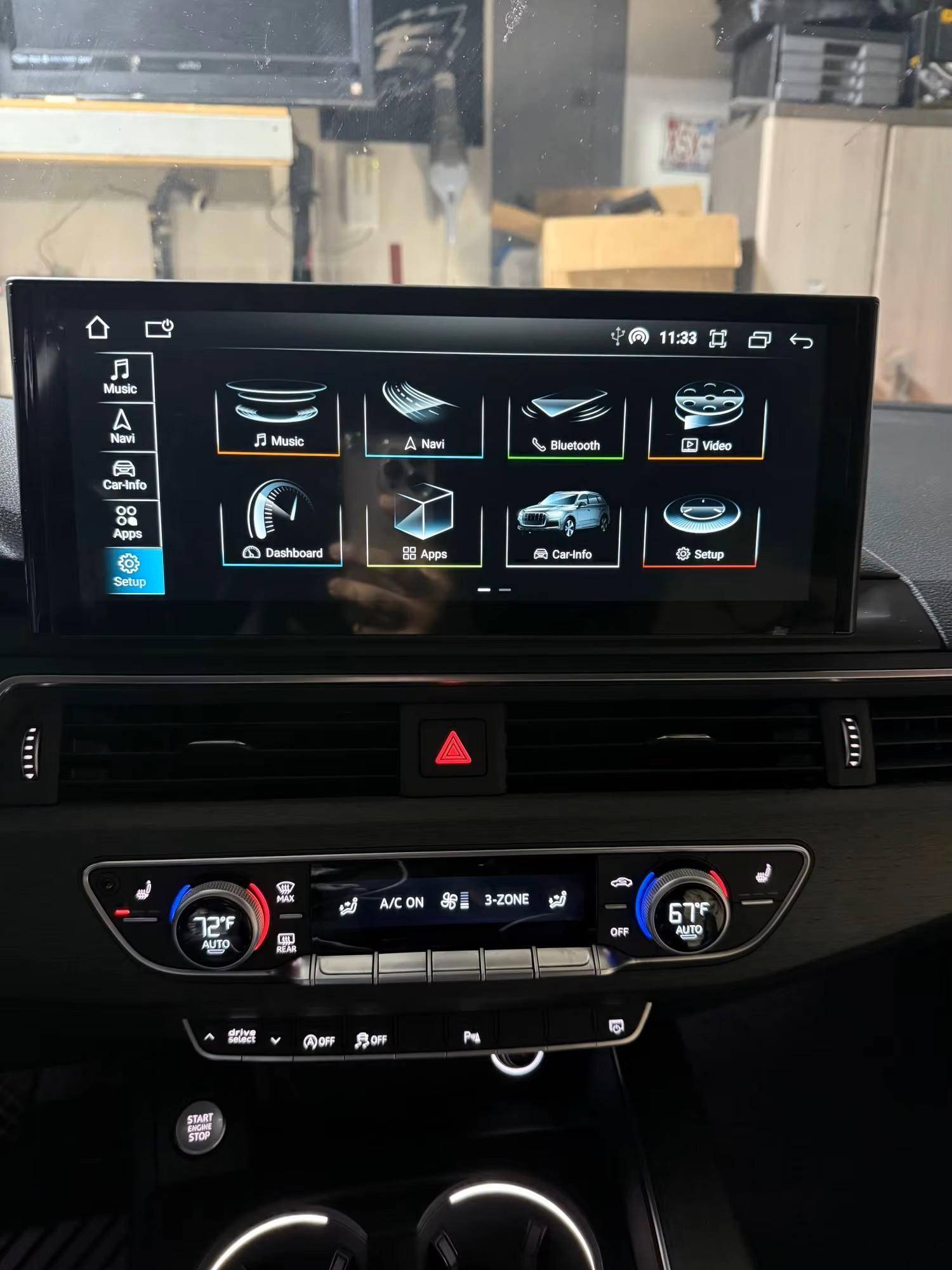
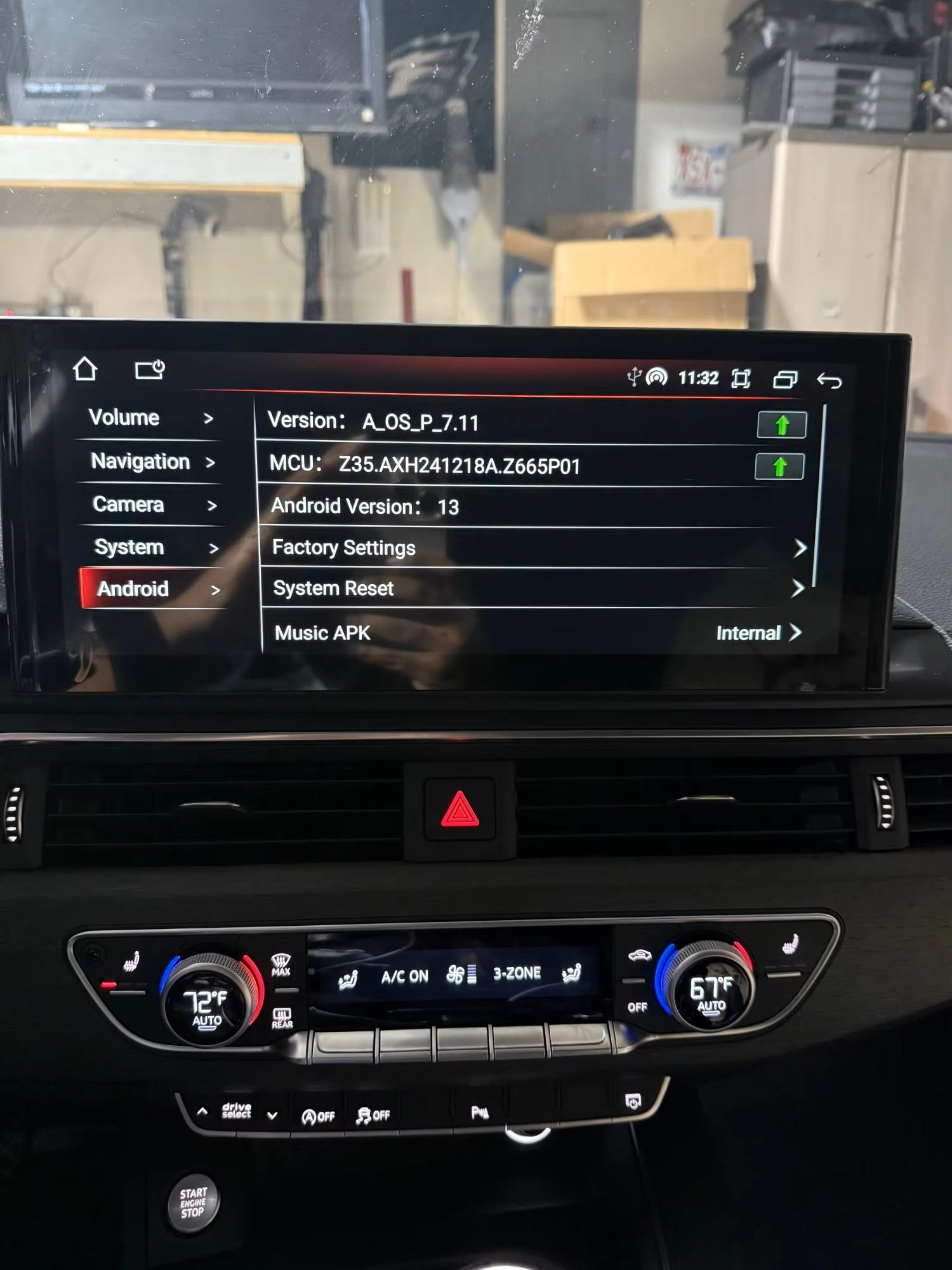
  4. Hi all, not sure if this is the correct place but I’m a new member of 10 mins and own a 3.0 BiTDI SQ5 and what a machine it is…Thanks gor letting me join as I know how invaluable these forums are and the fountain of knowledge contained within from its members..
Background Picker
Customize Layout

Account

Navigation

Search

Search

Configure browser push notifications

Chrome (Android)
  1. Tap the lock icon next to the address bar.
  2. Tap Permissions → Notifications.
  3. Adjust your preference.
Chrome (Desktop)
  1. Click the padlock icon in the address bar.
  2. Select Site settings.
  3. Find Notifications and adjust your preference.