




Skip to content
View in the app

A better way to browse. Learn more.

Audi Owners Club (UK)

A full-screen app on your home screen with push notifications, badges and more.

To install this app on iOS and iPadOS
  1. Tap the Share icon in Safari
  2. Scroll the menu and tap Add to Home Screen.
  3. Tap Add in the top-right corner.
To install this app on Android
  1. Tap the 3-dot menu (⋮) in the top-right corner of the browser.
  2. Tap Add to Home screen or Install app.
  3. Confirm by tapping Install.


kingbuddahb7

Members
  • Joined

  • Last visited

Everything posted by kingbuddahb7

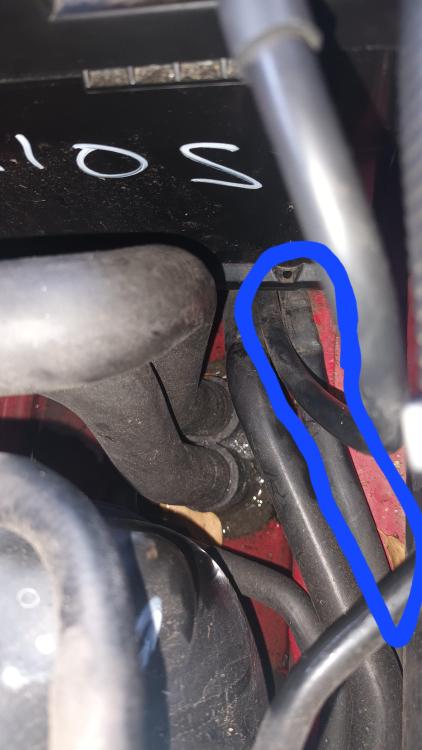
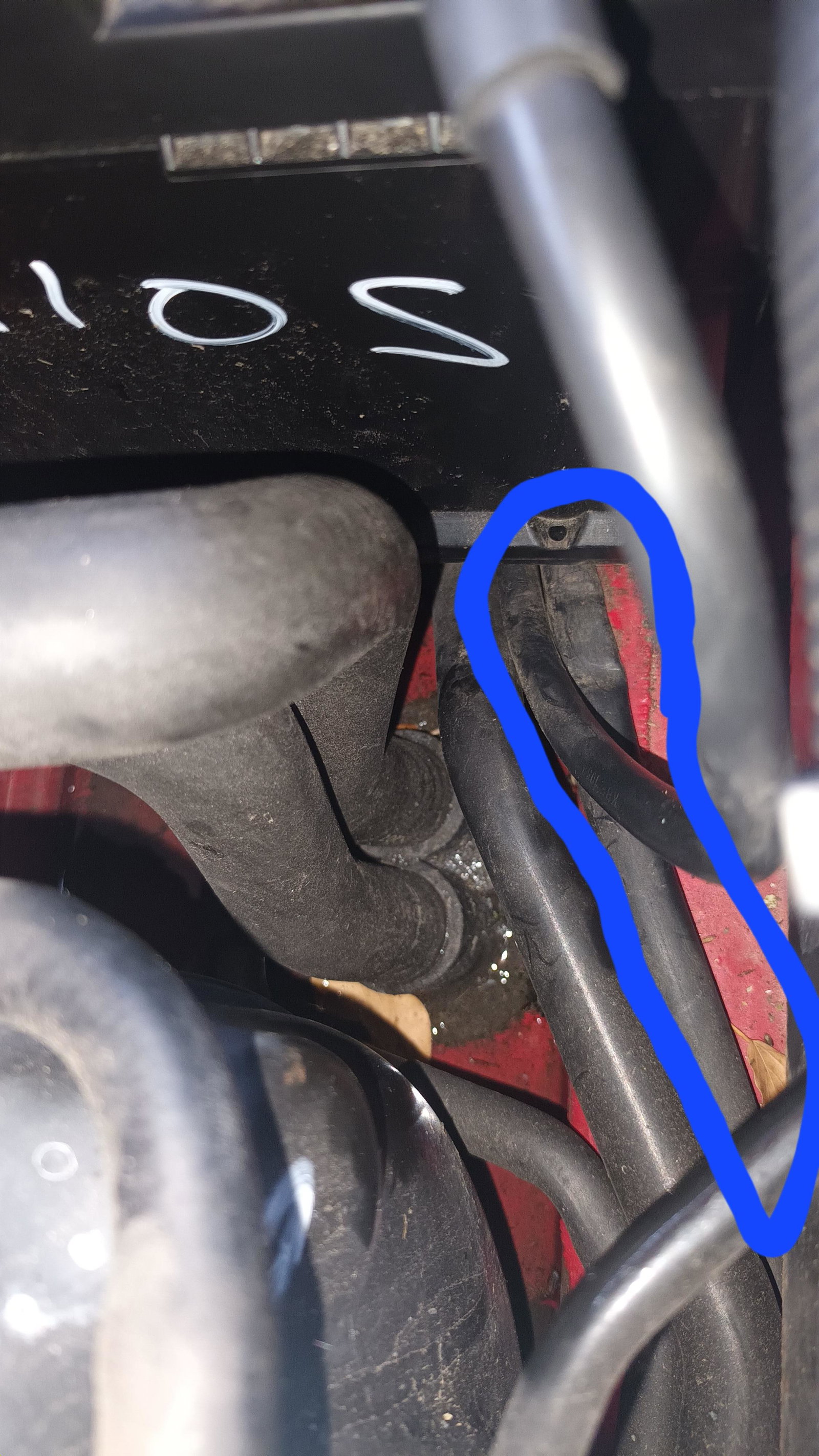
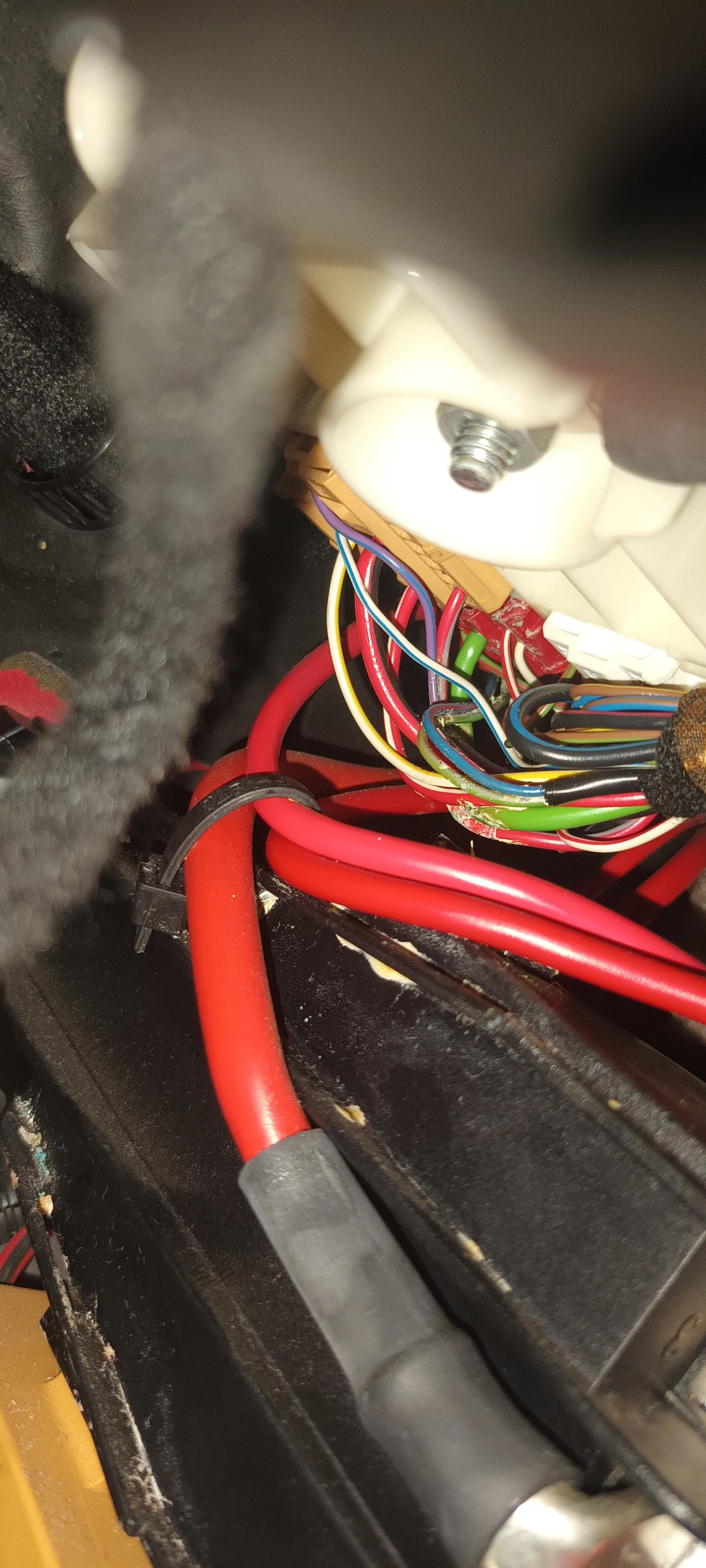
  1. Anybody know what's inside the wire that's circled? Comes from under ecu and runs under battery. Wondering If the flat bits are cut on inside.
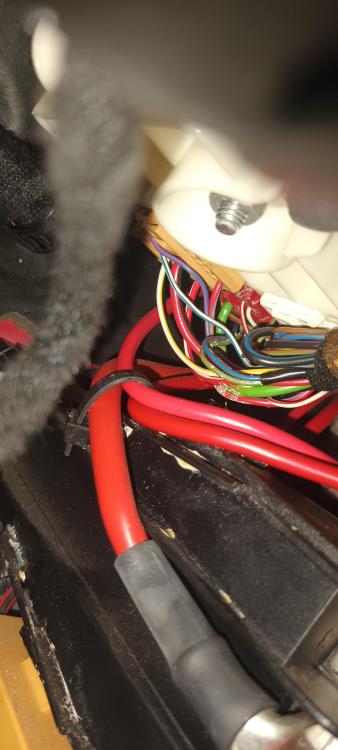
  2. The only corrosion I can find on the entire vehicle is above the bcm. Not sure what that wire or plug controls.
  3. No, I've had the carpet up and no signs of water.
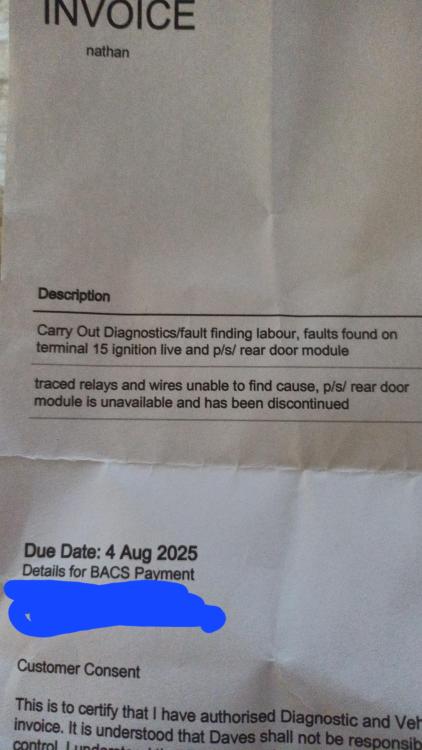
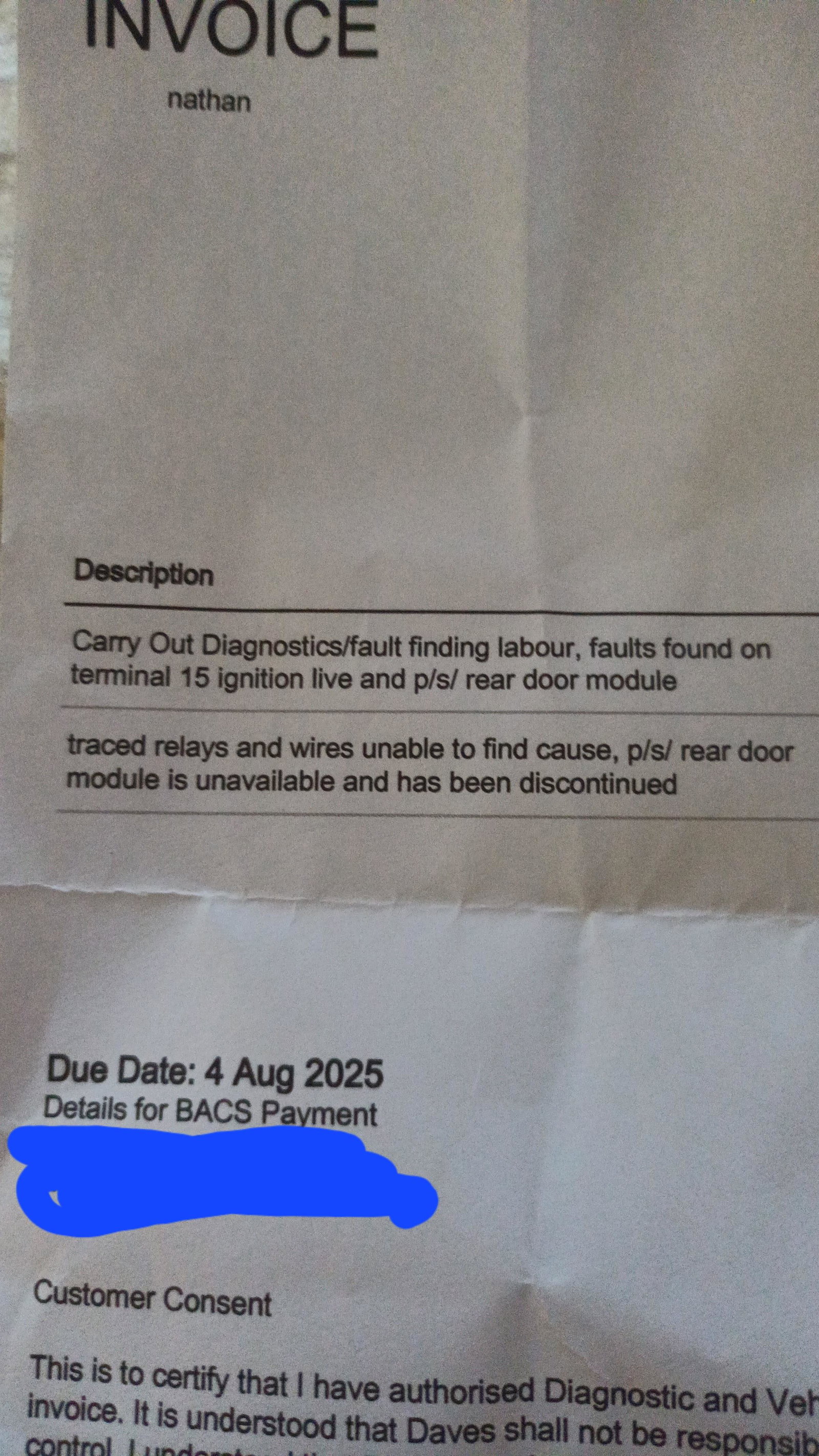
  4. Indicators, heaters, windows, rear door and wing mirrors aren't working. I've checked all modules, relays and fuses. I've had an electrician plug it in and the only thing not sending or receiving power was in the passenger rear door module. I've now changed the module and it works and locks door but hasn't fixed other problems. Anyone have any ideas on what else it could be?
Background Picker
Customize Layout

Account

Navigation

Search

Search

Configure browser push notifications

Chrome (Android)
  1. Tap the lock icon next to the address bar.
  2. Tap Permissions → Notifications.
  3. Adjust your preference.
Chrome (Desktop)
  1. Click the padlock icon in the address bar.
  2. Select Site settings.
  3. Find Notifications and adjust your preference.