.jpg.5e4b72c5d3d0b69f327a0deda5f53f35.jpg)
(1).jpg.103b75479a67e93761a97b33b9ea37a3.jpg)
russ-g-uk
Members
-
Joined
-
Last visited
-
russ-g-uk changed their profile photo
-
I've put some ispeed ones and mine and, whilst they look good (in my opinion anyway!), I've noticed that the drivers window does struggle a little bit when going back up, near the top of the door.
-
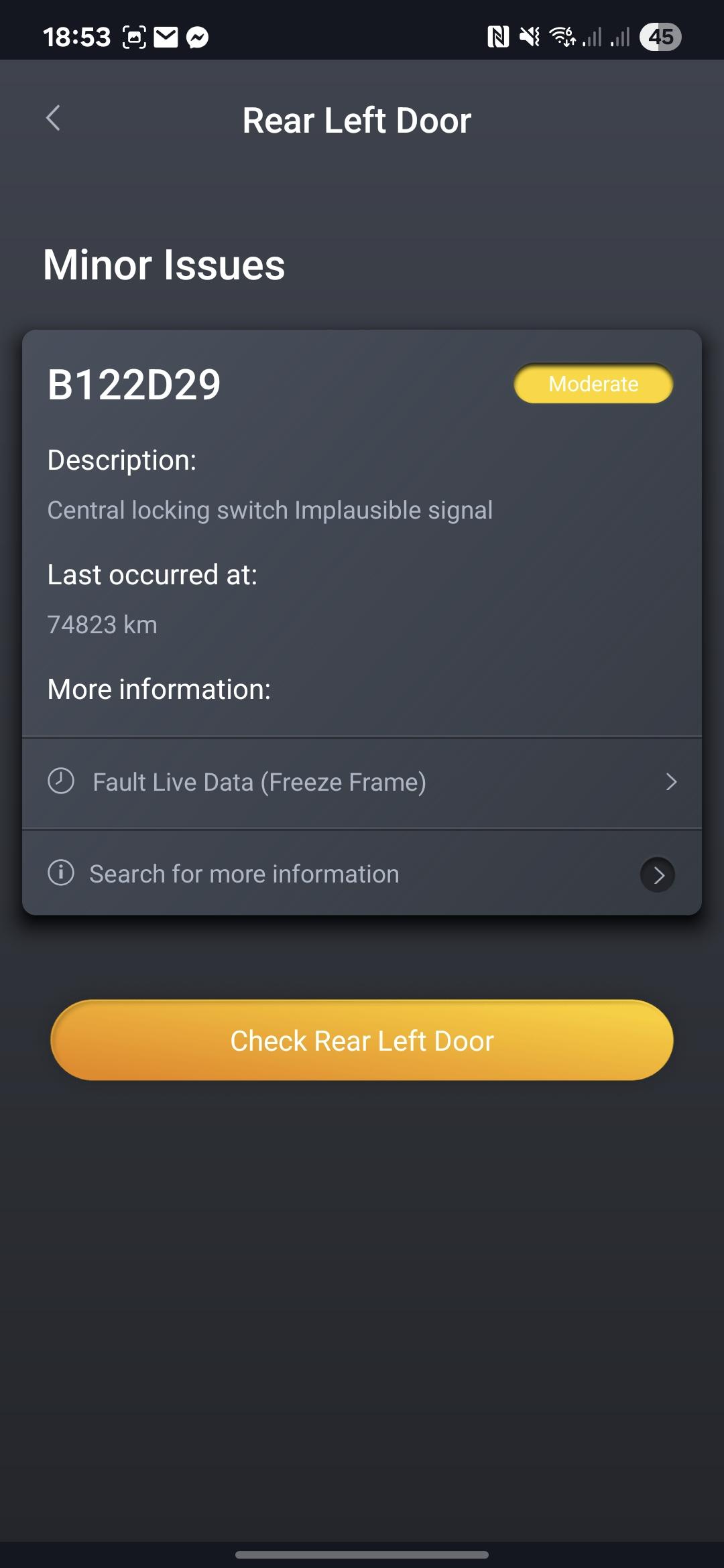
Only had my Q5 a few weeks and getting along fine with it. However, I have a few minor niggles which I wondered if I could change: -Making the Start/Stop system remember its last state rather than being ON at every start up. -Have the auto handbrake automatically come on when the ignition is turned off. -Having the option to turn on an audible signal when locking the car (having it as an option in case I decide I dont want it anymore 🤣). -And finally, having the indicators flash once when locking. They already flash twice when unlocking so just thought (after reading about coding) that I'd be able to alter this. So today I borrowed a work colleagues Carly. I've failed on all counts! The first one I thought I'd managed to disable the S/S but haven't. The 2nd and 3rd I couldn't find anyway in Carly to do them. But the fourth one, and the main reason for my topic, I'm wondering if there's an issue which is stopping the lock flash? I had the Carly options set as flash once for lock, twice for unlock but the lock still doesn't flash. Whilst I have the Carly, I ran a vehicle check and it's showing 2 issues. One with "GSM antenna 2 break" and the other one showing as an issue with the Left Hand Rear Door - Central locking switch implausible signal, error code B122D29. Does anybody know if this issue could be the reason for the indicators not flashing when I lock it? I've checked all the doors are locked when I lock it and they are. Any help/suggestions muchly appreciated.
-
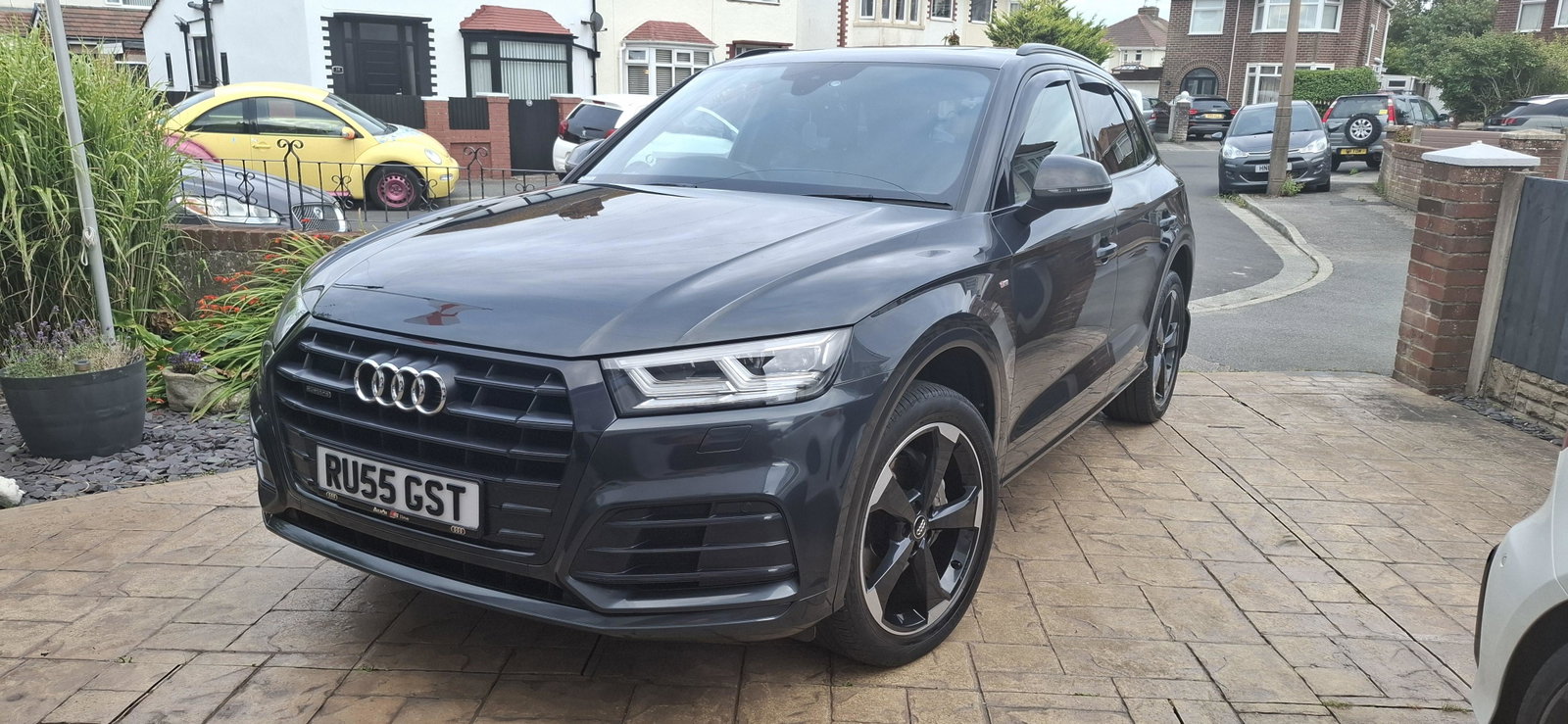
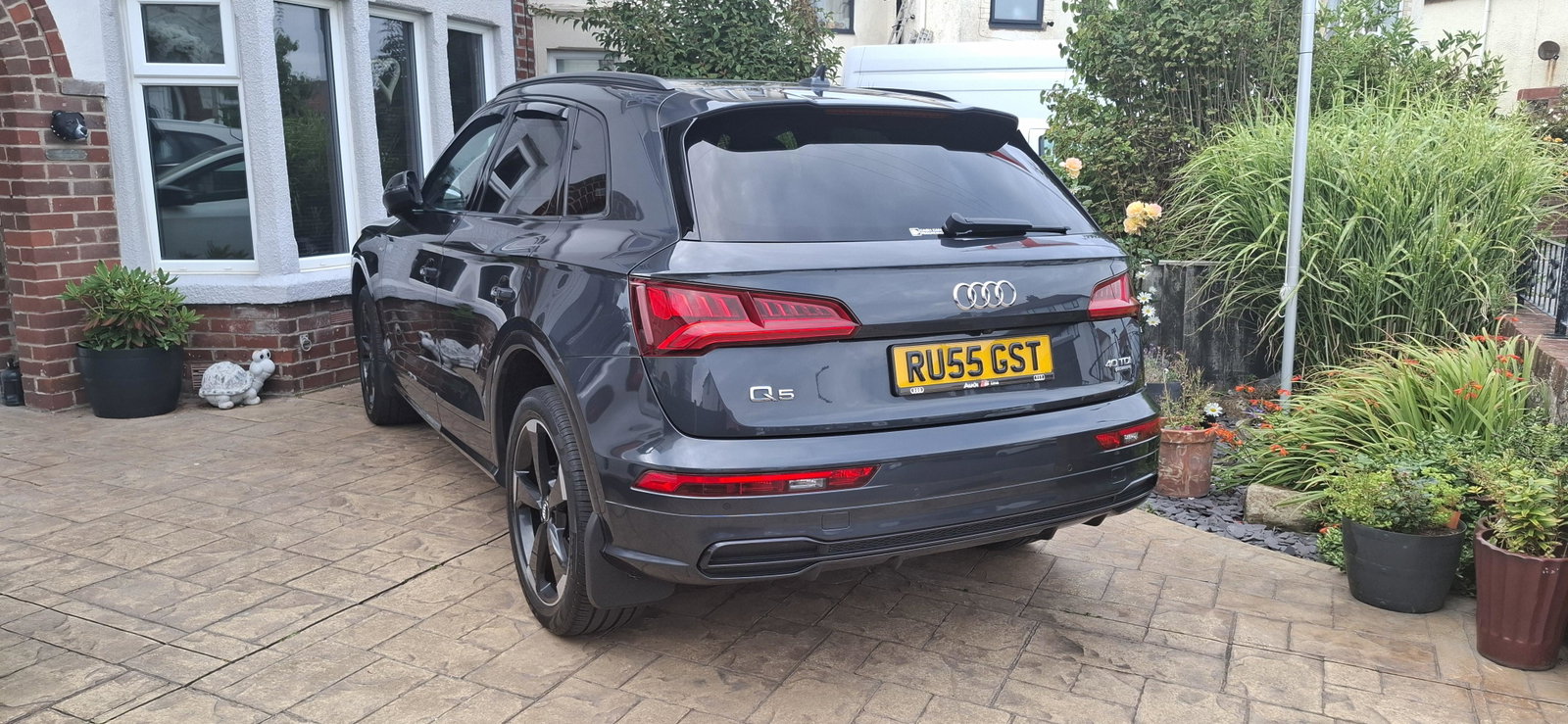
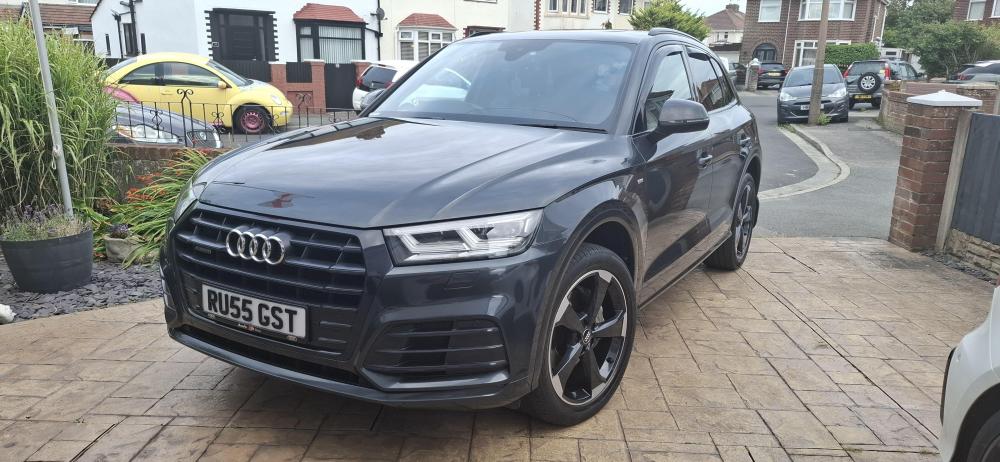
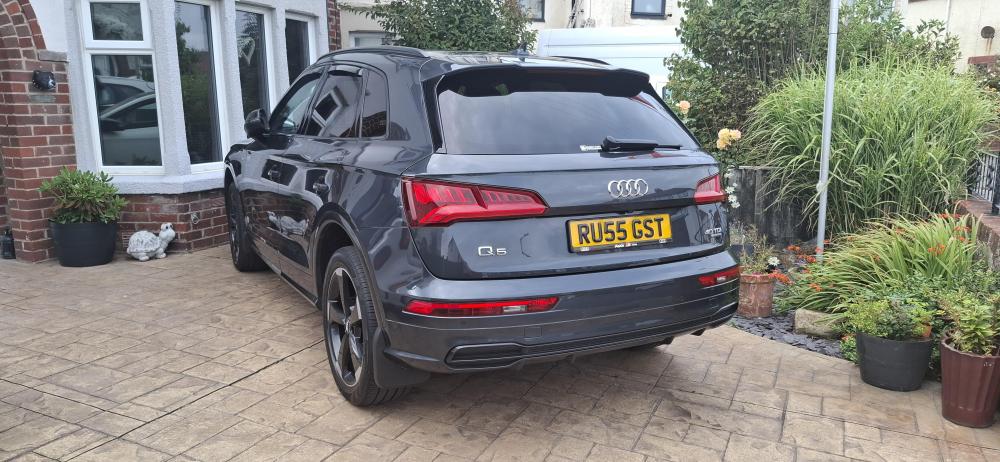
Hi all, Just joined the forums so, firstly, before I go posting on other subjects, would like to introduce myself. I'm Russ and live just outside Blackpool. Until a few weeks ago, I was the owner of a Citroen Grand C4 Picasso for approx 7 years. I was thinking of making the jump to a Q5 maybe in a couple of years time (Q5 due to the size as we like to go camping with trailer etc, have dogs and also the missus loves shopping so need the boot space 😀). However, somebody reversing out of a parking space in a car park saw the C4 being written off so we decided to make the jump to the Q5 now. I purchased a 2019 2.0TDi S-Line Black Edition in Manhattan Grey a few weeks ago and love it, a different level of drive to the C4. Hoping to read other people's experience with the Q5, pick their brains on issues and, maybe one day, be able to add my own knowledge to people's queries. But, for now, I have some learning to do 😂
(1).thumb.jpg.2751b925b0ae71f9cf7d67013161fb1b.jpg)