GulioQ5
Members
-
Joined
-
Last visited
-
I will need to follow this up and see why I'm not getting the same data. Nice colour by the way!!!
-
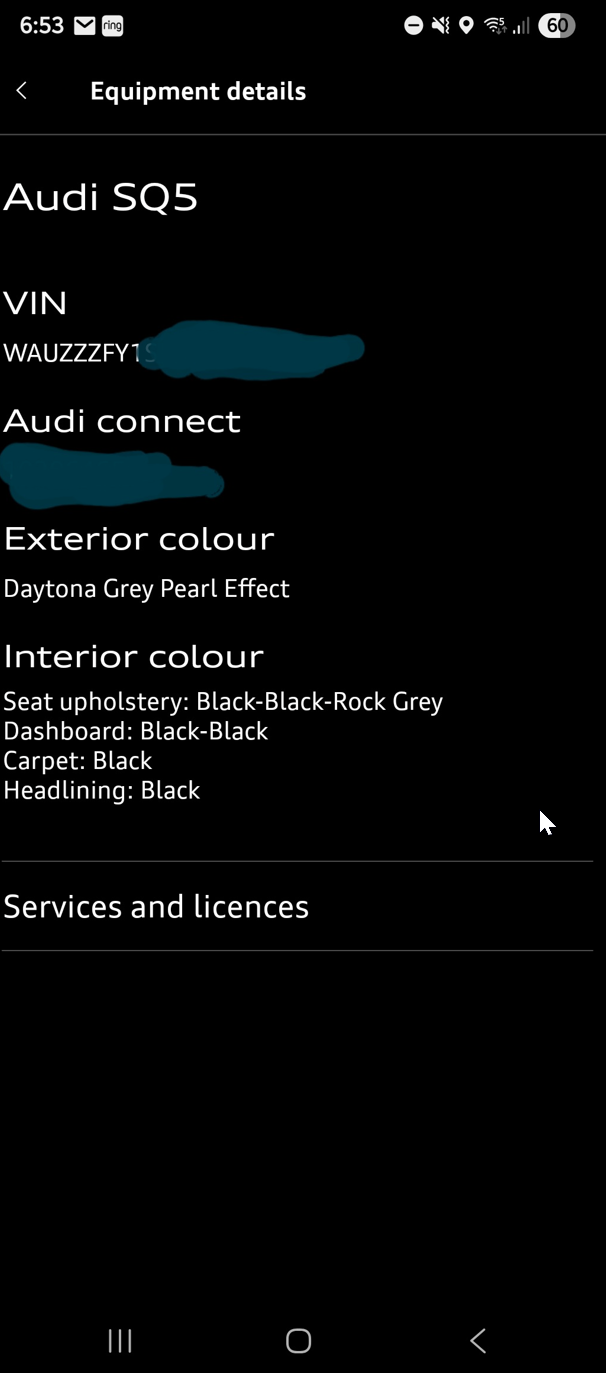
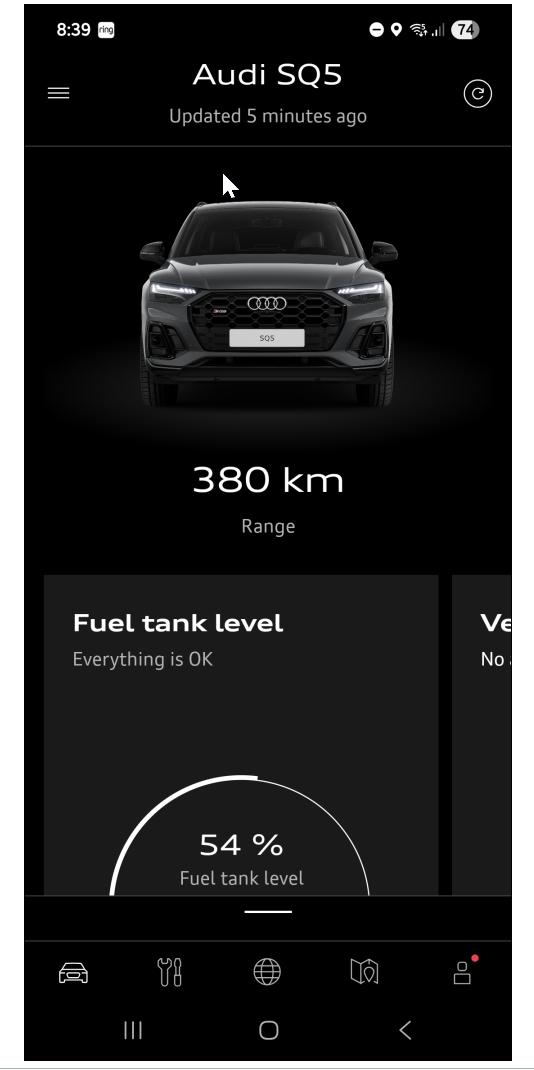
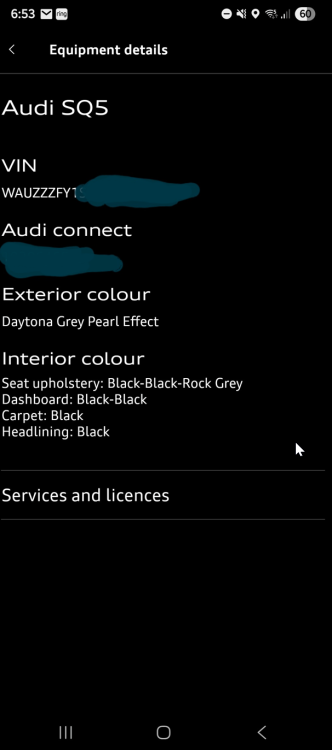
I actually have the exact front screen, but when i go into equipment and technical data, the next page is only equipment details: Vin, Audi connect , exterior colour, interior colour, service and licenses. That's It! No technical data. No second page. I will check with Audi tomorrow morning. Thanks for your time Bob,
-
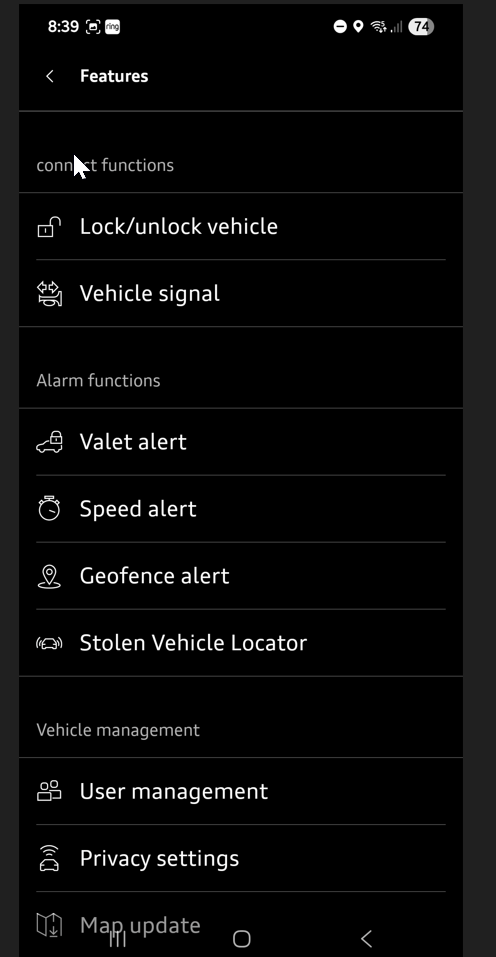
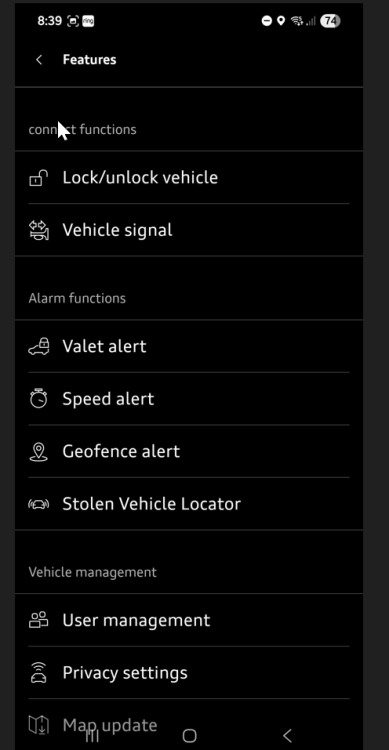
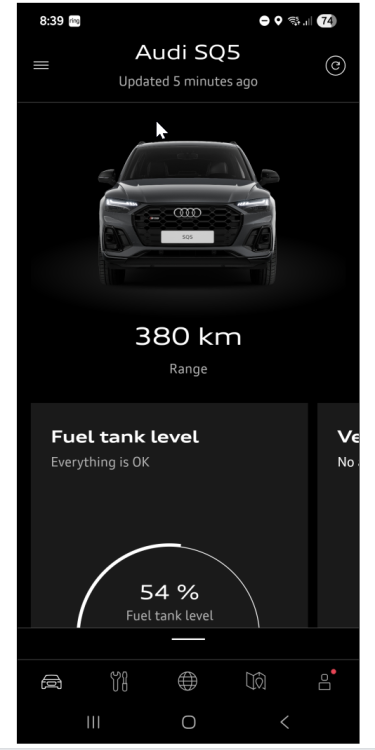
That's interesting. I do have the my Audi App, but it does not have a standard equipment menu. I am using Version myAudi 4.33 on Android. it shows km's, fuel tank, milage, equipment and technical data, features lock/unlock... but no standard equipment? So not really sure?
-
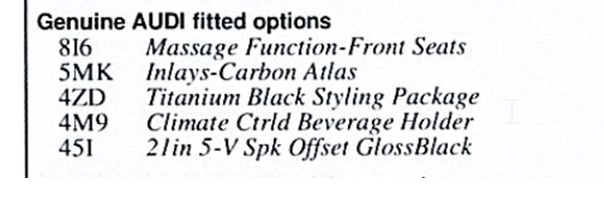
My screen looks exactly like yours, either on or off, but I cannot tell which pre sense version I have? Where do you get the build sheet from? When I asked my dealer for these details, they told me to look at the codes on a sticker on the door jam which only shows the following: No mention of any pre sense? So still not sure? Any idea how I can get this build sheet?
-
Hi Tom, Yes that's the exact same scenario I had experienced. Believe me, it's pretty scary when it first happens and you have no idea that the car has this feature. I spoke with my dealer about this who mentioned that the rear camera may have even picked up a car coming up the lights at some speed in the inside lane, which I think happened in my case. Very reassuring to know that it's working though.
-
Thanks Bob, this explains it all. I couldn't find any adjustments available to turn down the sensitivity, which I don't mind, now that I know it's actually a feature of the car. Sounds like we both bought the same car at the same time!! I was tossing up between the BMW X3 M40i, MERC GLC300 and the AUDI. Actually had a deposit on the GLC, but then drove the SQ5 and absolutely loved the feel and drive. Not regretting my decision one little bit. Enjoy your drive and thanks for the info...!
-
Thanks Tom. I'm loving the car, 1st Audi for me. Had Mercs for the last 20 years, but thought time for a change. Best decision I ever made. Really enjoy the drive. All the best for the new S5. Beautiful looking car !
-
Thanks Tom, this makes sense as I had my head down playing around with the console, so I wasn't looking at what was happening around me. I am thinking it is very plausible that a car came up to a stop behind me quite quickly, as we were in a lot of traffic. Good to know, I feel a bit better now - thank you!
-
Thank you Gareth, I will do that tomorrow. Regards Gulio
-
Only had my SQ5 for 2 months, but today while driving to work I was stopped at lights and the seat belt tensioned up by itself and pulled me hard back into me seat. Scared the crap out of me !! I was fooling around with the centre console but I am sure I didn't press anything that would set this off. A "Tension Seat Belt" in RED appeared in the middle of my dash, so I kind of knew what was going on, but I don't know why? Has anybody else had this occur while stationary at traffic lights, or should I be taking the car back to the dealer for checking? Thanks
-
Hi all, Just Purchased a 2024 SQ5 and had a quick lesson in vehicle key user setup but am having an issue with some settings. Can anybody confirm whether Bluetooth and Wi-Fi power states are saved per key? I have created User A and User B on two keys and driver's personal settings, preferences and vehicle configurations are stored, but it does not save the Bluetooth and Wifi Settings On or OFF to each user or key. It looks like this needs to be turned ON or OFF manually if a user has different requirements. Is there a way of setting this preference to each User/Key? Gulio
-
Hi Martyn, you are right! I have just found the option to turn on Shuffle. I was looking in the main music settings to turn this on, but it actually appears only when you are playing a track. Once playing a song you will see the double arrow symbol to the left of the skip forward or back option. Pressing this, lights up in yellow, and turns shuffle on so music will play random tracks. Much better Thanks Gulio
-
Thank you Andy & Martyn, look forward to your response Martyn. Cheers Gulio
-
Hi Andy, Is there a shuffle option when playing music from the USB source? Getting sick of all the songs playing the same order?