Nethacott
Members
-
Joined
-
Last visited
Everything posted by Nethacott
-
-
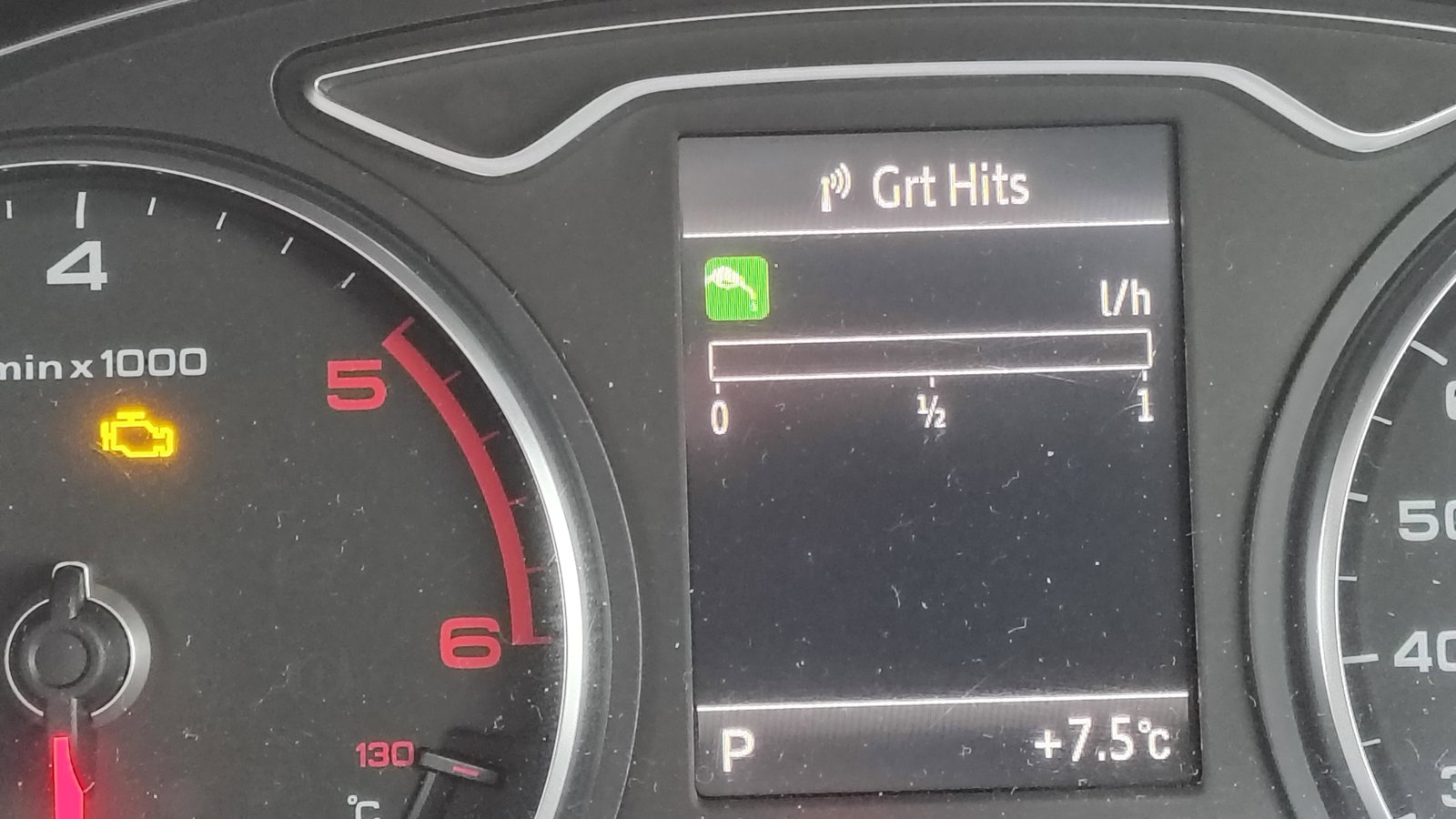
Hi guys Had my 14 plate A3 S-Line for a few months now, a couple of days ago, this popped up on the display. I'm assuming it's telling me the air con gas has disappeared. 1 - Is this correct? 2 - Can I clear the warning as it will be a while before I can get it looked at. I should say the photo was taken with the engine off. When running there's a small green bar that reaches to the green image above the gauge. Thanks Nethacott
-
I recently bought a 2014 A3 8v which only has one key. I see new fobs are available but need to be programmed. Has anyone done this? What's the procedure? Thanks
-
Morning all, just joined, there's an intro somewhere on site. Anyway, not yet an owner but have my eye on a couple. Leading the pack is a very nice Black S-Line. The only thing wrong is that the drivers seat has a tear on the edge nearest the door. Have located a second hand seat with the right covering......but......"my" car is a 2 door, the seat is from a 4 door so it doesn't have the handle to slide it forward for rear passengers. So, my question is - how difficult is it to remove the seat pad, (the bit you sit on), from the frame? If it's not too bad, this'll be the car I go for. Thanks in advance Nethacott
-
Morning all, just joined the club but not yet an Audi owner, I expect that to be rectified shortly. Looking to buy an A3, have a short list to work through. Nethacott