Nathan97
Members
-
Joined
-
Last visited
Everything posted by Nathan97
-
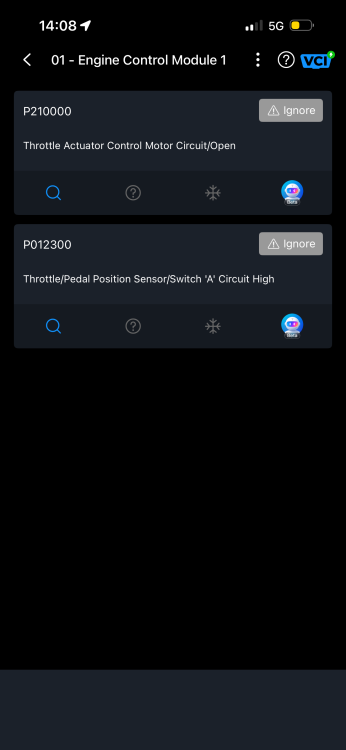
Appreciate the advice gents. Turns out it was an injector issue (that triggered no warning lights). Bit of injector cleaner sorted the issue. im still thinking of replacing the throttle body as the actuator code is still live. Let me know if you think that’s a waste of money 🙃
-
Hi all, bit of advice needed. Lately, my car has been struggling to accelerate in high gears, 4 - 6. The car will lag and hesitate to pull between 1800rpm and 2800rpm. It seems to be getting worse as the days go on. 5th and 6th gear are pretty much useless unless accelerating at a very slow and light rate. the car is showing fault codes for the throttle body and APP sensor. I have checked, removed and cleaned the throttle body which had little to no carbon build up. I also removed the housing to check the mechanism which to me seems all fine ( I compared the mechanism to a new throttle body). I’ve stuck the old throttle body back in. MAF sensor is also clean with no obstructions or loose wiring. I’ve been advised to perform a forced regen but when trying to do this, my OBD reader is advising not too as it will only give an option for an emergency regen which could damage the filter itself. Not sure how to test the APP sensor but I do know they’re impossible to grab hold of locally Any ideas would be appreciated! also, no check engine light has illuminated🙃 2015 Audi A4 Avant 2.0 diesel