pg1984
Members
-
Joined
-
Last visited
-
Morning all thanks for the suggestions I'll look into the eBay shop mentioned, I just thought the 750+ quoted by my local garage seemed expensive
-
Hi steve,thanks ill have a look then,just wanted something half decent that weren't gonna last 2 days then need replaced again, I drive normally so they aren't needed for track days or anything like that,thanks for the reply
-
Hi steve,thanks ill have a look then,just wanted something half decent that weren't gonna last 2 days then need replaced again, I drive normally so they aren't needed for track days or anything like that,thanks for the reply
-
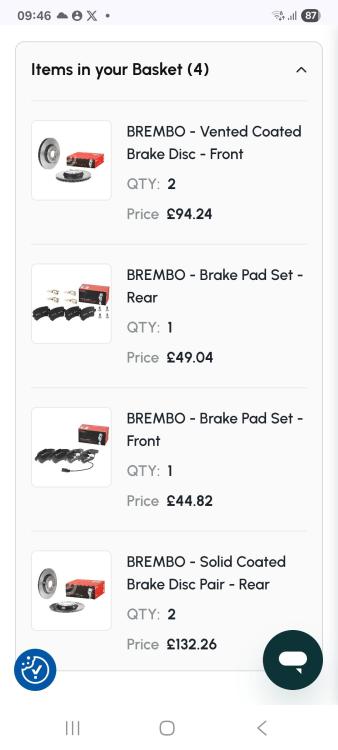
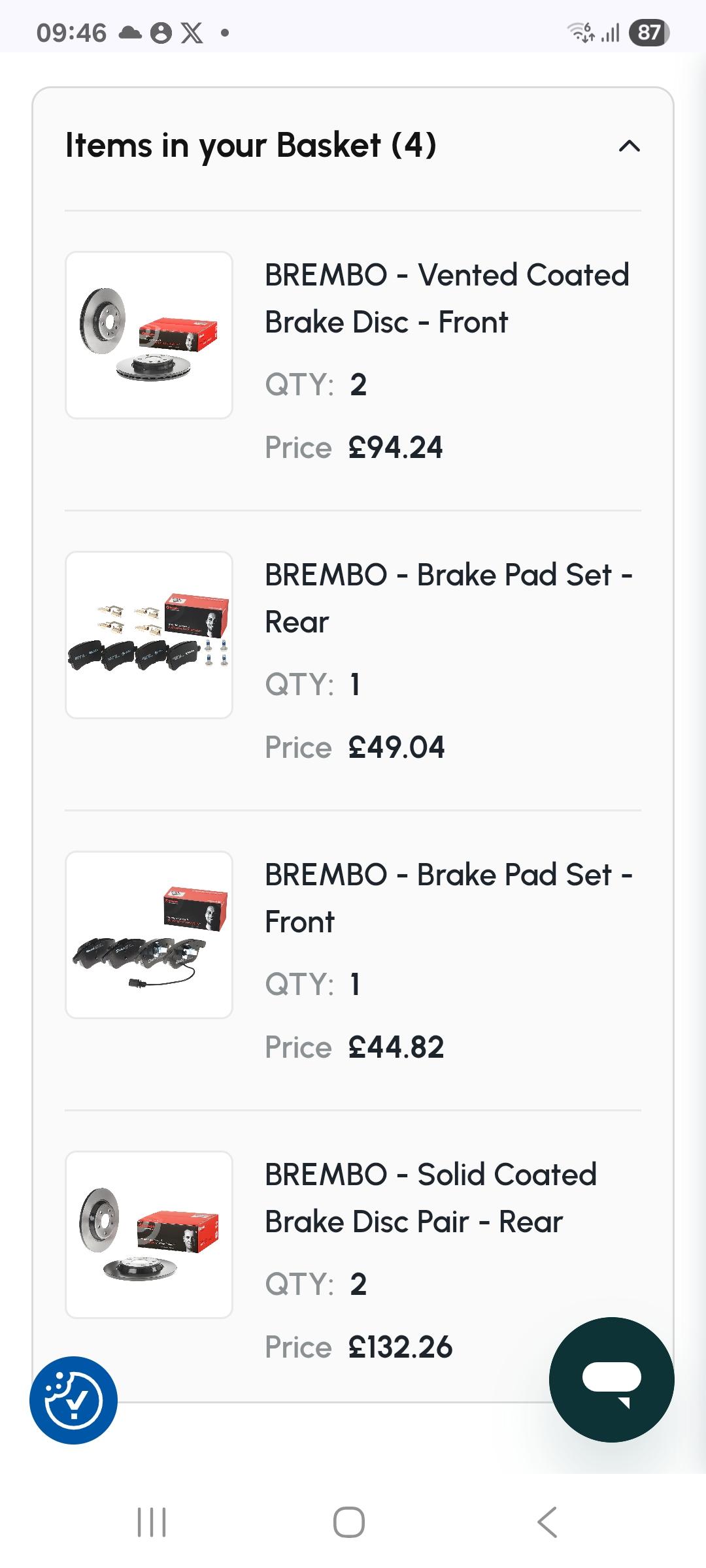
Good morning all,new member here, first post. Recently purchased a a4,2.0 tdi s line,which I really like,had no issues last 8 months of Ownership, Recently had it serviced and was told I needed new discs and pads all round,does anyone have any recommendations of what to get,I have found these online which ill try attach a picture of, they are from gsf motor factors, I ideally wanted some drilled and grooved ones not because of performance reasons just because imo they look abit better, open to suggestions,ive had a price from a local garage for £760 supply and fitted,brand unknown but I believe they were audi parts(id need to check),the photo ive hopefully attached was a total price of 320(just for the parts) Many thanks in advance for any help/feedback and looking forward to being a member here