Whatwasthat
Members
-
Joined
-
Last visited
-
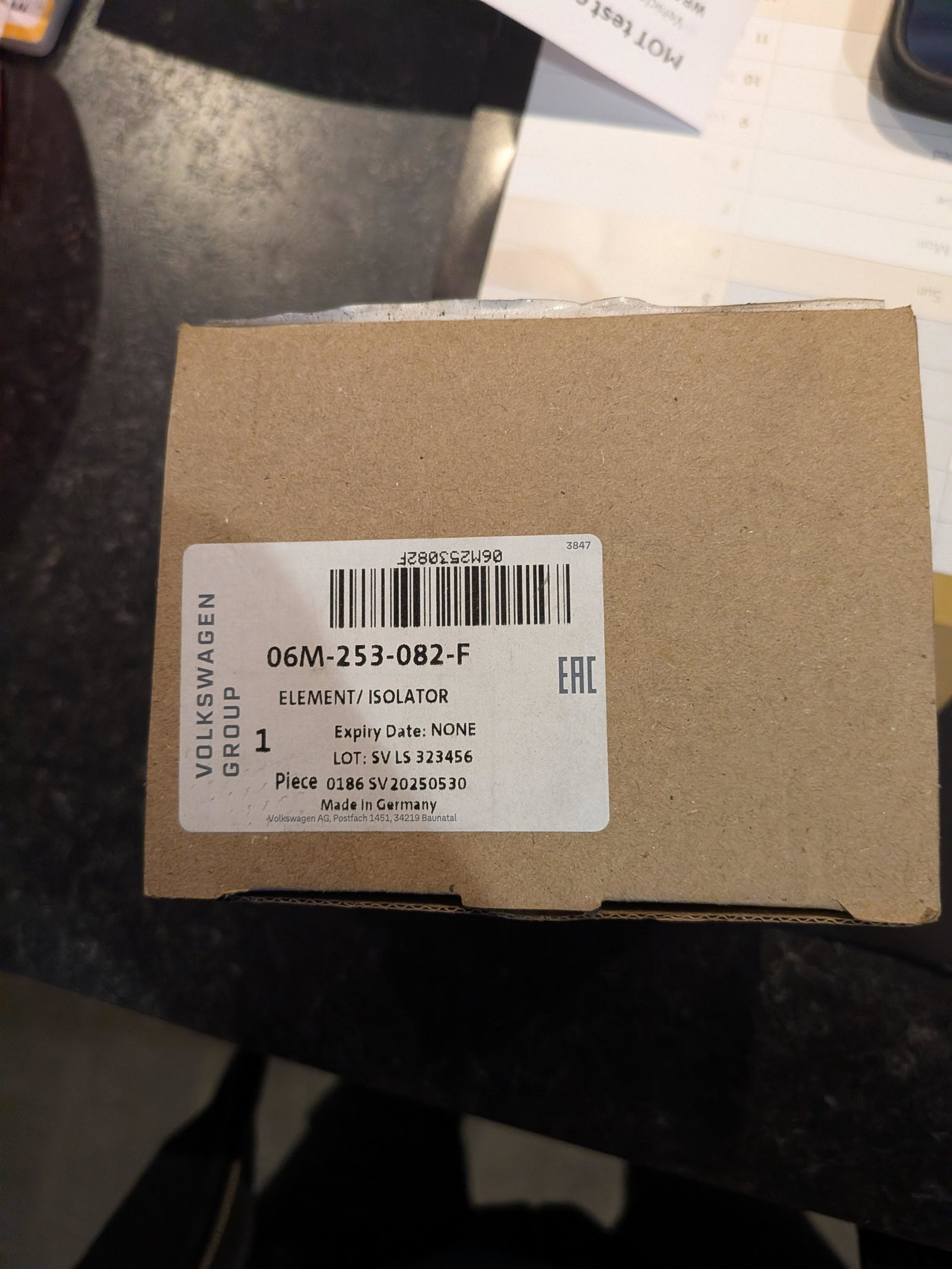
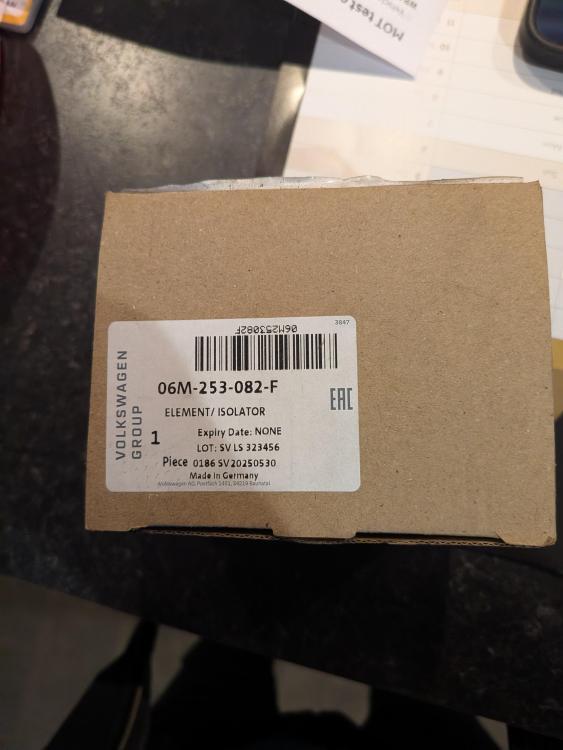
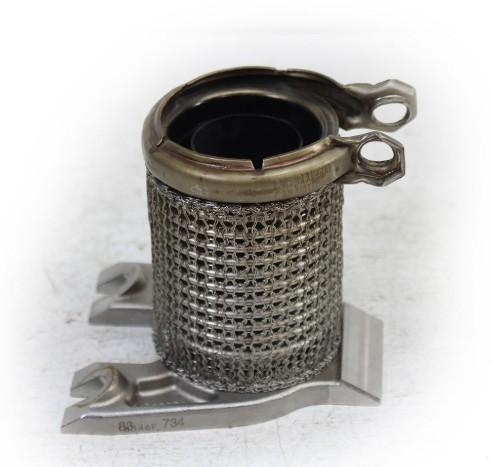
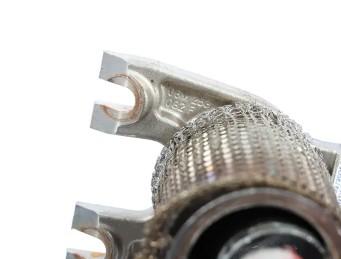
The connector in question in Audi terms is called an Element / Isolator - was available from local Audi garage parts dept, is part no 06M-253-082-F and this is what it looks like and where the part no is on the actual part. As seems to be the case in all modern engines, there is no space for a simple take out and replace, turbos need to be detached etc in order to make space. Issue now resolved and hopefully this helps the next guy who has the same problem
-
I’ve got an 2018 Audi S4 Avant and when in for its service at Local Garage, a leakage was found between the cylinder head and turbo is leaking exhaust fumes. (Video attached) Despite Garage searching - Audi do not make this part and they couldn't find an after market part. Presuming that other S4 owners have had a need for this replacement at some point. A specialist exhaust garage, have looked at video and have expressed doubt whether they could make, as too short and might need specially made flange. (By someone else). They also said that previously an owner had found the part on ebay - however, I've no idea what this part is. Questions:- a) has anyone had someone make this part for them - Details would be great b) what is the name of the part Thx S4 EXHAUST - S4.mp4