Hamish248
Members
-
Joined
-
Last visited
Everything posted by Hamish248
-
Thanks Steve appreciate that. She is a work in progress.
-
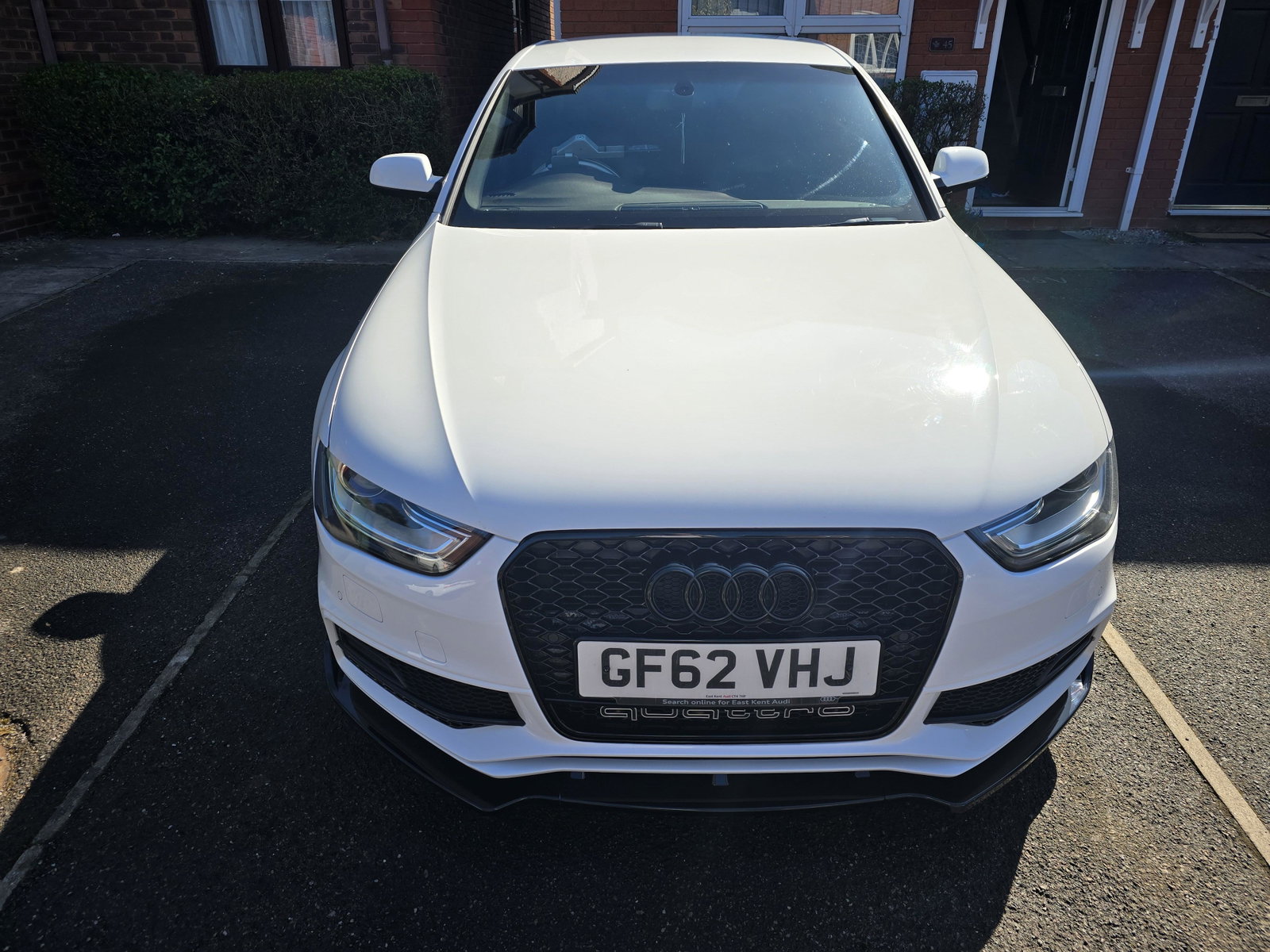
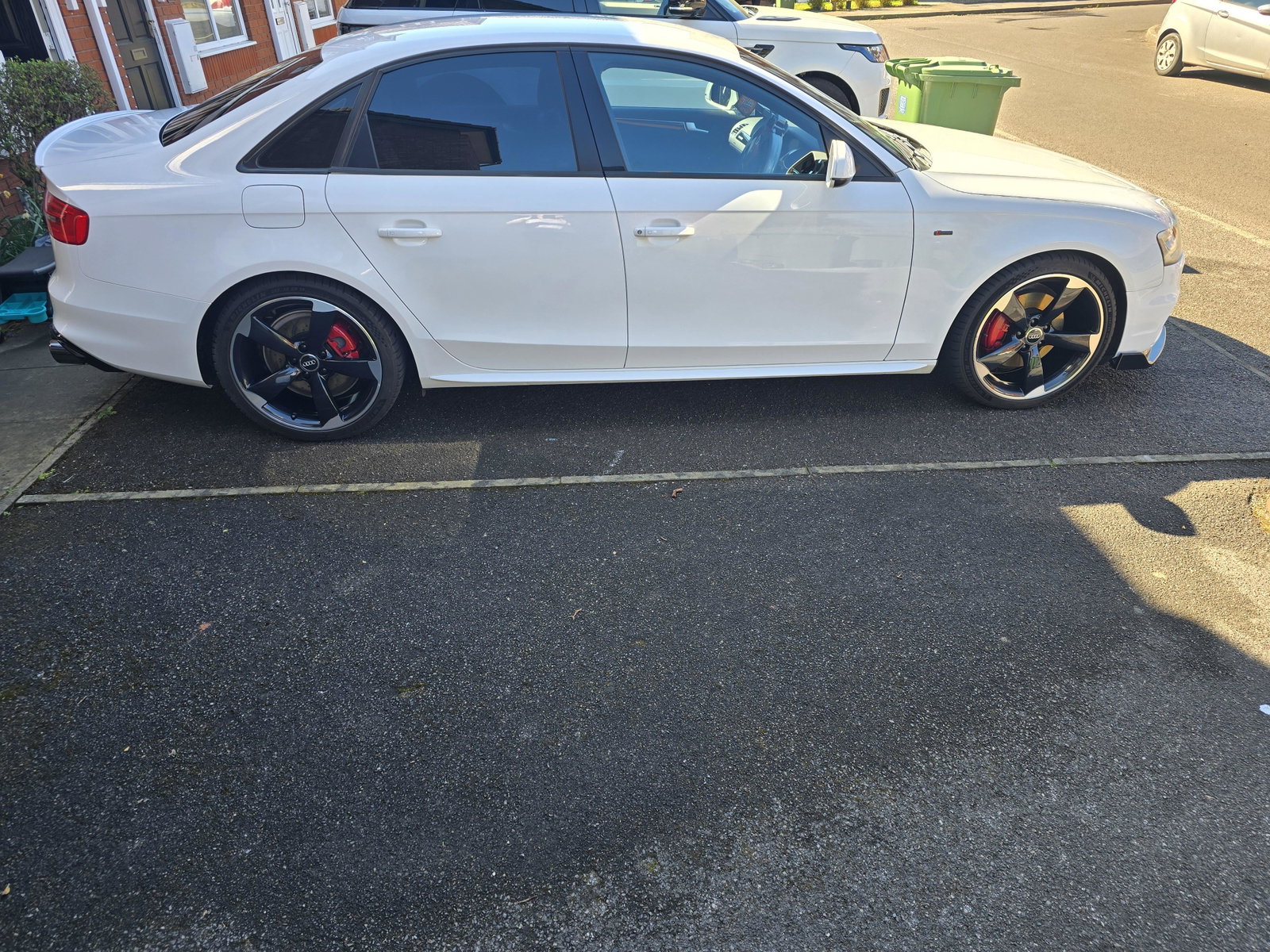
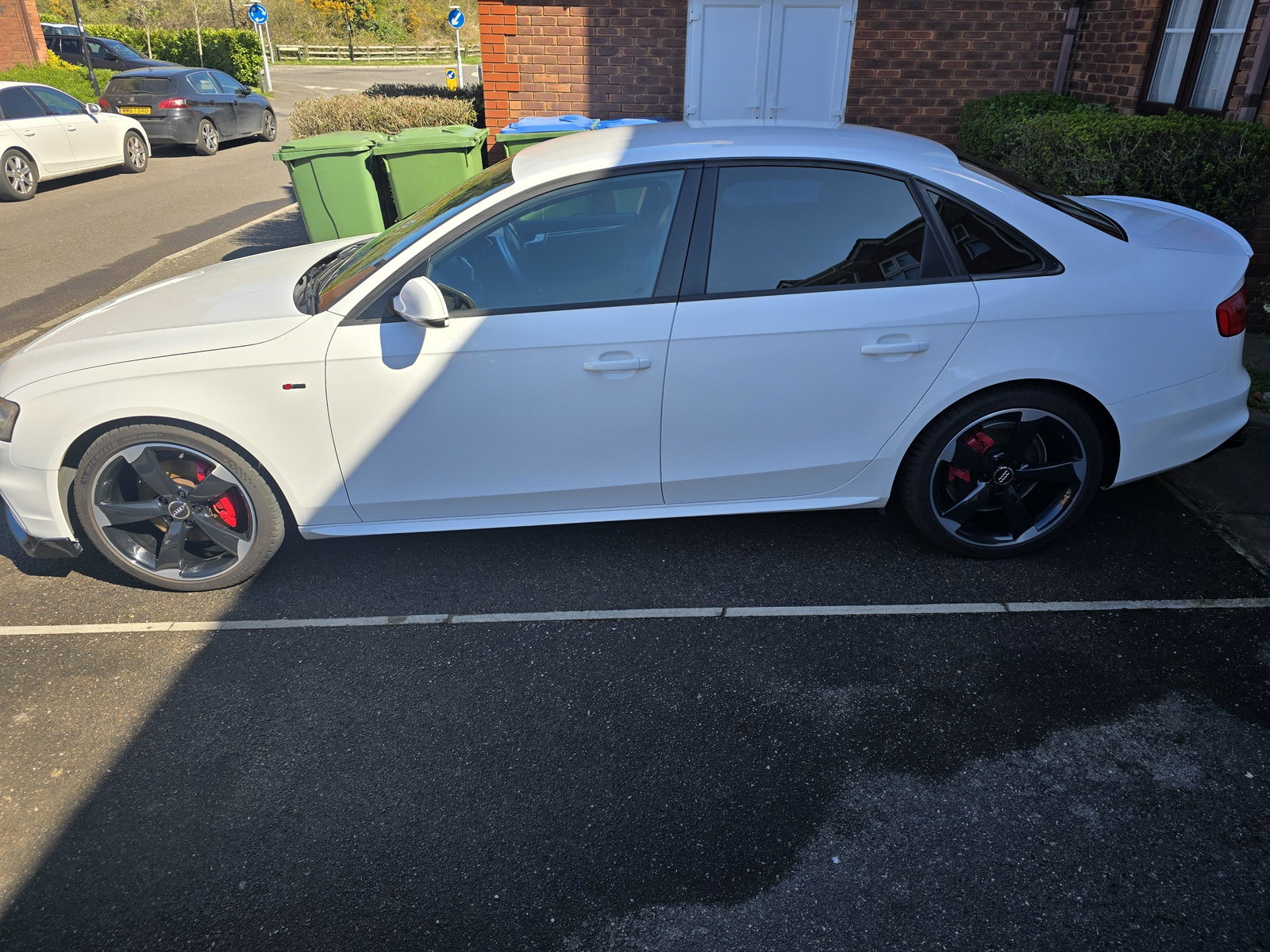
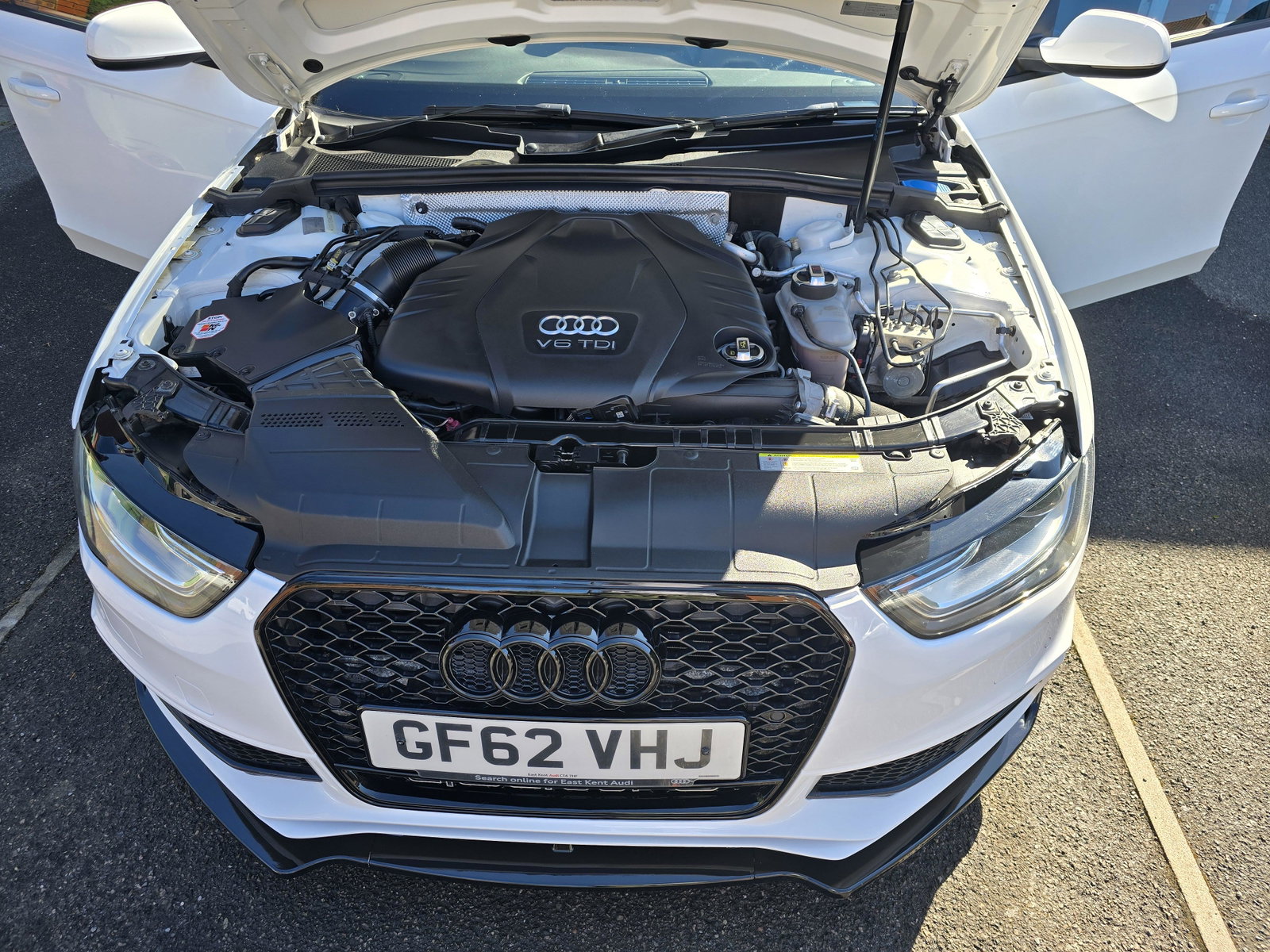
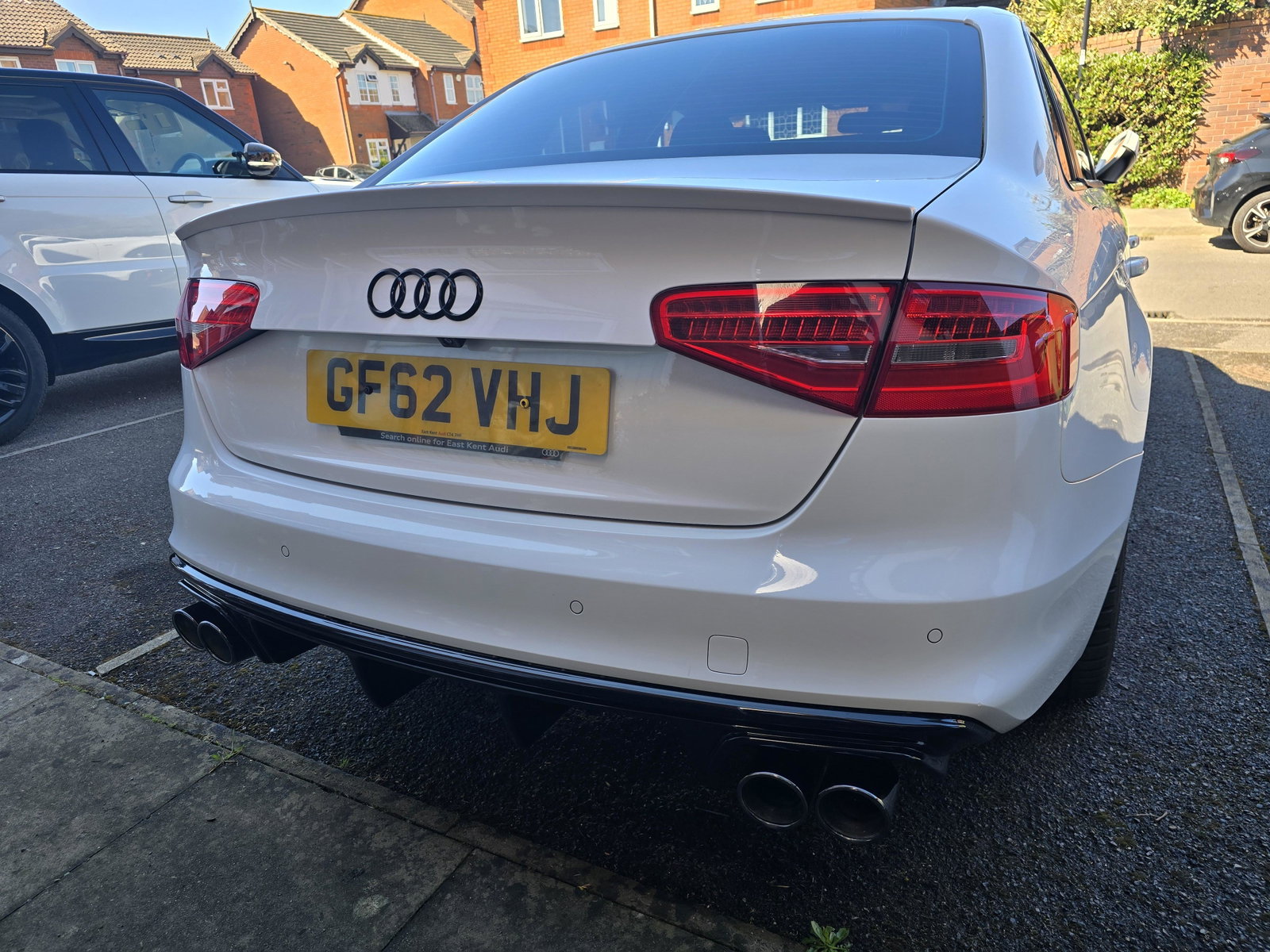
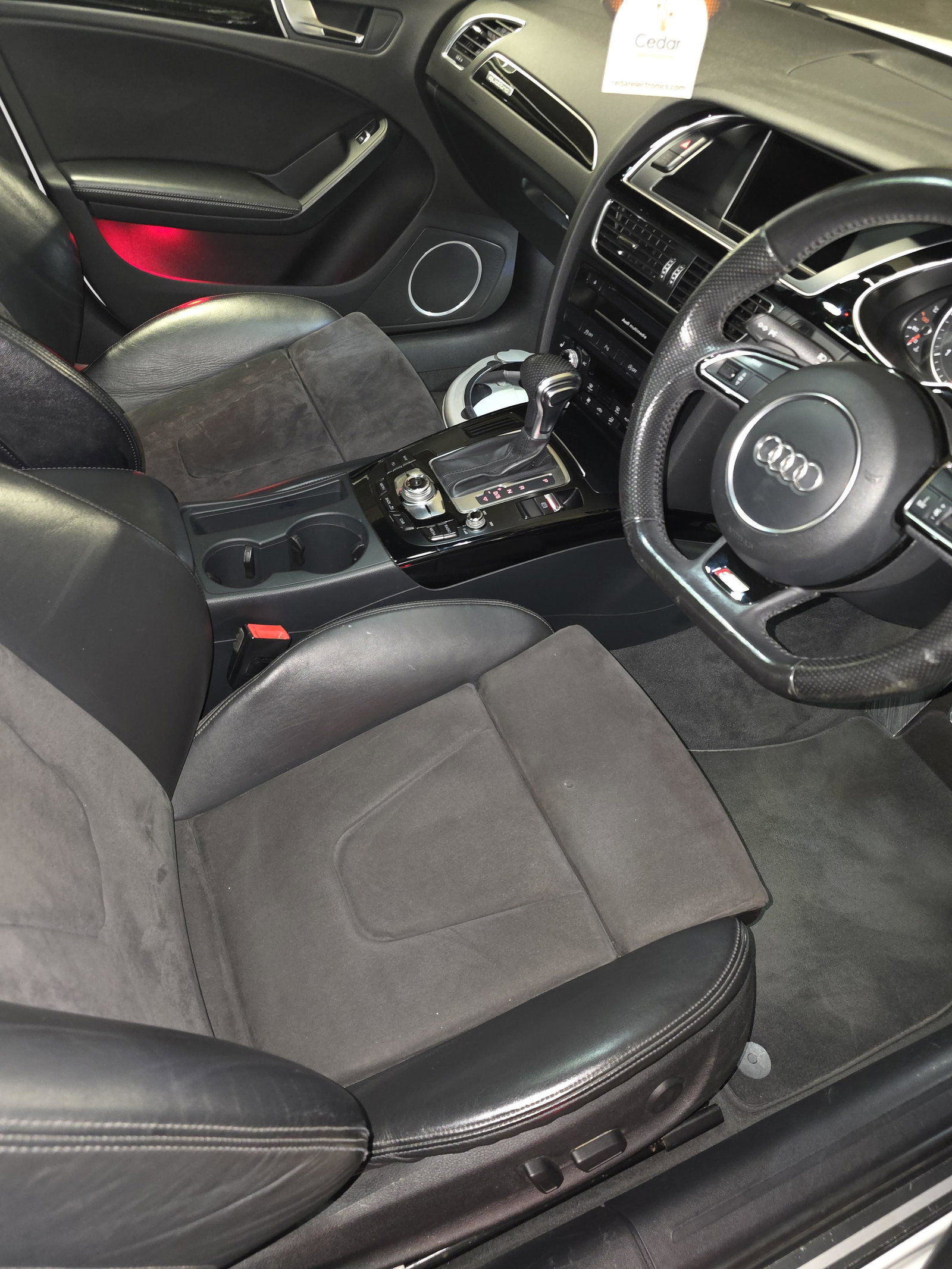
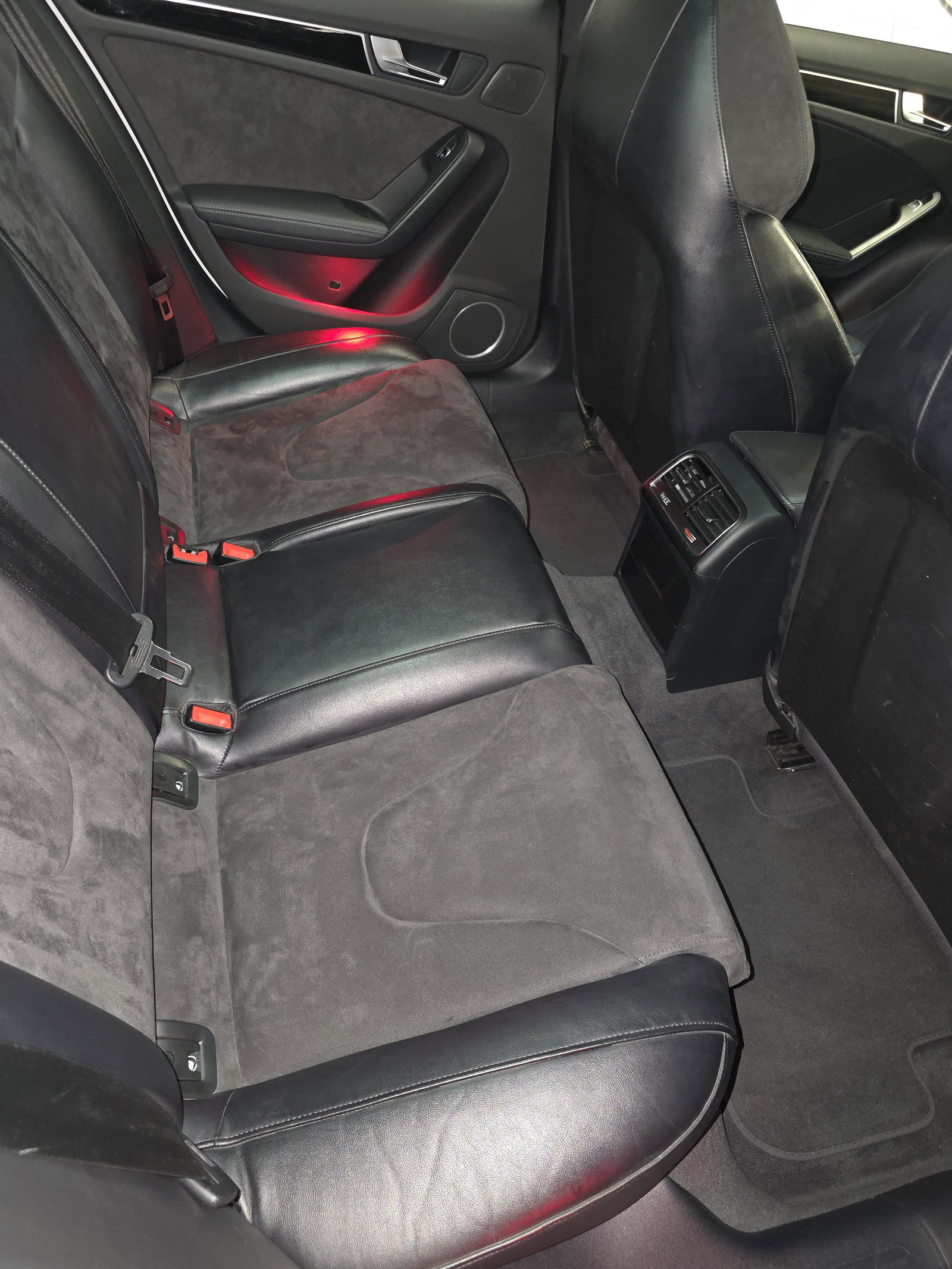
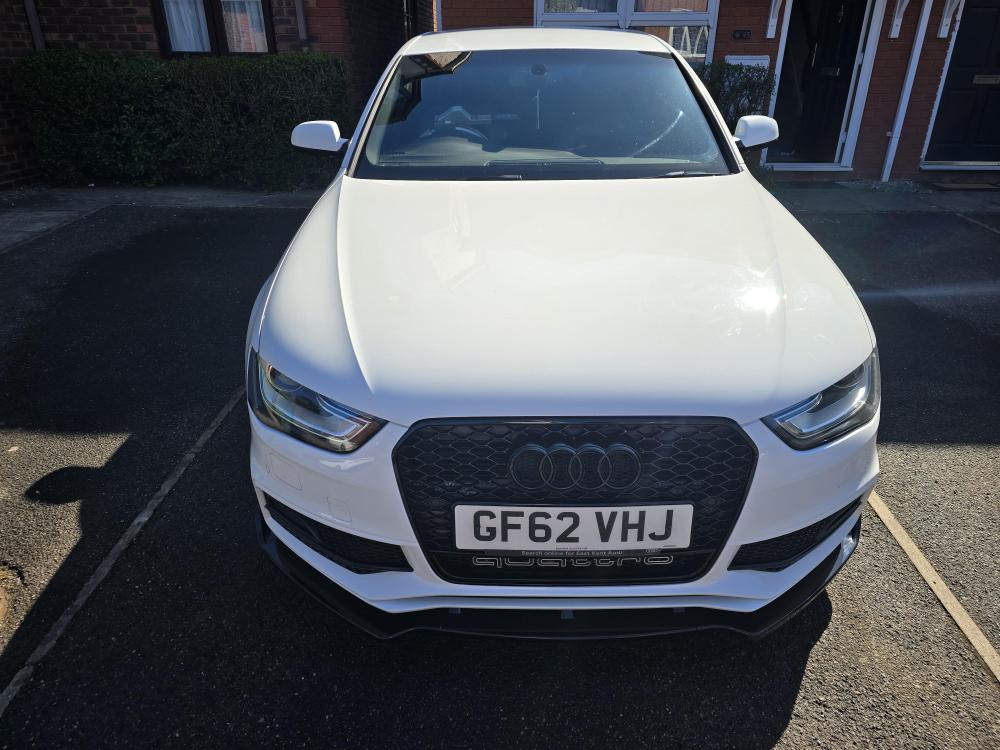
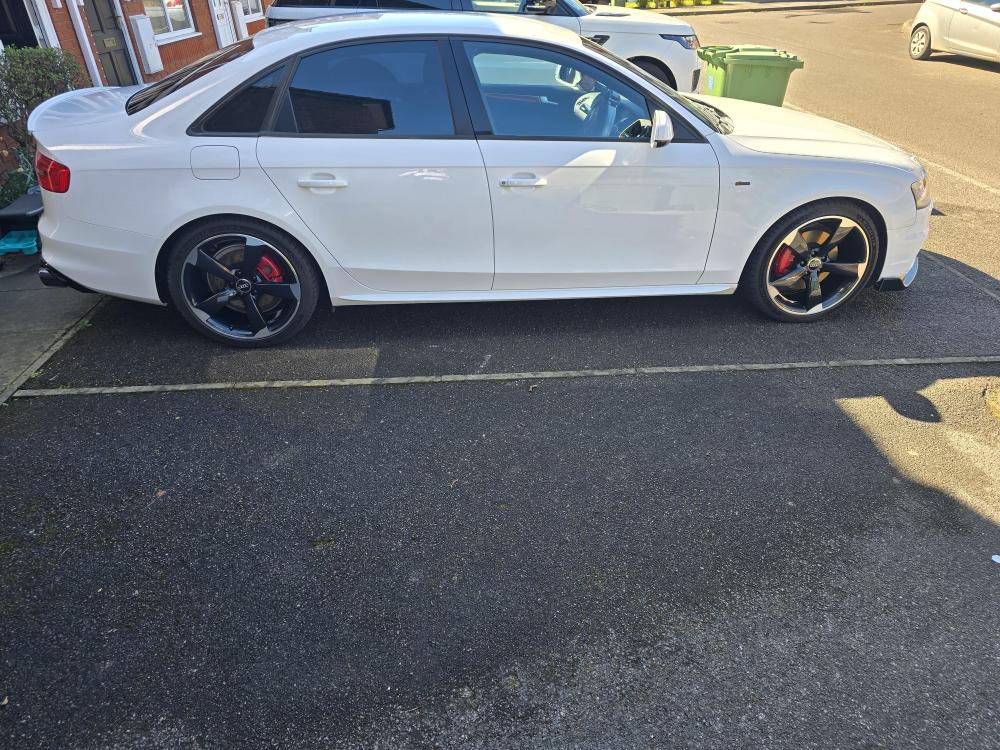
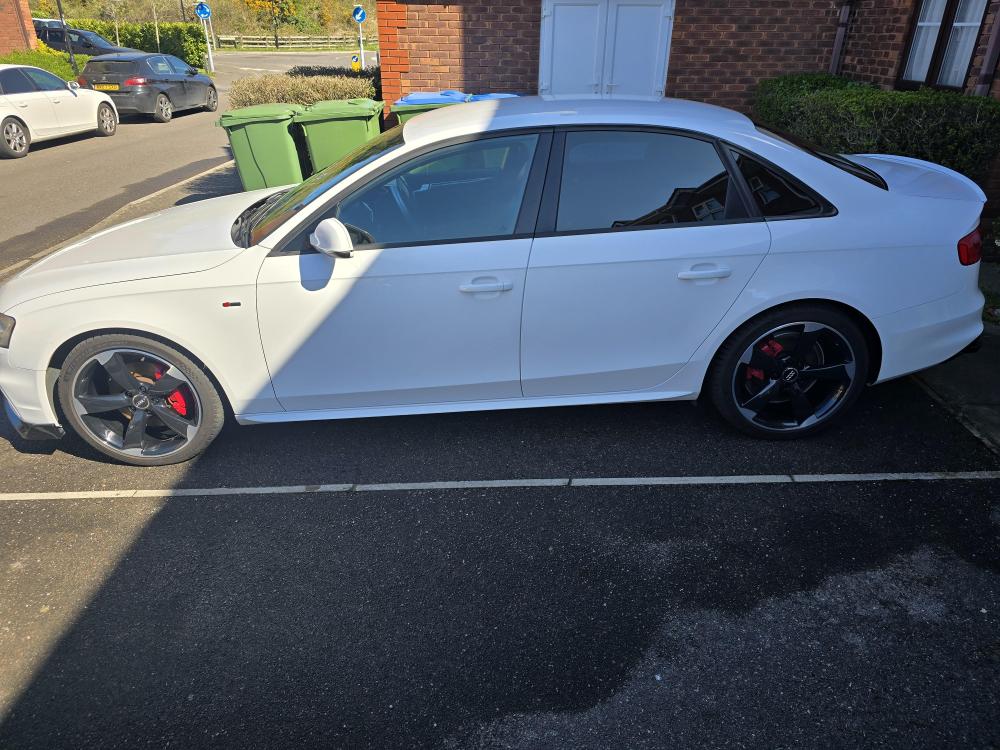
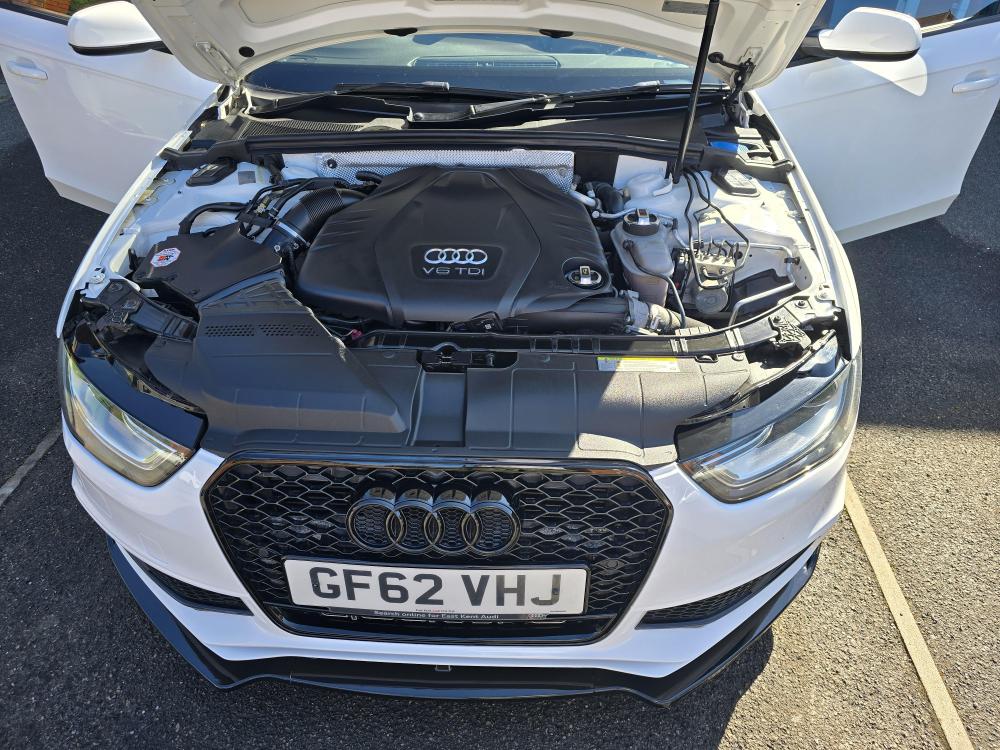
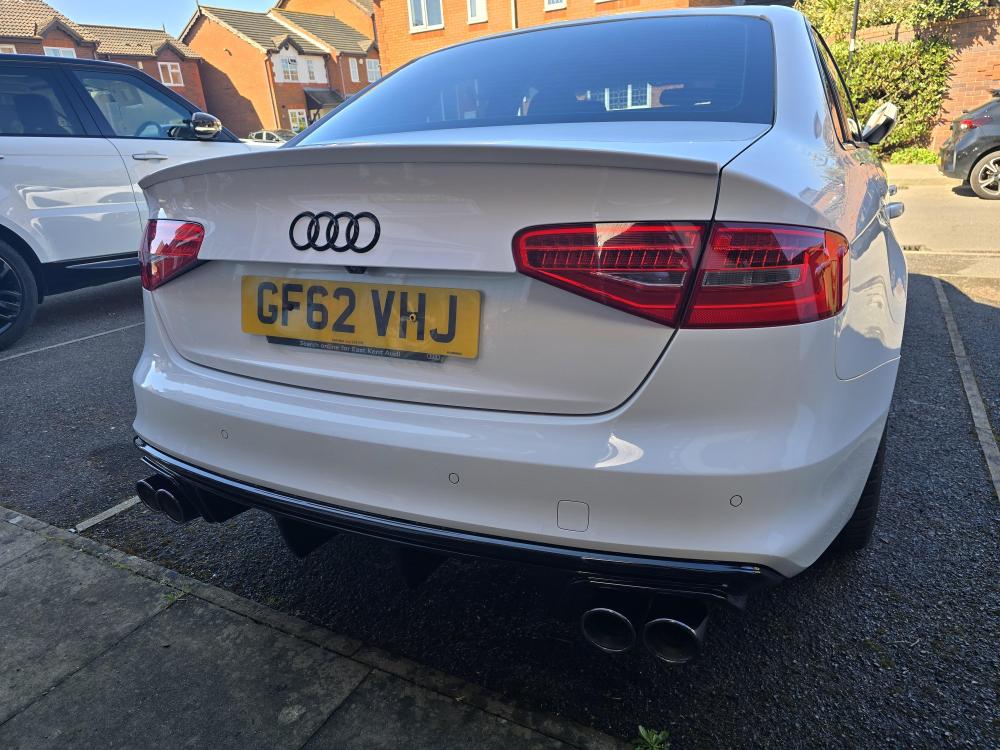
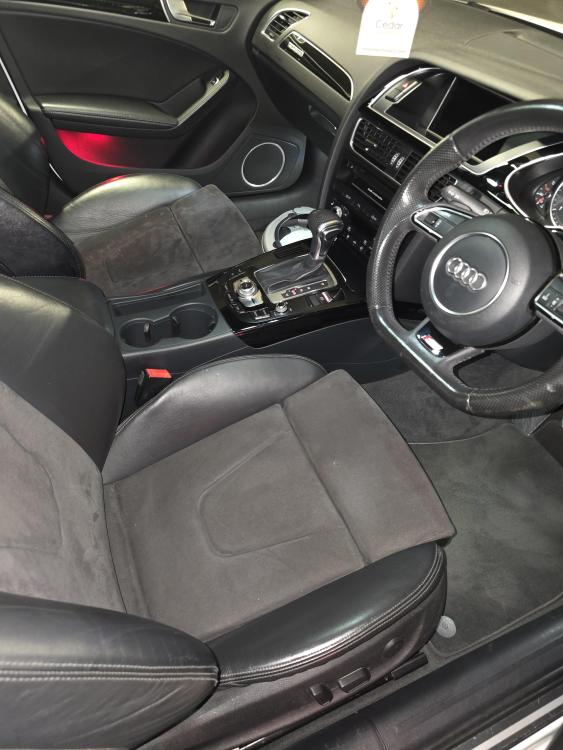
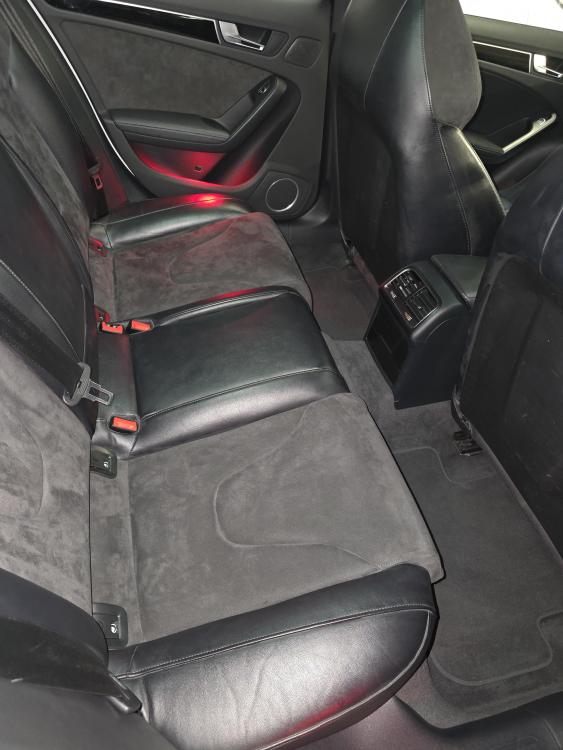
Just joined the owners club so here is my Audi A4 B8.5 3.0Tdi Quattro Black Edition. Had the car about two years, she was standard when I purchased the car. Current modifications: Back box delete. Black gloss rear diffuser. Black chrome exhaust tips. Black gloss badges all round. Black gloss grill. S4 Alcantara seats. RS4 interior door handles. Rear door card window blinds. Audio speakers and tweeters upgraded. K&N air filter. Wagner competition intercooler. RS4 rear anti roll bar. Retrofits: Power fold wing mirrors. MMI 3G plus. Ambient interior lights fitted.
-
Hi all, thought I would finally get off my !Removed! and join the Audi owners club. I have a white Audi A4 B8.5 3.0Tdi Quattro Black Edition, my 1st Audi, 1st automatic and 1st 4 wheel drive car. Absolute pleasure to own.