





Skip to content
View in the app

A better way to browse. Learn more.

Audi Owners Club (UK)

A full-screen app on your home screen with push notifications, badges and more.

To install this app on iOS and iPadOS
  1. Tap the Share icon in Safari
  2. Scroll the menu and tap Add to Home Screen.
  3. Tap Add in the top-right corner.
To install this app on Android
  1. Tap the 3-dot menu (⋮) in the top-right corner of the browser.
  2. Tap Add to Home screen or Install app.
  3. Confirm by tapping Install.

Maff

Members
  • Joined

  • Last visited

Everything posted by Maff

  1. Maff replied to Maff's topic in Audi A4 (B8) Forum
    Thanks David - it could well be it's my newer phone isn't liking the cable I bought, so I'll have a look at the example you've given and try it with the new one and old one. Appreciate the help. 👍
  2. Maff replied to Maff's topic in Audi A4 (B8) Forum
    Thanks, @cliffcoggin. I thought this would have been a fairly common thing people would have bought or had in their car! 😀 I'm guessing everyone else has bluetooth!
  3. Maff replied to Maff's topic in Audi A4 (B8) Forum
    Seeing if I can bump this back up or if someone can direct me to the right thread.
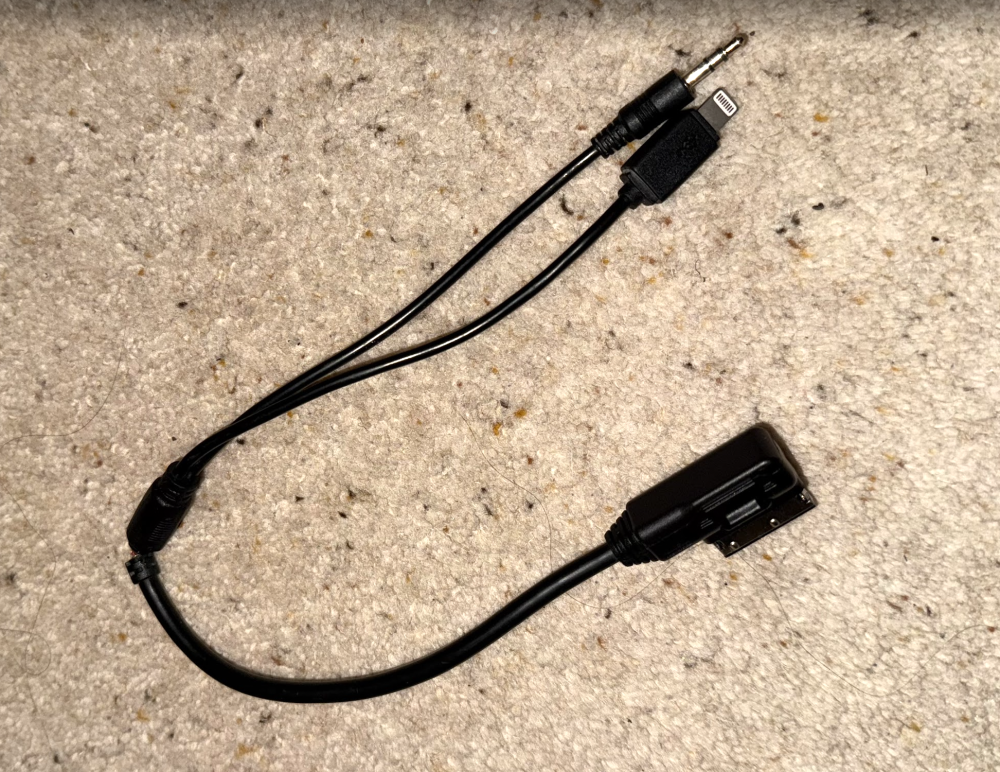
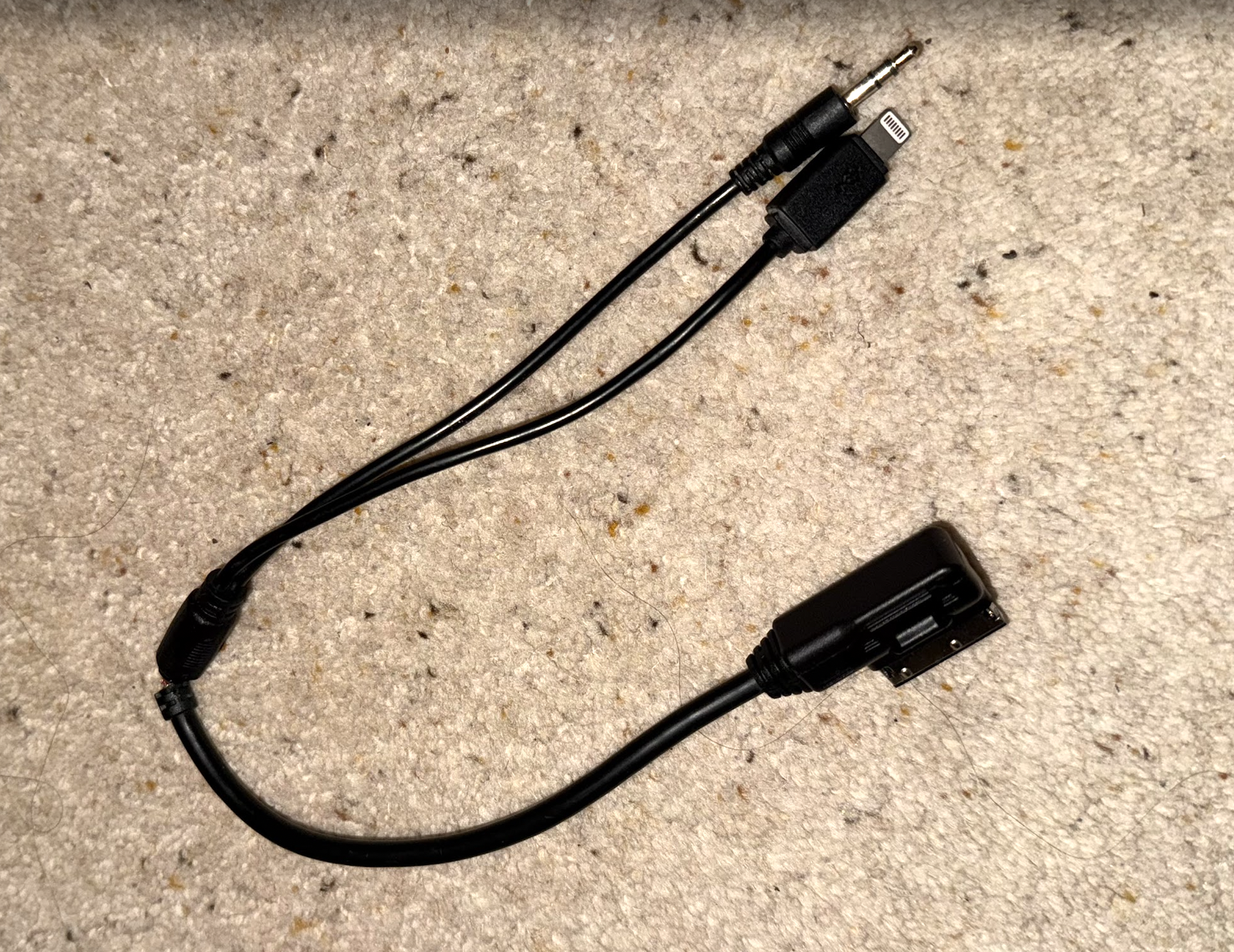
  4. Greetings - I've been connecting my iPhone 11 Pro and then 16 Pro to my 2014 A4 Black Edition using the following cable (with the relevant adapter) to the jack plug. Alas, the cable has split and died. I've bought two new ones from Amazon, and neither has worked. Any recommendations for one which will?


Background Picker
Customize Layout

Account

Navigation

Search

Search

Configure browser push notifications

Chrome (Android)
  1. Tap the lock icon next to the address bar.
  2. Tap Permissions → Notifications.
  3. Adjust your preference.
Chrome (Desktop)
  1. Click the padlock icon in the address bar.
  2. Select Site settings.
  3. Find Notifications and adjust your preference.