Skip to content
View in the app

A better way to browse. Learn more.

Audi Owners Club (UK)

A full-screen app on your home screen with push notifications, badges and more.

To install this app on iOS and iPadOS
  1. Tap the Share icon in Safari
  2. Scroll the menu and tap Add to Home Screen.
  3. Tap Add in the top-right corner.
To install this app on Android
  1. Tap the 3-dot menu (⋮) in the top-right corner of the browser.
  2. Tap Add to Home screen or Install app.
  3. Confirm by tapping Install.


DavidFyffe

Members
  • Joined

  • Last visited

Everything posted by DavidFyffe

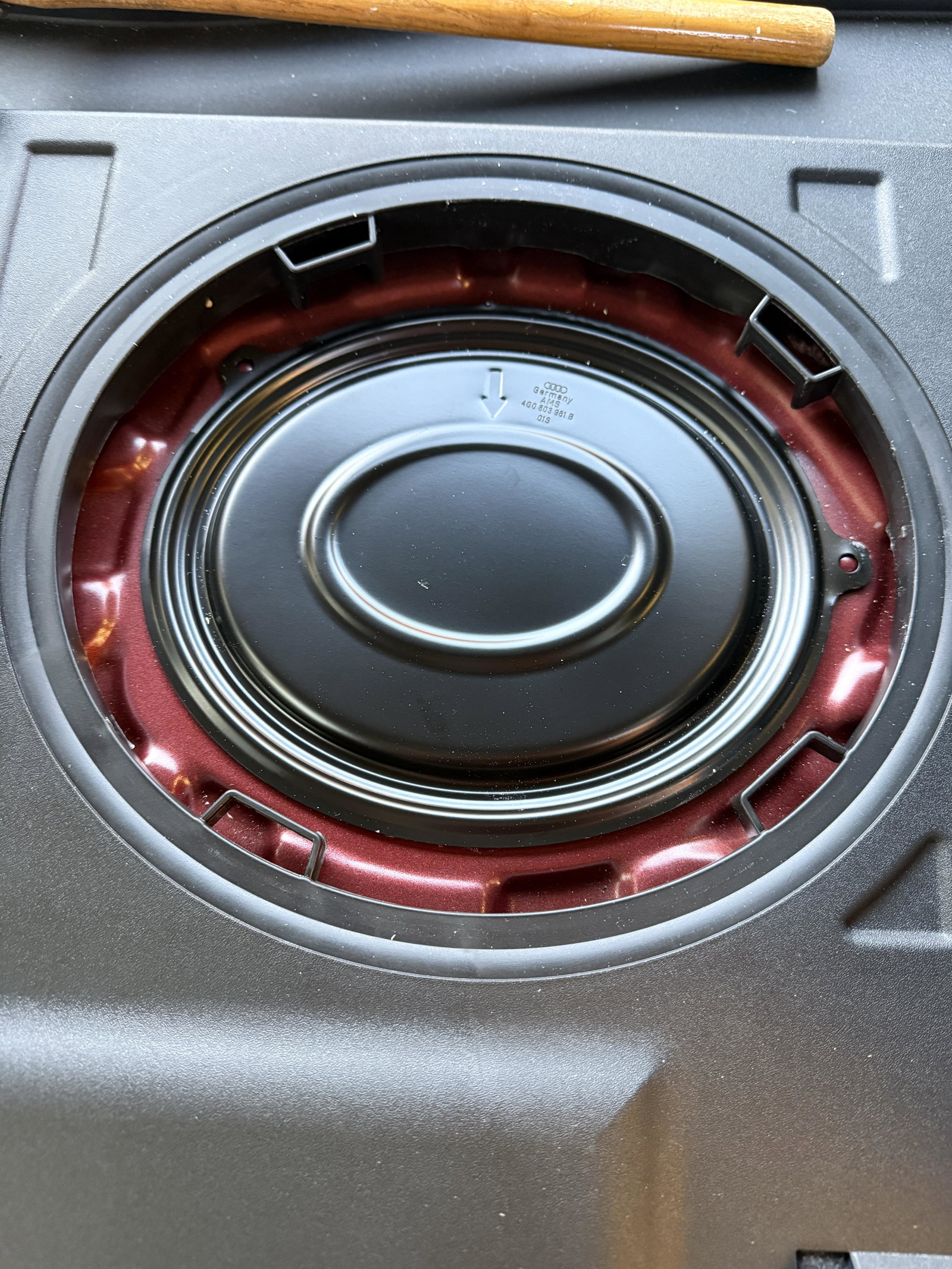
  1. That was the wrong cover the correct one is under the back seat behind the driver. Thanks anyway🤔
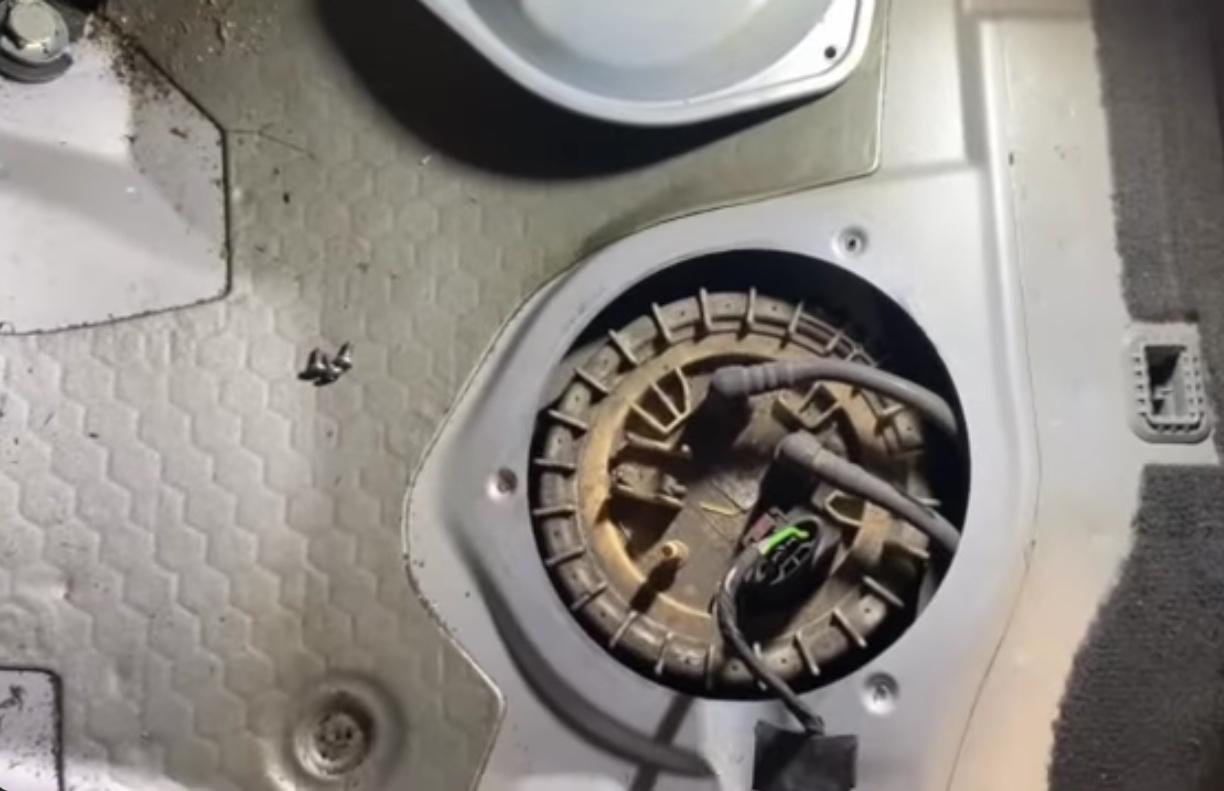
  2. Hi Steve As far as I know under that cover is another cover giving access to the fuel tank. This cover has the fuel pump and float switch attached and suspect the switch is faulty ? Similar to this A6 most of the initial covers seem to be fixed by screws. Mine seems to be snapped in some way.
  3. Hi Steve As far as I know under that cover is another cover giving access to the fuel tank. This cover has the fuel pump and float switch attached and suspect the switch is faulty ? Similar to this A6 most of the initial covers seem to be fixed by screws. Mine seems to be snapped in some way.
  4. How to get access to the sensor not sure how to remove the cover


Background Picker
Customize Layout

Account

Navigation

Search

Search

Configure browser push notifications

Chrome (Android)
  1. Tap the lock icon next to the address bar.
  2. Tap Permissions → Notifications.
  3. Adjust your preference.
Chrome (Desktop)
  1. Click the padlock icon in the address bar.
  2. Select Site settings.
  3. Find Notifications and adjust your preference.