Skip to content
View in the app

A better way to browse. Learn more.

Audi Owners Club (UK)

A full-screen app on your home screen with push notifications, badges and more.

To install this app on iOS and iPadOS
  1. Tap the Share icon in Safari
  2. Scroll the menu and tap Add to Home Screen.
  3. Tap Add in the top-right corner.
To install this app on Android
  1. Tap the 3-dot menu (⋮) in the top-right corner of the browser.
  2. Tap Add to Home screen or Install app.
  3. Confirm by tapping Install.


md1

Members
  • Joined

  • Last visited

Everything posted by md1

  1. md1 replied to md1's topic in Audi A6 (C7) Forum
    A good friend of mine is a vw technician he's gonna take it up and put it on their system to see if it unveils anything
  2. md1 posted a topic in Audi A6 (C7) Forum
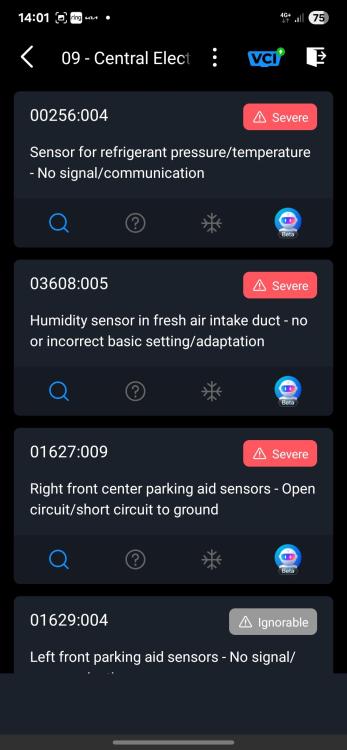
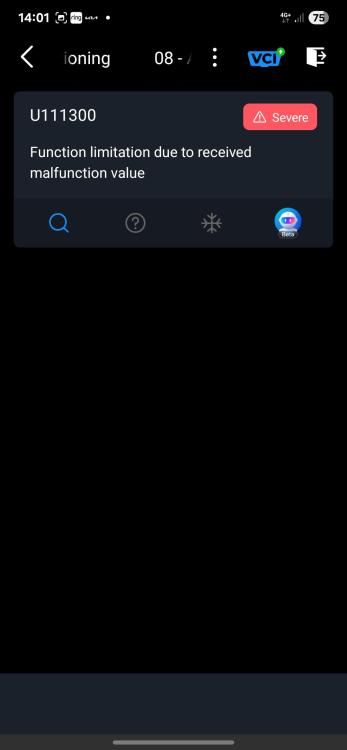
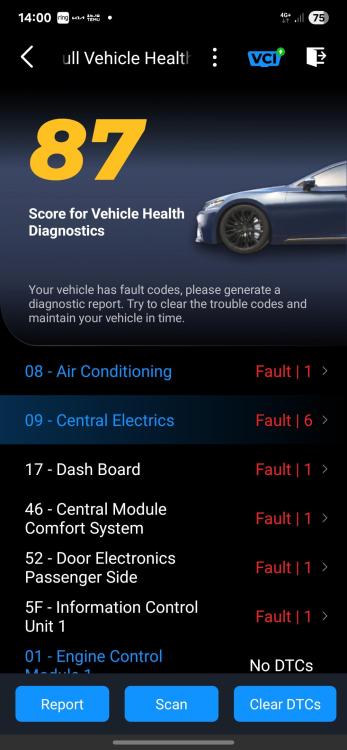
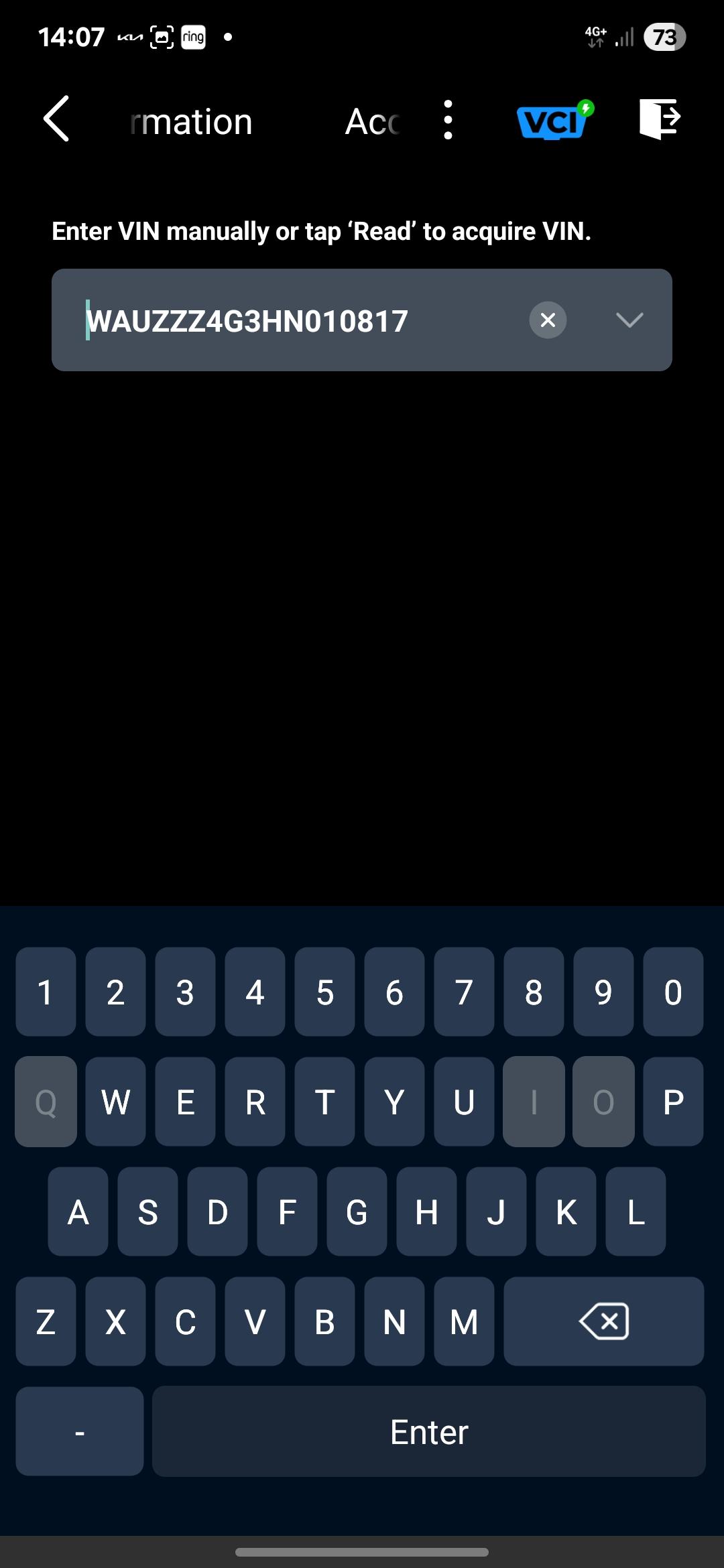
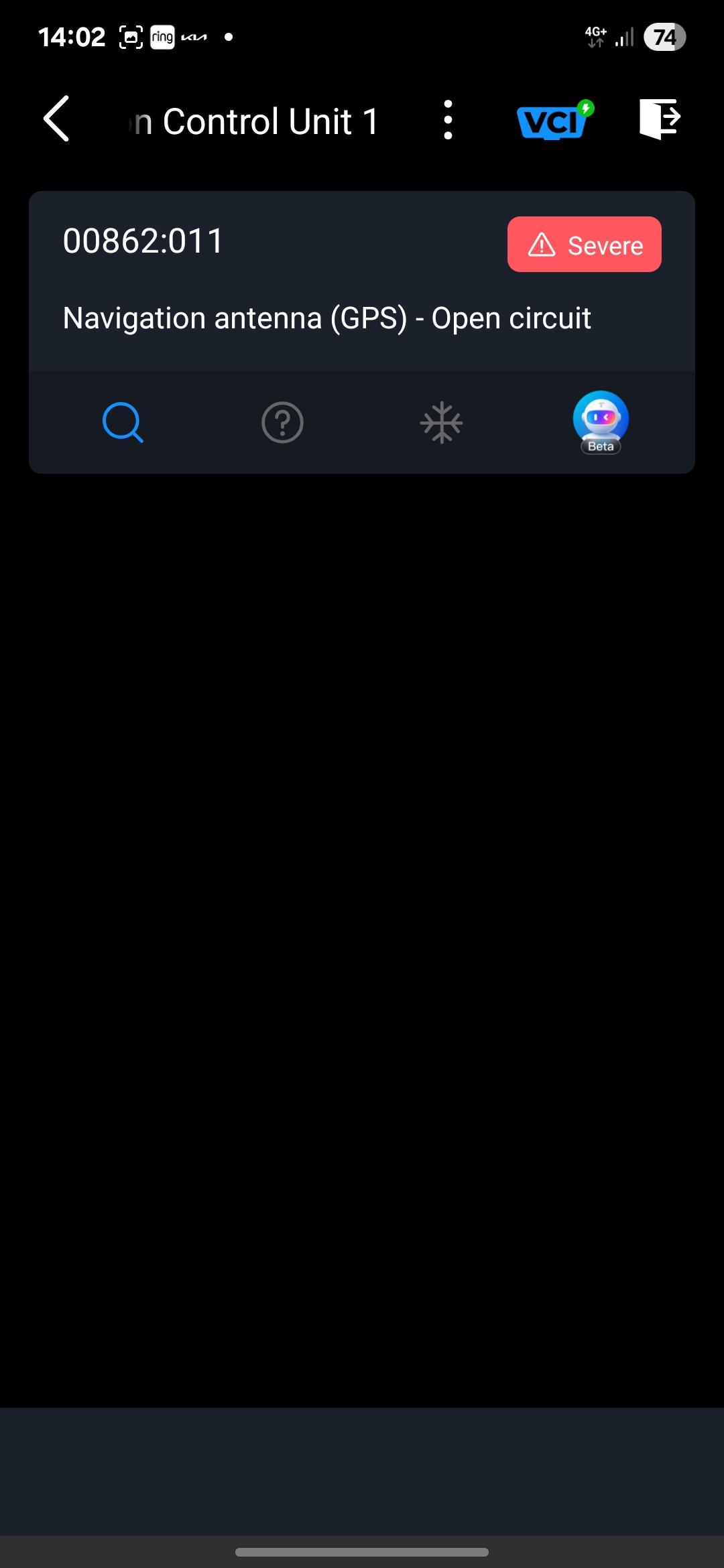
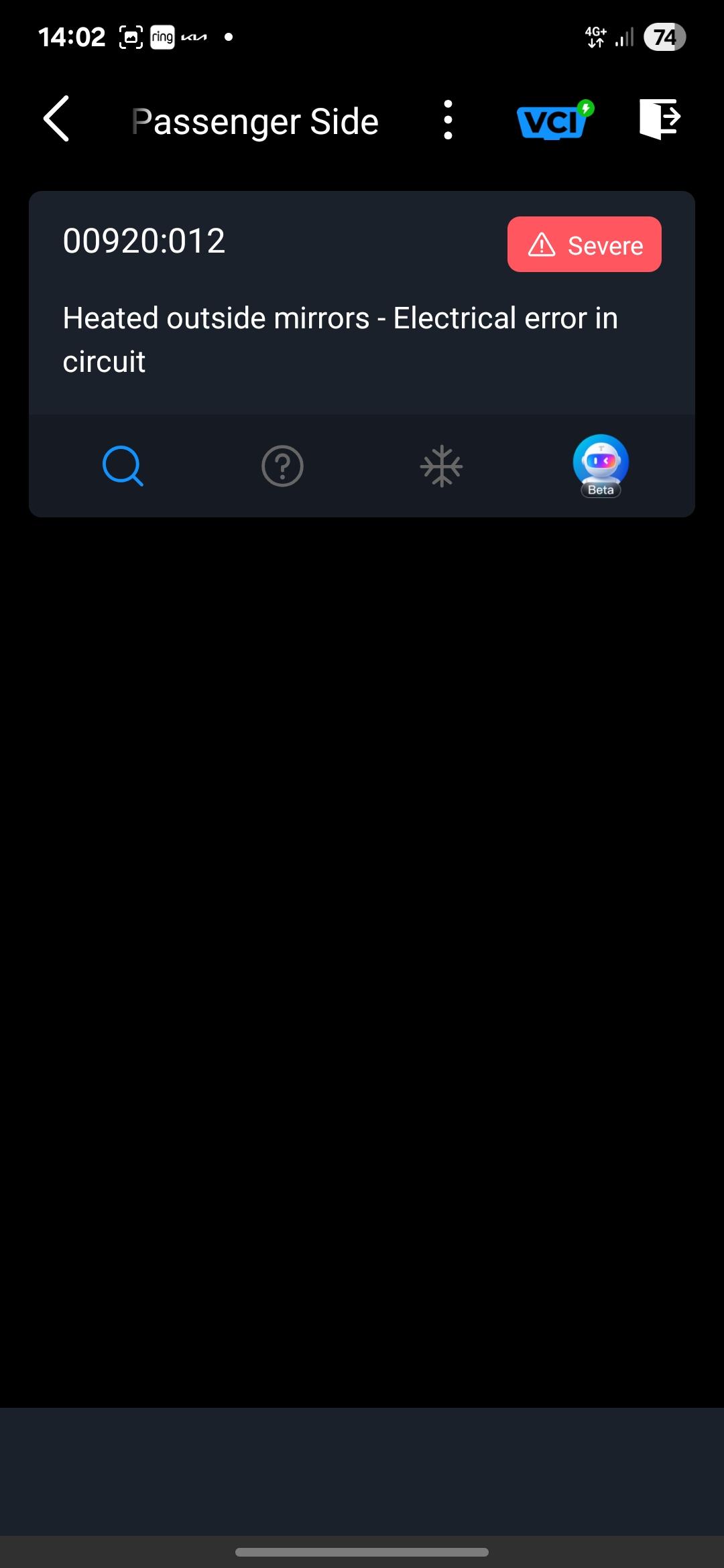
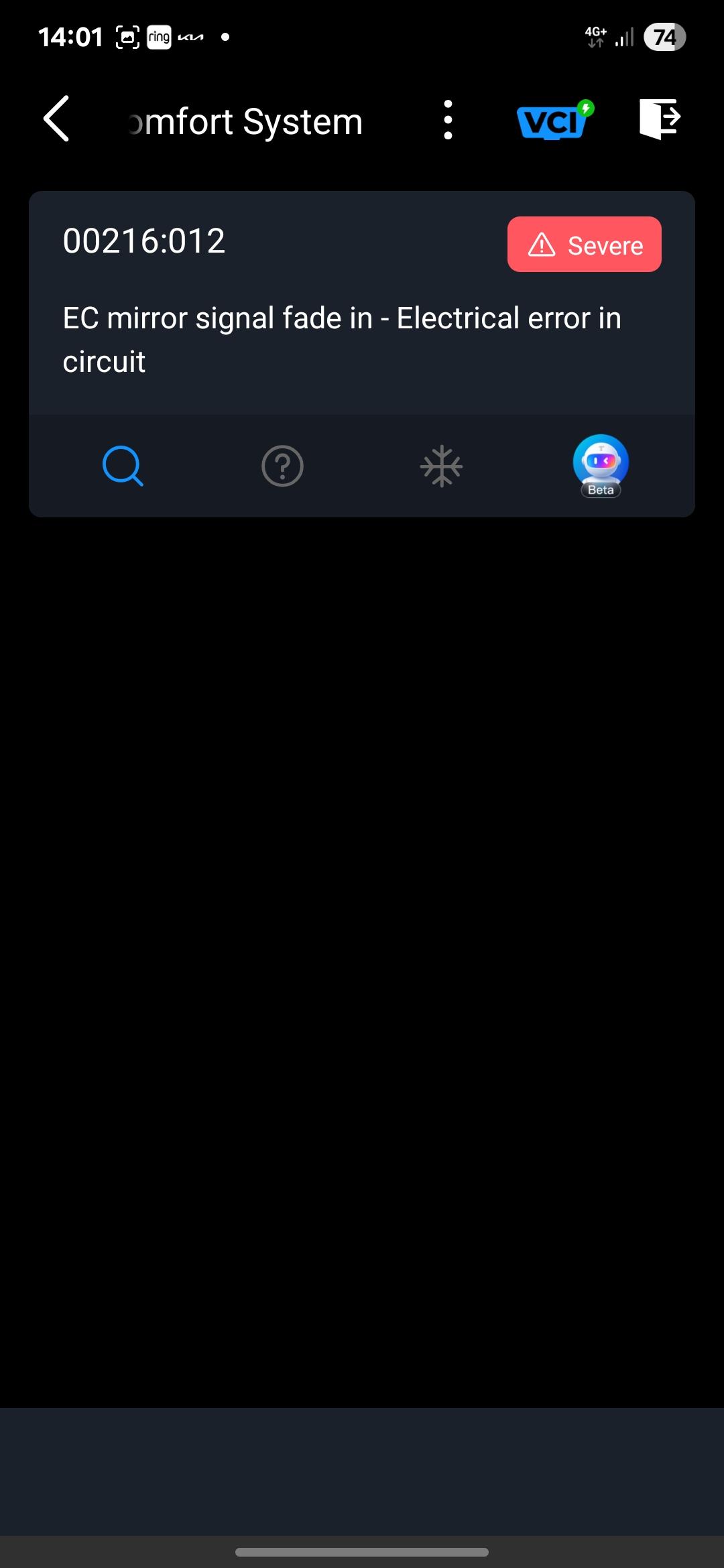
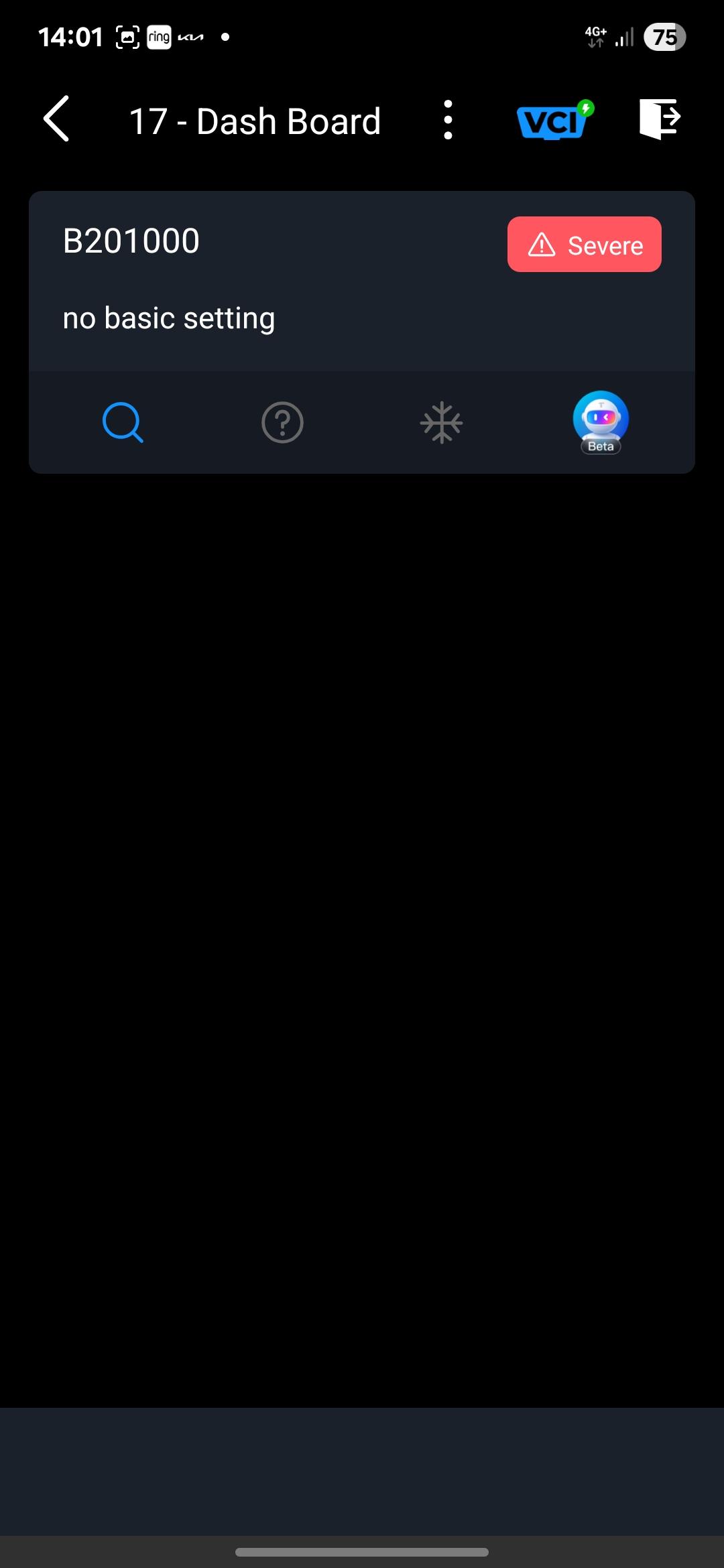
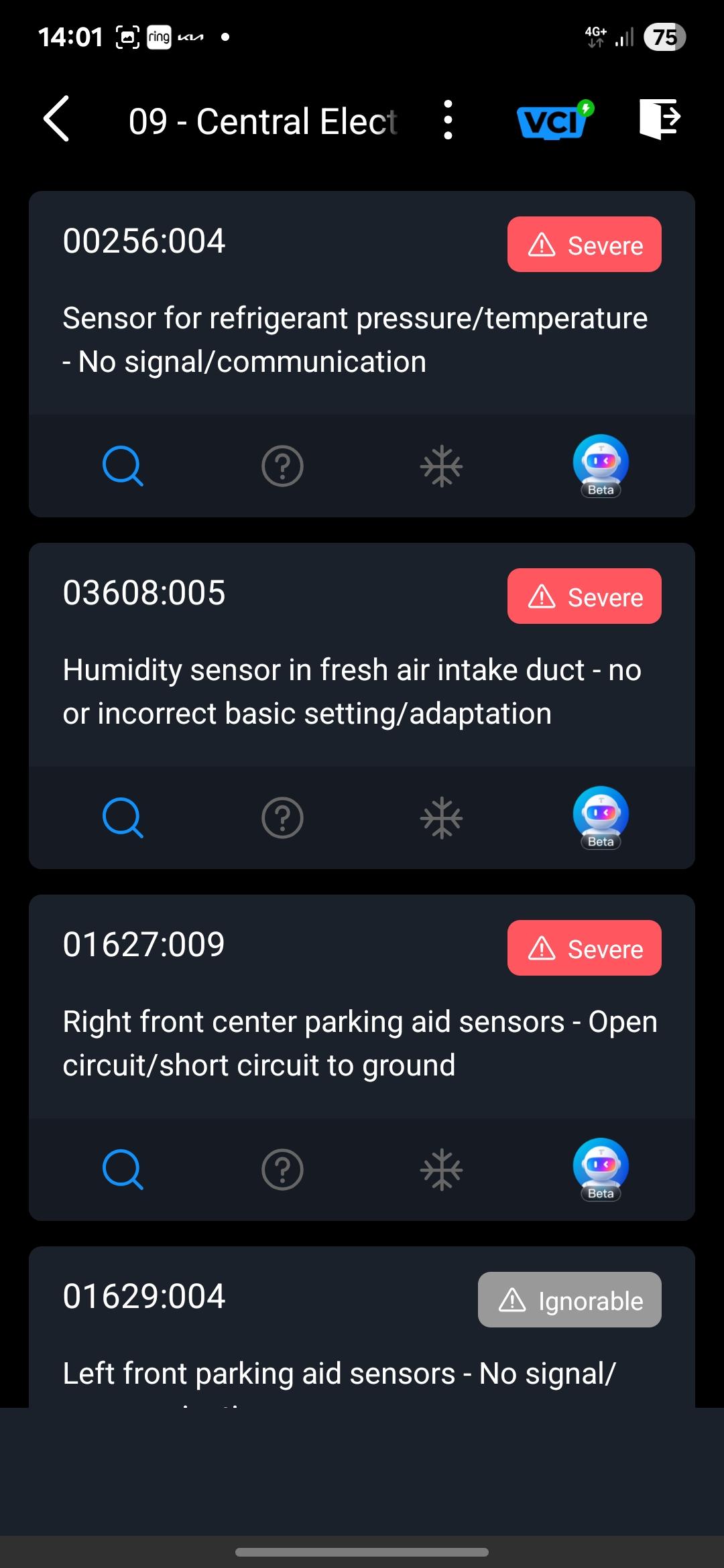
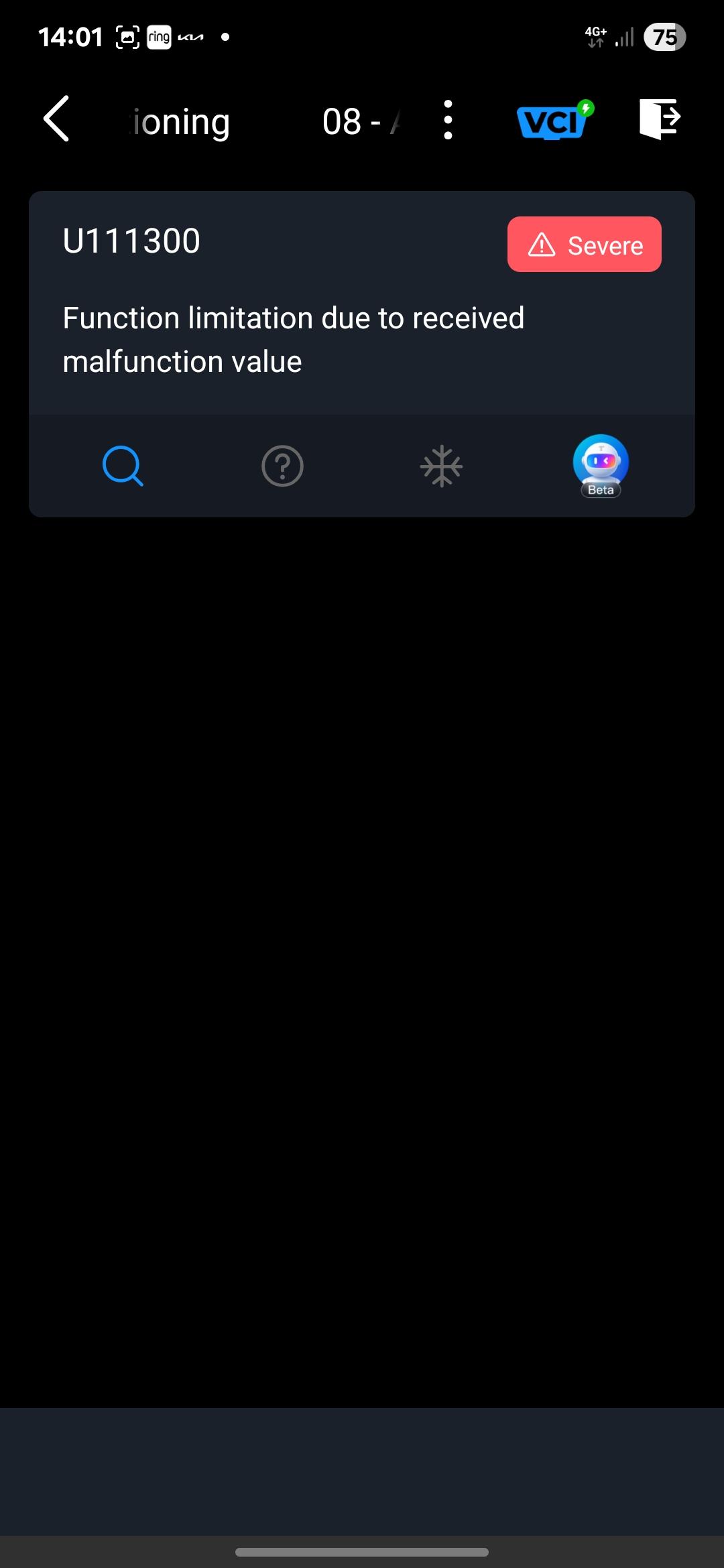
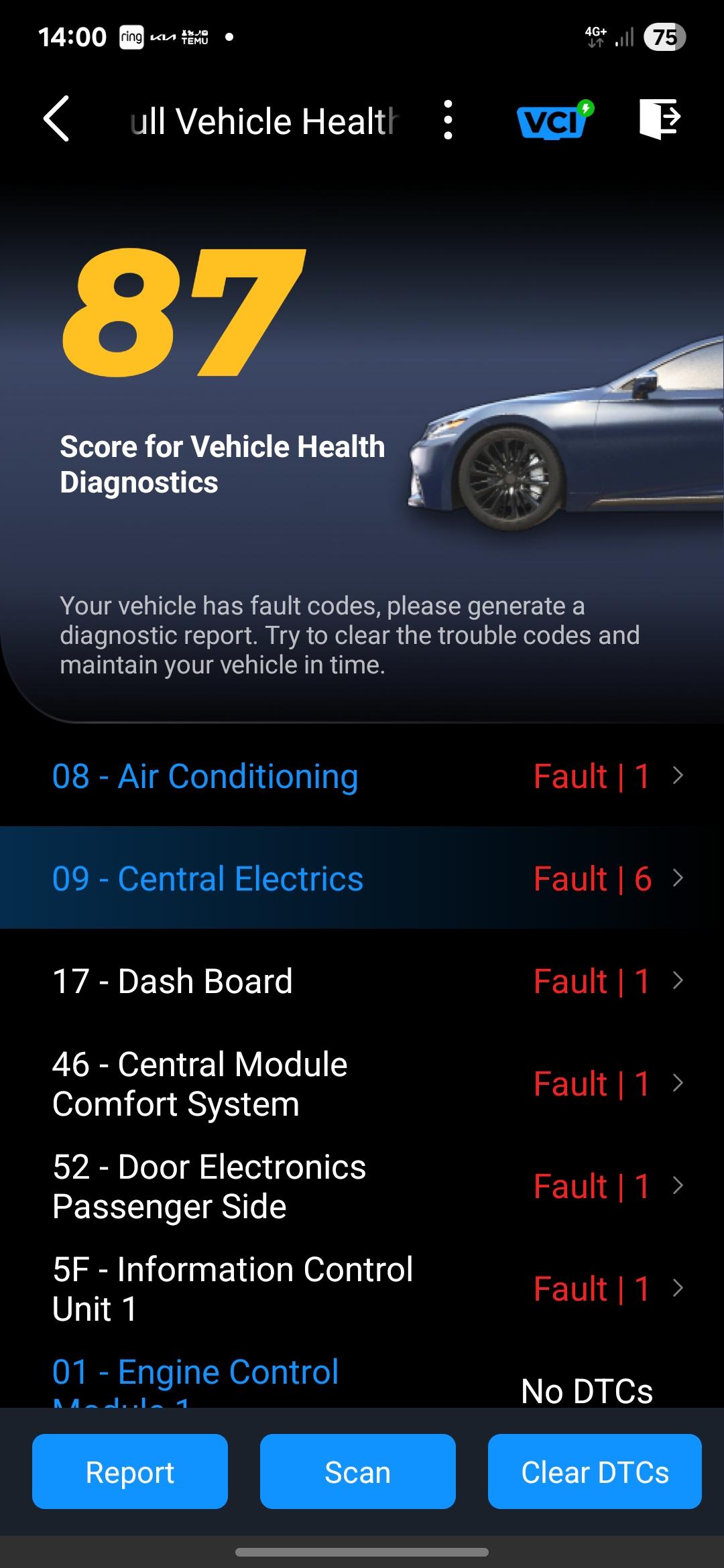
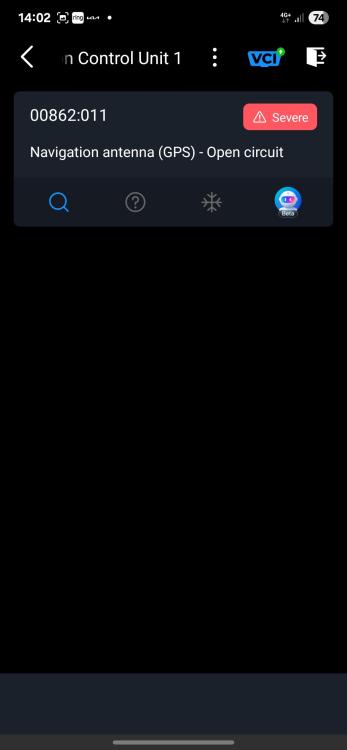
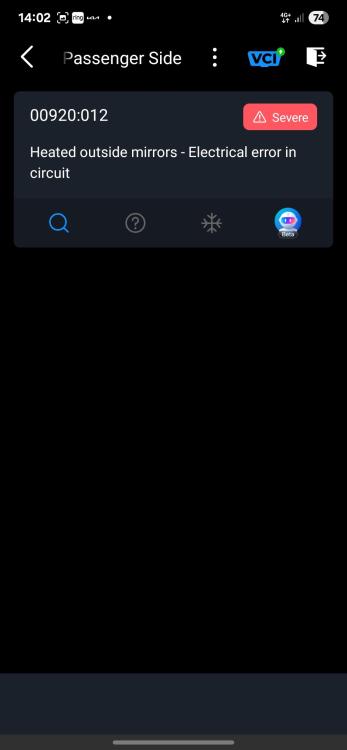
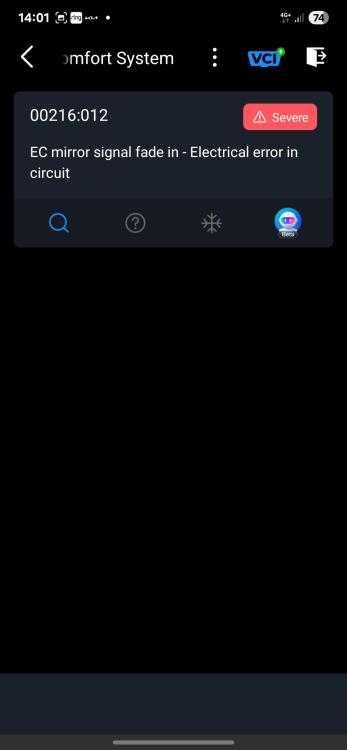
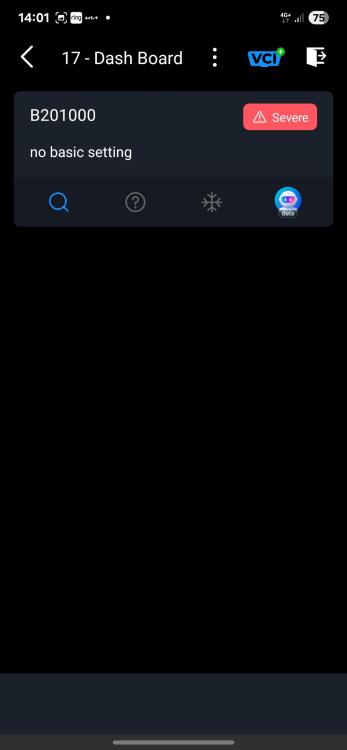
    Hi all, I just got a 2016 a6 se executive expecting to get decent mpg. The car has had a full service history but the average mpg is 28.6 to 34.9 the higher is on a motorway. I bought a diagnostic machine (carpal) and it's brought up no engine faults. 18 gms of soot which audi says is normal, the only thing it did is the faults you see in the pics, so is this cause the car is a bit older or is there something else I can check.
Background Picker
Customize Layout

Account

Navigation

Search

Search

Configure browser push notifications

Chrome (Android)
  1. Tap the lock icon next to the address bar.
  2. Tap Permissions → Notifications.
  3. Adjust your preference.
Chrome (Desktop)
  1. Click the padlock icon in the address bar.
  2. Select Site settings.
  3. Find Notifications and adjust your preference.