




Skip to content
View in the app

A better way to browse. Learn more.

Audi Owners Club (UK)

A full-screen app on your home screen with push notifications, badges and more.

To install this app on iOS and iPadOS
  1. Tap the Share icon in Safari
  2. Scroll the menu and tap Add to Home Screen.
  3. Tap Add in the top-right corner.
To install this app on Android
  1. Tap the 3-dot menu (⋮) in the top-right corner of the browser.
  2. Tap Add to Home screen or Install app.
  3. Confirm by tapping Install.


Kula

Members
  • Joined

  • Last visited

Everything posted by Kula

  1. When fitting the aftermarket unit does that include changing both radio and screen? And what happens with functions that original unit has like checking oil level or setting the wipers position?
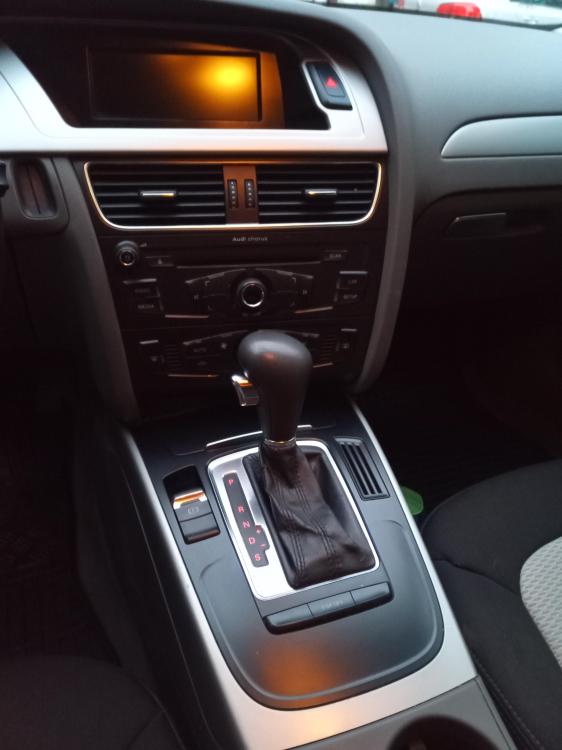
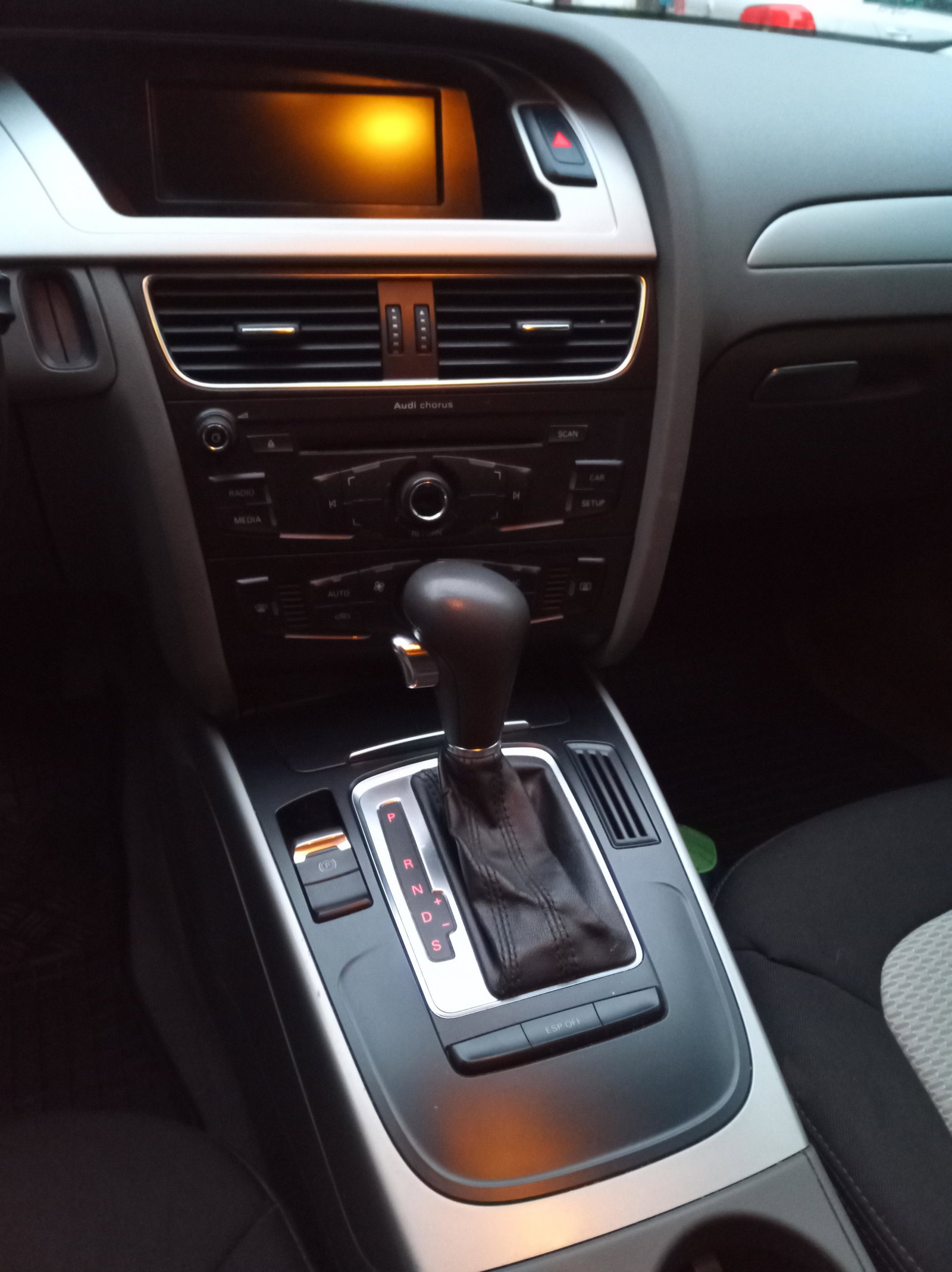
  2. Hi guys, I couldn find anything specific about my topic so I'm asking here. Thank you in advance for the answers. I have an A4 B8 2010 with Chorus radio installed. I wonder is it possible to replace it with Concert or Symphony unit (they have SD card slot) and is it straight forward or it requires additional software/hardware upgrade?


Background Picker
Customize Layout

Account

Navigation

Search

Search

Configure browser push notifications

Chrome (Android)
  1. Tap the lock icon next to the address bar.
  2. Tap Permissions → Notifications.
  3. Adjust your preference.
Chrome (Desktop)
  1. Click the padlock icon in the address bar.
  2. Select Site settings.
  3. Find Notifications and adjust your preference.