Yorkie065
Members
-
Joined
-
Last visited
Everything posted by Yorkie065
-
Thanks the advice! Unfortunately I'm not that handy with fixing/changing stuff on cars so will be taking the expensive route of getting anything sorted through an Audi garage. My dad enjoys polishing and detailing cars, so will have a chat with him about doing the underside and getting some Lanoguard under there, especially with the recent salting and gritting the snow fall the UK is experiencing at the moment. Car is already filthy!
-
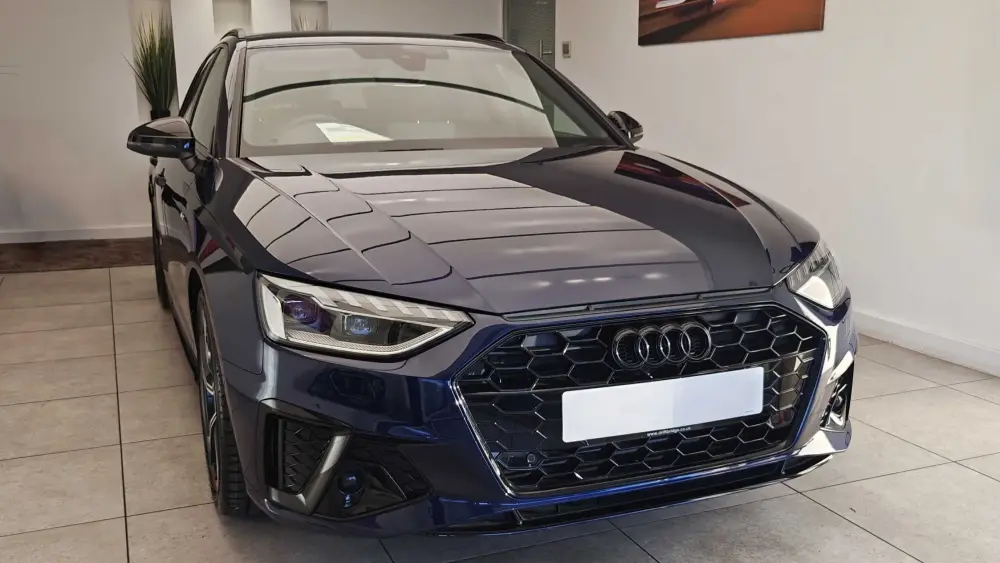
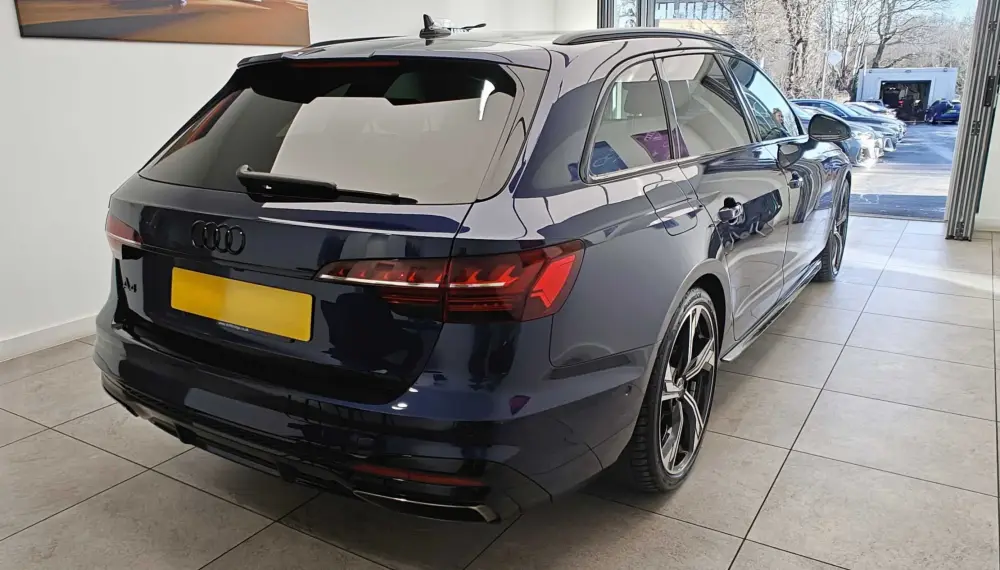
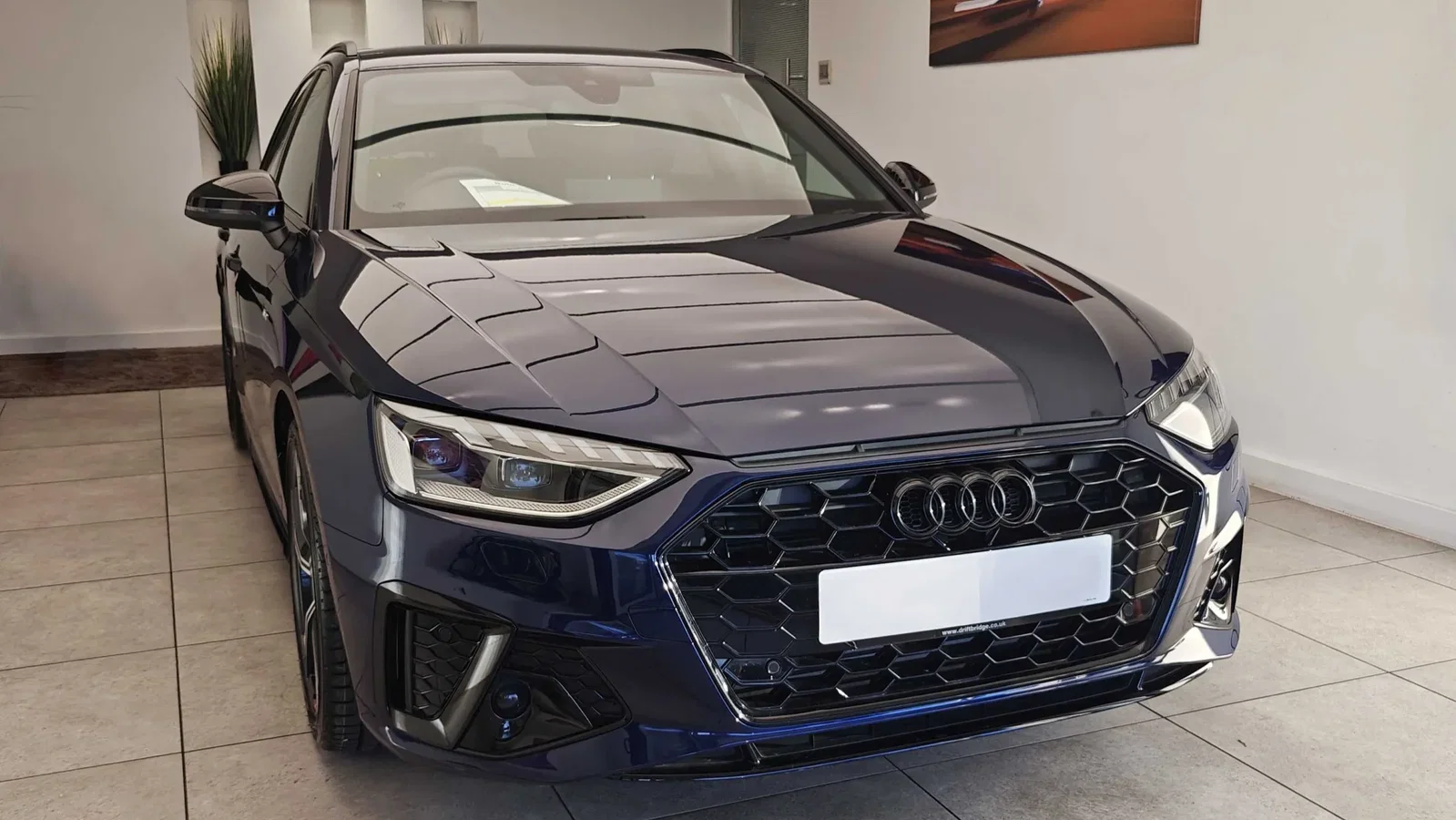
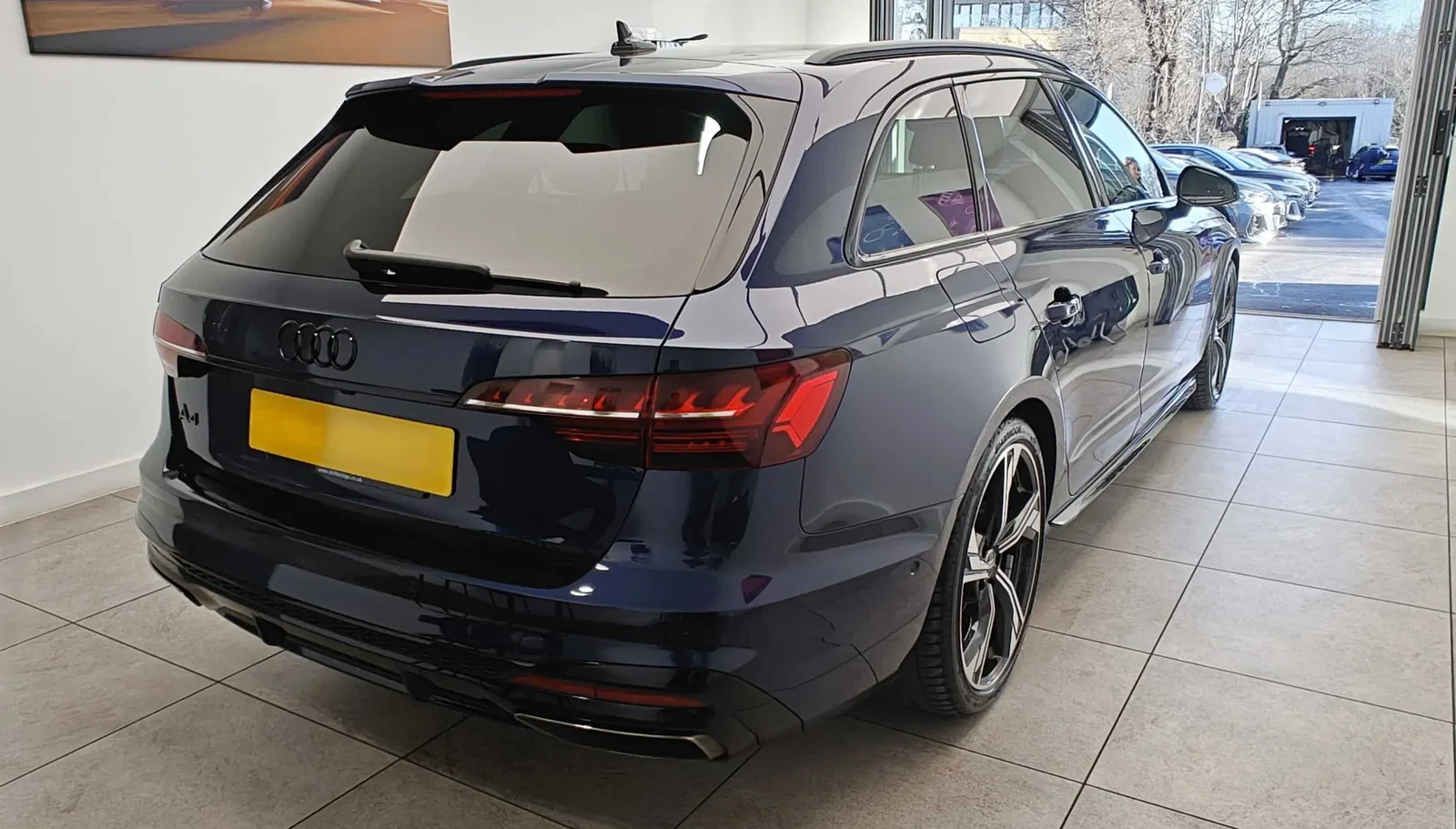
Hello all, first timer here! As it's a new year, thought it would be a great time to finally pick up a new car. I've been eyeing up Avants for a few years now, mainly RS4's and RS6's but they've always just been a touch out of reach in terms of realistic budgets. As my previous car was coming to the end of its finance term and it had racked up plenty of mileage, seemed like a good opportunity to pick up this 2024 A4 Avant 40 TFSI Black Edition at a very cosy 15k miles. So far, absolutely loving the car. It's not quite the RS4 that I dream of, but it's still lovely to drive and gorgeous to look at. Even better that the Mrs' is in love with it too! Have to ask though, especially from anyone else who has owned a previous gen A4 and/or currently owns one of these, what are the things to watch out for in the long term? Many thanks Yorkie