loganbrem
Members
-
Joined
-
Last visited
Everything posted by loganbrem
-
Seems like deleting the adblue would be the simplest option? Save the headache. What are your thoughts?
-
Thanks Steve.
-
Any chance you can point me in the direction of deletion threads? Can’t see so much relating. Thanks for your help.
-
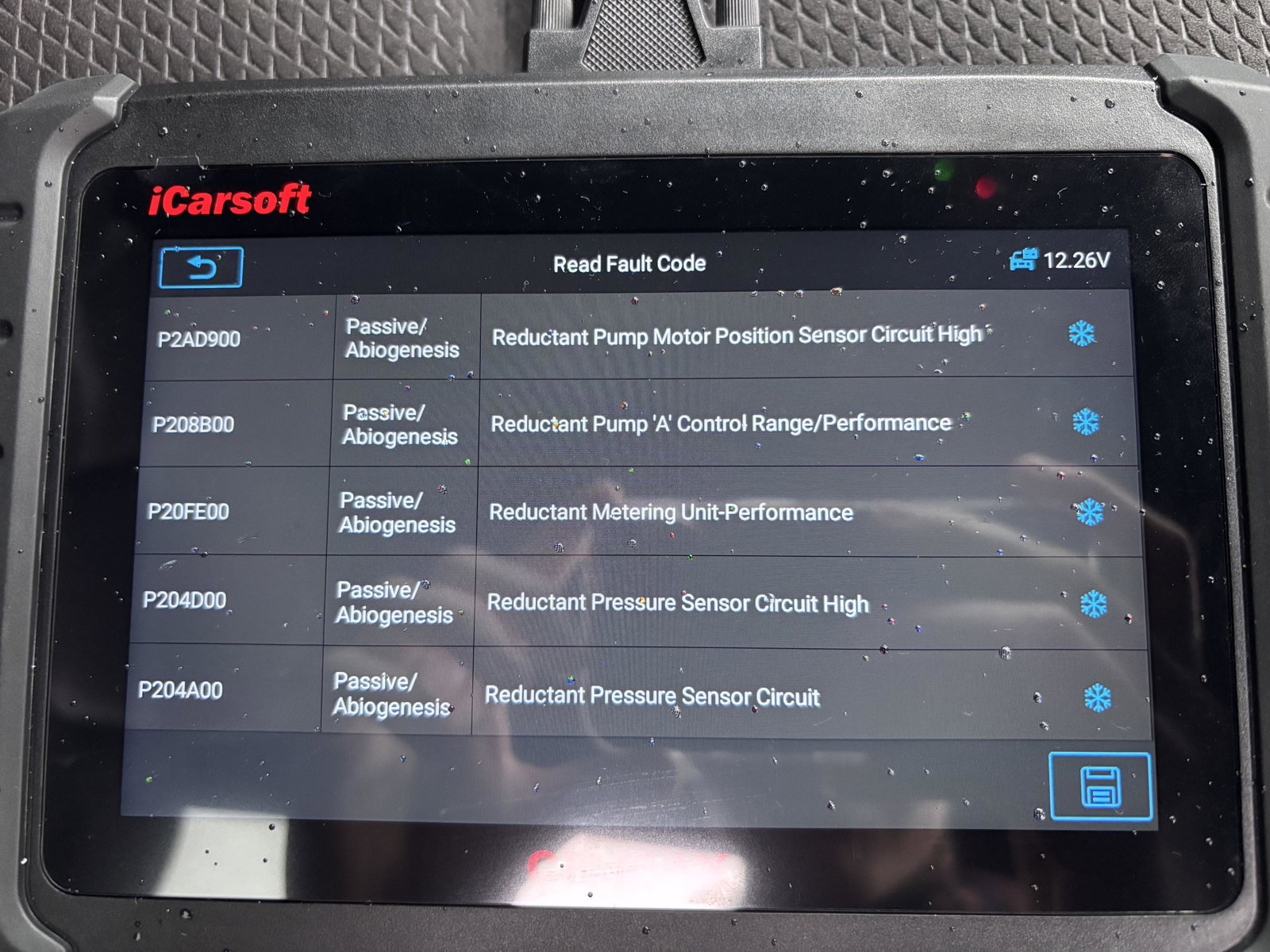
Yeah, I’ve read a couple posts. Was just looking for input on my error codes in particular. Seems consensus (from what I’ve seen) is that the system is terrible and to just get it looked at by VAG specialist rather than Audi. Would I be correct?
-
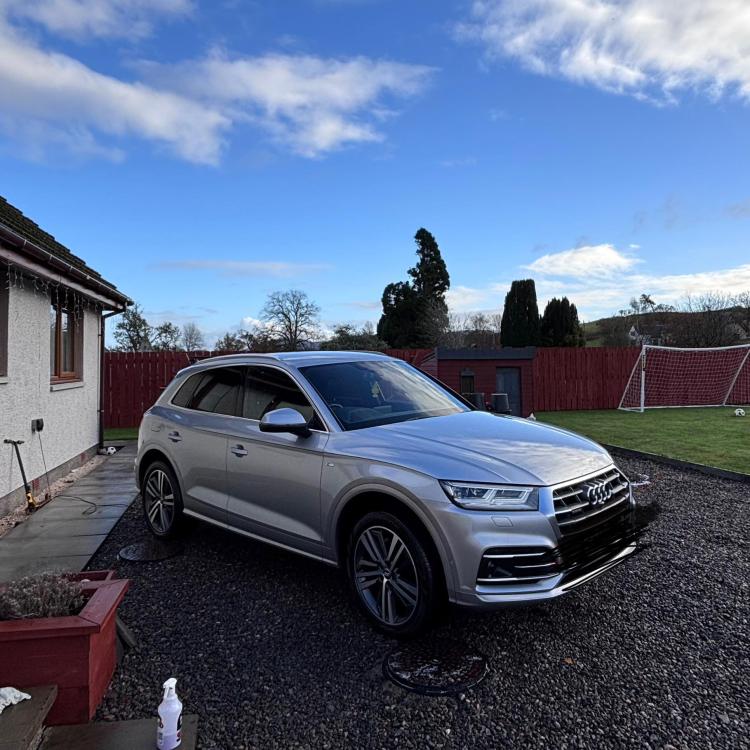
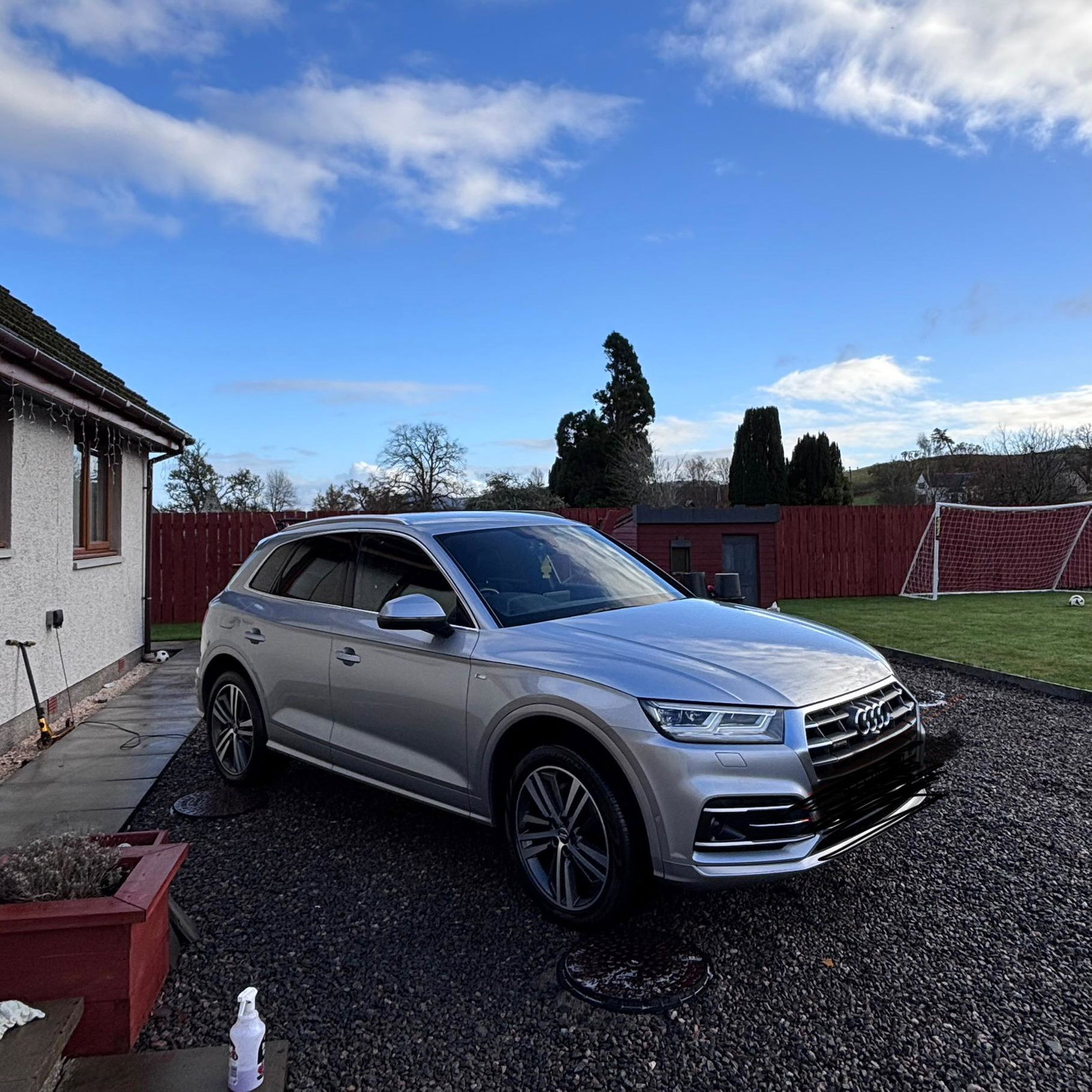
Help! Adblue/DEF error Hi all, I have a 2018 Q5 2.0 TDI Euro 6 I’ve recently received an error message with the engine management light “Adblue/DEF error - no restart in 650 miles” Below (comments) is the error codes that have been flagged up but to be honest I’m not sure what to make of them. I’ve seen from other owners that if taken to Audi for something like this a fix will be £1k+ which isn’t ideal so I was wondering if anyone know of other options e.g adblue delete. Image for attention