Skip to content
View in the app

A better way to browse. Learn more.

Audi Owners Club (UK)

A full-screen app on your home screen with push notifications, badges and more.

To install this app on iOS and iPadOS
  1. Tap the Share icon in Safari
  2. Scroll the menu and tap Add to Home Screen.
  3. Tap Add in the top-right corner.
To install this app on Android
  1. Tap the 3-dot menu (⋮) in the top-right corner of the browser.
  2. Tap Add to Home screen or Install app.
  3. Confirm by tapping Install.

Nid

Members
  • Joined

  • Last visited

Everything posted by Nid

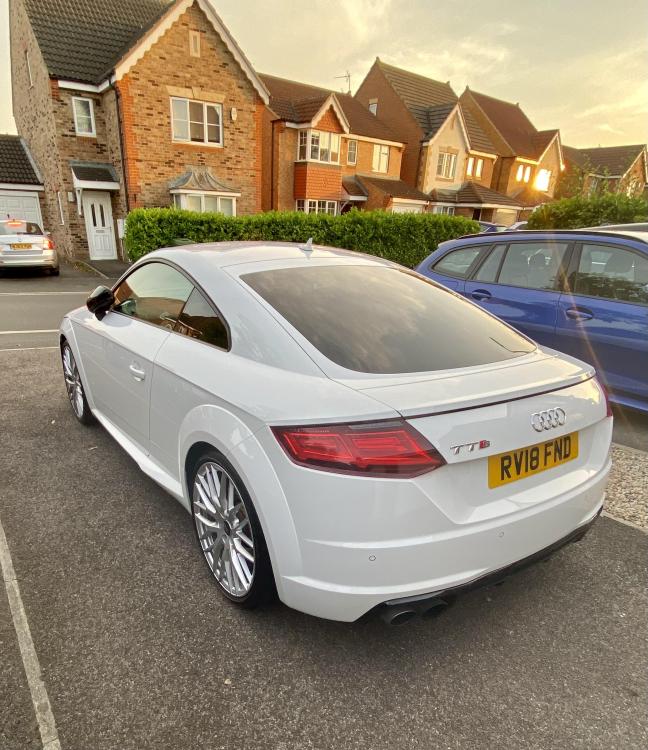
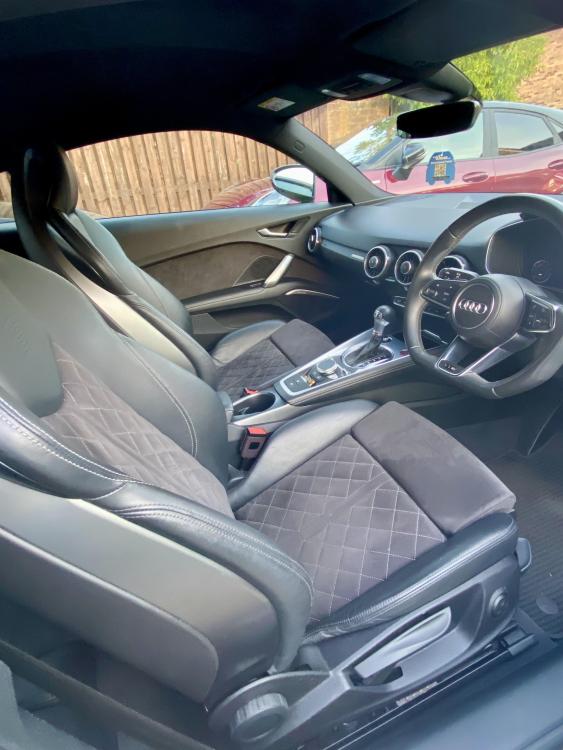
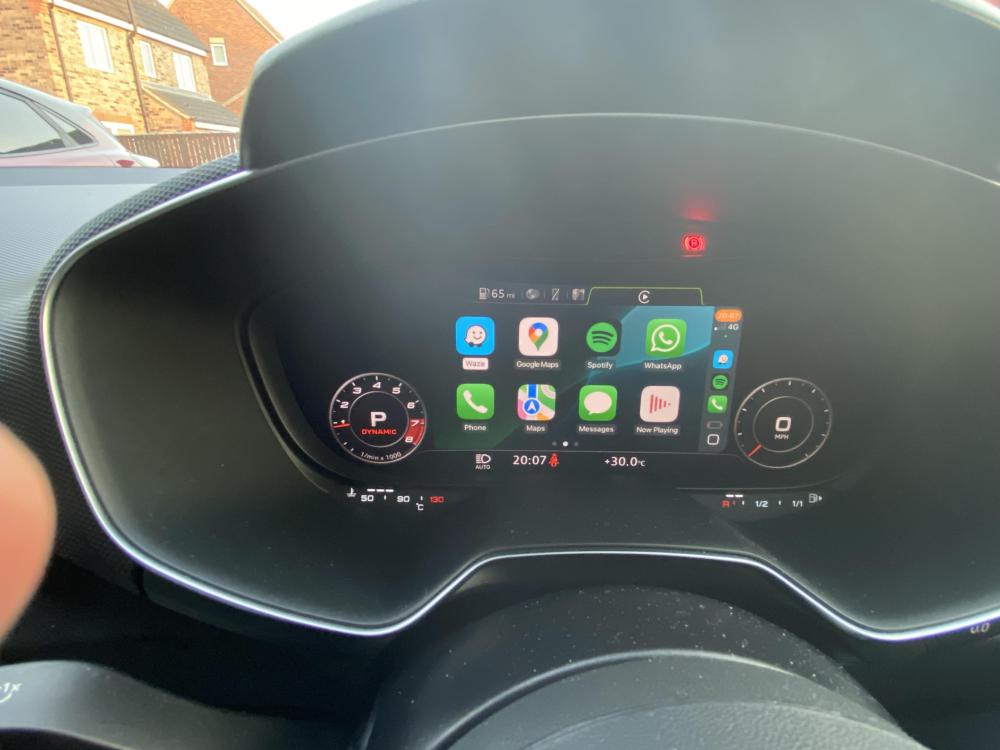
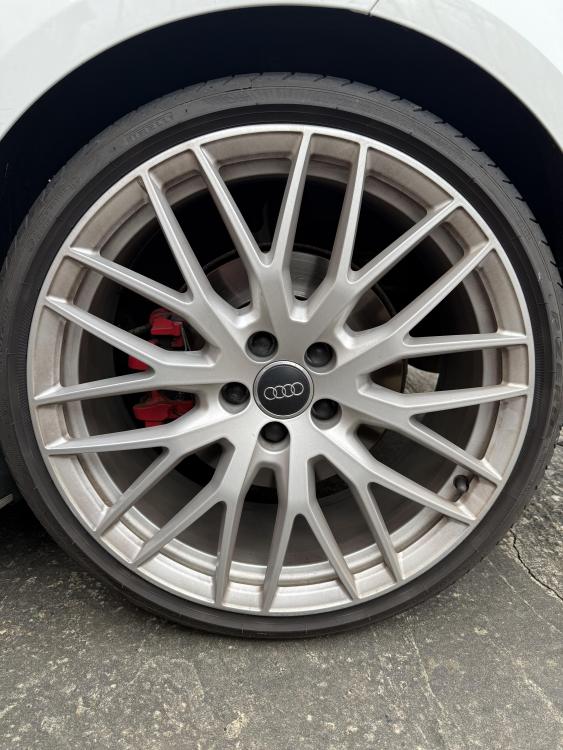
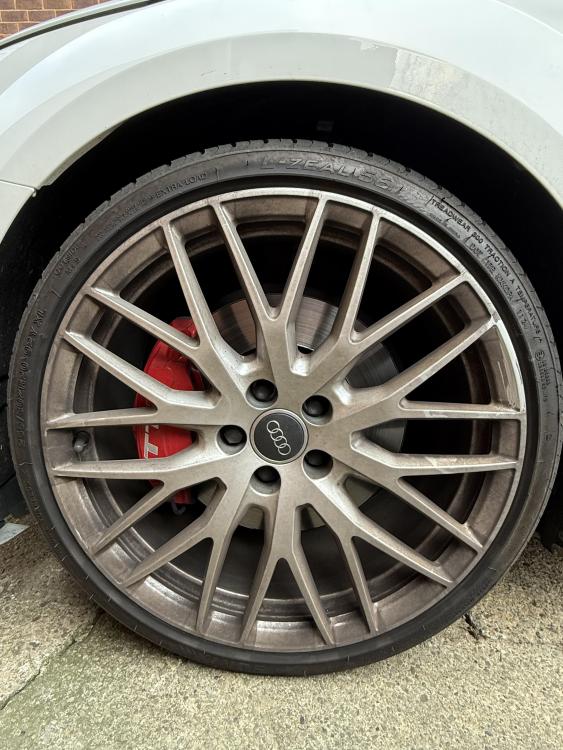
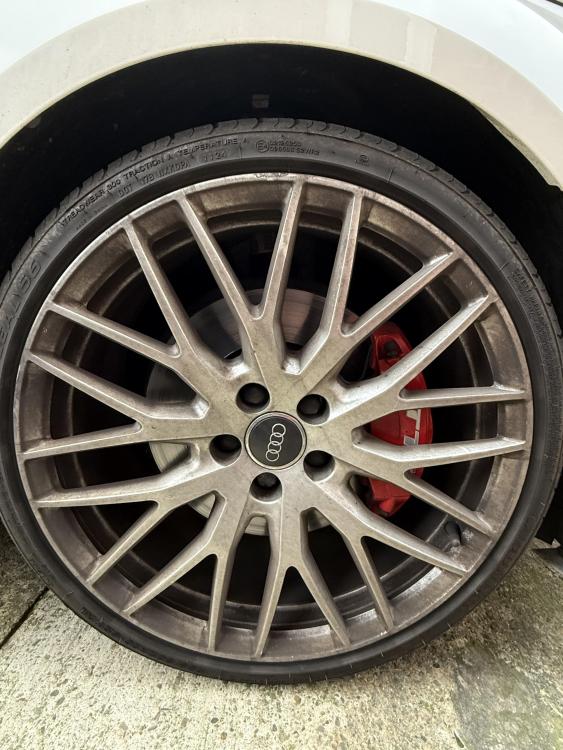
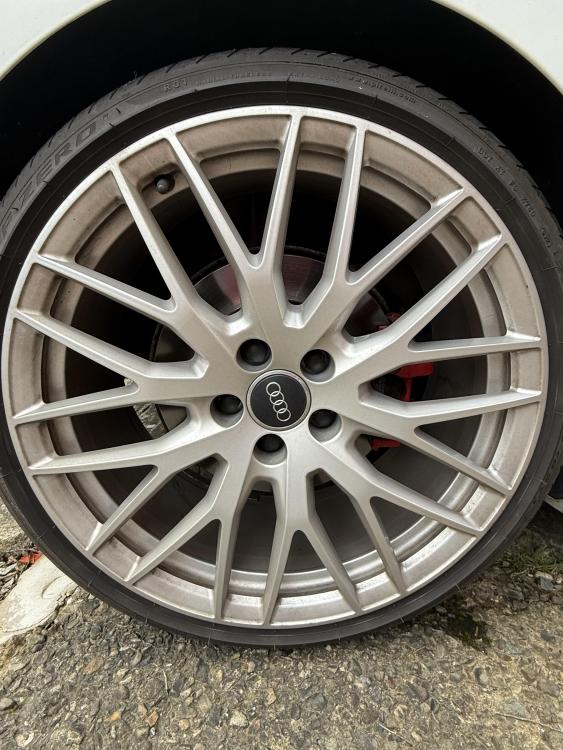
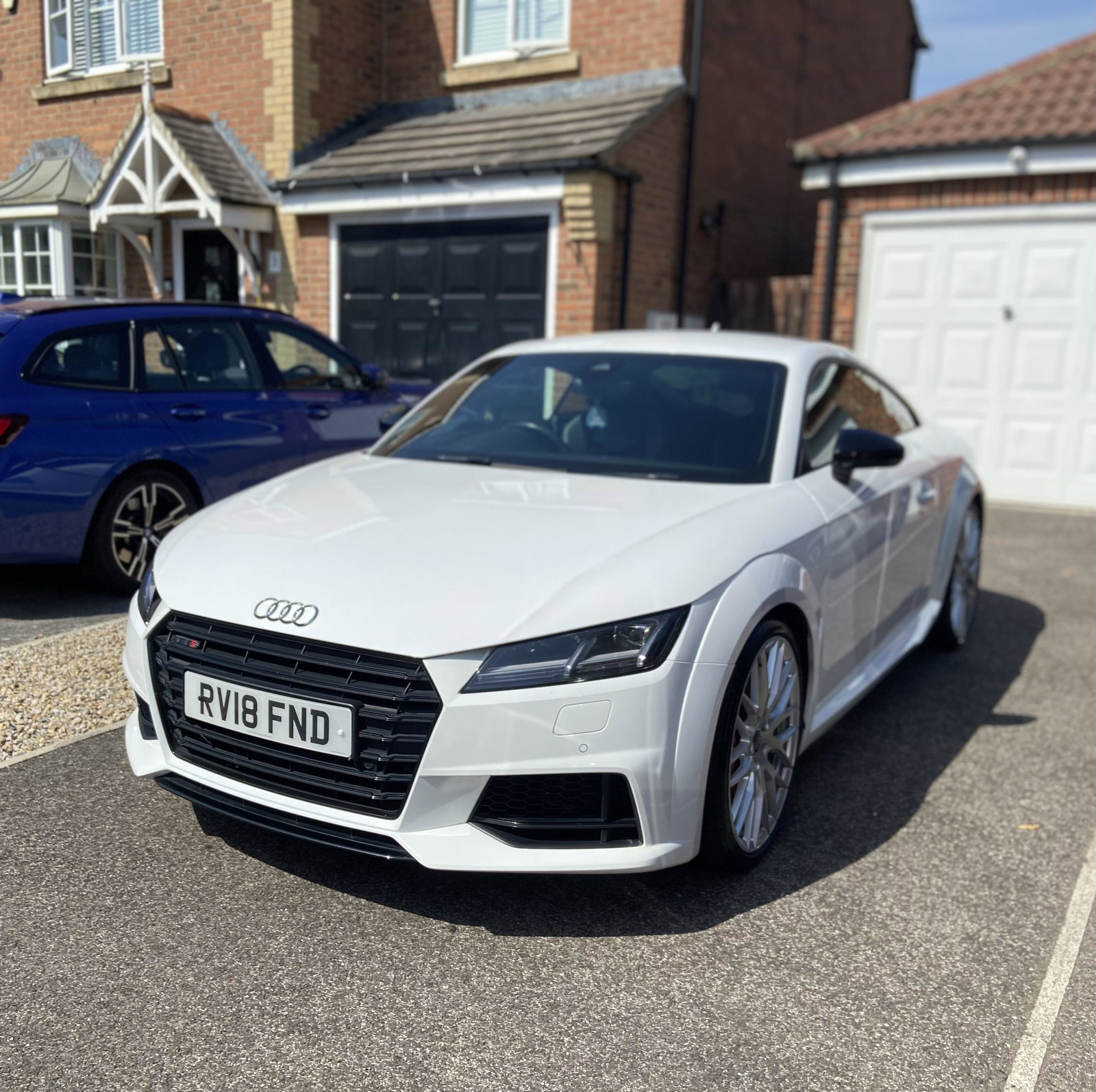
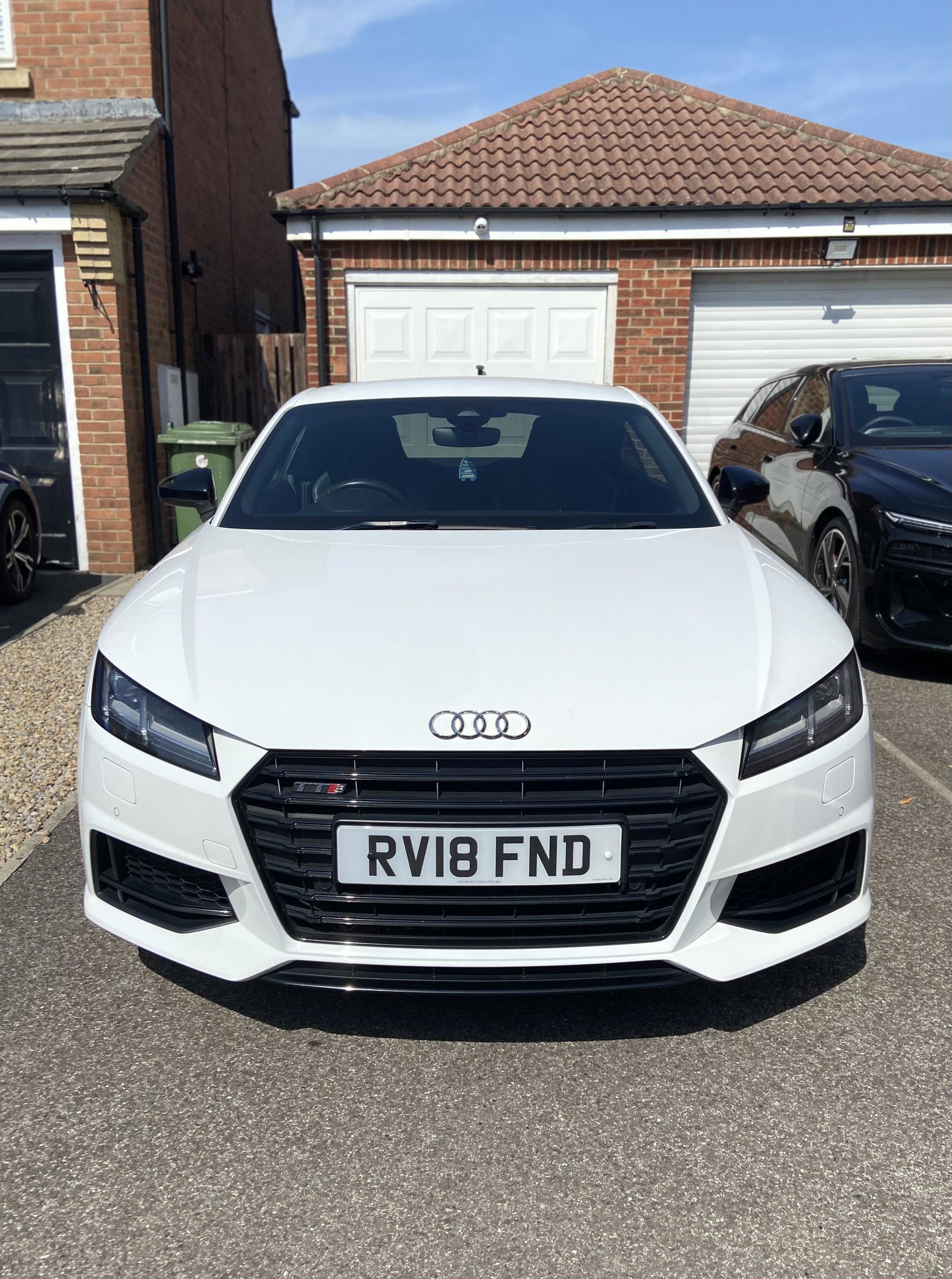
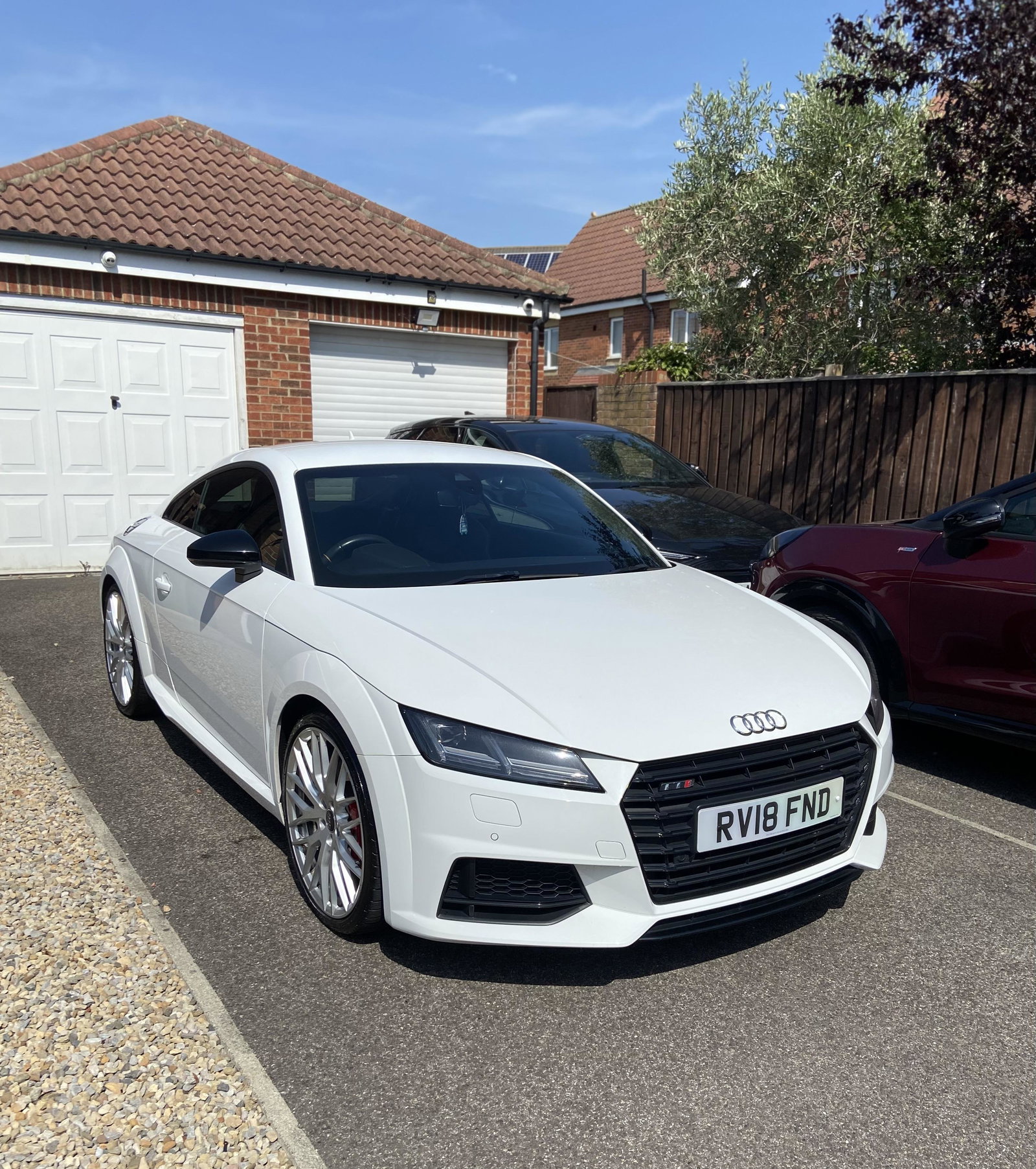
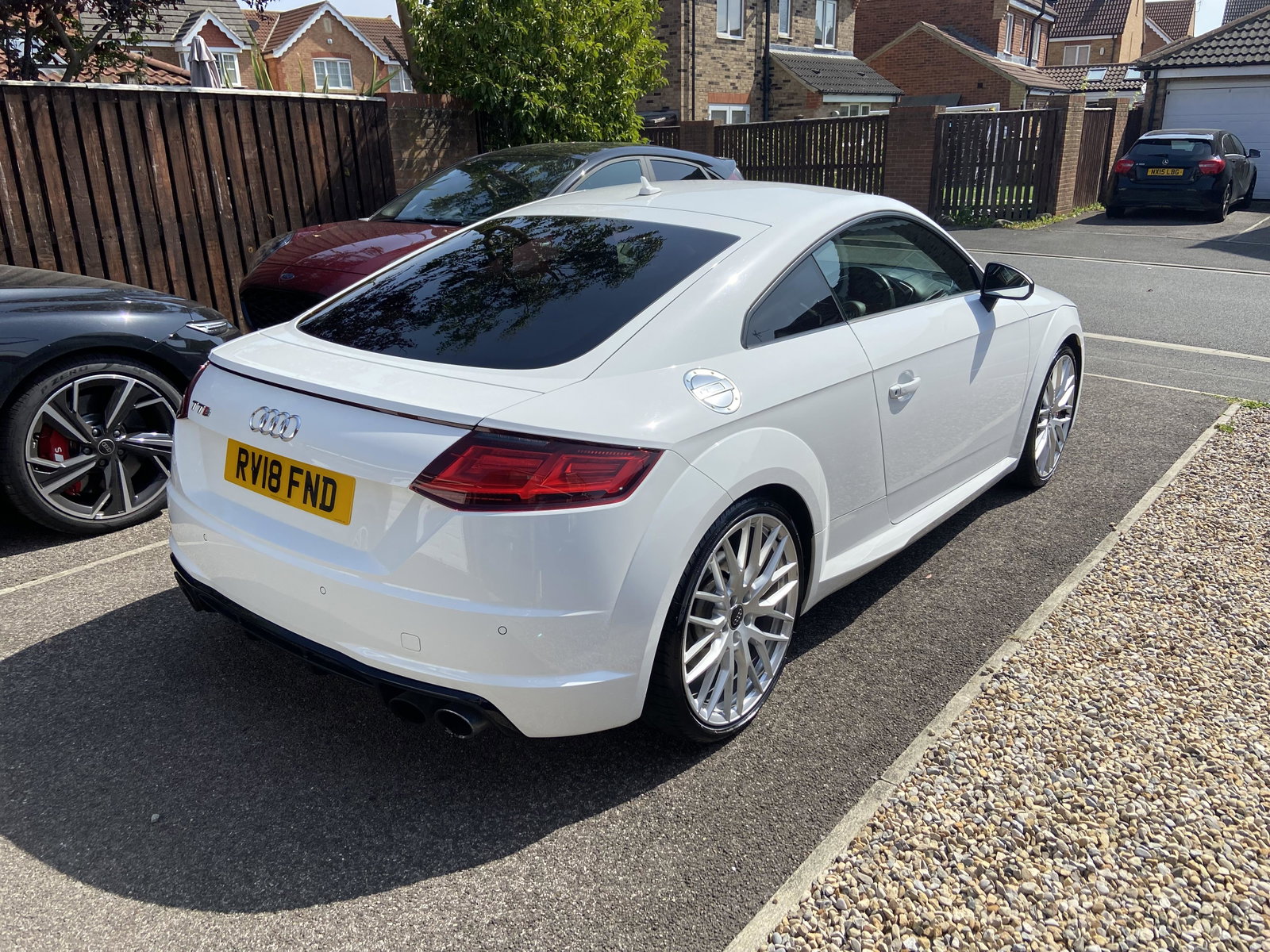
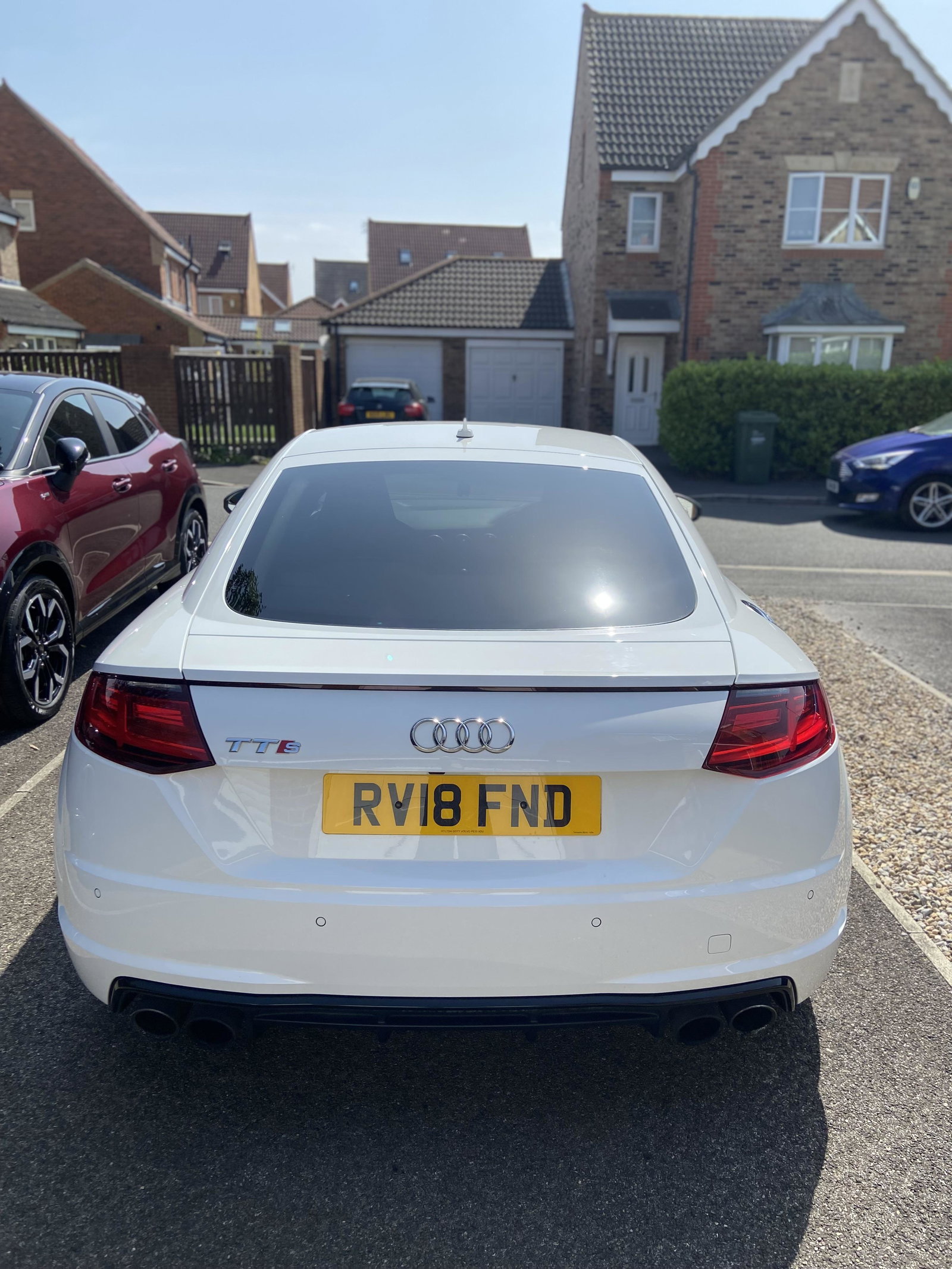
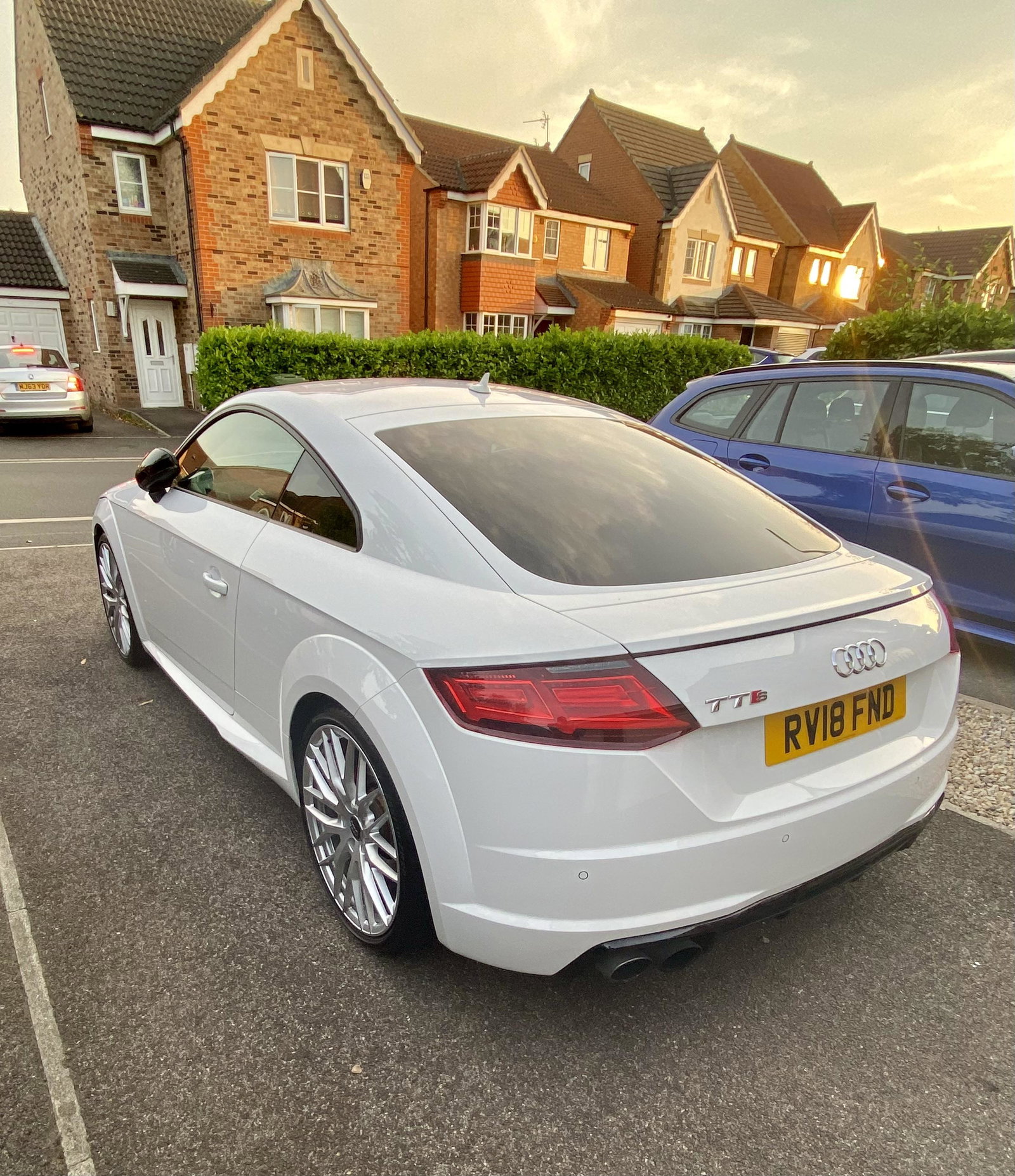
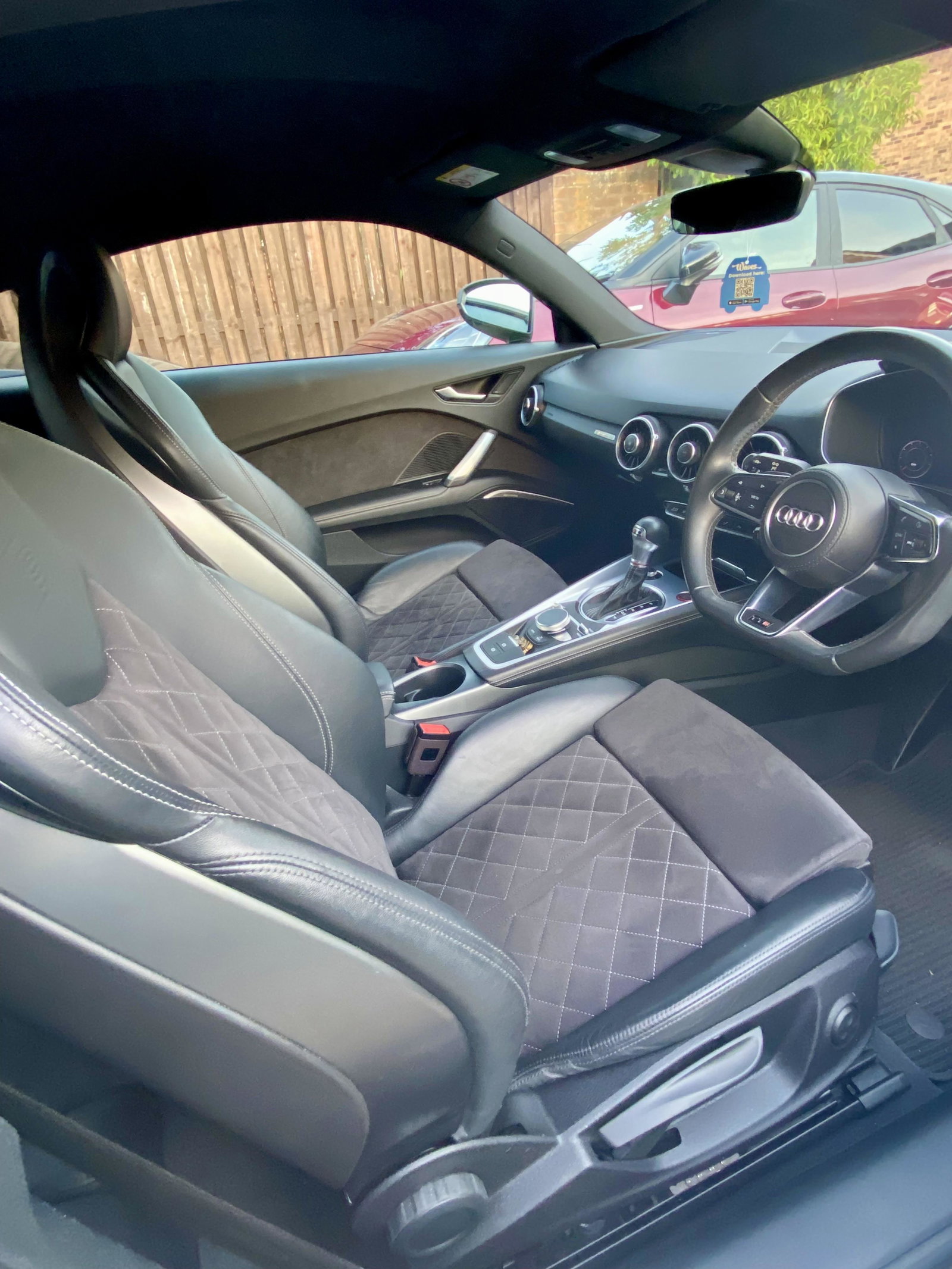
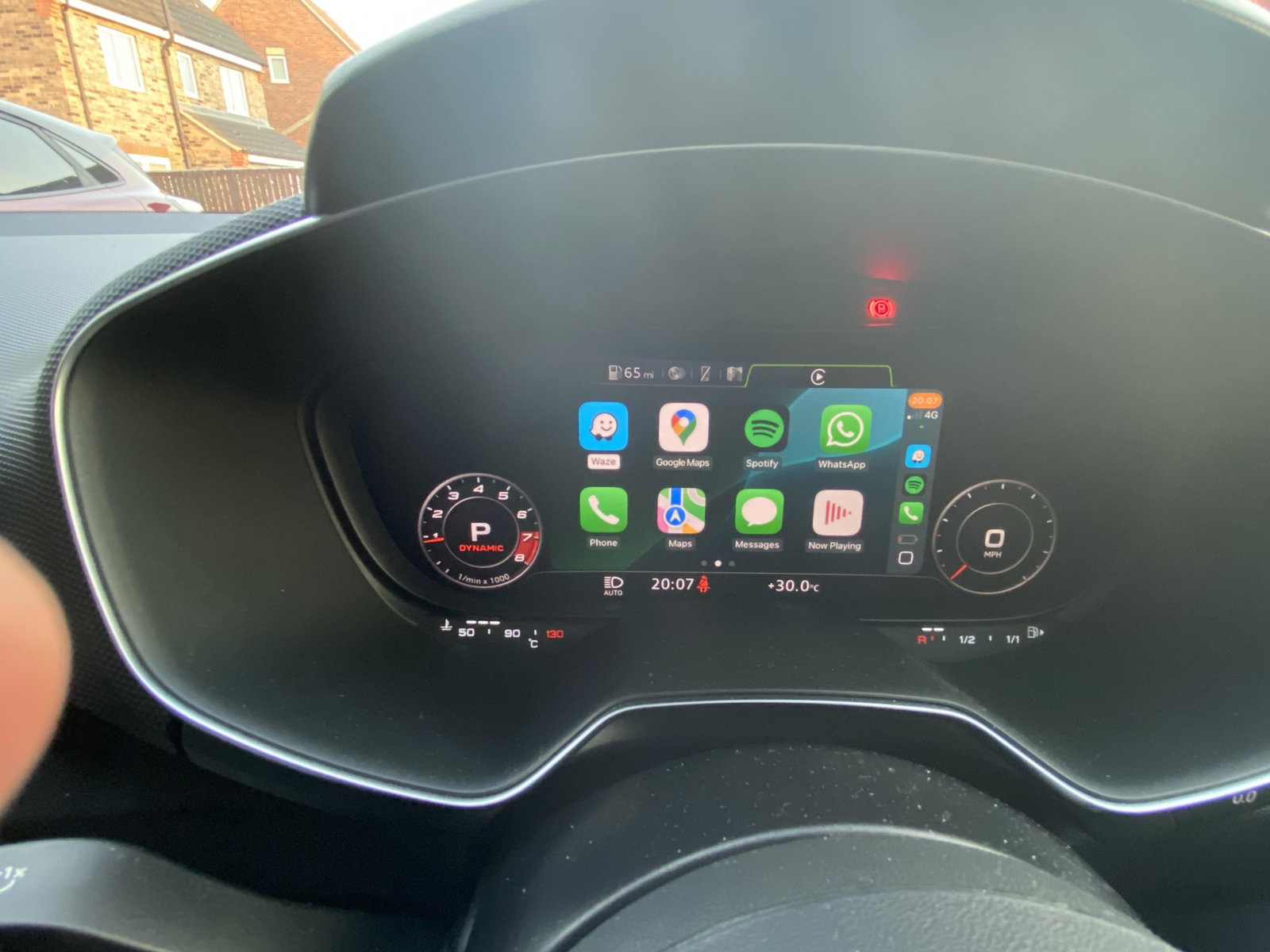
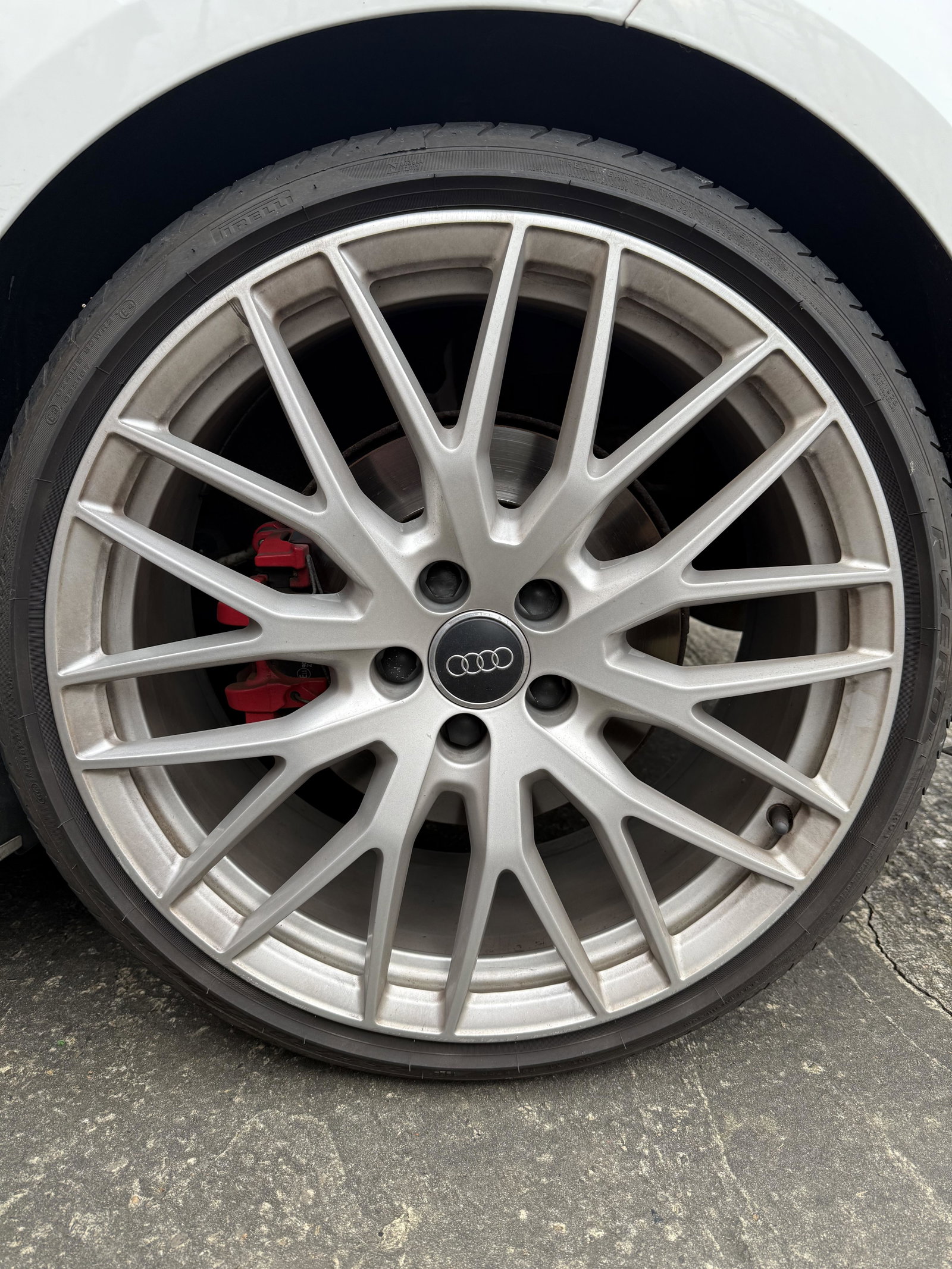
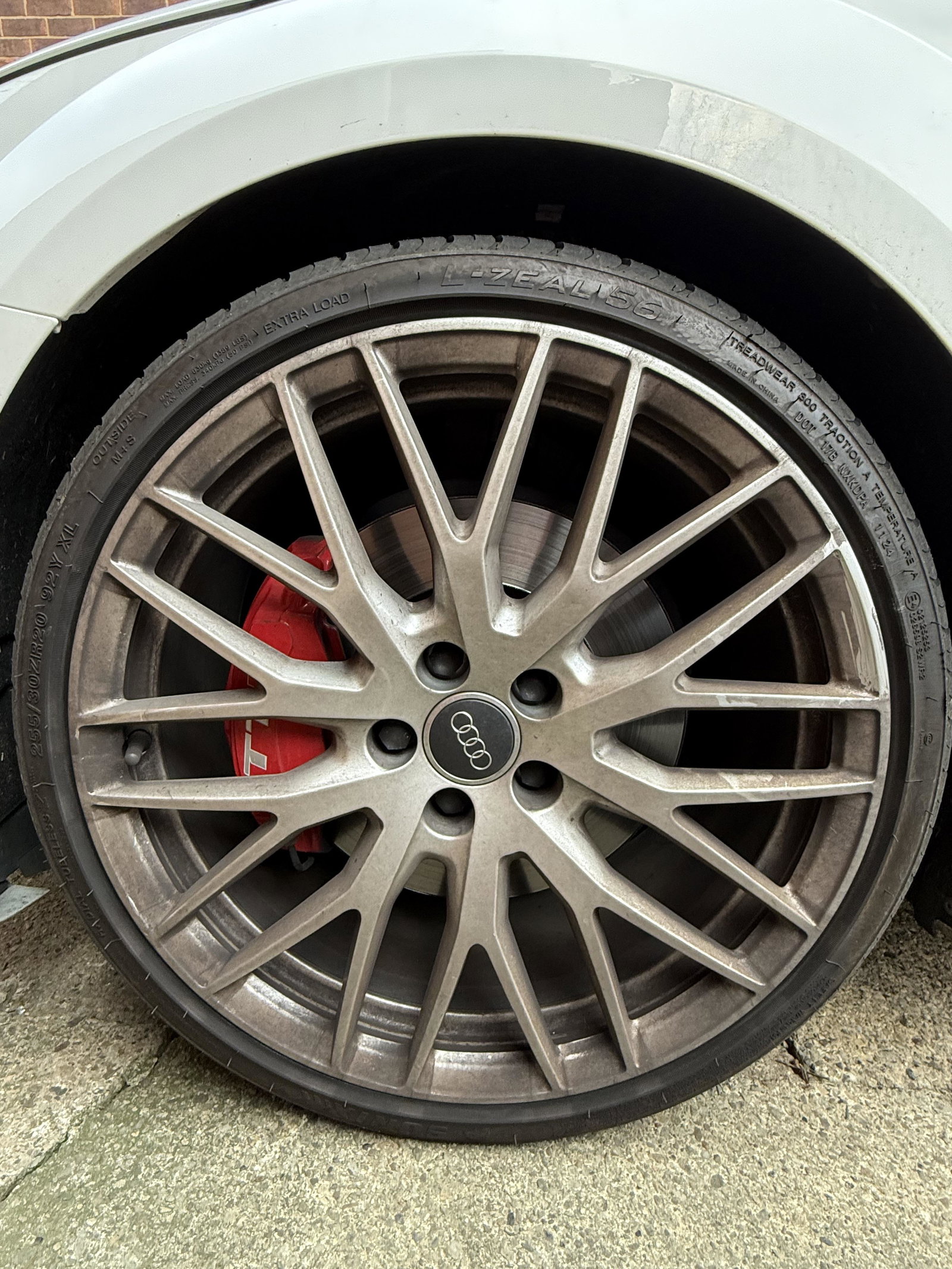
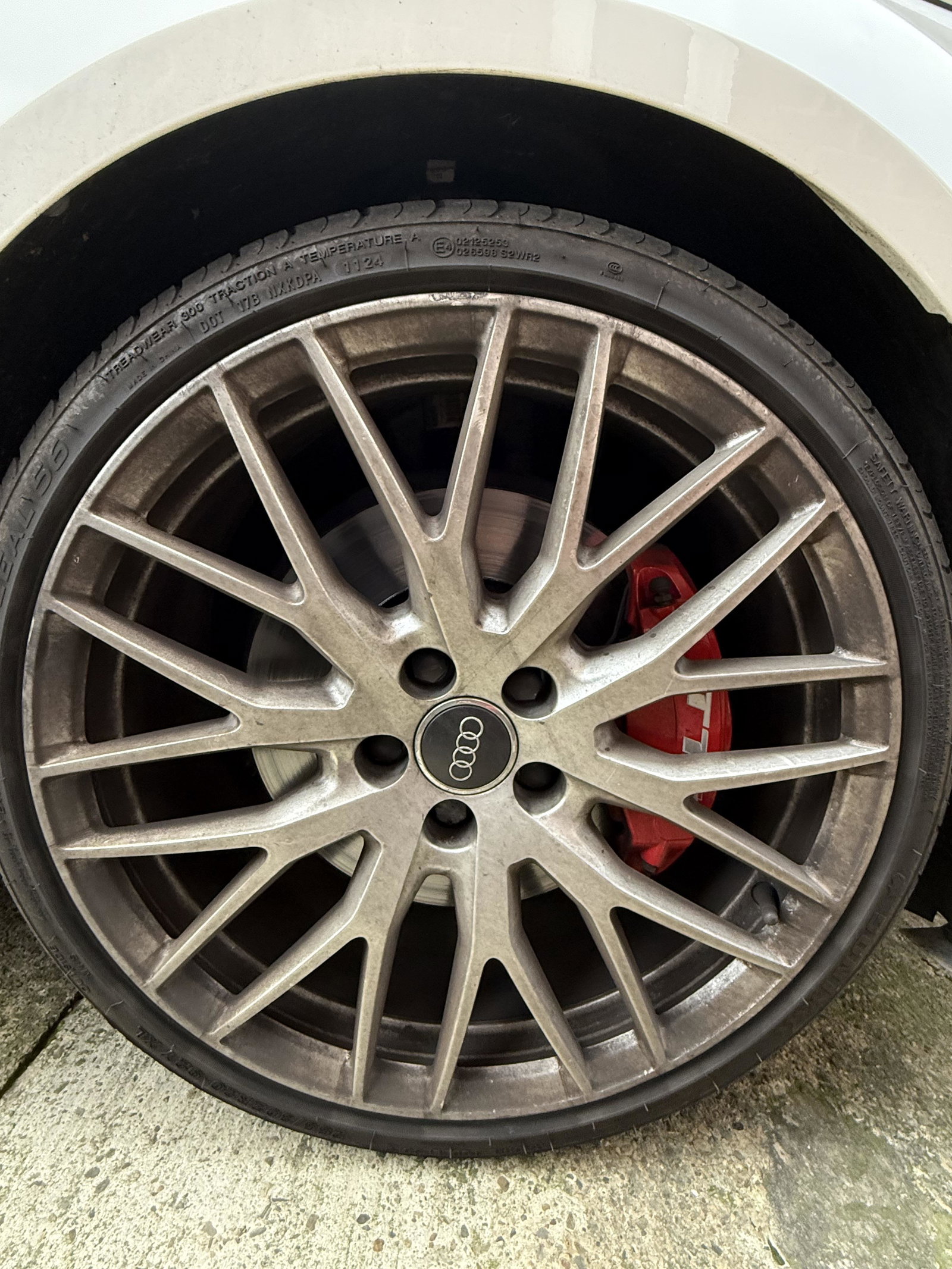
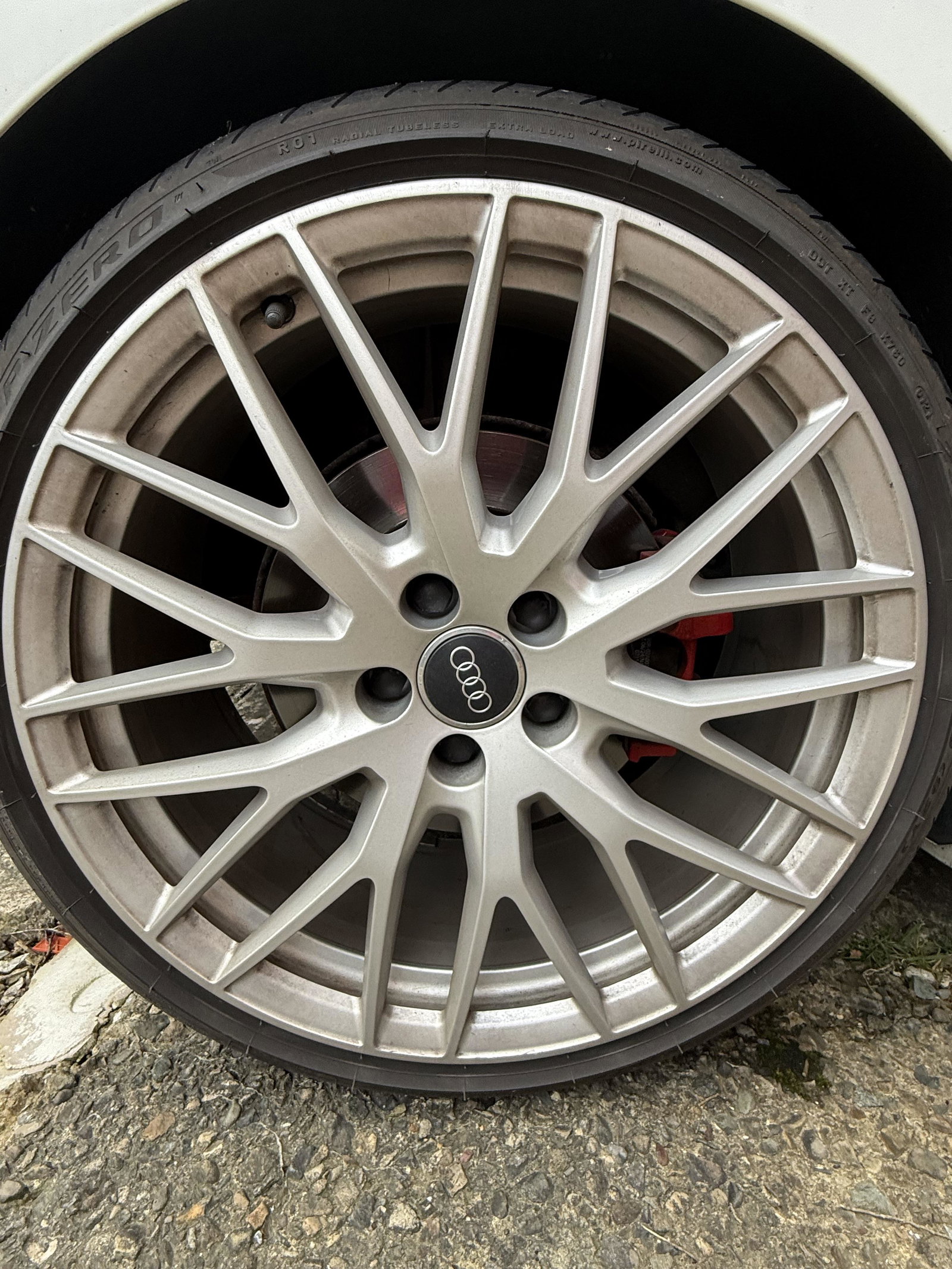
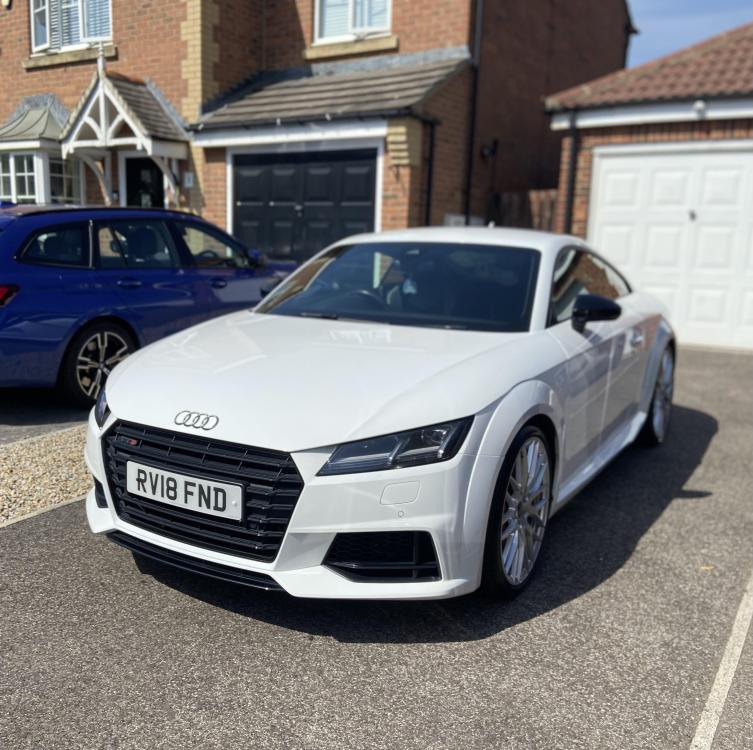
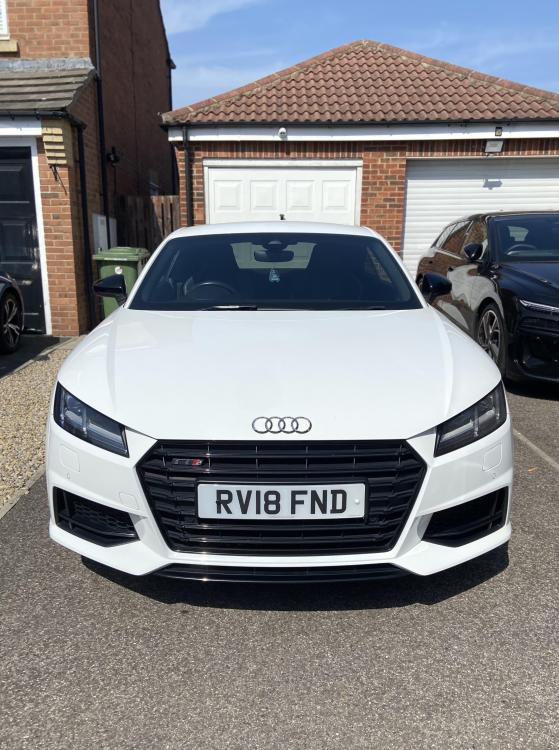
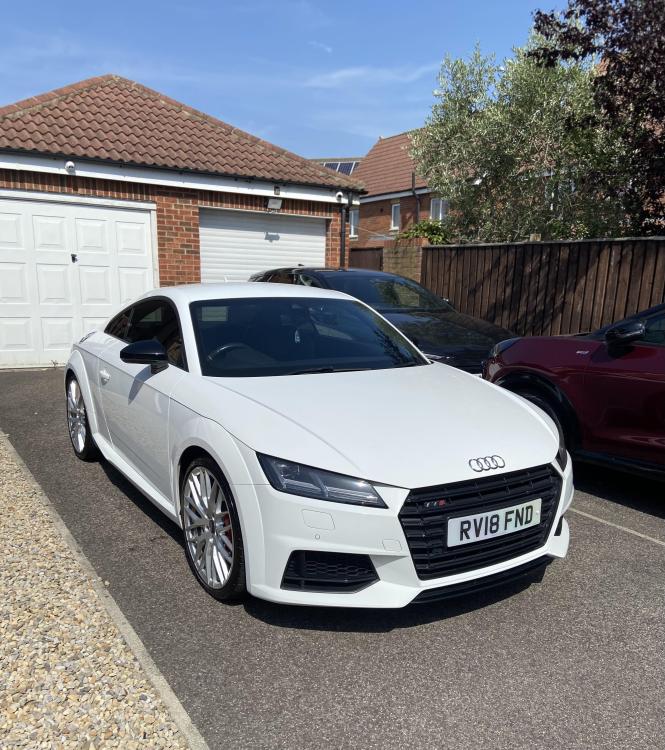
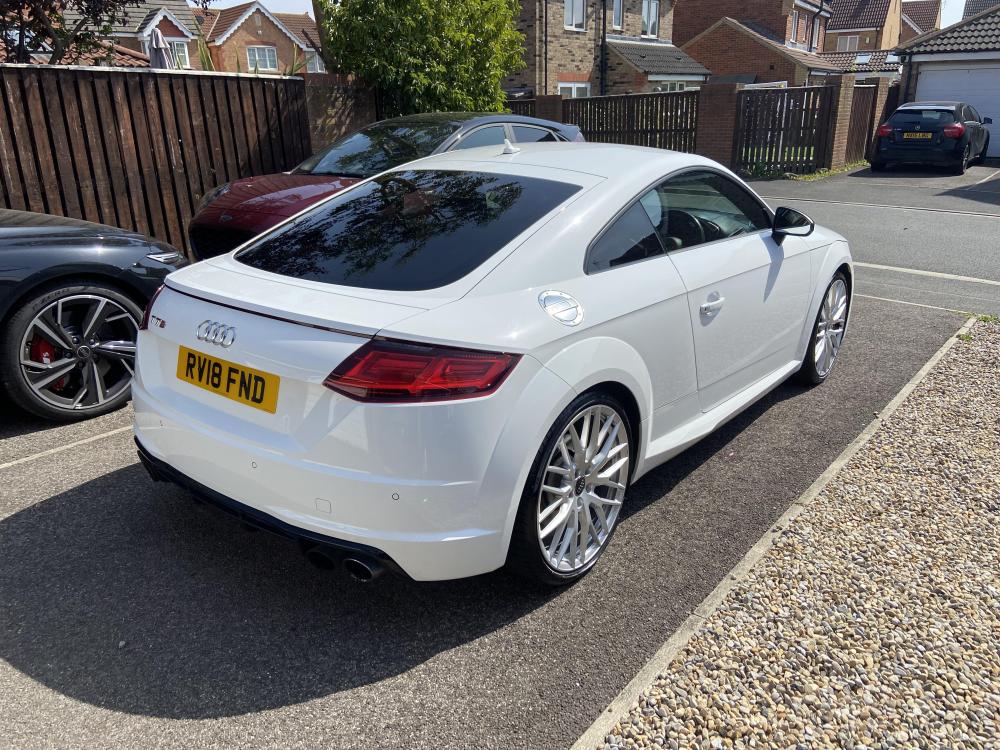
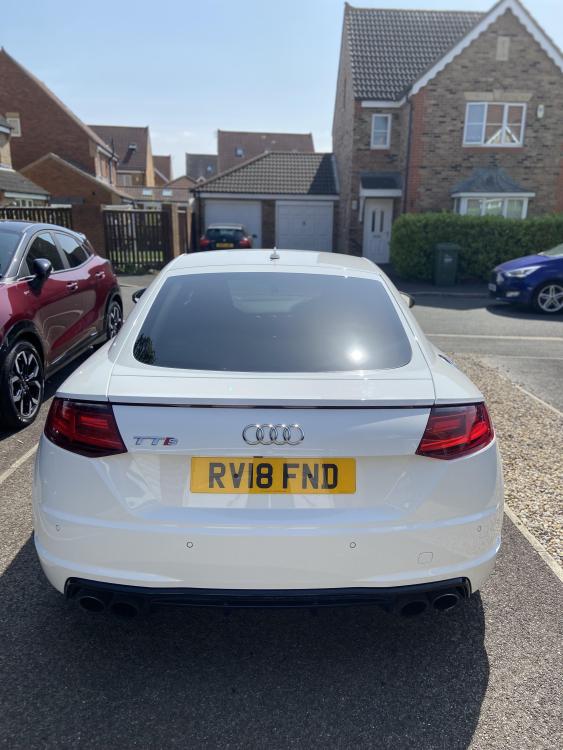
  1. Hello, selling my Audi TTS Mk3 Black Edition 63k miles FSH including Audi main dealer and Audi independent. Drives beautifully, and is ready for its next owner. Key Features: Apple CarPlay / Android Auto Rear-view camera + front & rear parking sensors Magnaride Leather and Alcantara interior Bang & Olufsen sound system Heated seats Drive Select modes Audi puddle lights High beam assist Upgrades / Extras: 20" OEM Audi forged wheels (worth £3,300) Condition: Mechanically spot-on Clean inside and out No warning lights, no issues Drives tight and responsive Any questions welcome £19,100 Open to sensible offers. Located in Stockton-on-Tees. Vehicle registered: 01/03/2018
Background Picker
Customize Layout

Account

Navigation

Search

Search

Configure browser push notifications

Chrome (Android)
  1. Tap the lock icon next to the address bar.
  2. Tap Permissions → Notifications.
  3. Adjust your preference.
Chrome (Desktop)
  1. Click the padlock icon in the address bar.
  2. Select Site settings.
  3. Find Notifications and adjust your preference.