




Skip to content
View in the app

A better way to browse. Learn more.

Audi Owners Club (UK)

A full-screen app on your home screen with push notifications, badges and more.

To install this app on iOS and iPadOS
  1. Tap the Share icon in Safari
  2. Scroll the menu and tap Add to Home Screen.
  3. Tap Add in the top-right corner.
To install this app on Android
  1. Tap the 3-dot menu (⋮) in the top-right corner of the browser.
  2. Tap Add to Home screen or Install app.
  3. Confirm by tapping Install.


davio

Members
  • Joined

  • Last visited

  1. Looks that way What are my options, either budget or blank check?
  2. Not Bose, just the standard Audi system on the amp, nothing on the speakers.
  3. Will that be marked up on the amp?
  4. At the moment I have 18" with "All Weather" tyres, snowing here. I'm thinking about a set of 19" for summer. Will this have a major effect on handling, especially at low speeds?
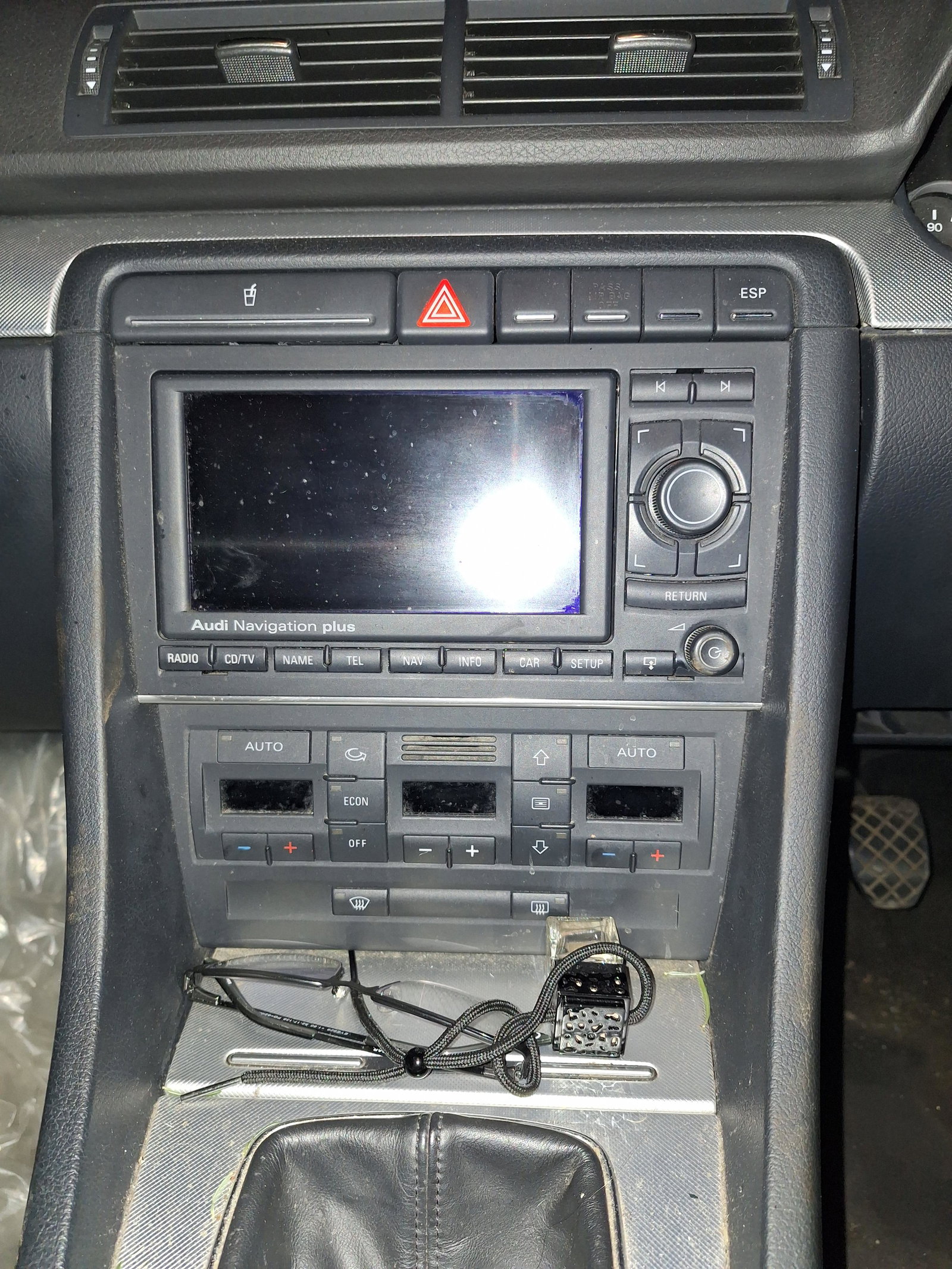
  5. Shown below is my current head unit for my 2008 A4 1.9Td, has any one upgraded to a DAB/Sat Nav/Android-Apple connectivity unit? I have been advised to check carefully as my unit has an external amp.
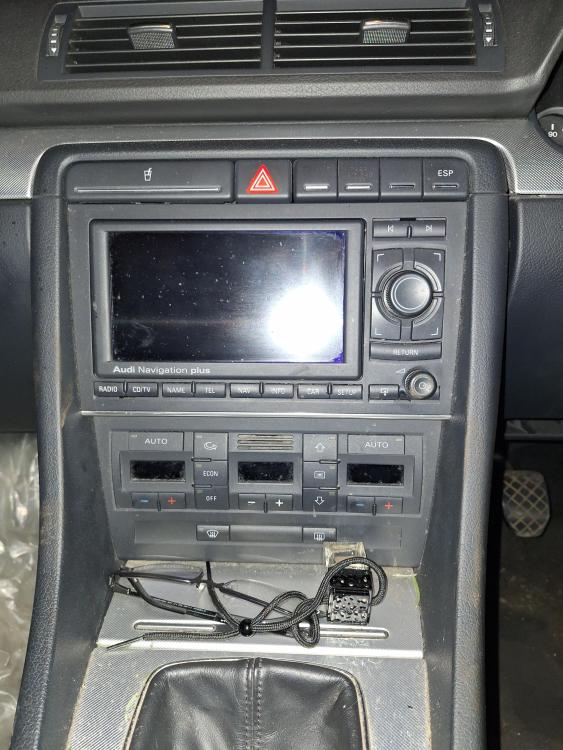
  6. Did you manage to upgrade the sound system, if so which route did you go? I've been advised to be careful as with the independent amp some heads require an extensive re-wire.


Background Picker
Customize Layout

Account

Navigation

Search

Search

Configure browser push notifications

Chrome (Android)
  1. Tap the lock icon next to the address bar.
  2. Tap Permissions → Notifications.
  3. Adjust your preference.
Chrome (Desktop)
  1. Click the padlock icon in the address bar.
  2. Select Site settings.
  3. Find Notifications and adjust your preference.