




Skip to content
View in the app

A better way to browse. Learn more.

Audi Owners Club (UK)

A full-screen app on your home screen with push notifications, badges and more.

To install this app on iOS and iPadOS
  1. Tap the Share icon in Safari
  2. Scroll the menu and tap Add to Home Screen.
  3. Tap Add in the top-right corner.
To install this app on Android
  1. Tap the 3-dot menu (⋮) in the top-right corner of the browser.
  2. Tap Add to Home screen or Install app.
  3. Confirm by tapping Install.


Mr.Margs

Members
  • Joined

  • Last visited

Everything posted by Mr.Margs

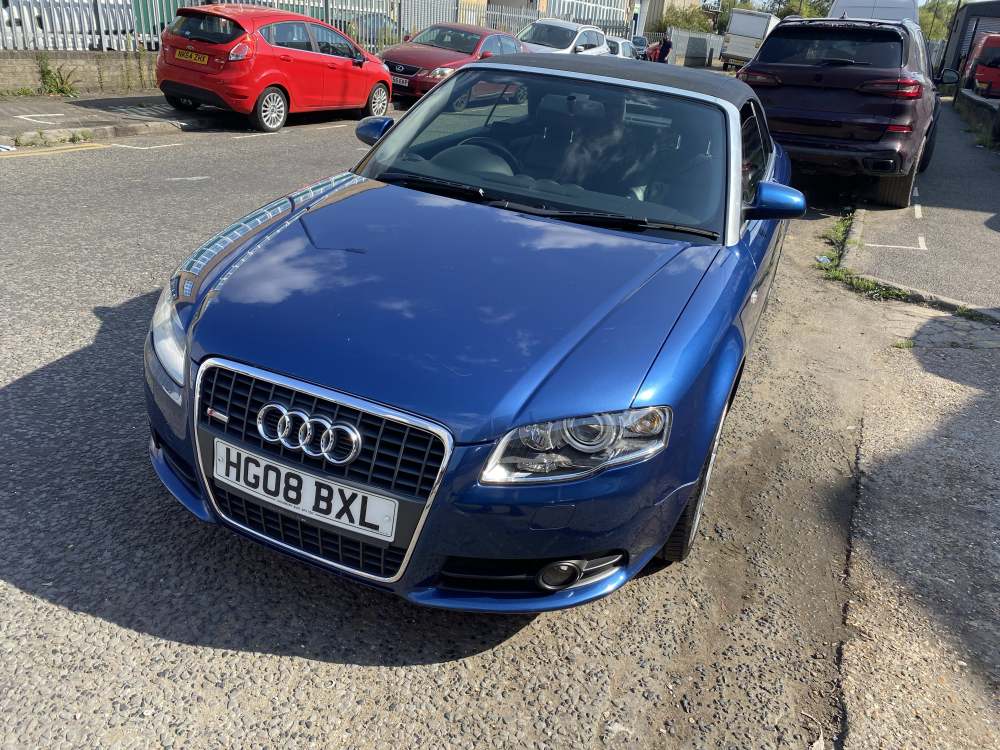
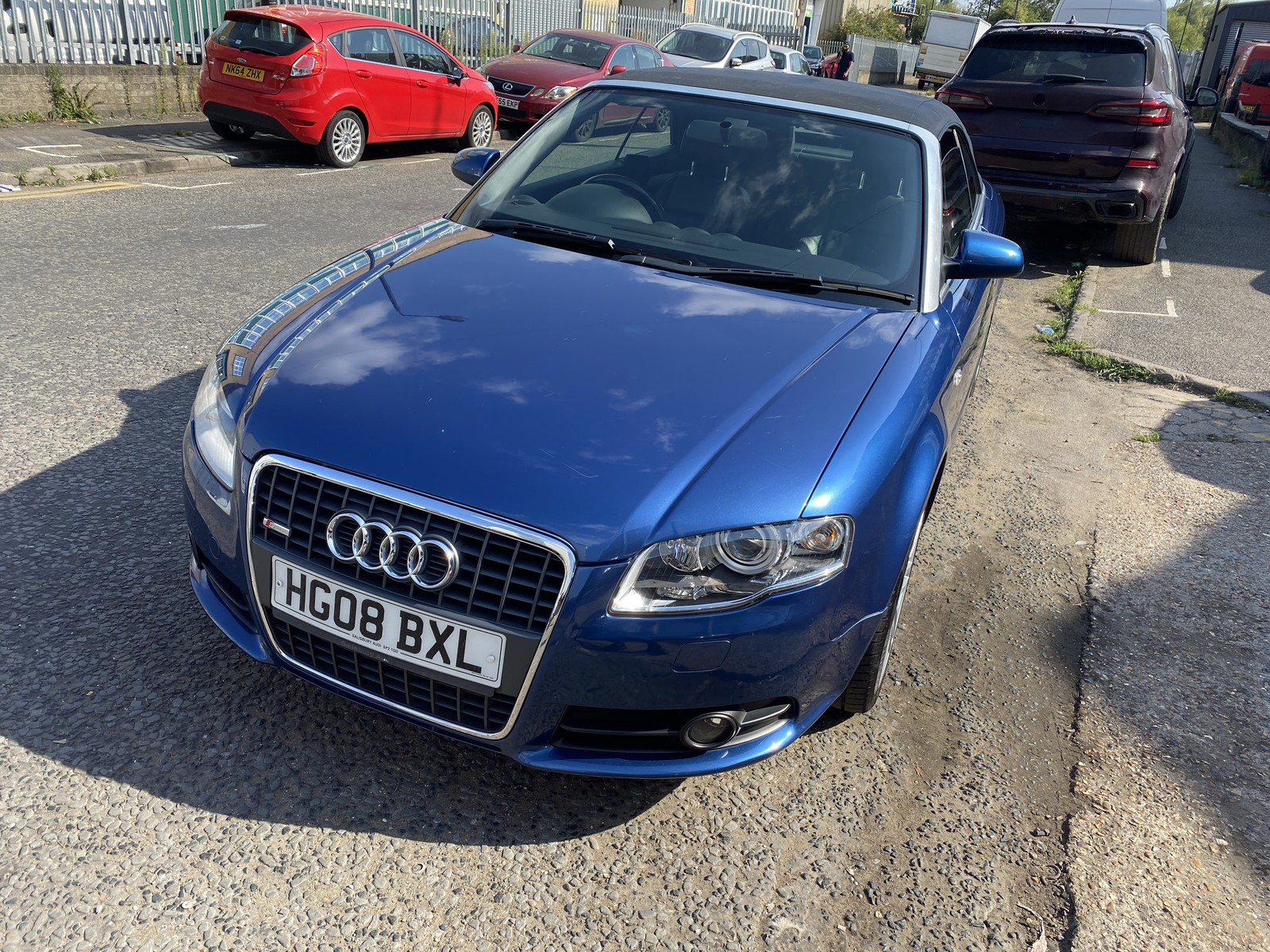
  1. With a heavy heart, selling my B7, had it for a few years now and I don't get to drive it as much as I would like and I have to finally give in to my other half's advice (pressure) to sell it. The car is in great condition, the mileage is genuine as the car only really got driven in the warmer months, some age related marks as to be expected. Timing belt has been done, no mechanical issues. £3000 ono. Any questions feel free to give me a shout. Thanks. IMG_6530.HEIC IMG_6528.HEIC IMG_6529.HEIC IMG_6531.HEIC IMG_6532.HEIC IMG_6533.HEIC IMG_6541.HEIC


Background Picker
Customize Layout

Account

Navigation

Search

Search

Configure browser push notifications

Chrome (Android)
  1. Tap the lock icon next to the address bar.
  2. Tap Permissions → Notifications.
  3. Adjust your preference.
Chrome (Desktop)
  1. Click the padlock icon in the address bar.
  2. Select Site settings.
  3. Find Notifications and adjust your preference.