DalBoy
Members
-
Joined
-
Last visited
Everything posted by DalBoy
-
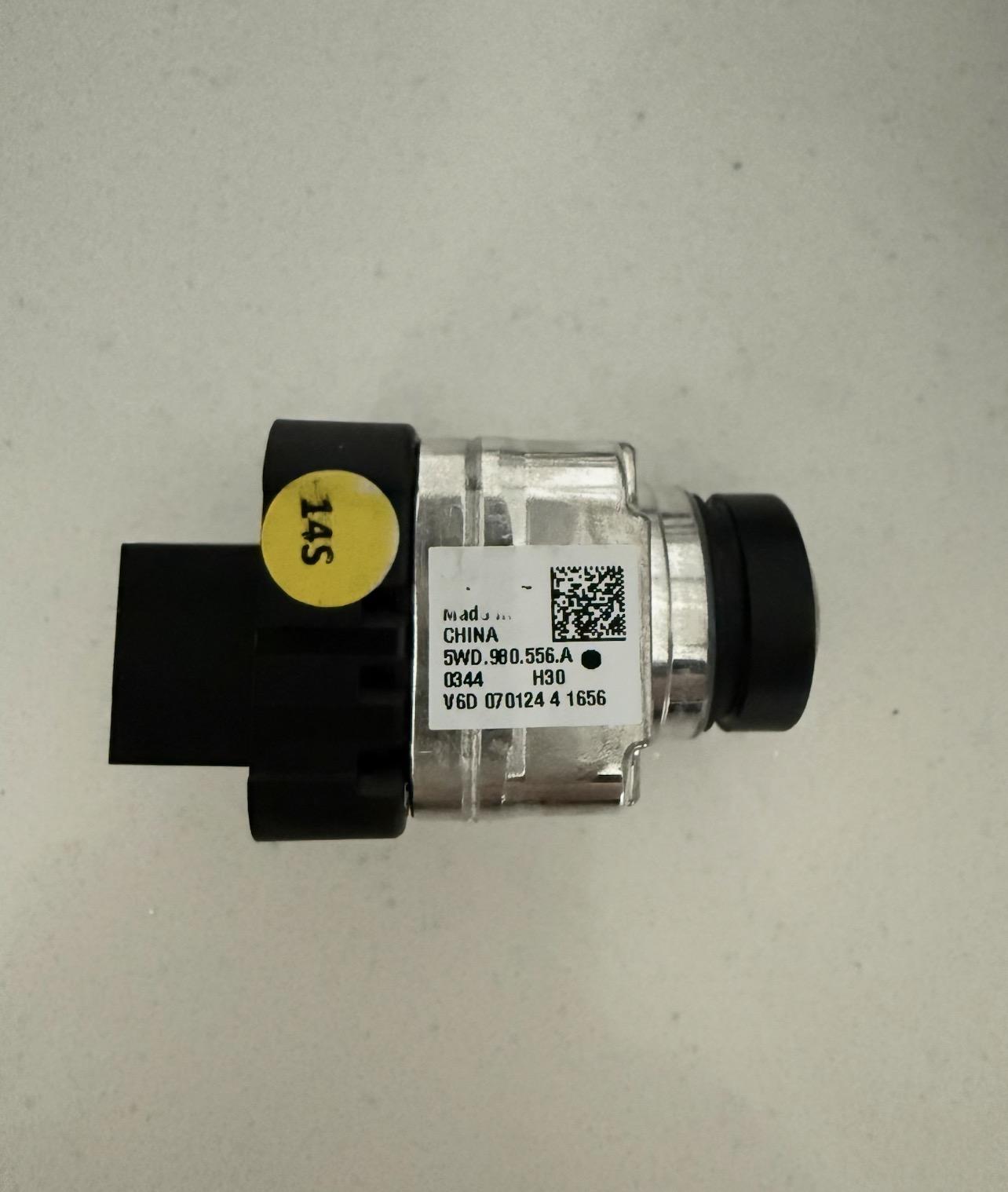
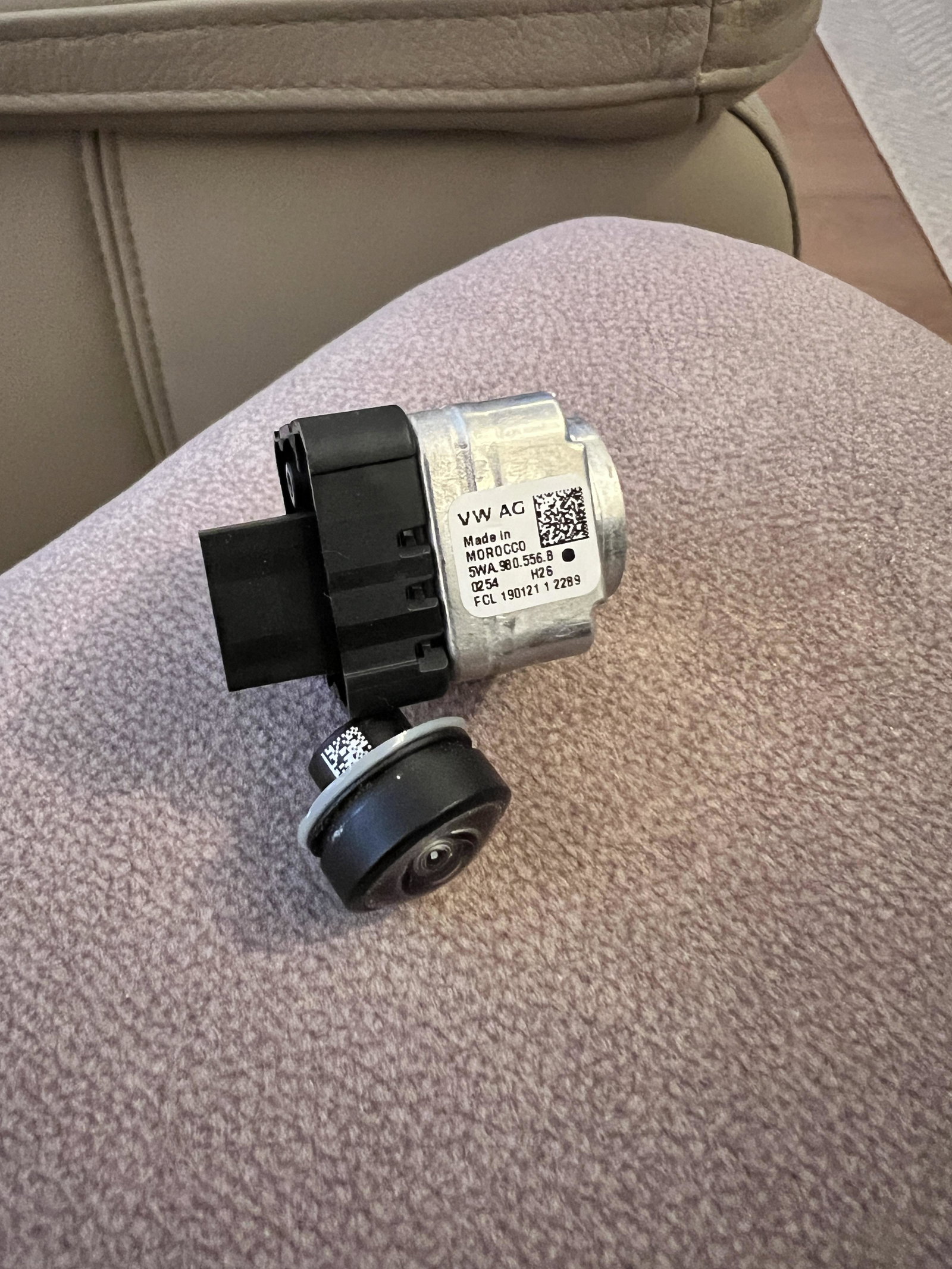
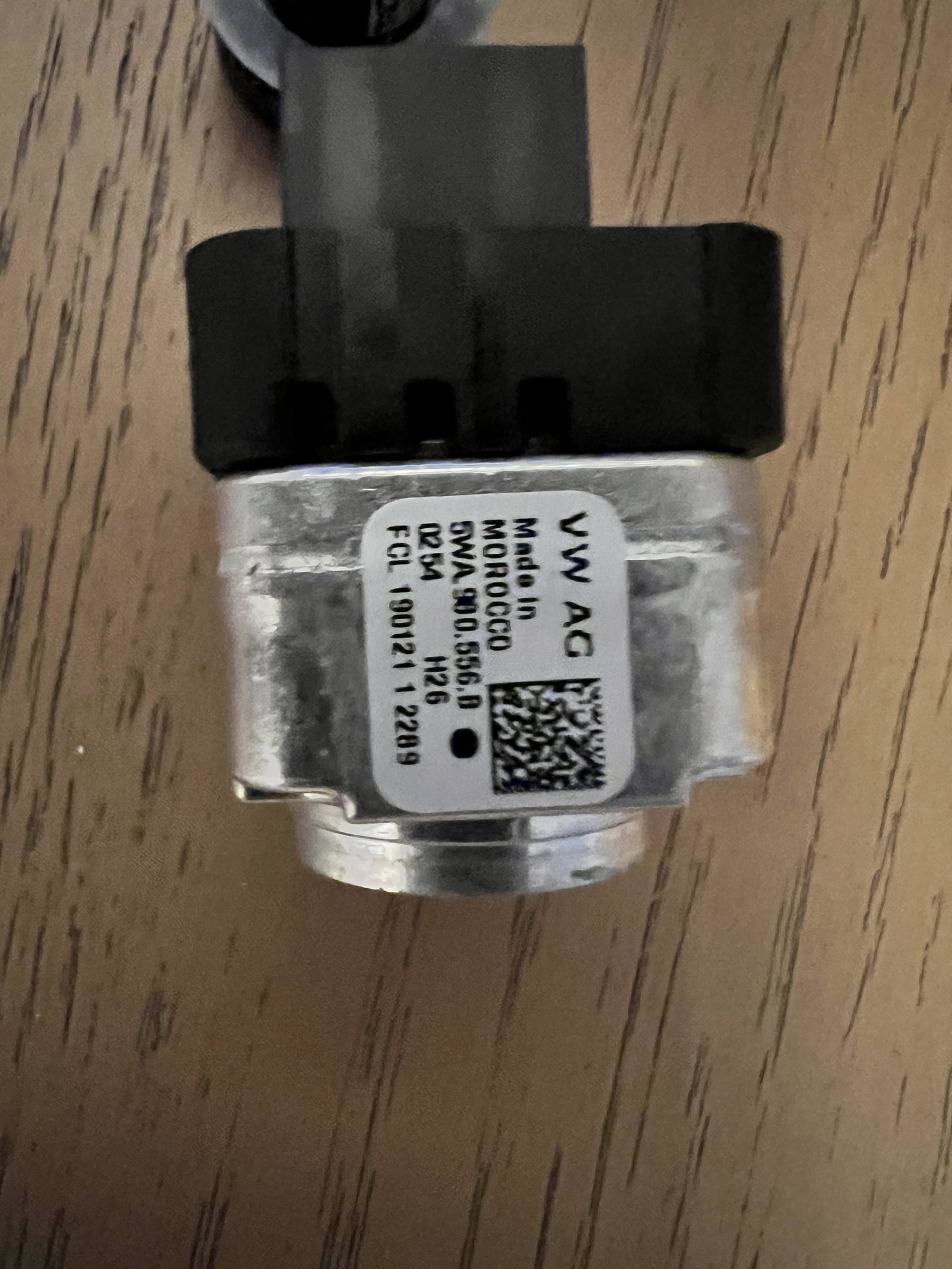
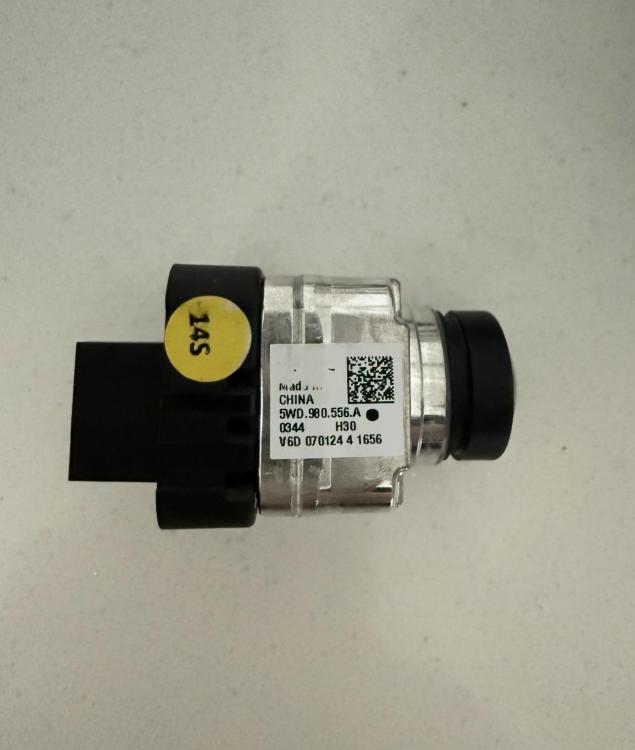
Alternative part number showed up, plugged in and everything is perfect. No coding required thankfully.
-
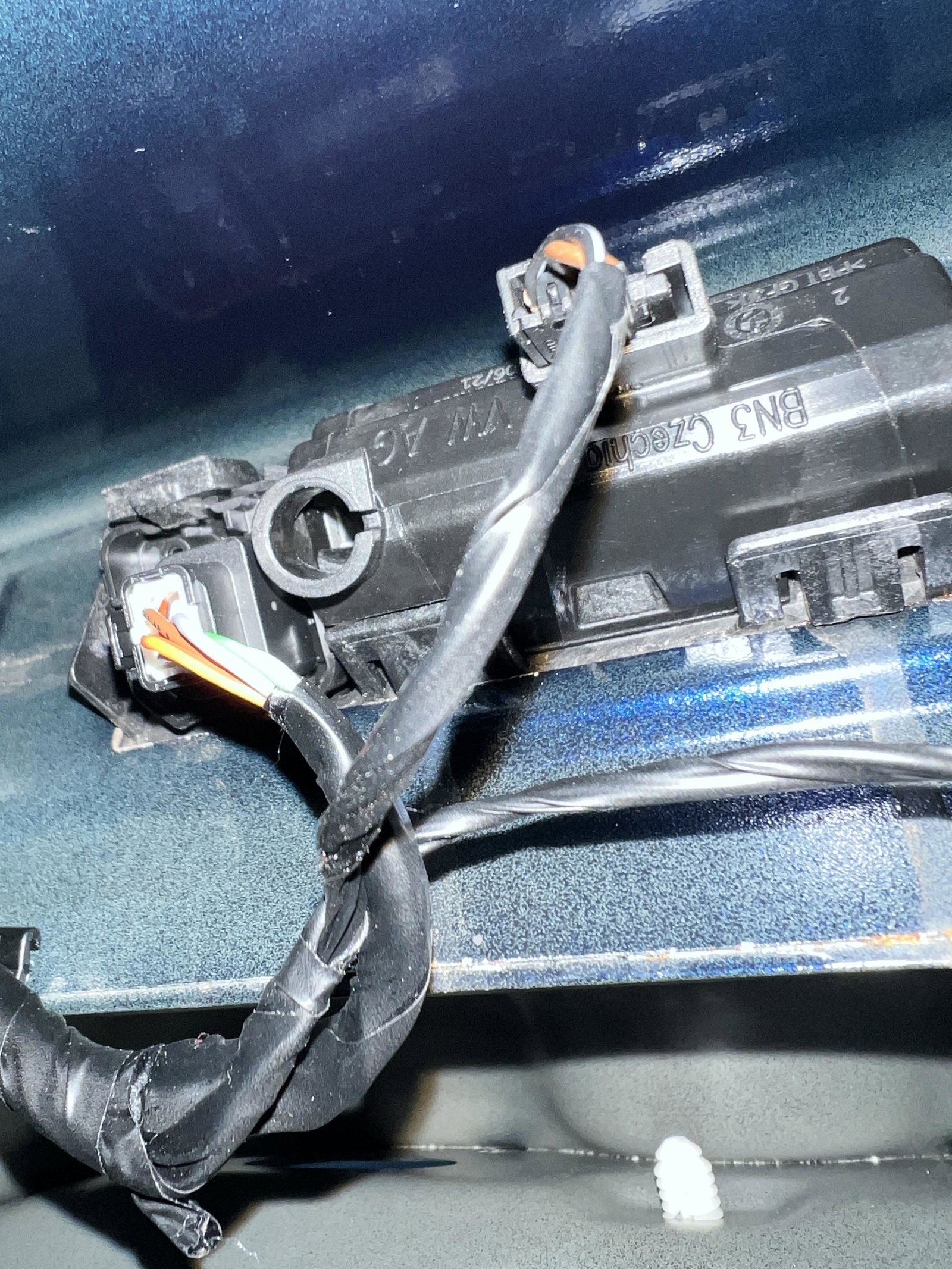
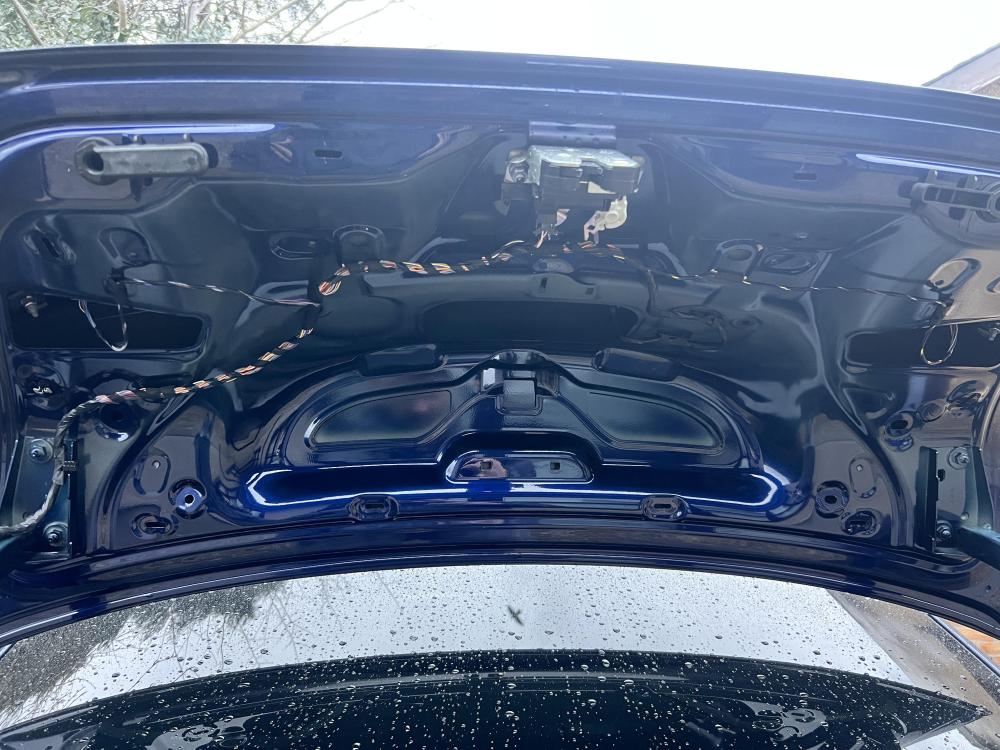
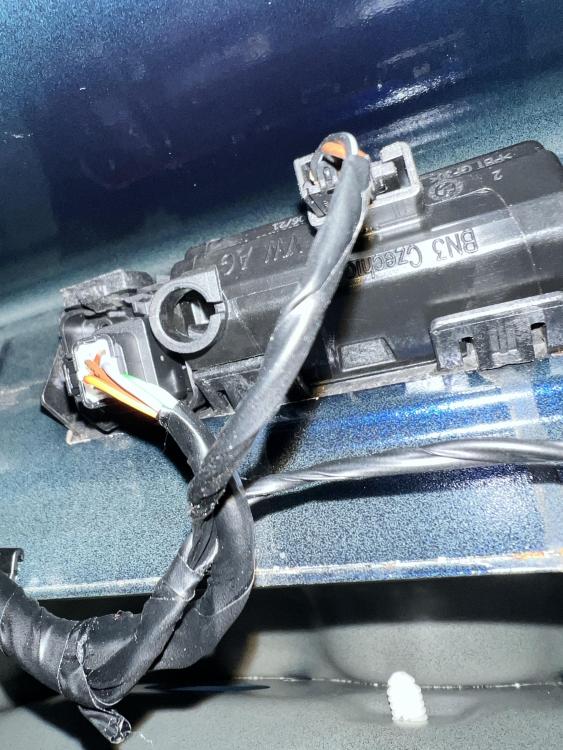
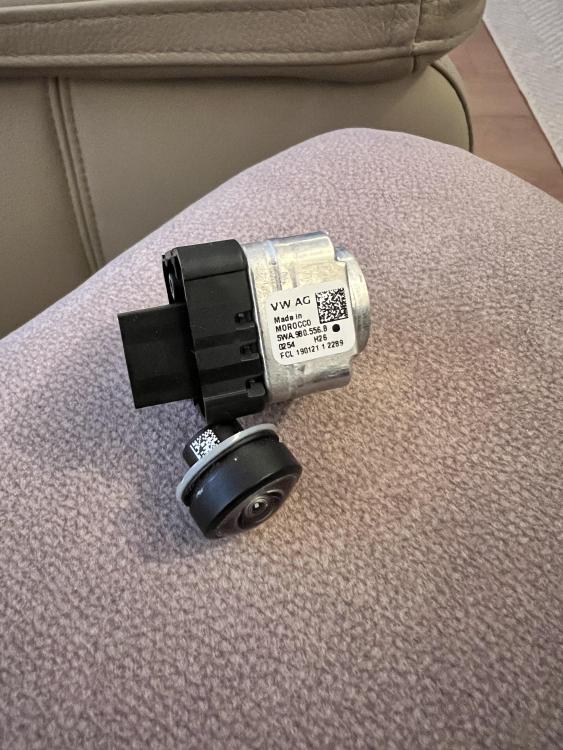
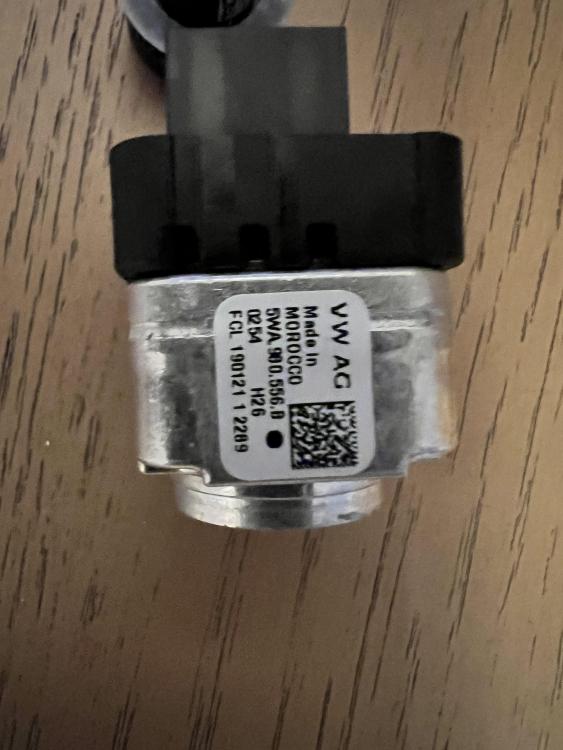
So it’s very different to what you described but found a great video on YouTube. managed to get it off and access to the camera and it’s buggered. New camera ordered!
-
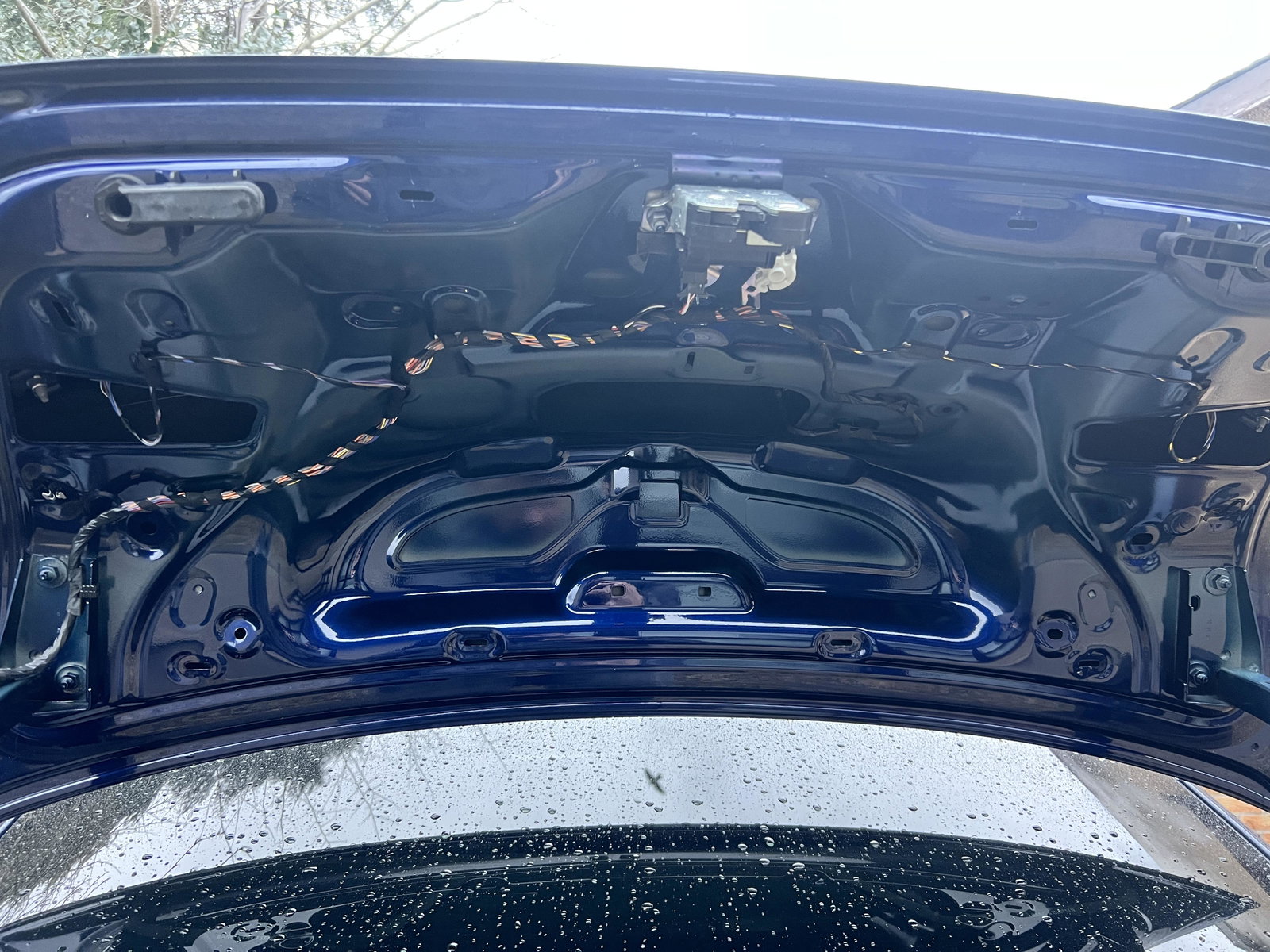
My image from the reversing camera started to go blurry around 2/3 months ago and now it’s intermittently showing a picture when in reverse. How easy is it to access? Does the boot lid trim come off easy enough and does anyone have any experience of removing it? thanks in advance IMG_5149.dng
-
The bearings on the top strut mounts are prone to going. I’ve had the exact same issues at the front and had them replaced. No issues anymore.
-
Thanks for your help and suggestions, I’m out of action for a short period recovering from a small injury but will update when I get a chance to get in about it. Thanks again
-
Thanks for the replies, ill remove the current ones and look at clearing them. best solution to clean them? I’m thinking airline but don’t have access to one
-
Hi all, My windscreen jets aren’t running properly. Can hear the motor running but it’s just dribbling out of both sides. There’s plenty fluid in as the headlights are being sprayed but it takes a while for it to come through the windscreen. I’ve attached a video for you to see what I mean. Im thinking of just buying replacement washer jets but wondering if it could be something else? ScreenRecording_01-26-2026 21-30-52_1.mov Cheers