Furion
Members
-
Joined
-
Last visited
-
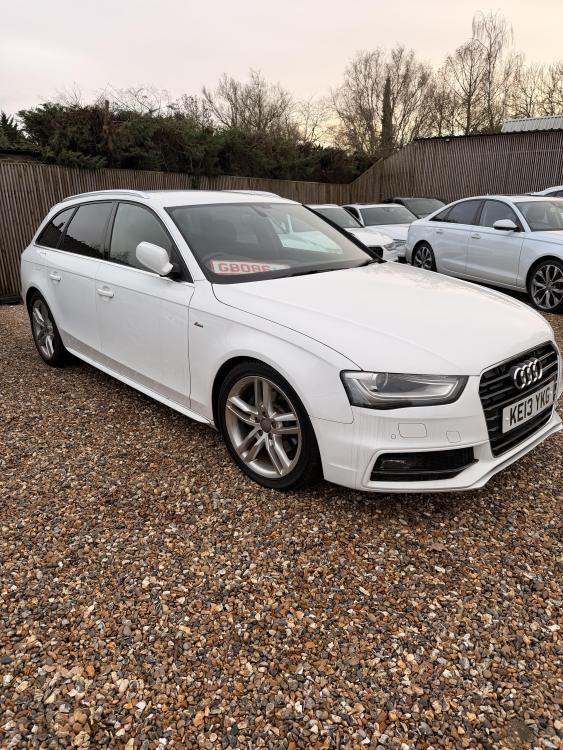
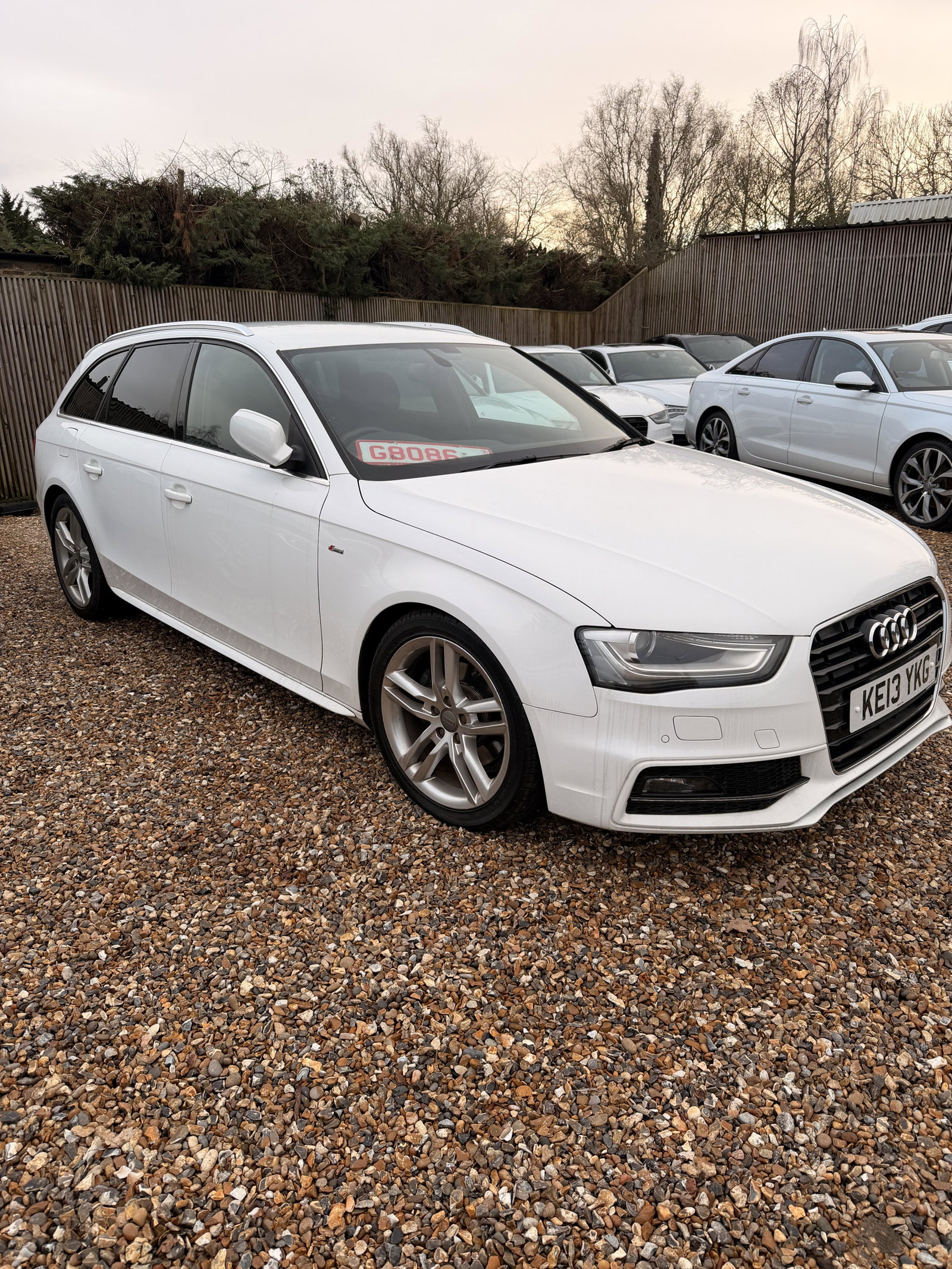
Hi I am new to the forum, I just bought a white A4 Avant S Line 2.0 TFSI Japan import. Electric seats, TV, Quattro wheels, sat nave, reverse camera, parking sensors, may have more but I haven figured everything because the literature is in Japanese. The dealer I bought it from is putting in an Apple car play to work with the existing MMI, free of charge. I have known the chap I bought the car from for years so was comfortable buying an import from him. The car has a full Audi dealer service history from Japan,one owner 62k miles, and it drives like new. The only issue I find is some of the radio stations are very crackly whilst others are perfectly clear, I am wondering if this an aerial issue. It’s not a big concern as I tend to stream from my phone thru Apple car play anyway. i will need to get an English owners manual set. I used have an A6 Avant Le Mans 3.0 that was stolen during a burglary a few years ago and I didn’t realise how much I missed that car until I sat in this A4 S Line.