Old Man Milli
Members
-
Joined
-
Last visited
Everything posted by Old Man Milli
-
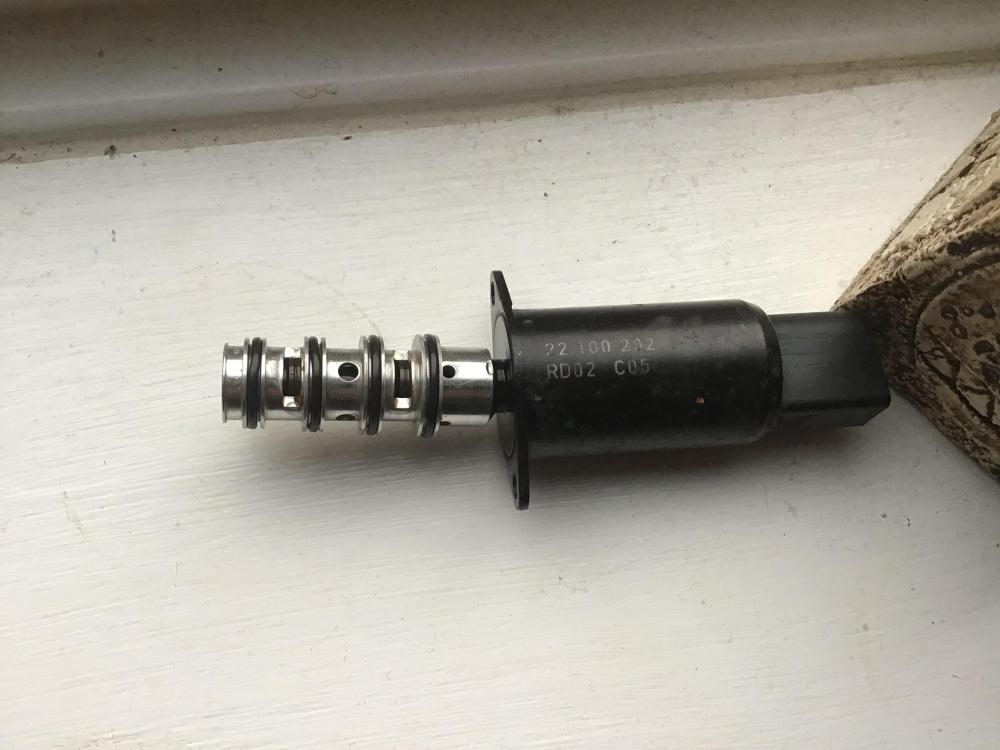
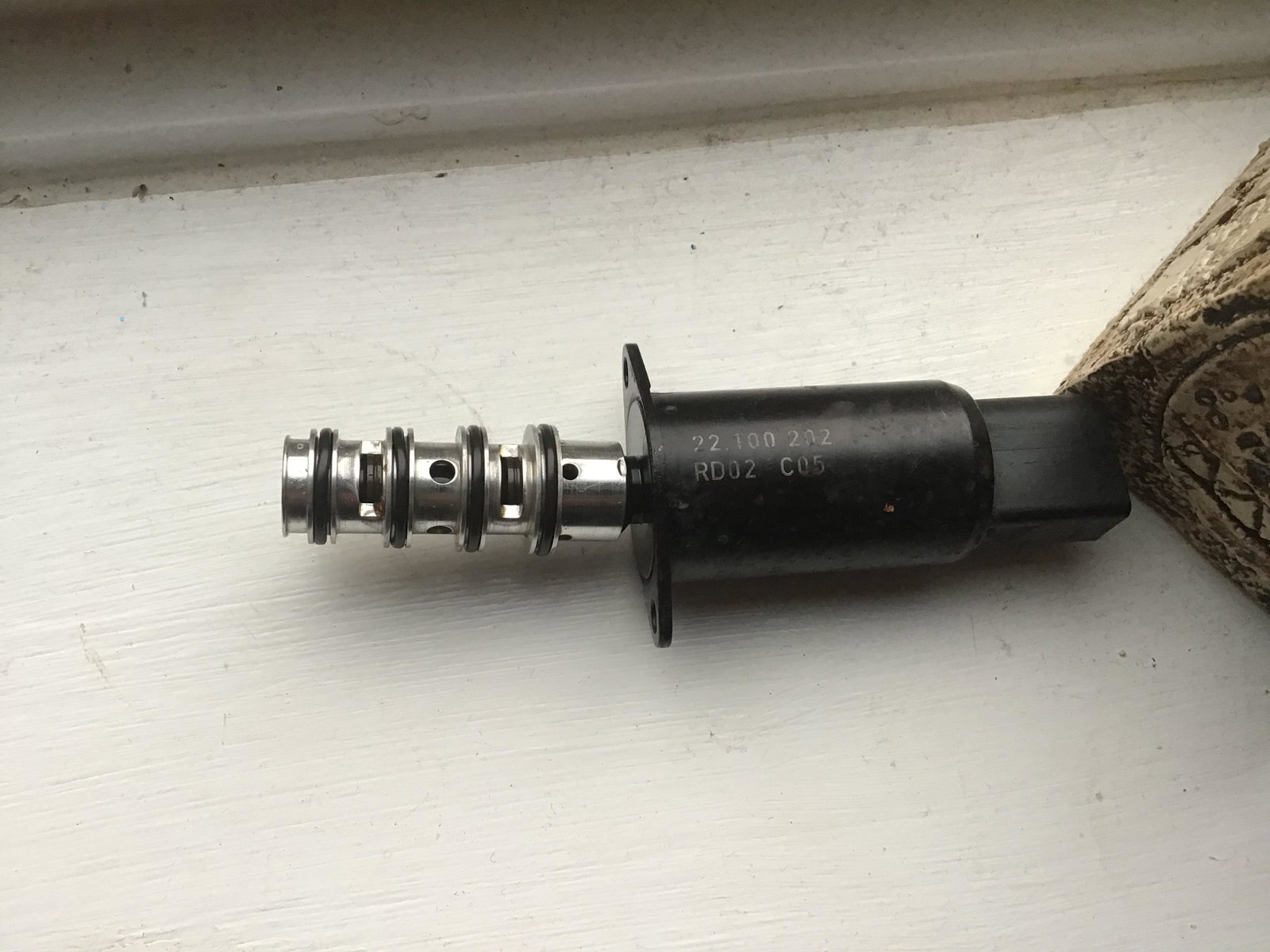
After searching many websites I have found a part that visually looks looks identical to the part I removed i.e. the four O rings but this comes up as incompatible, but I still can’t find a part number what it should be as I am starting to think that the wrong part has been fitted. Has anyone out there changed this part? Appriecate any reply Thanks John
-
Thanks for the reply Stev. yes I’ve done a search on the part number stamped on the part (nothing found) I’ve emailed several suppliers (no joy). I’ve gone to local garage who stated this is not an Audi part. But I’m still trying.
-
Ok thanks Gareth, have sent them email requesting part details.
-
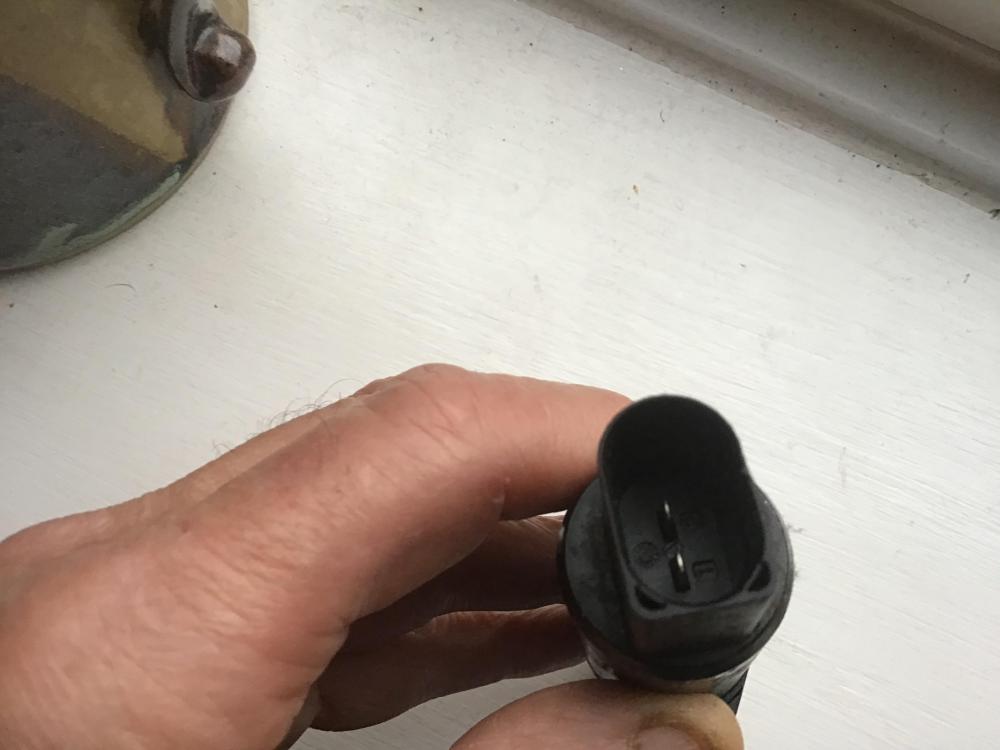
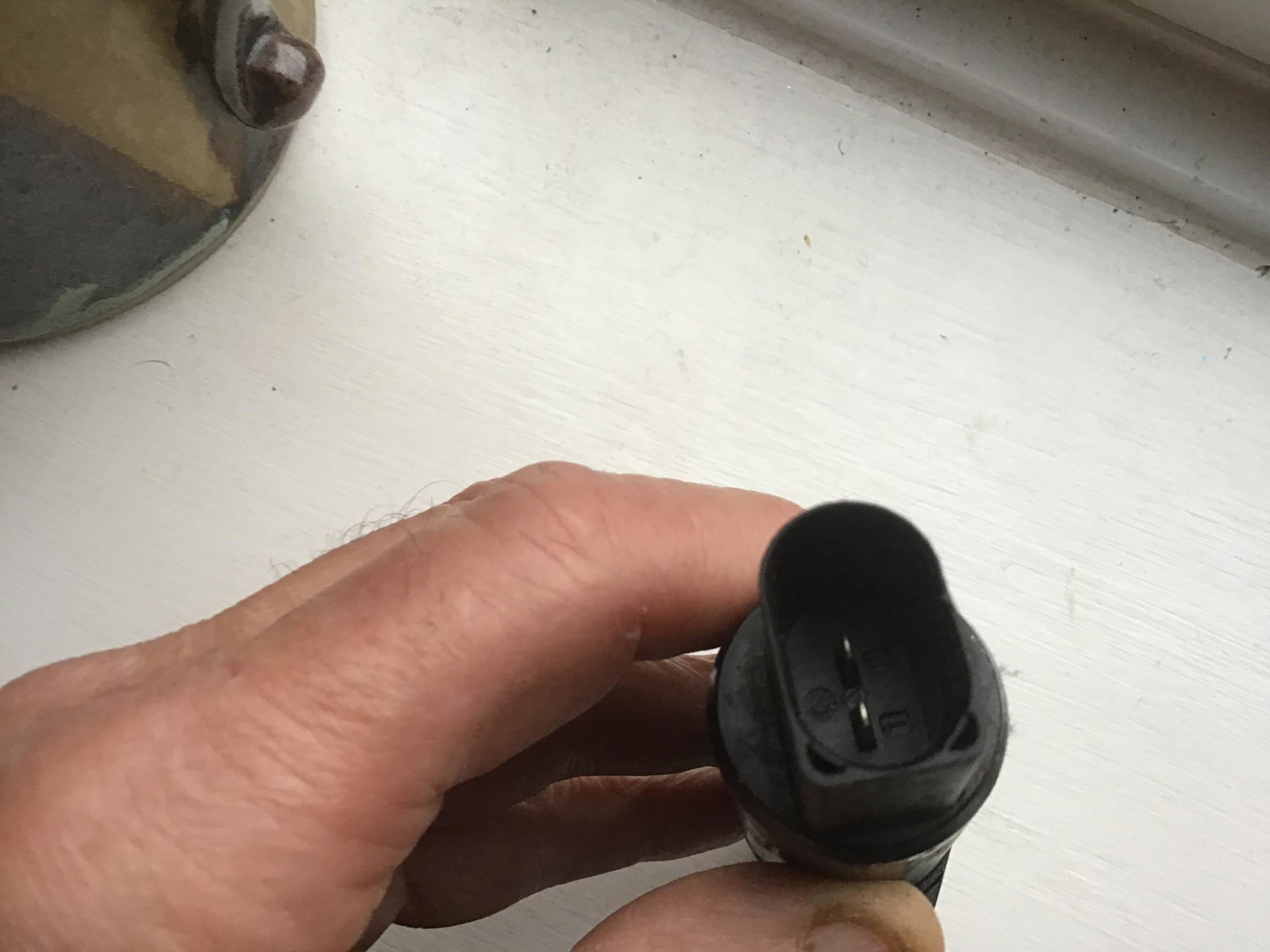
I am trying to get my Audi a4 back on the road but I had a P0010 error code camshaft actuator open circuit. When trying to search for the camshaft actuator part I couldn’t find one that would be compatible with my car, I started thinking it didn’t have one. Started working on the car and removed what I thought was the actuator (photo attached, removed from the rear of the engine on the intake side) but all the suggested actuators for an A4 didn’t look anything like the part I removed I.e. three O ring seals. I did find a visual match for this part was for an A3 or Q7. Can anyone help please but this was stated as not compatible with my A7. Bedtime story I know but I would appreciate any advice.