FredM
Members
-
Joined
-
Last visited
-
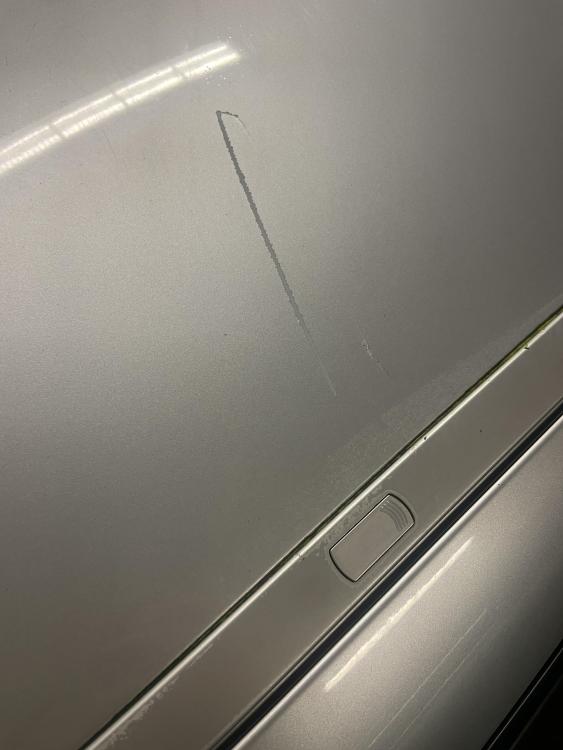
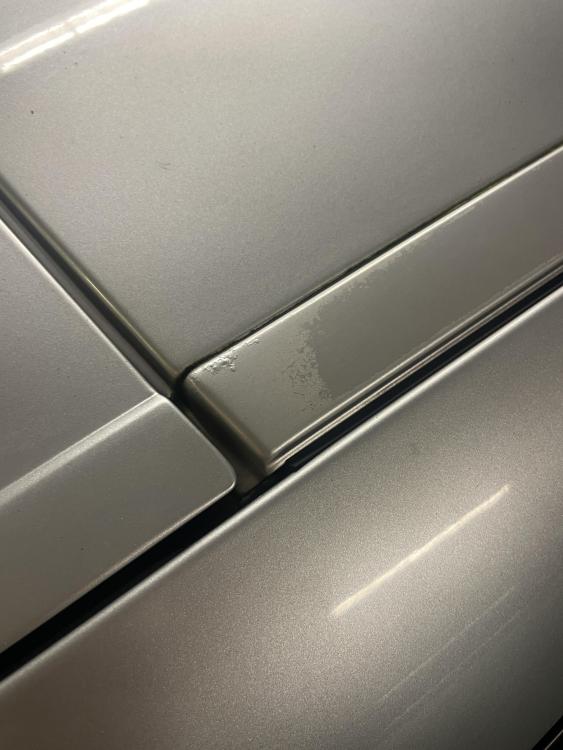
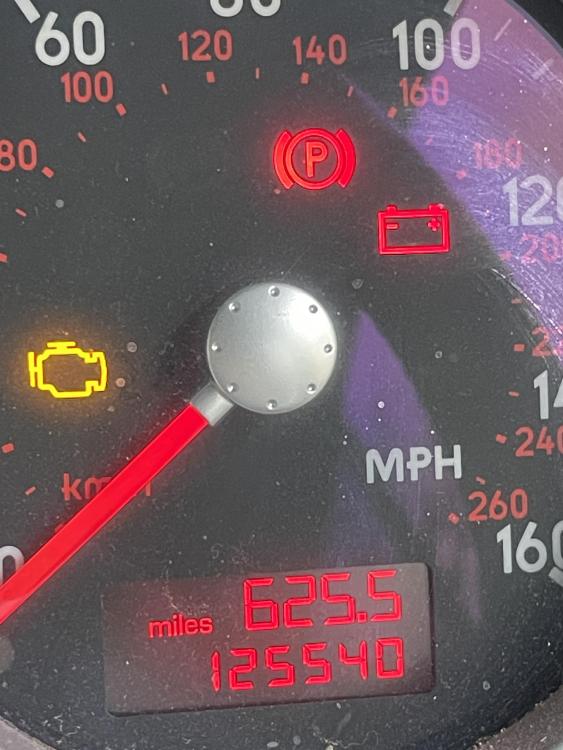
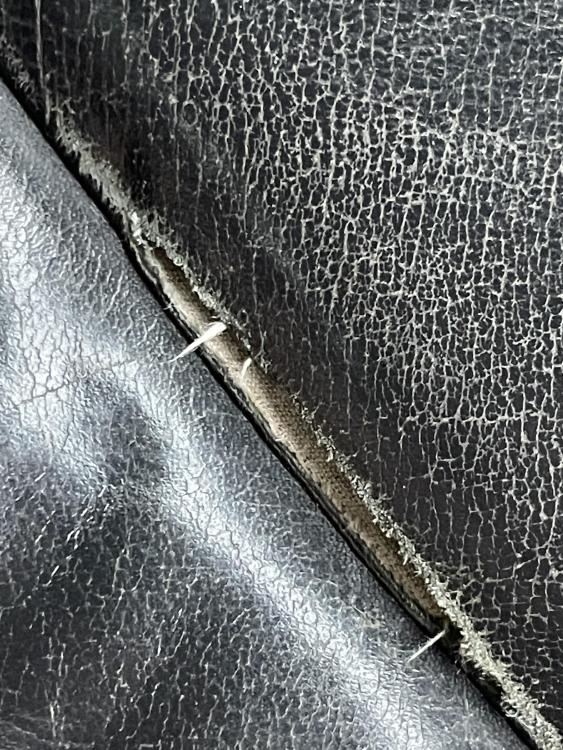
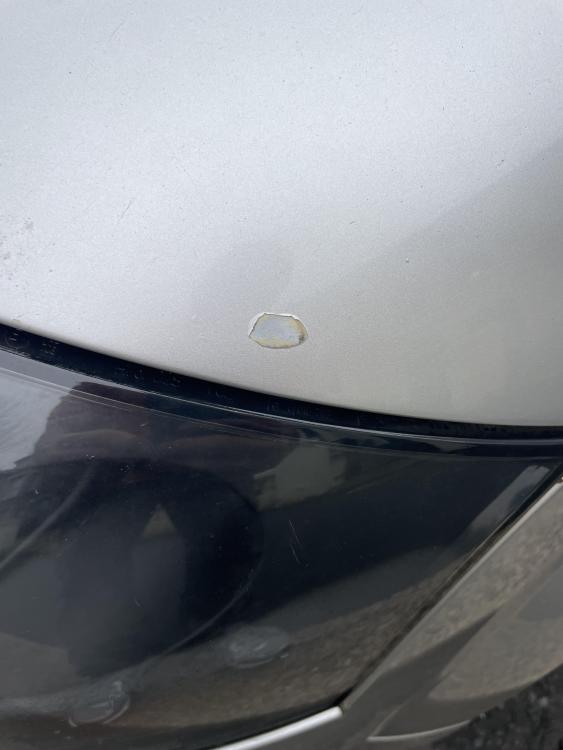
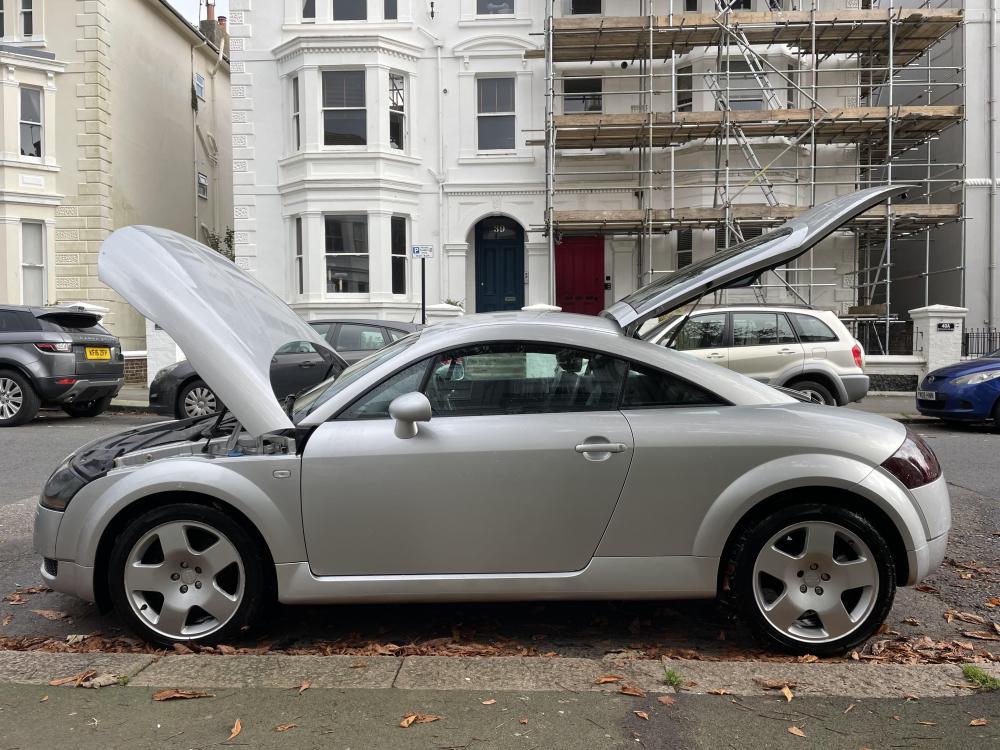
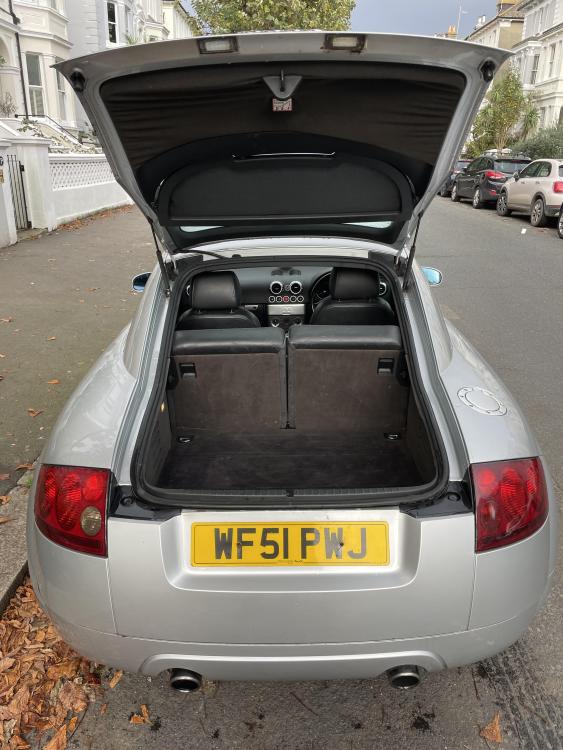
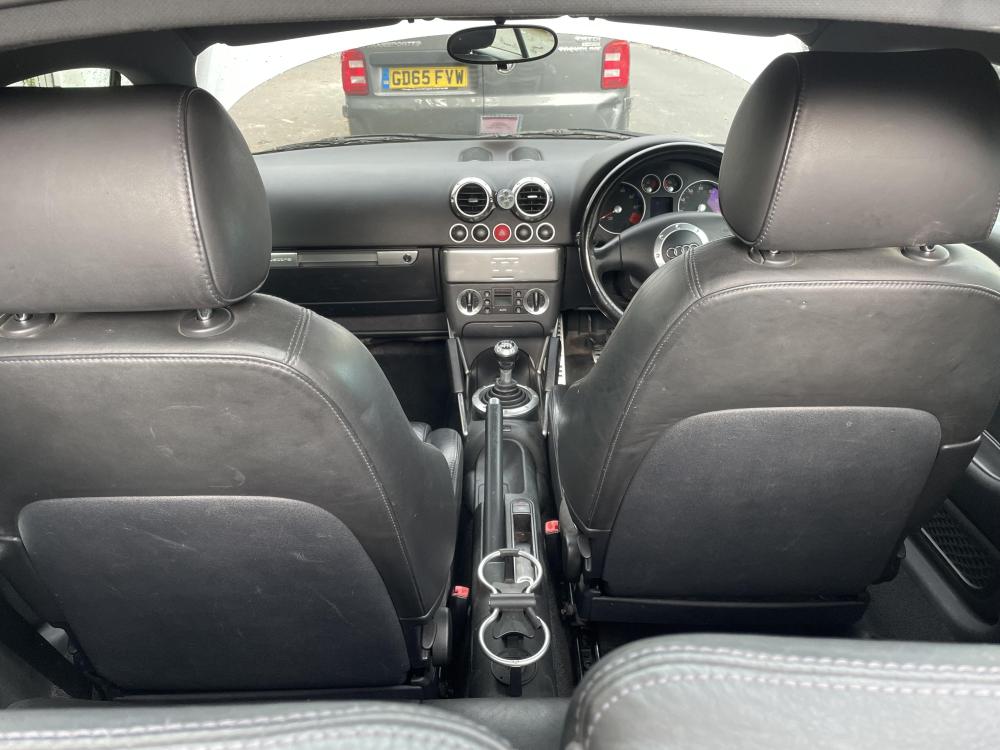
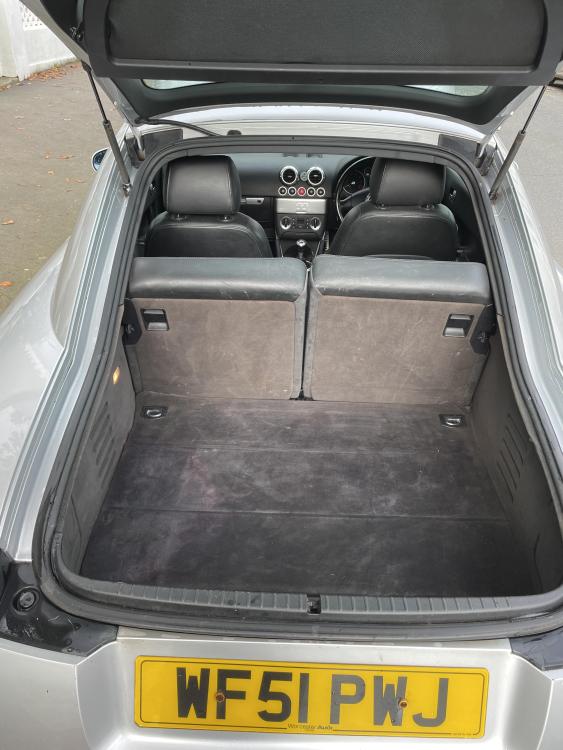
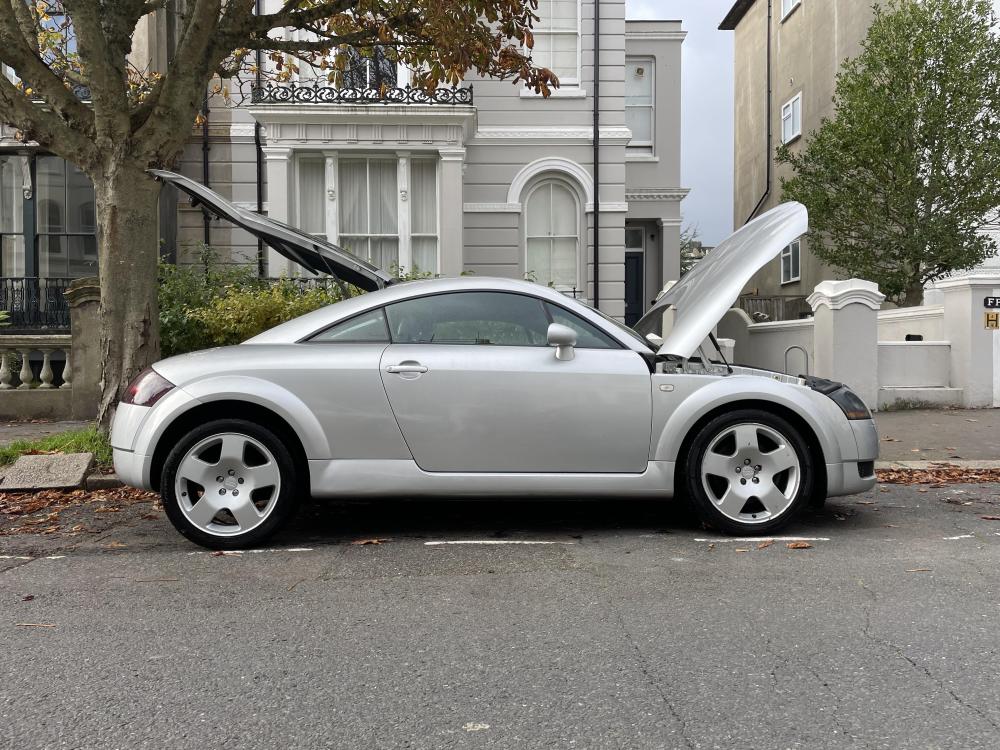
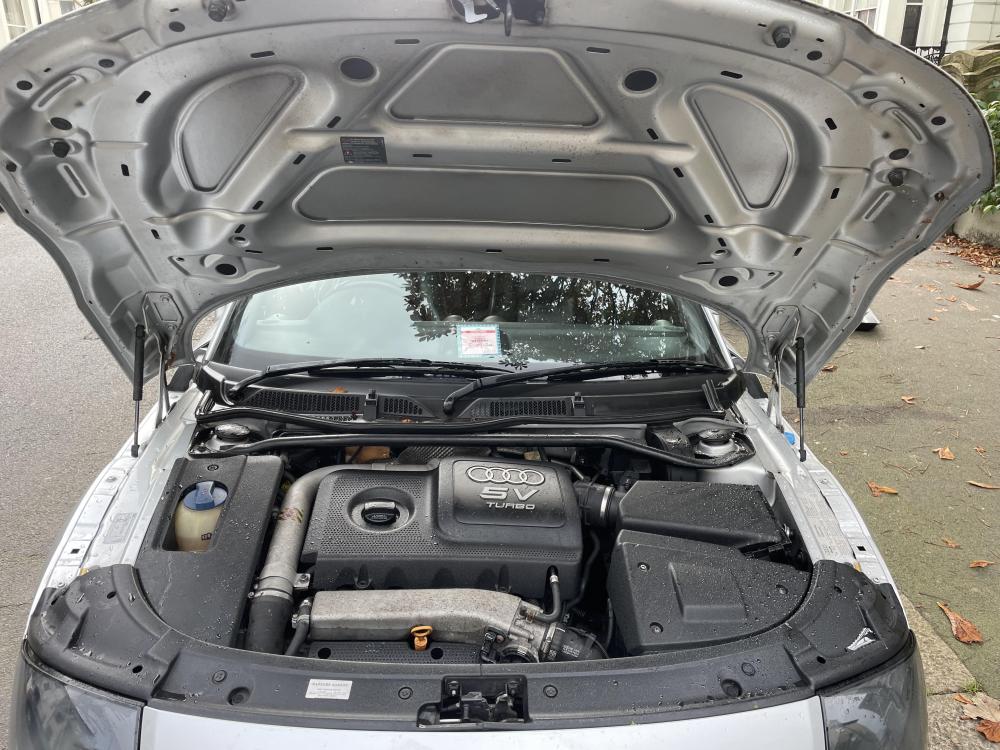
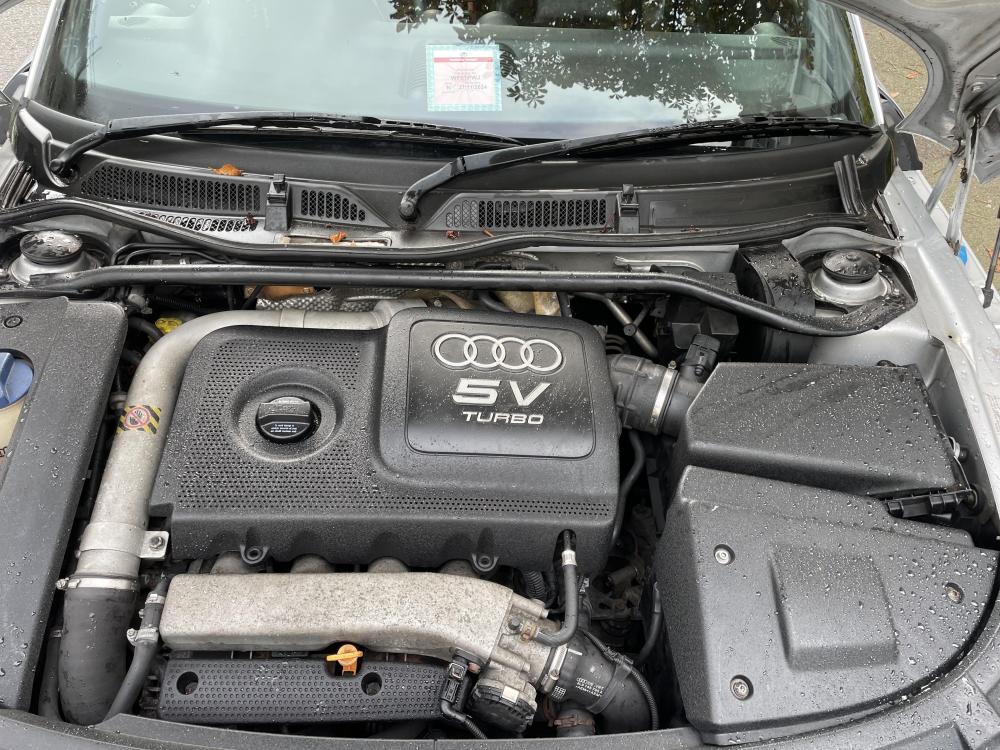
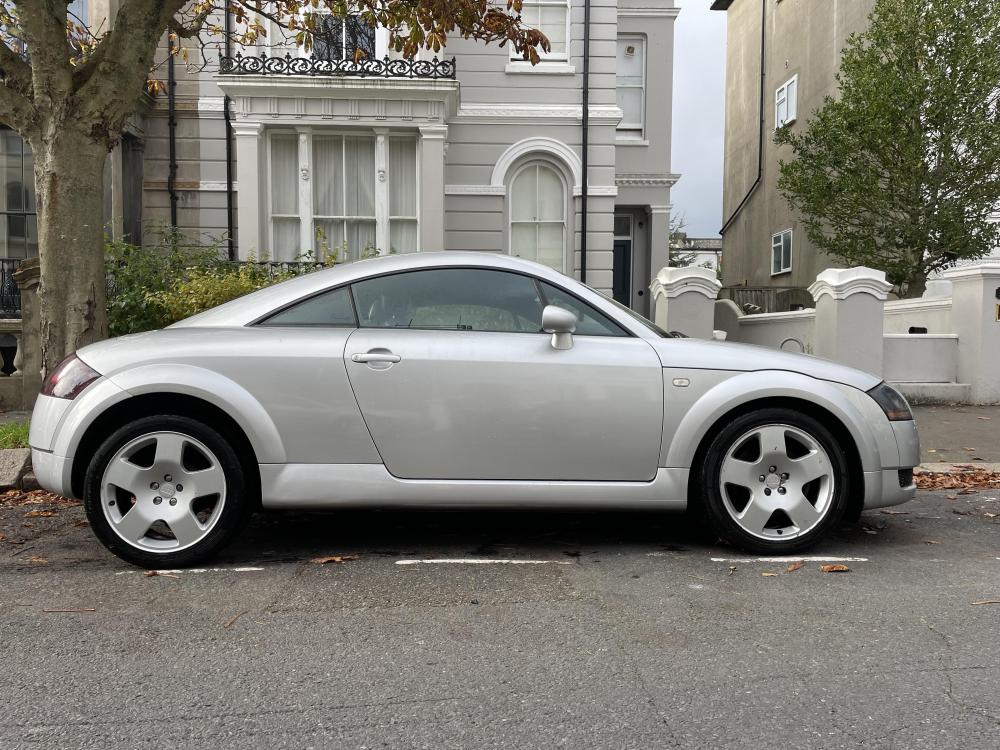
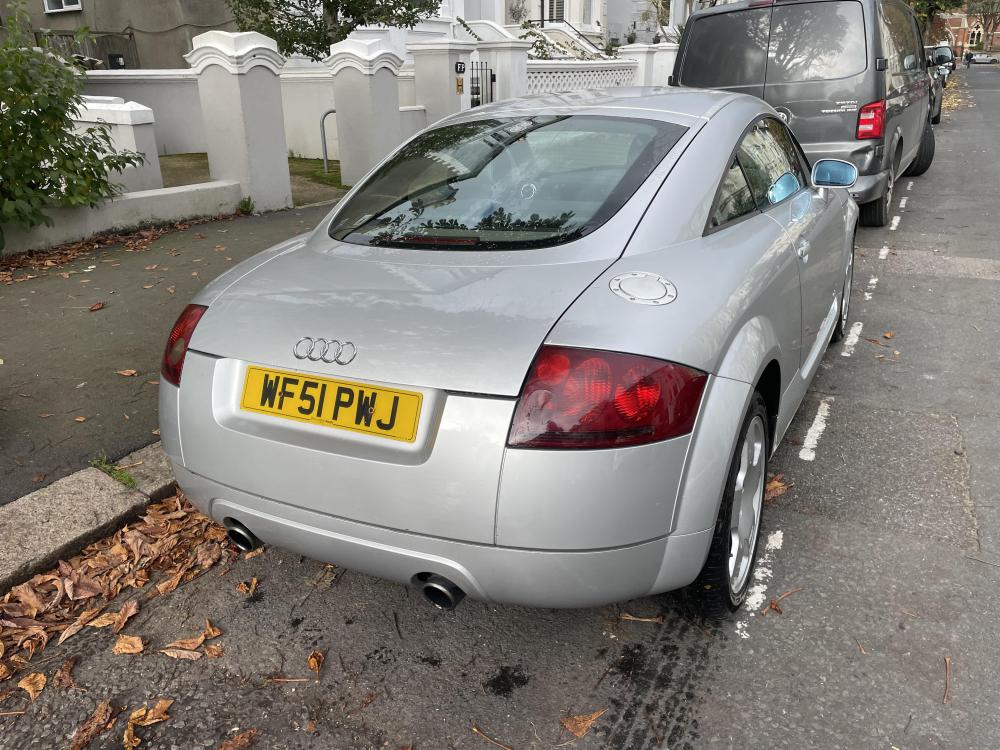
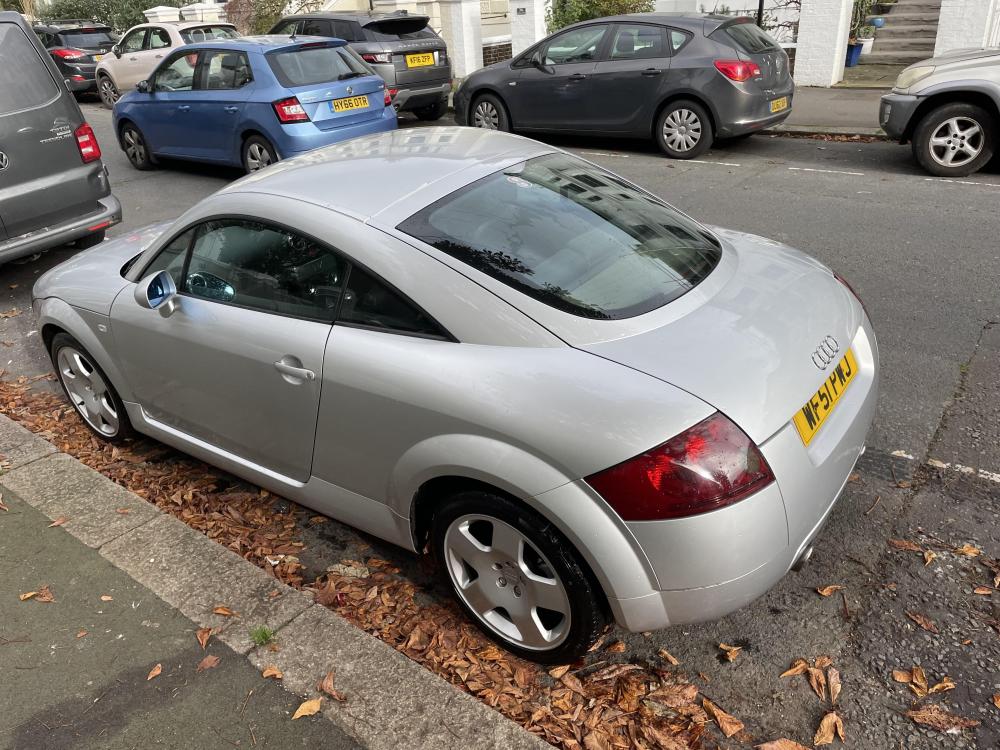
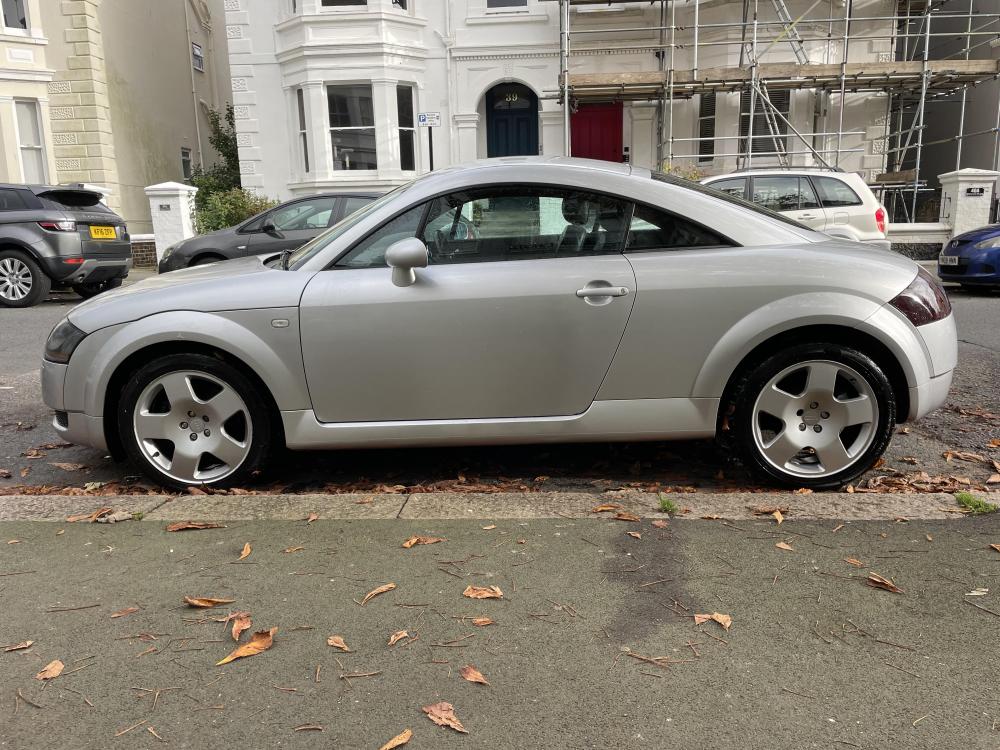
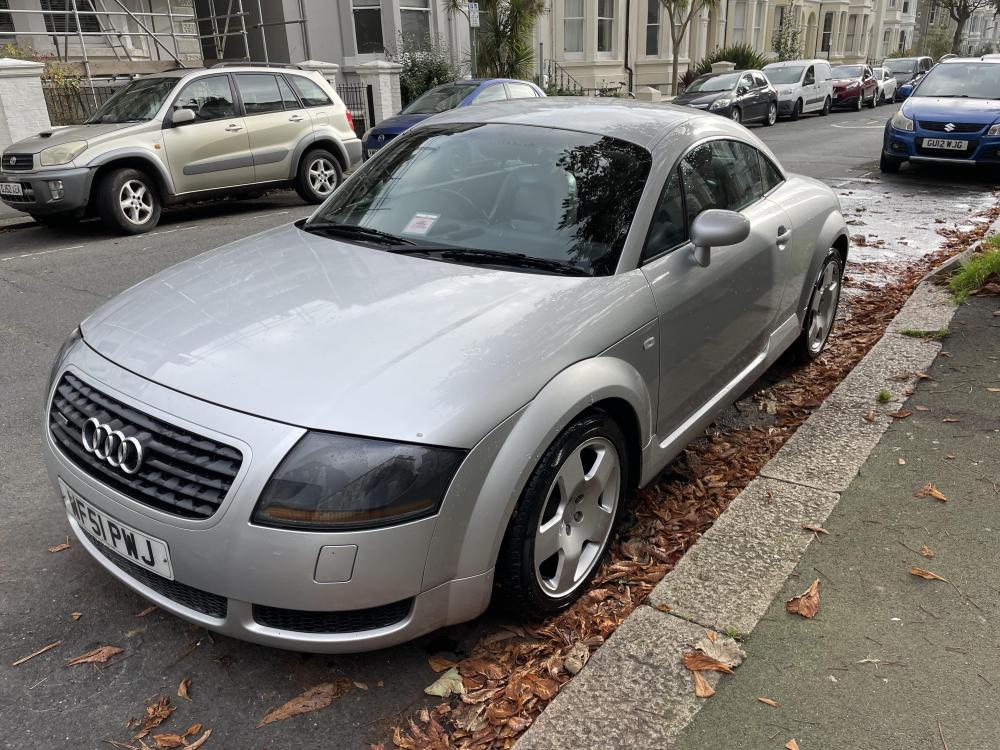
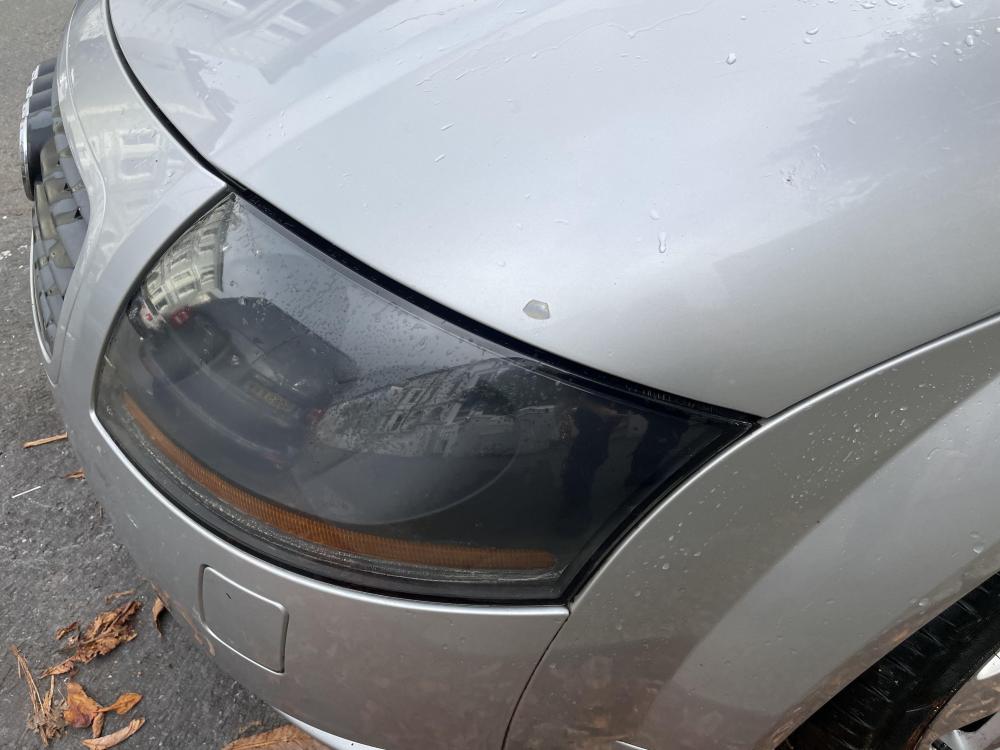
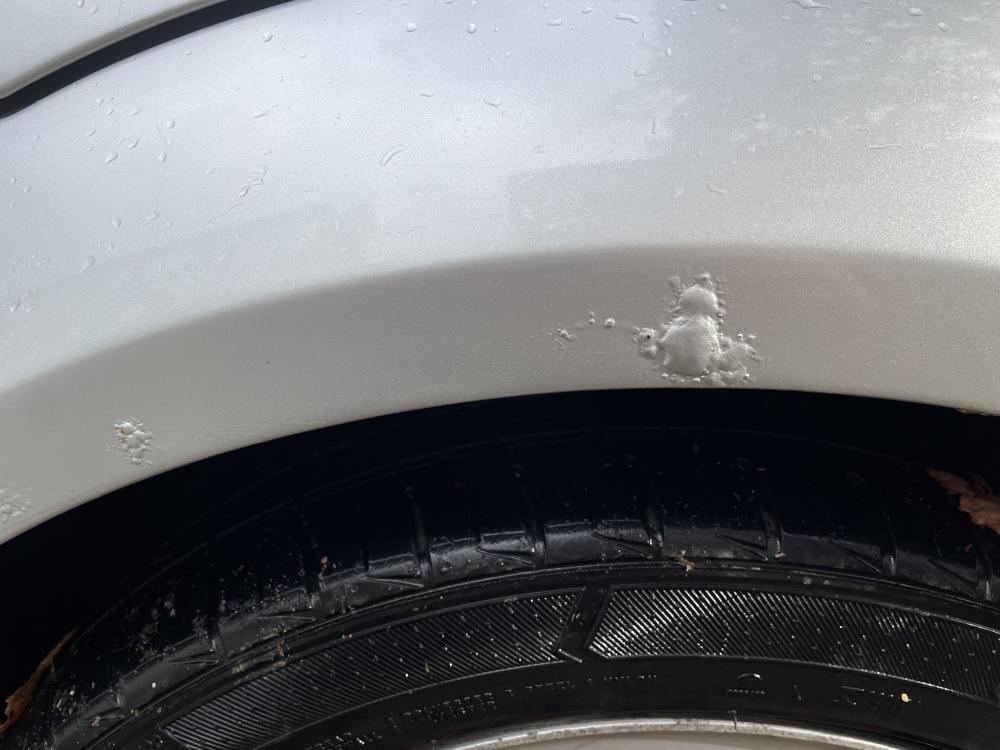
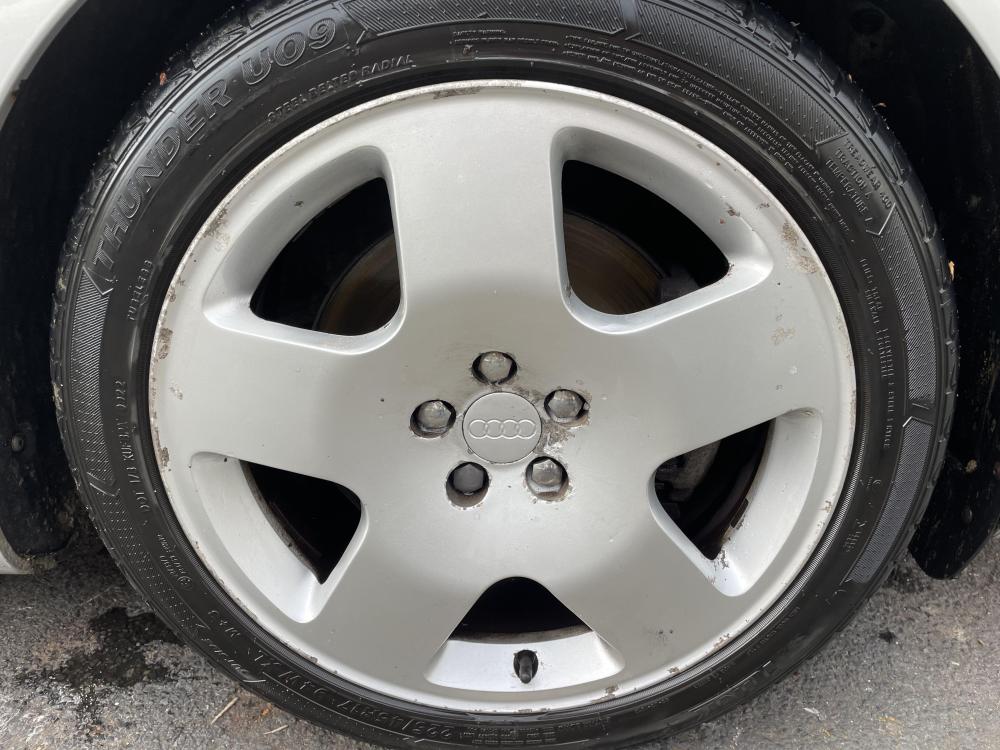
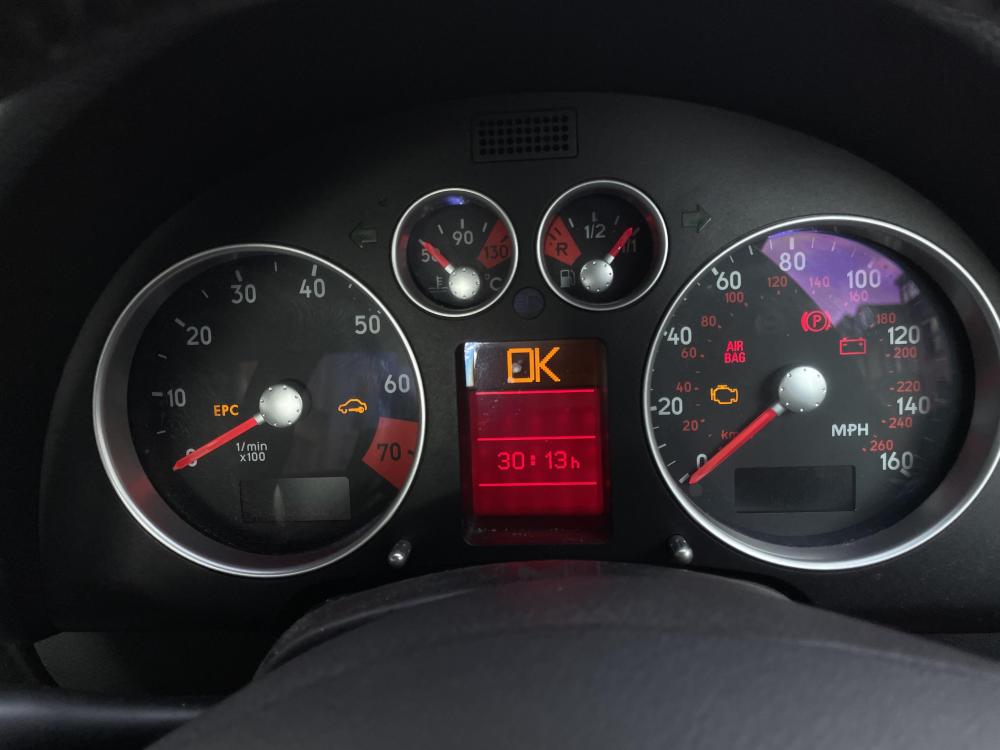
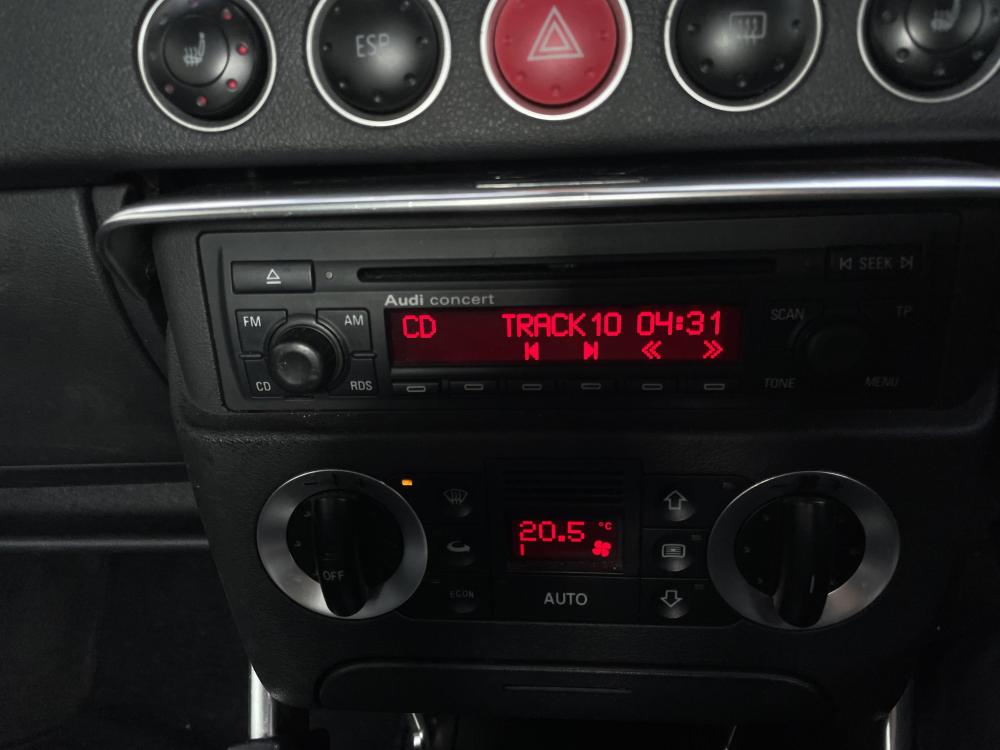
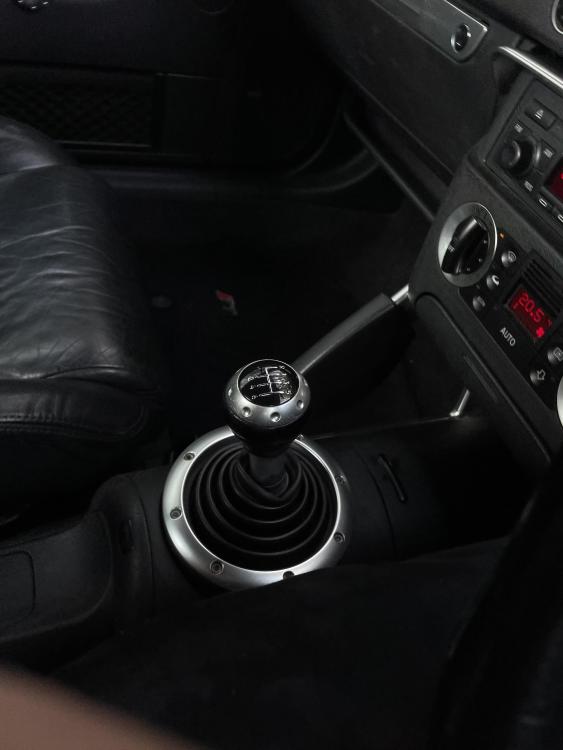
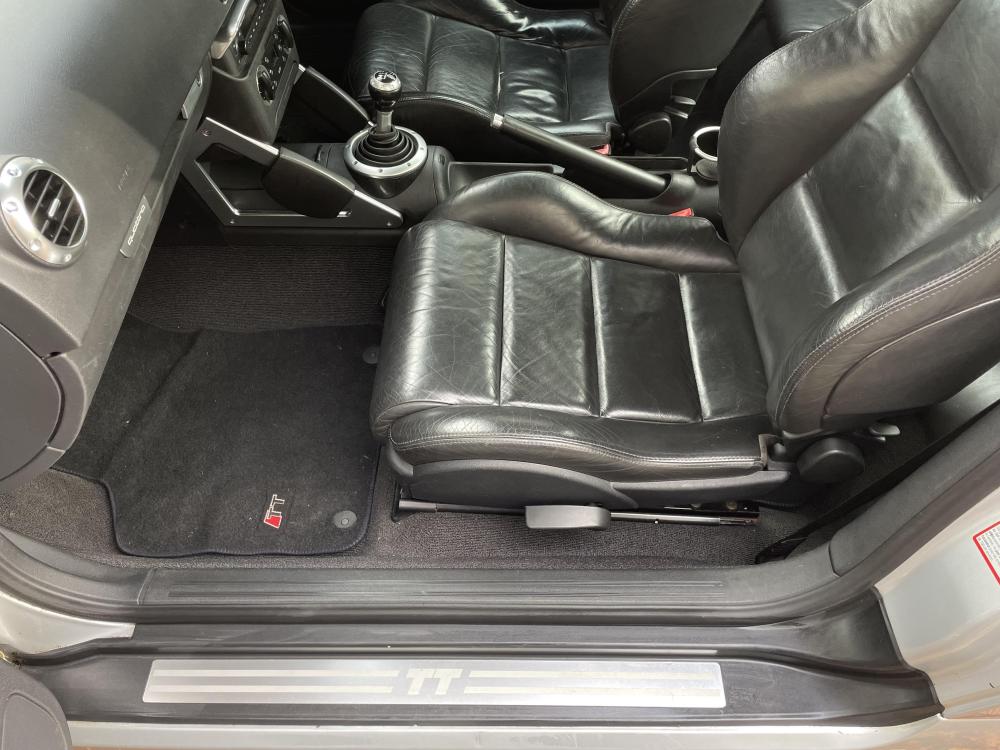
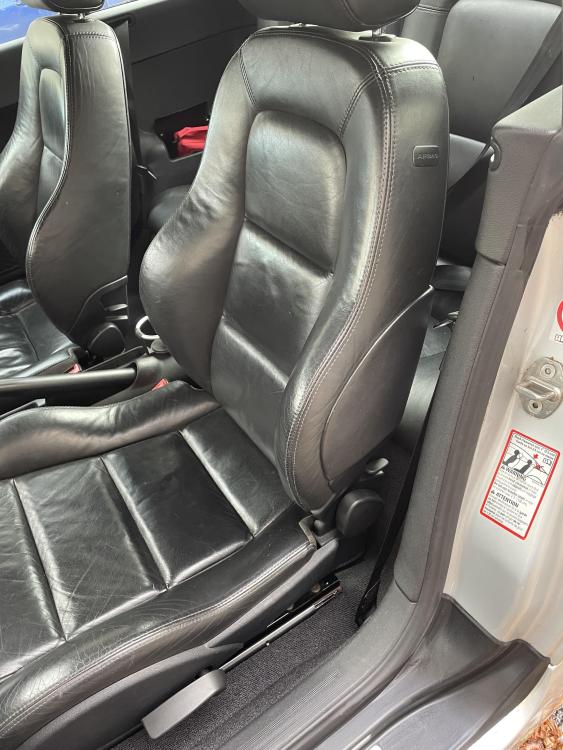
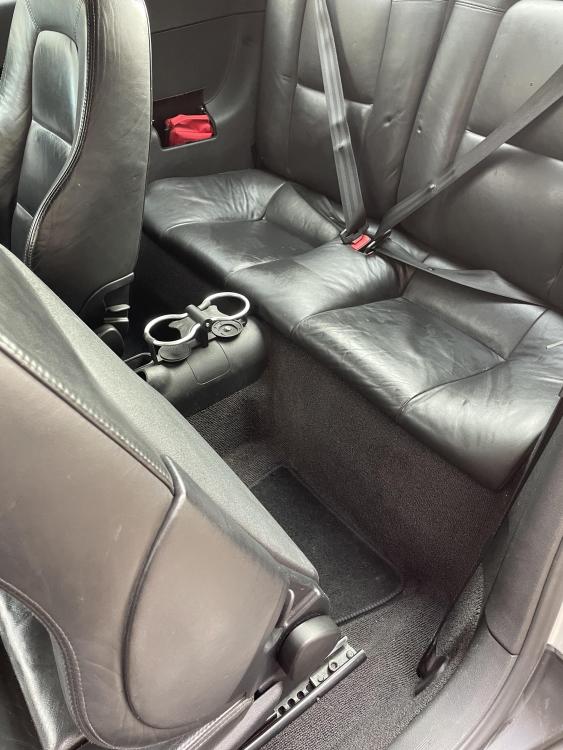
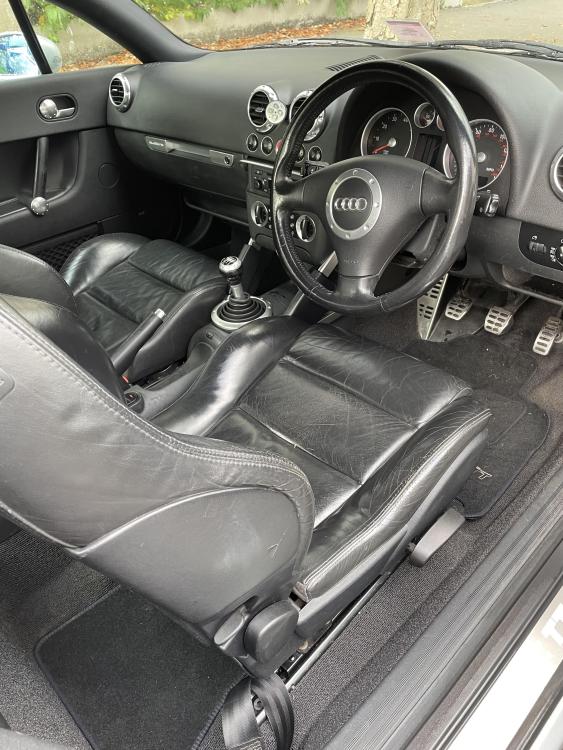
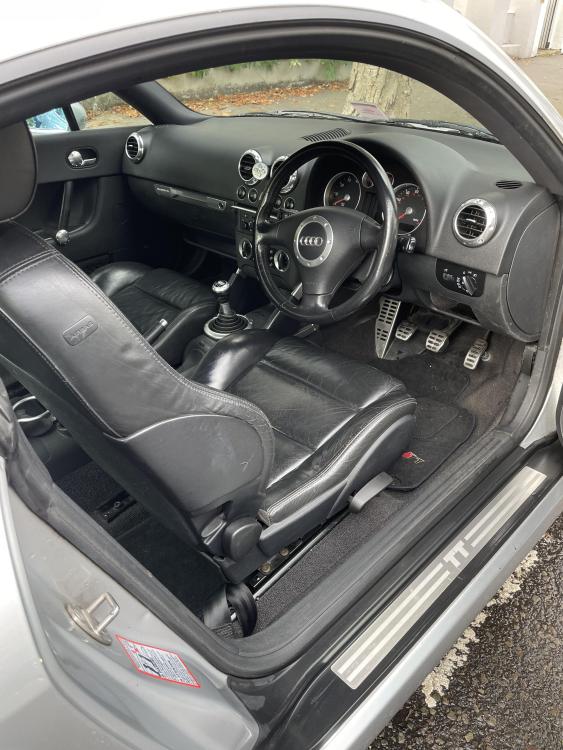
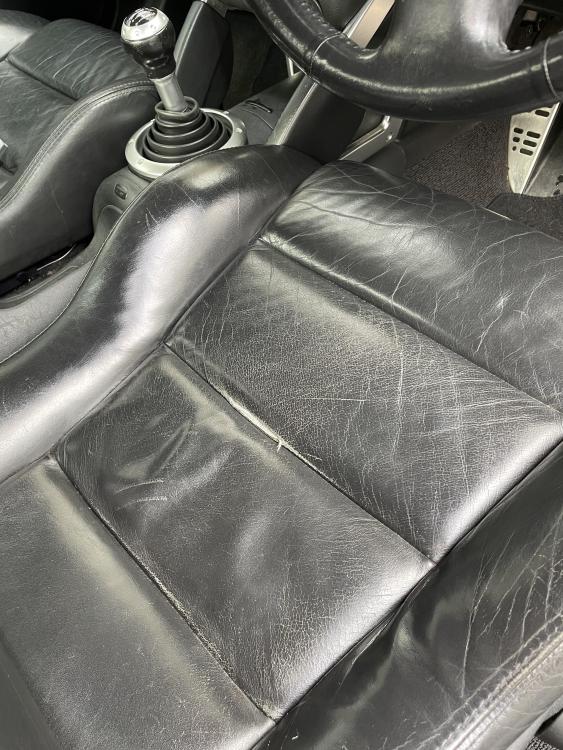
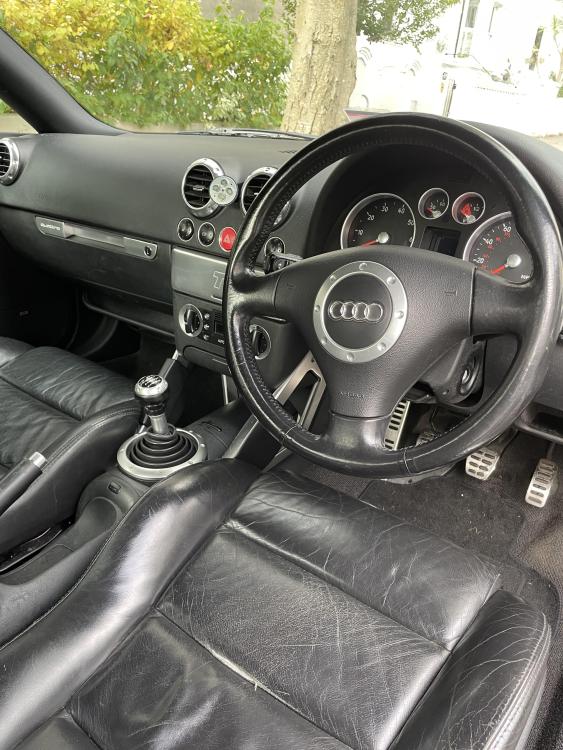
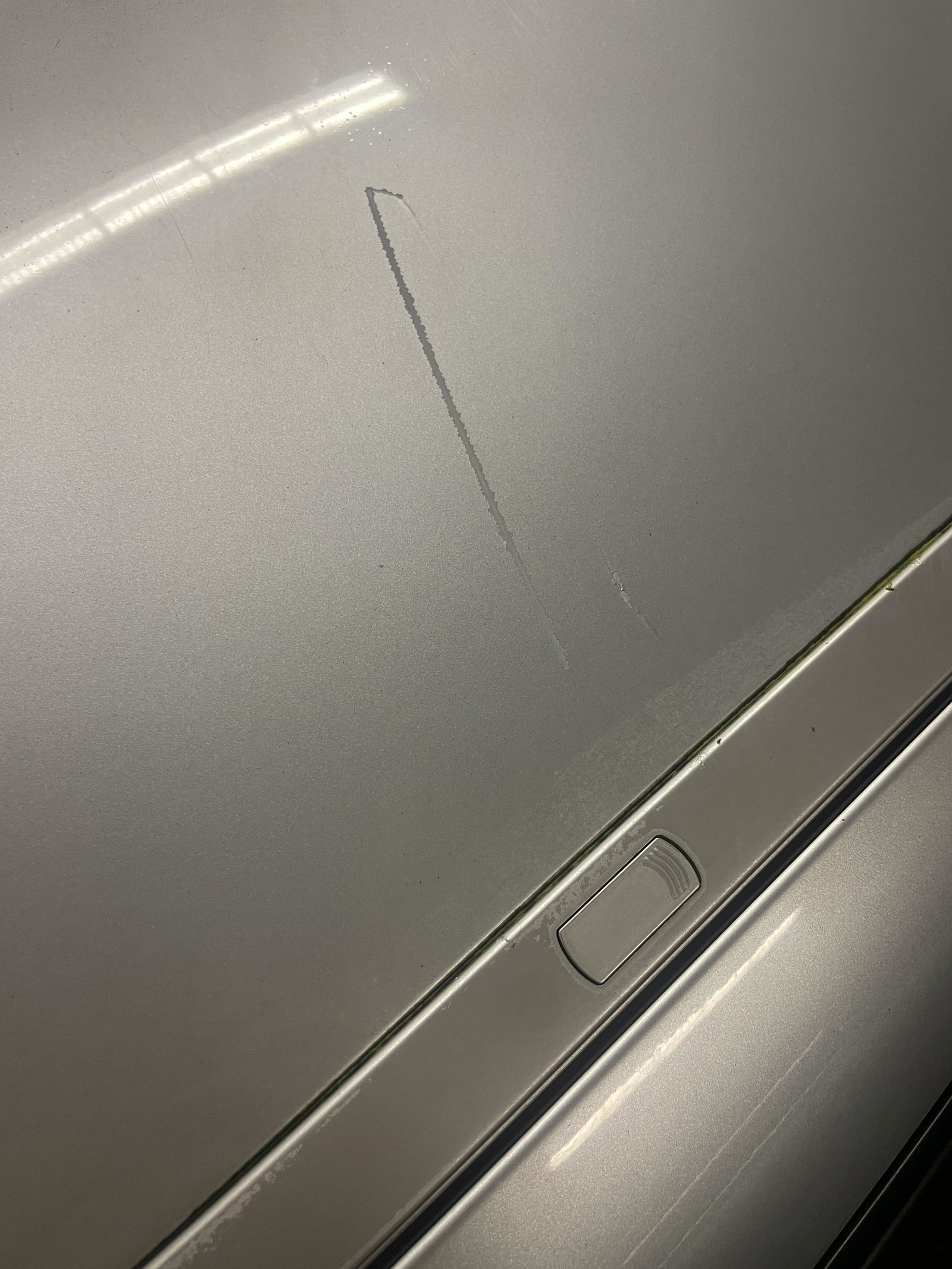
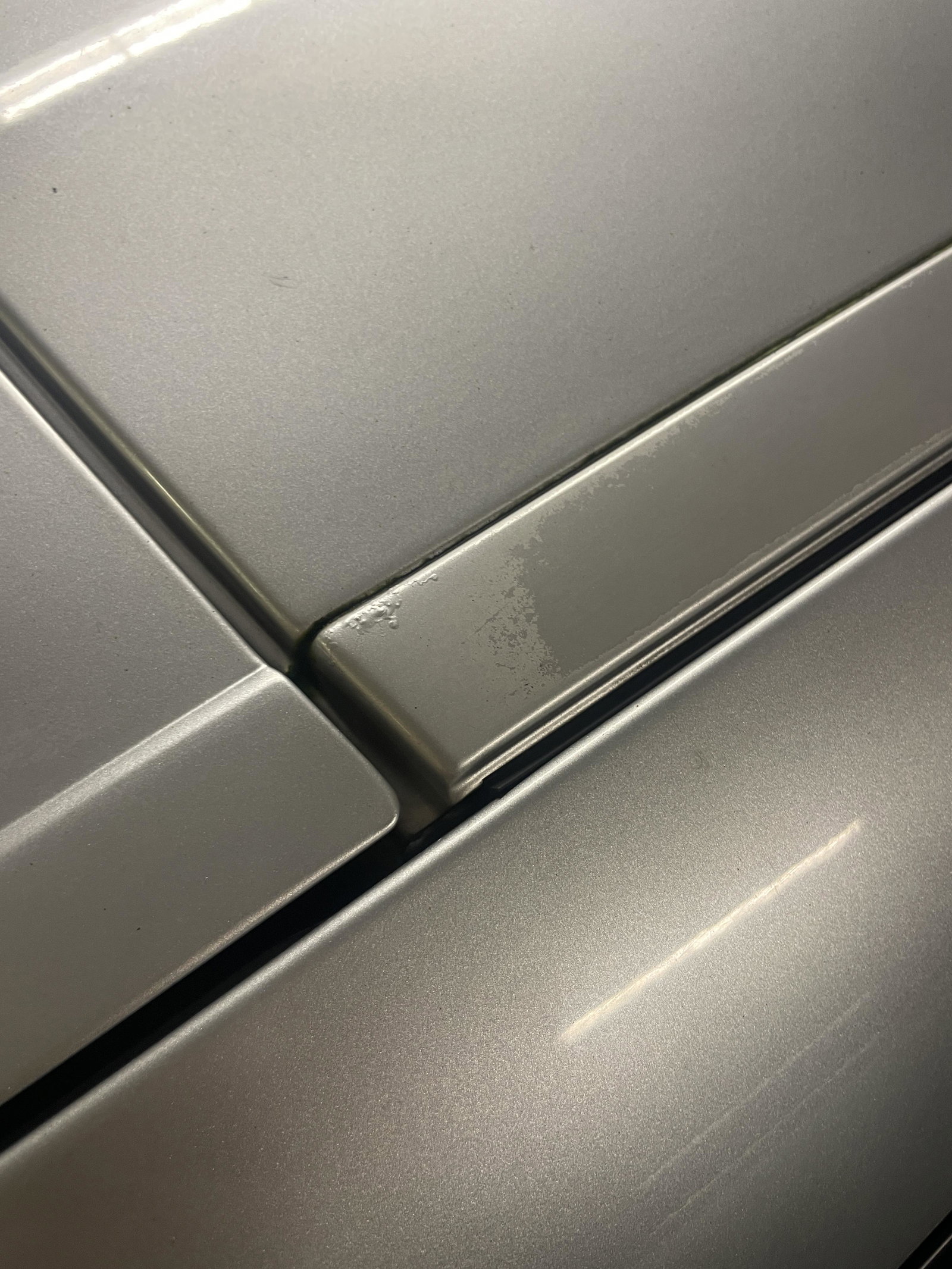
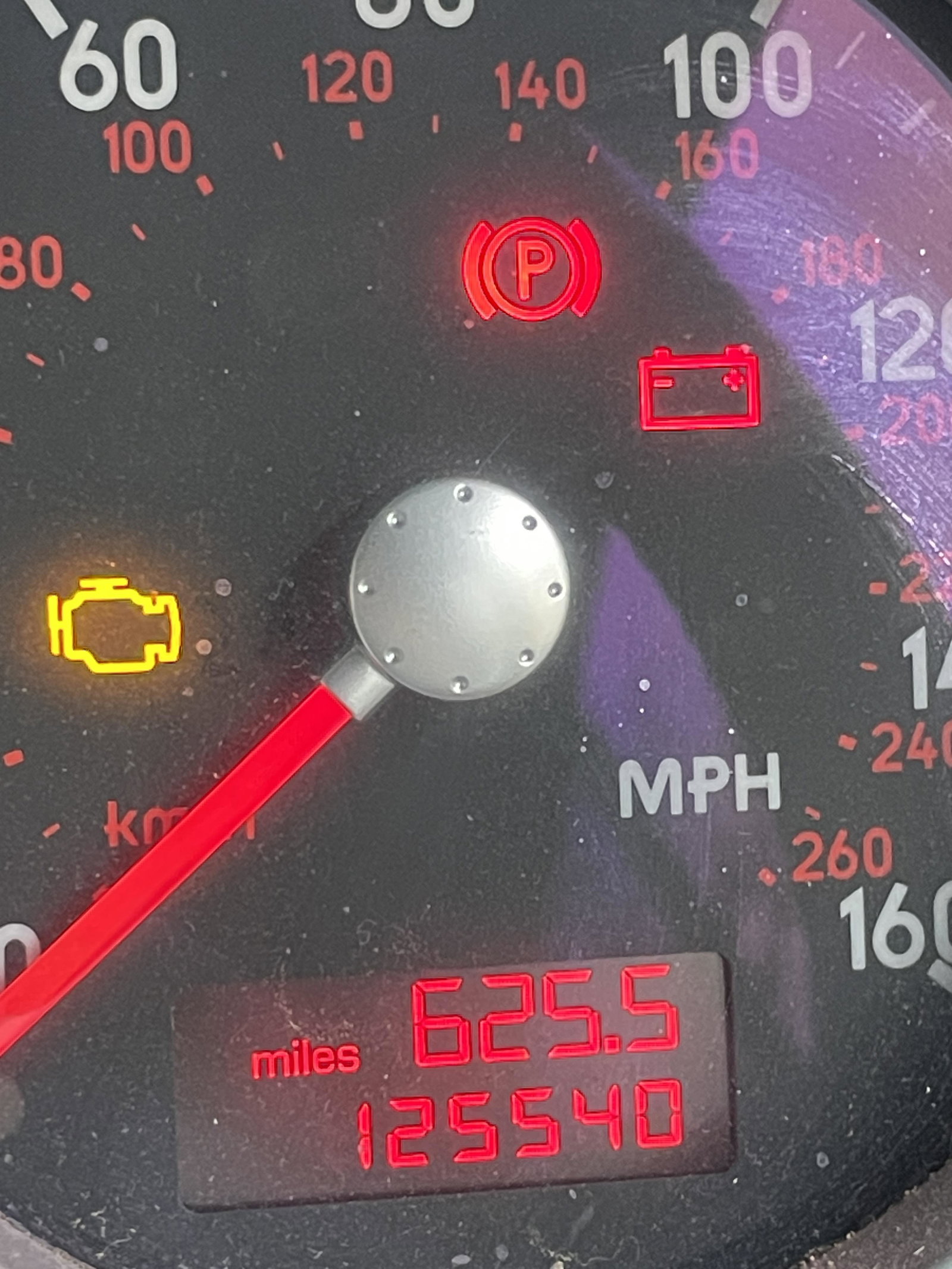
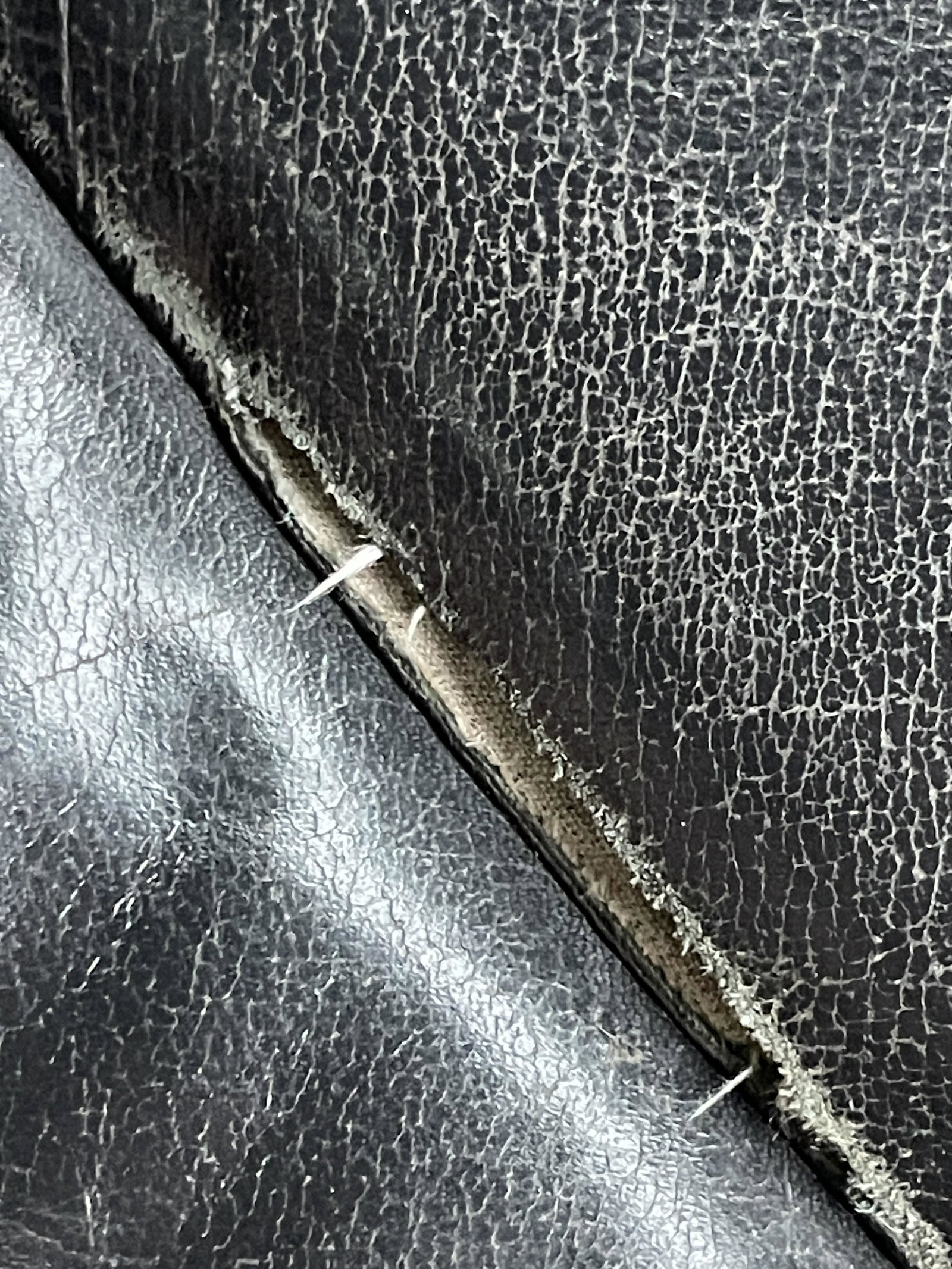
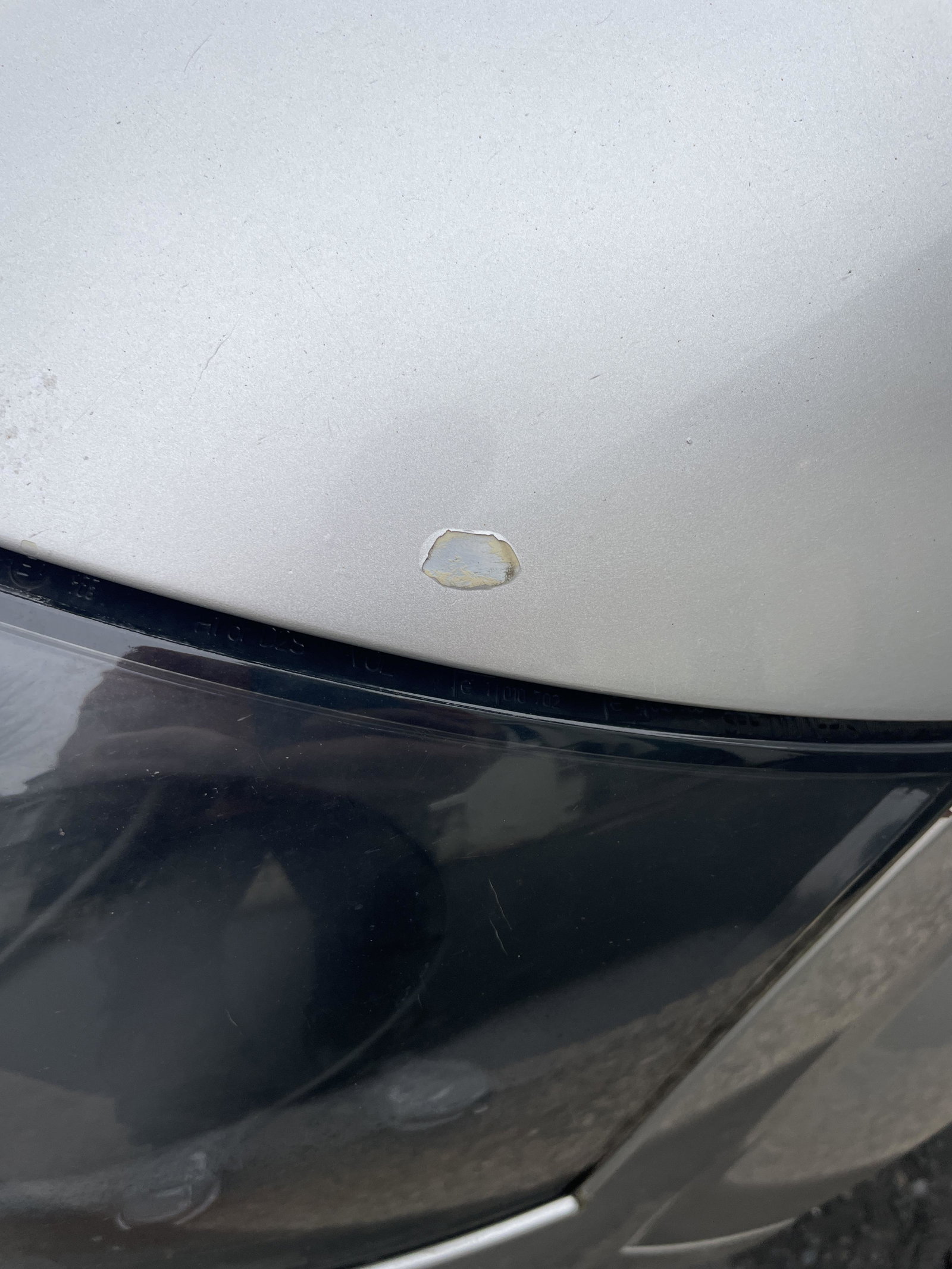
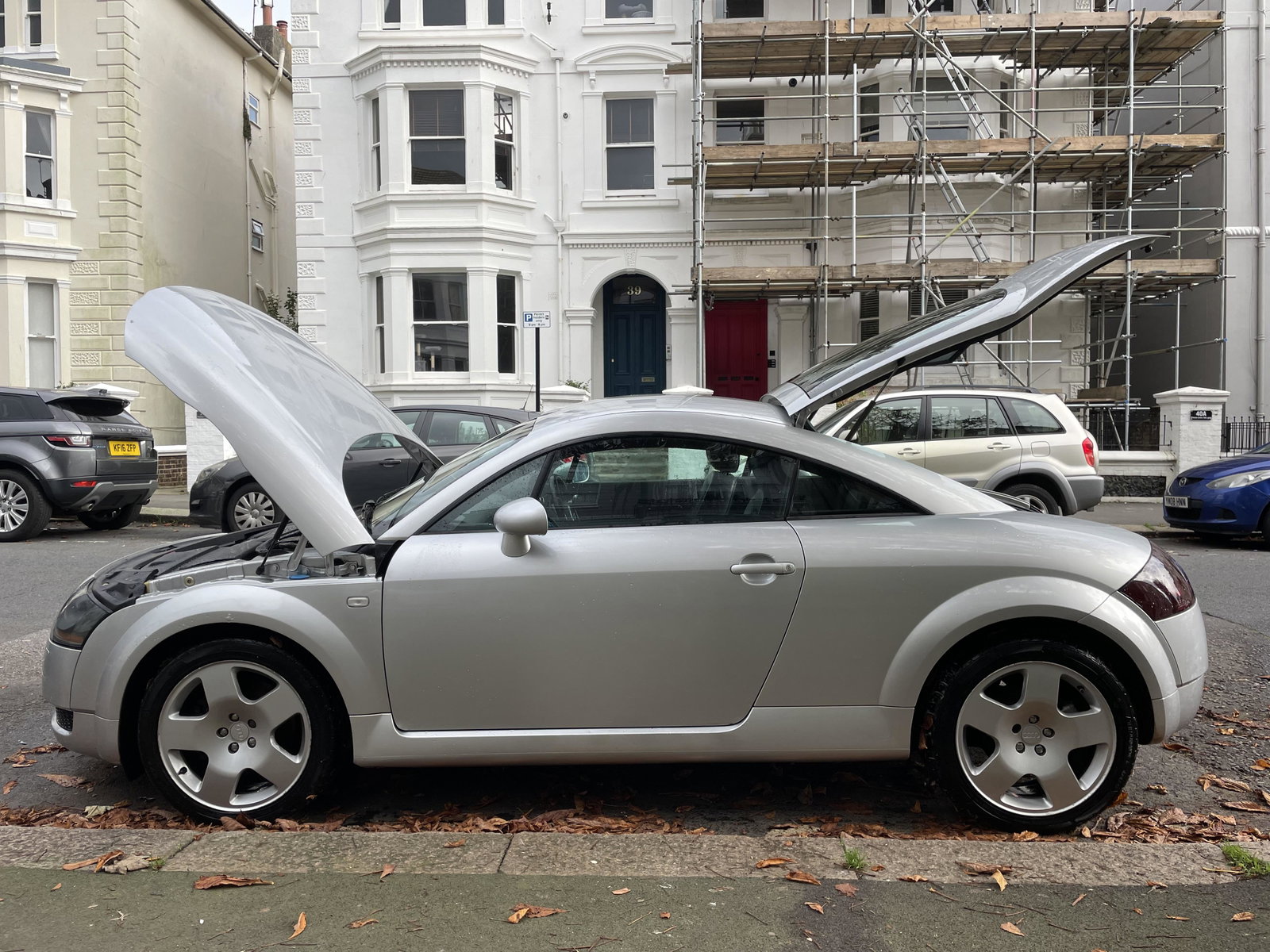
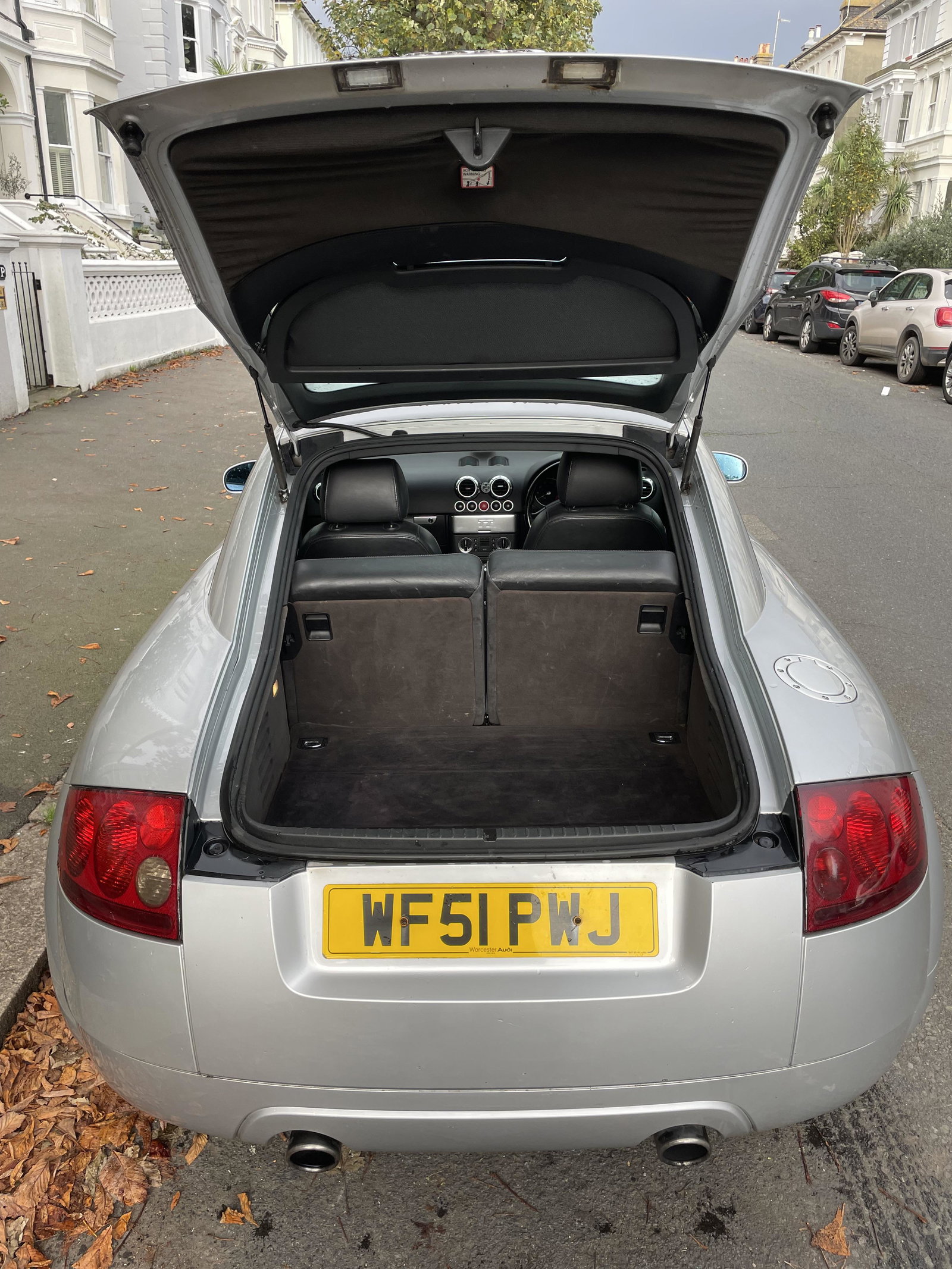
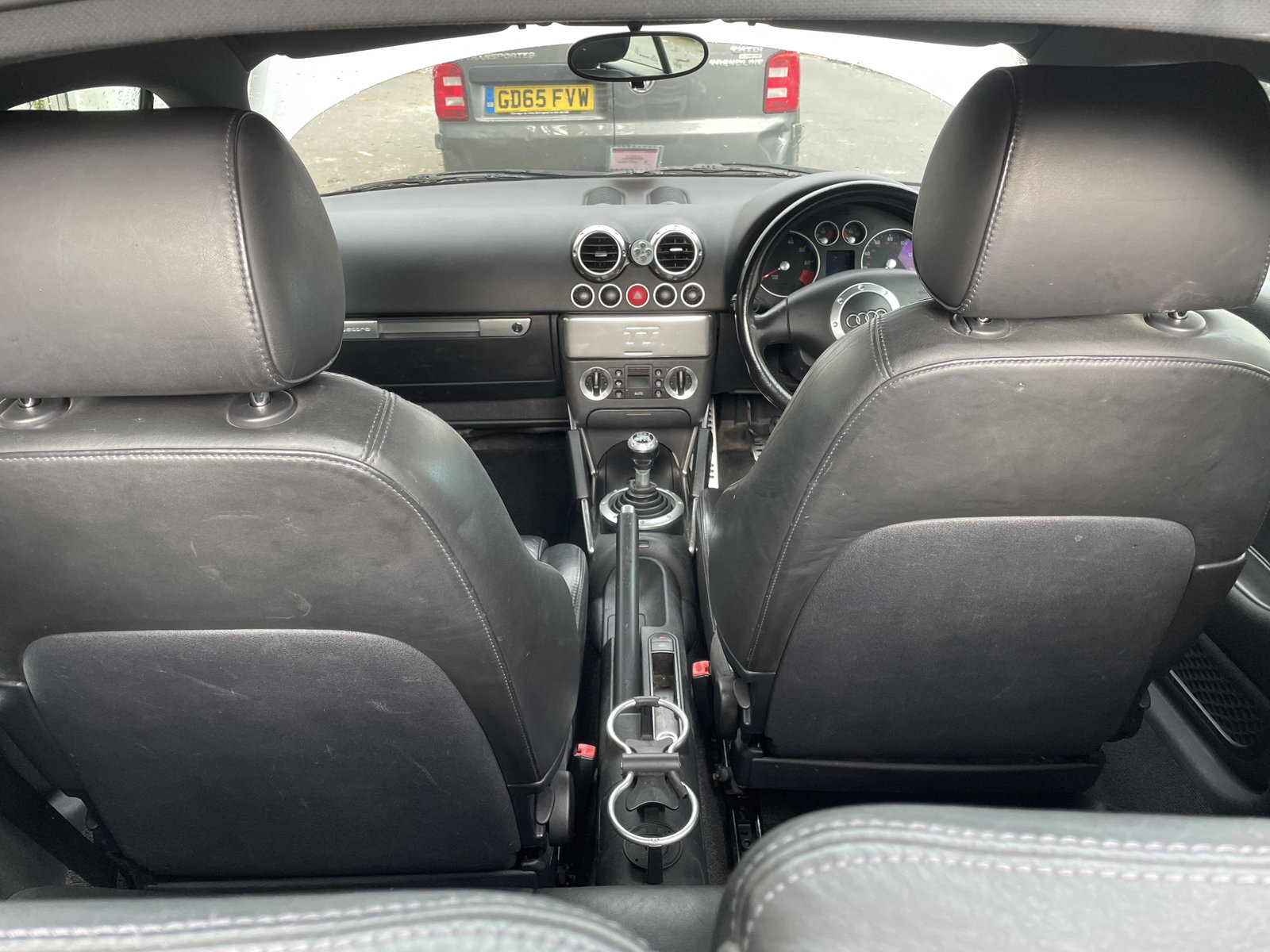
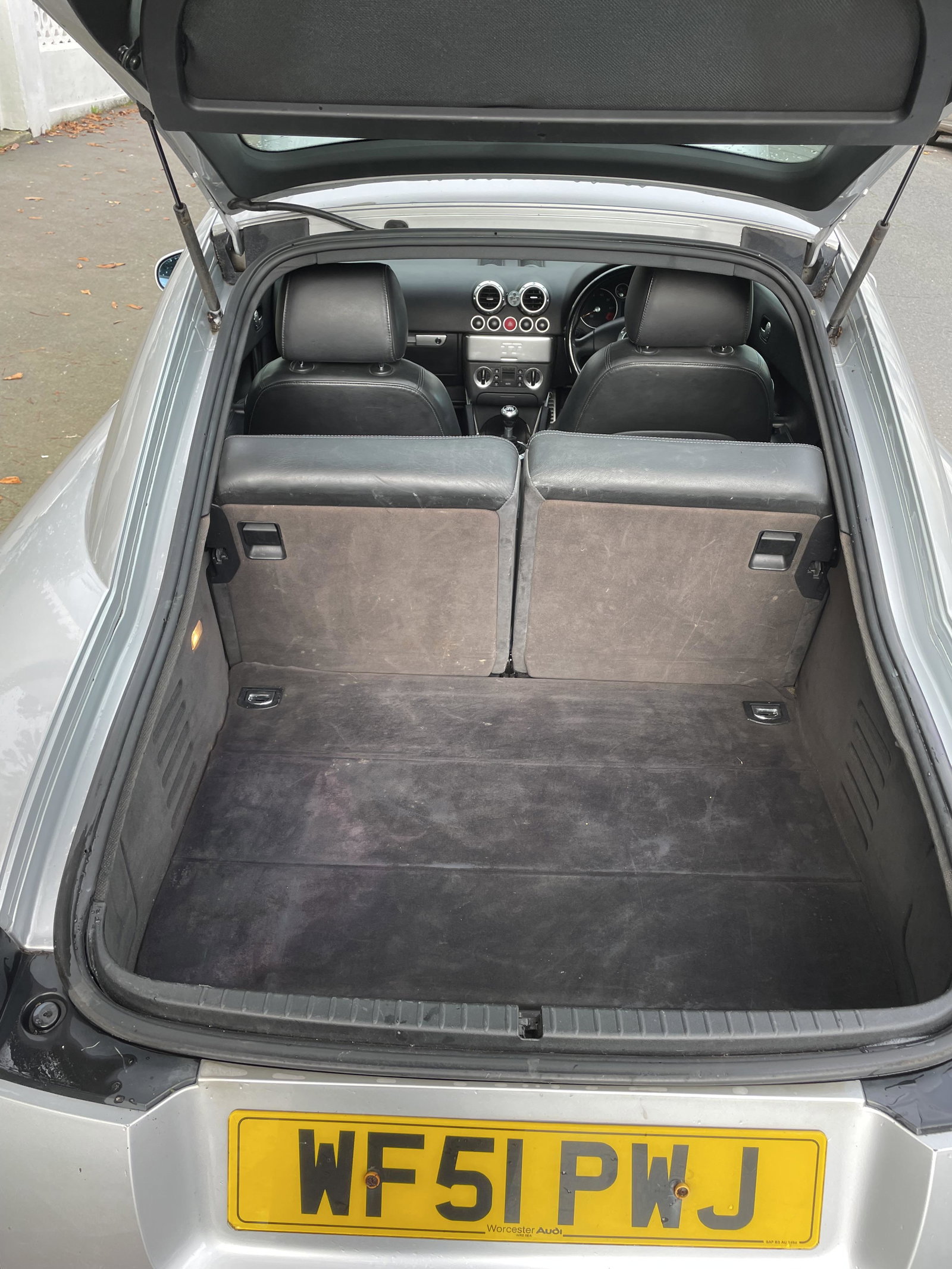
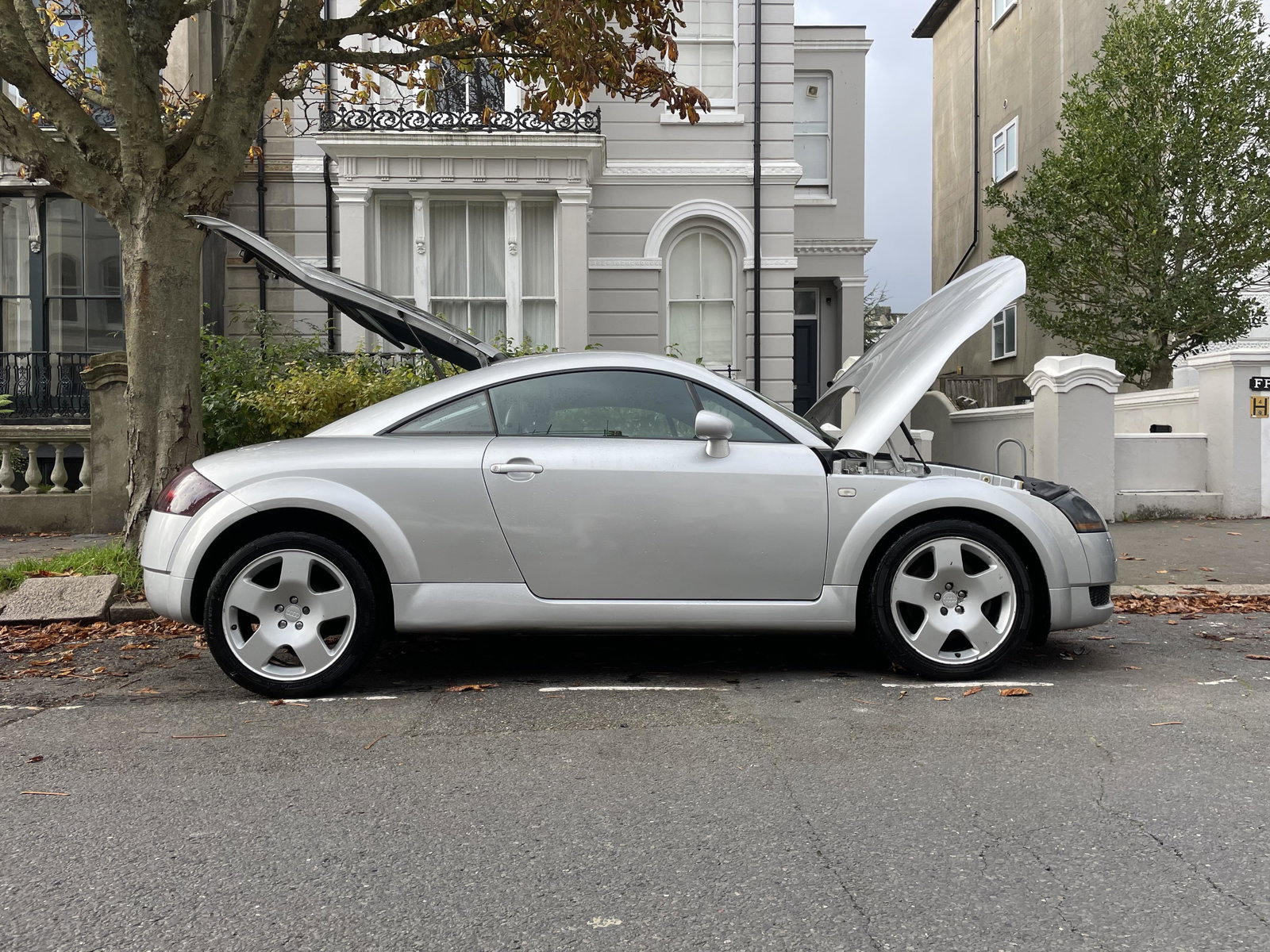
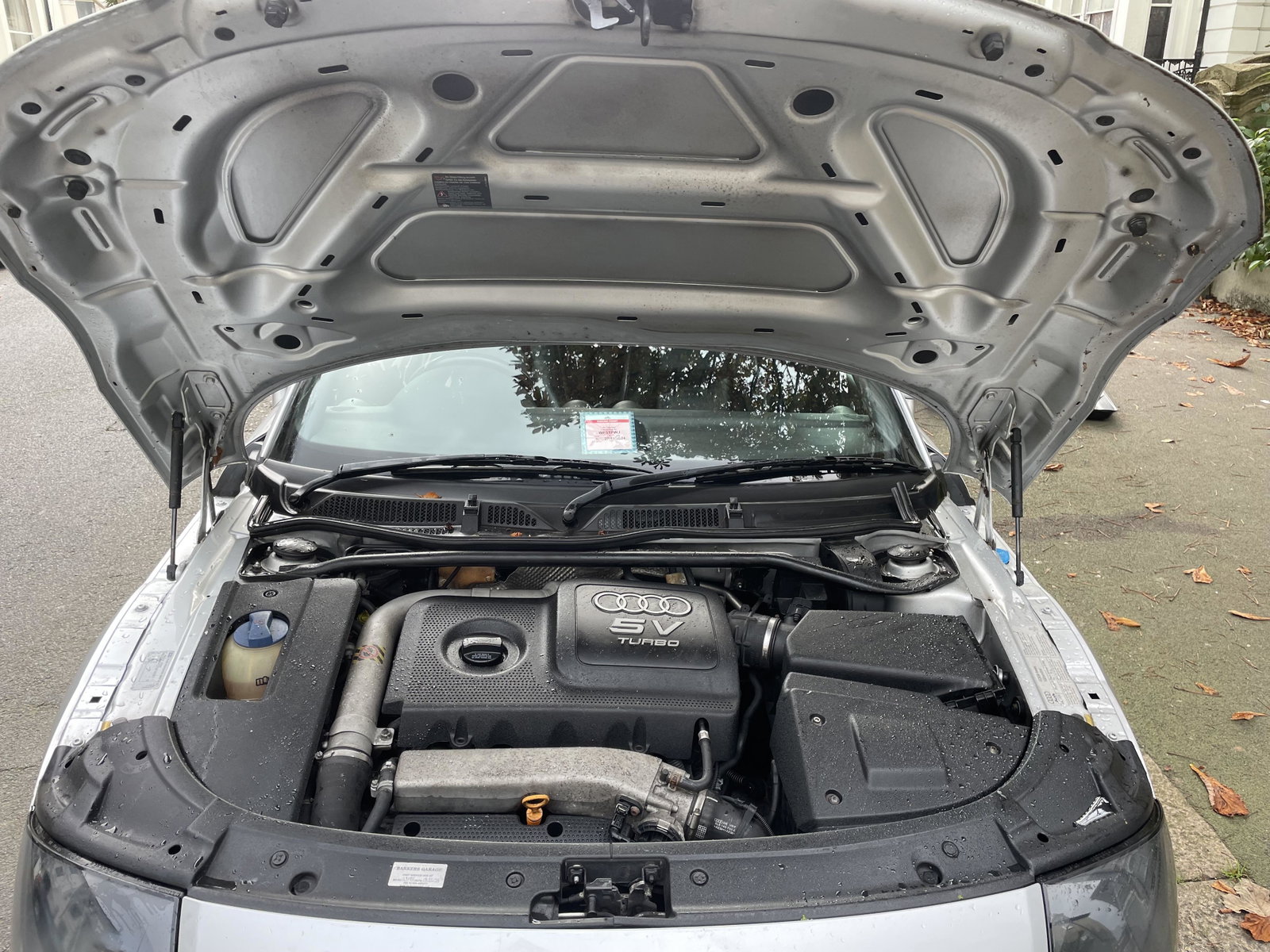
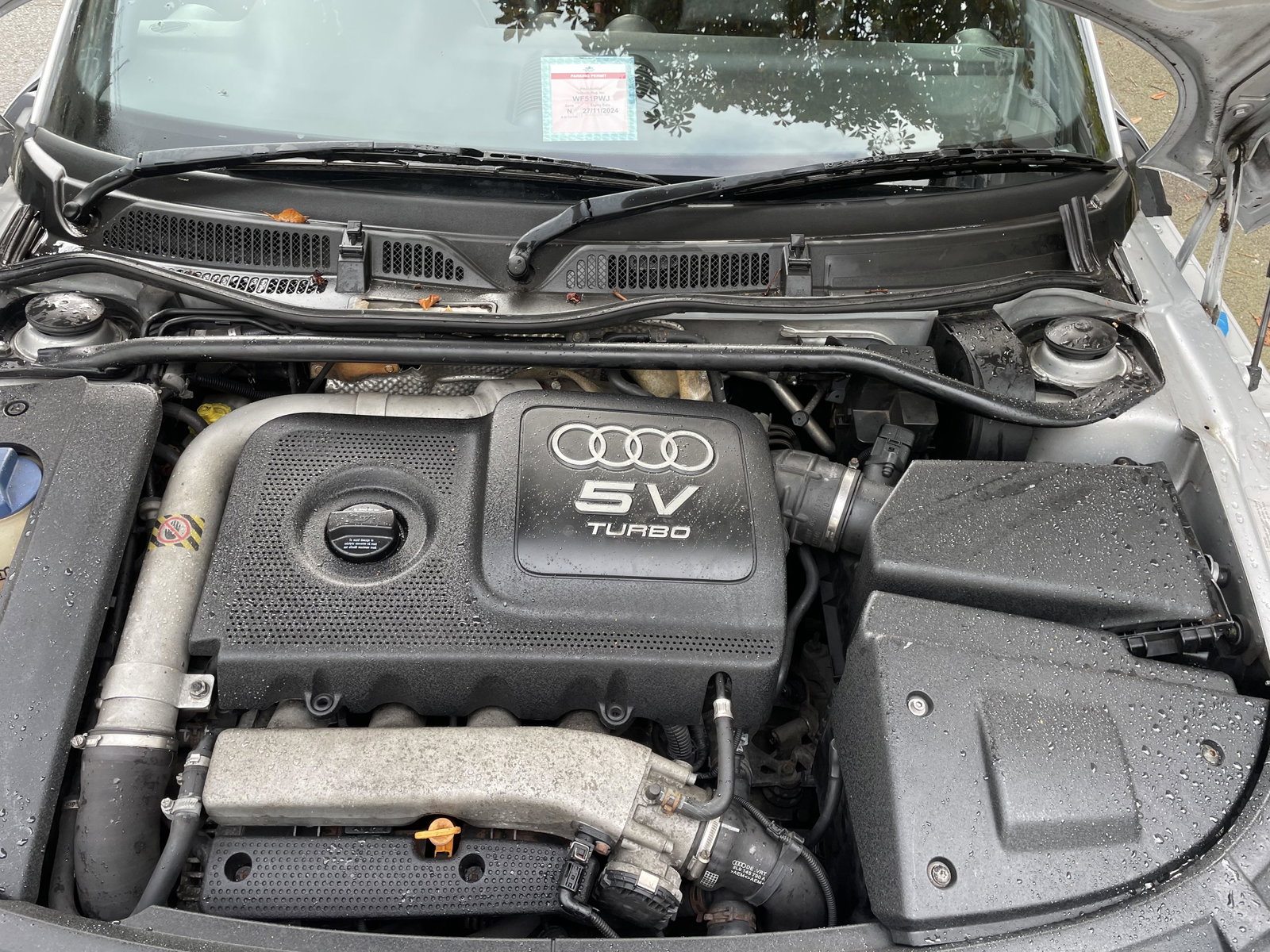
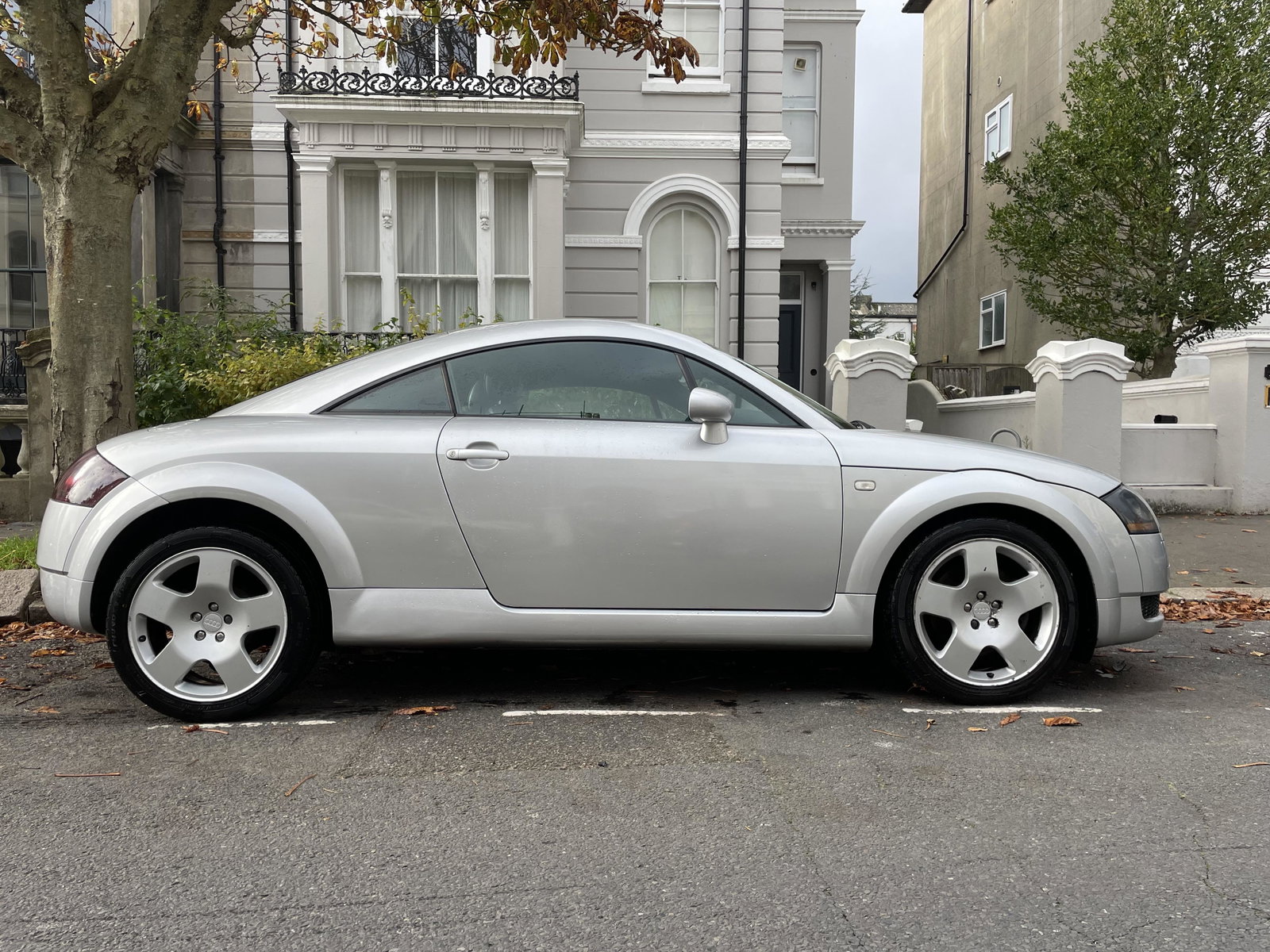
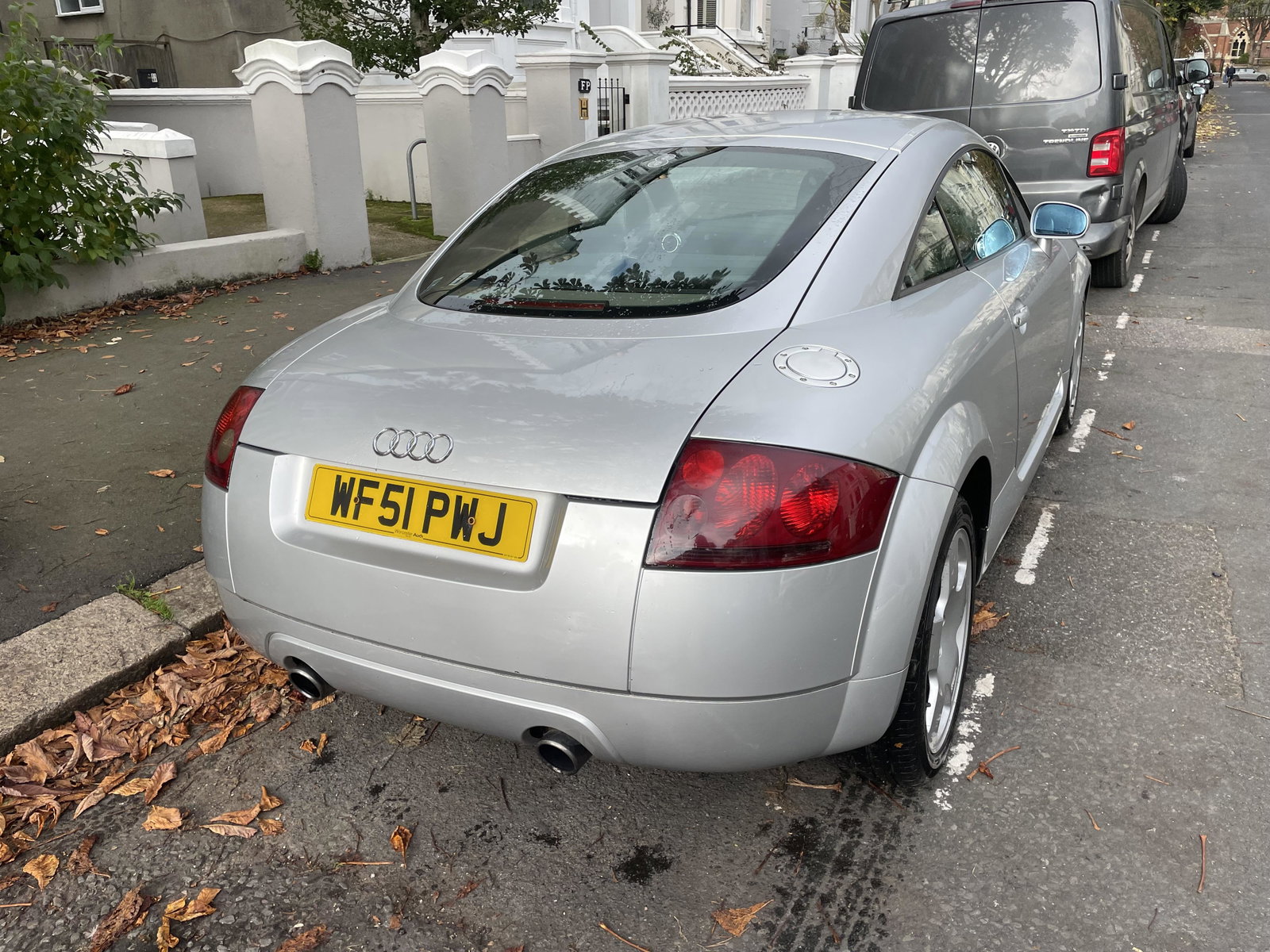
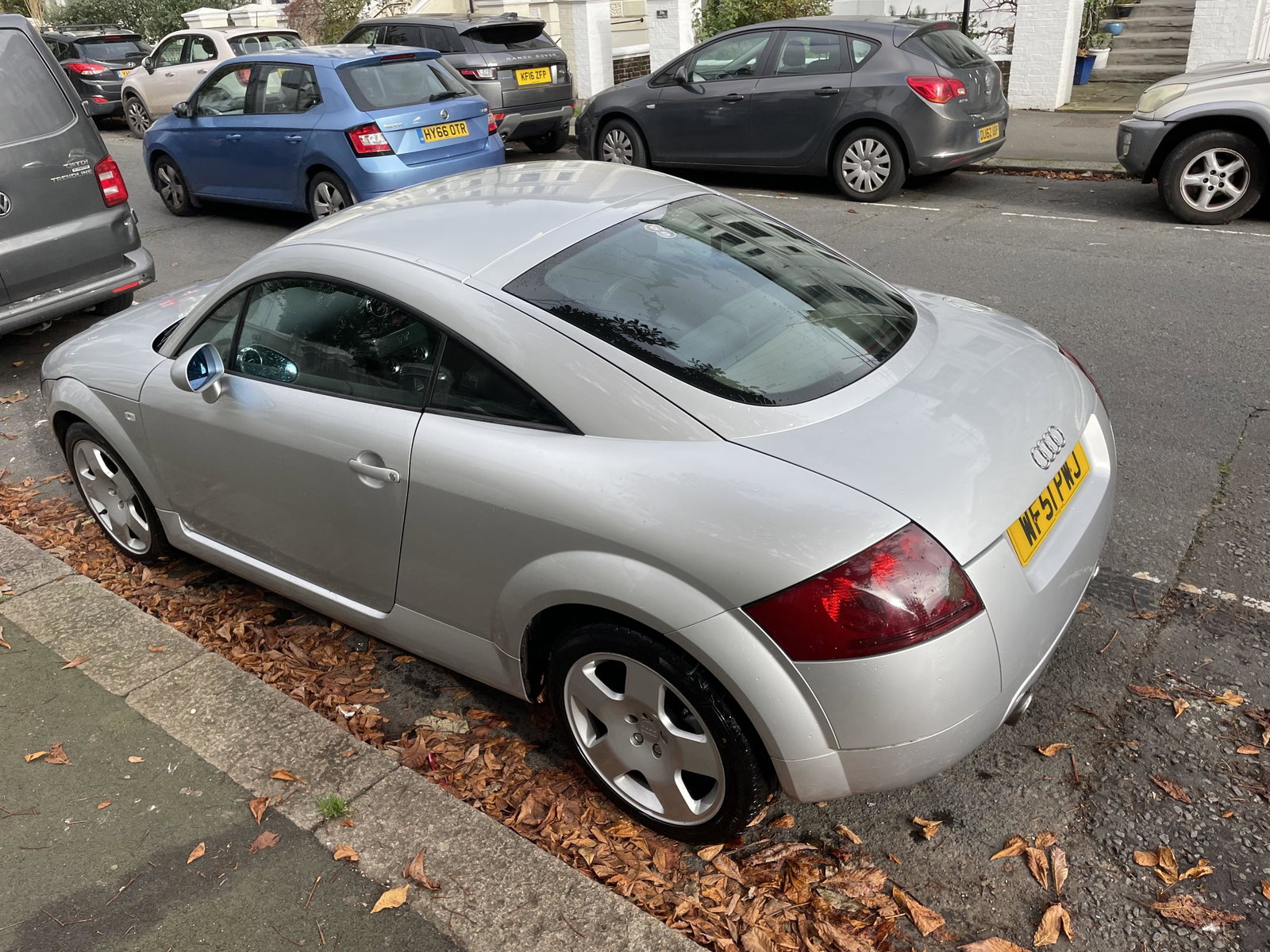
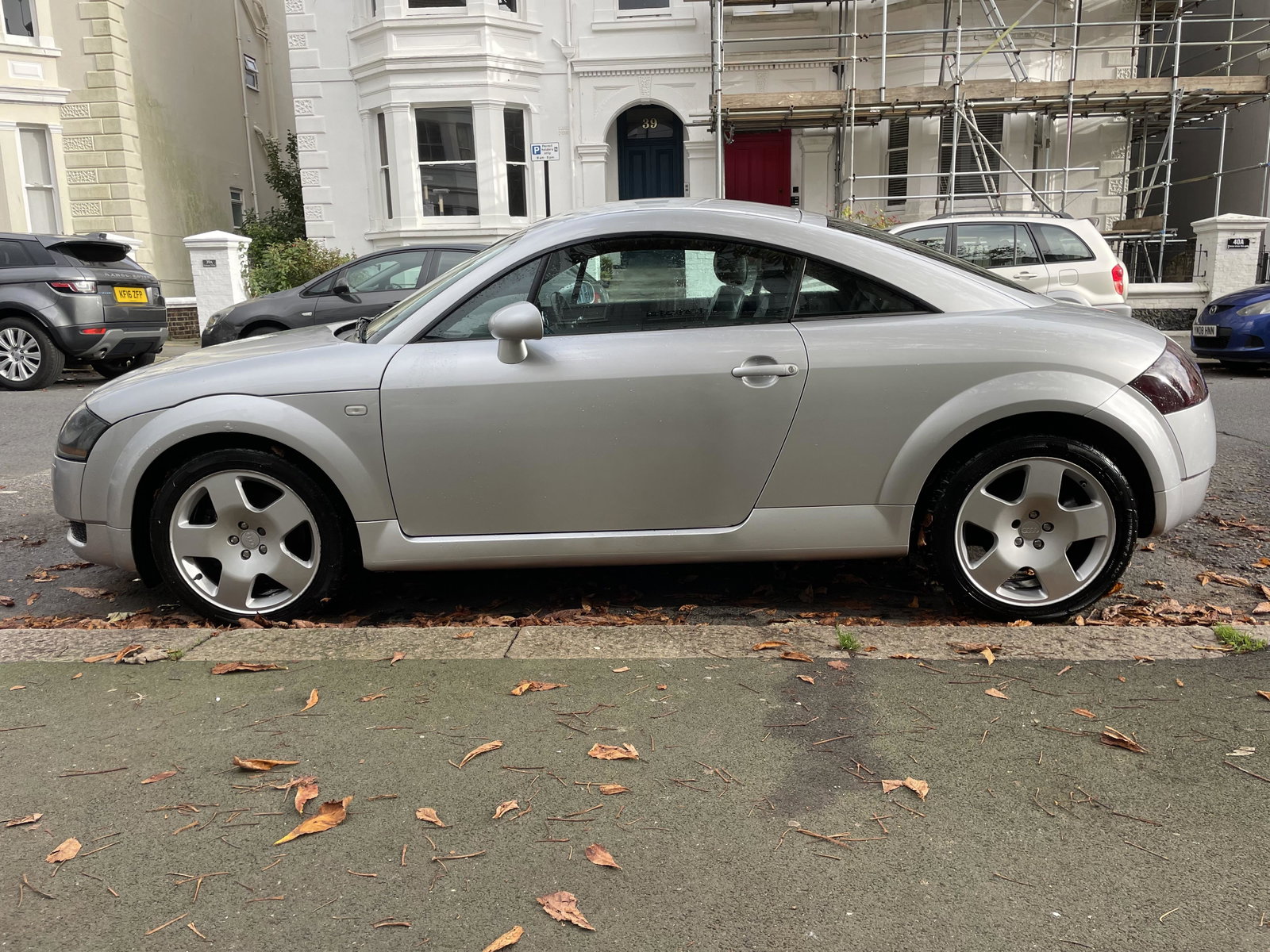
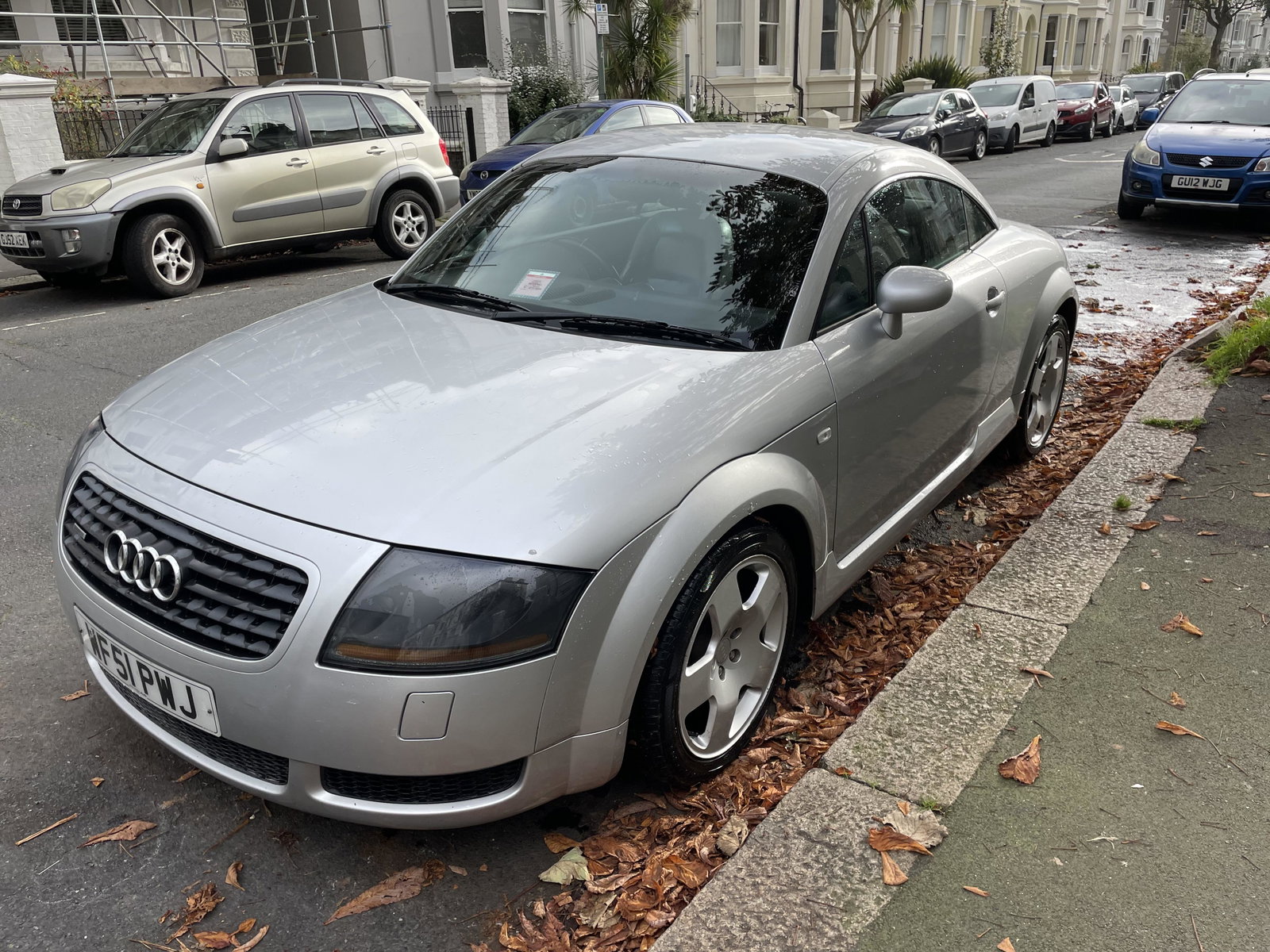
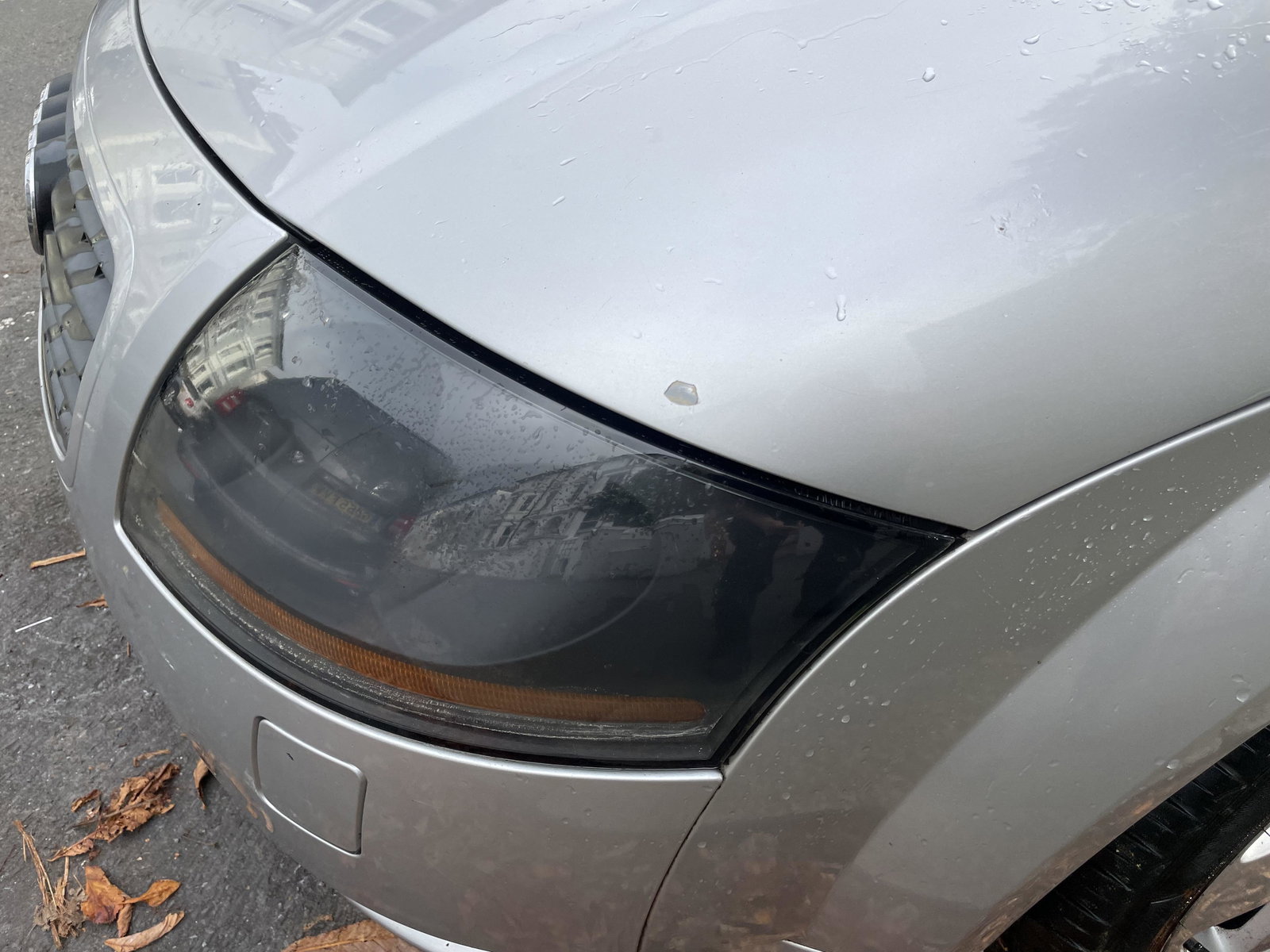
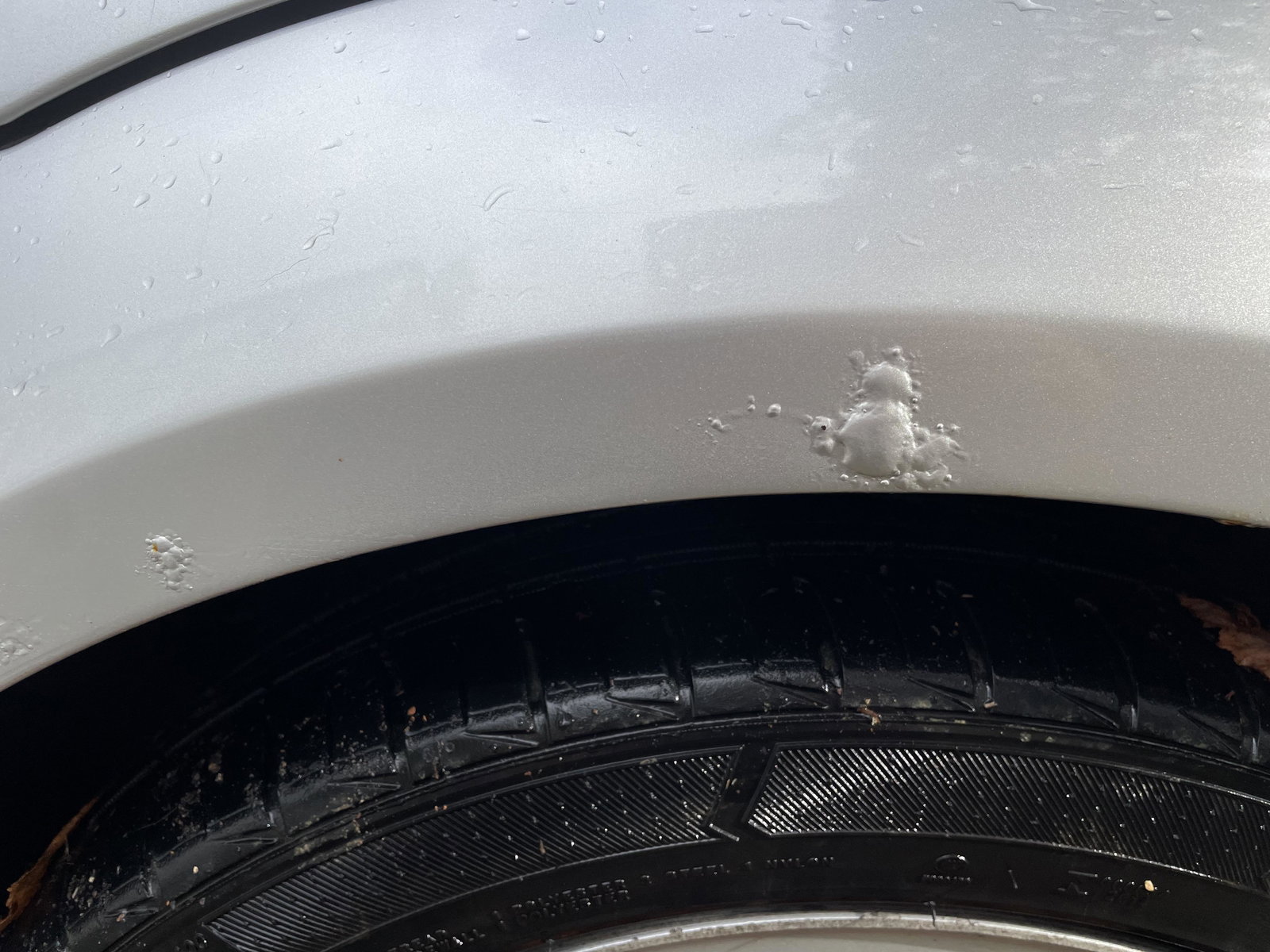
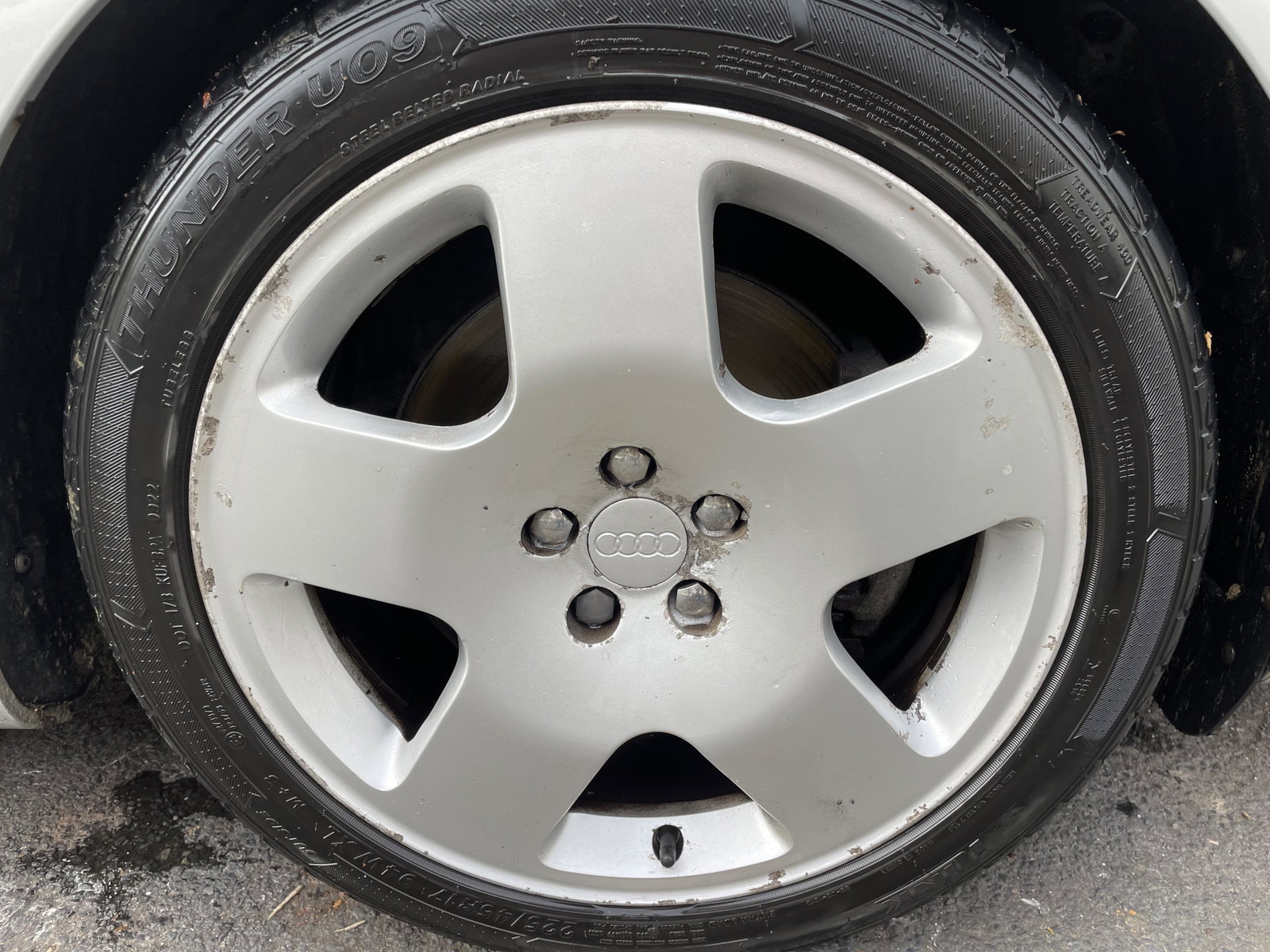
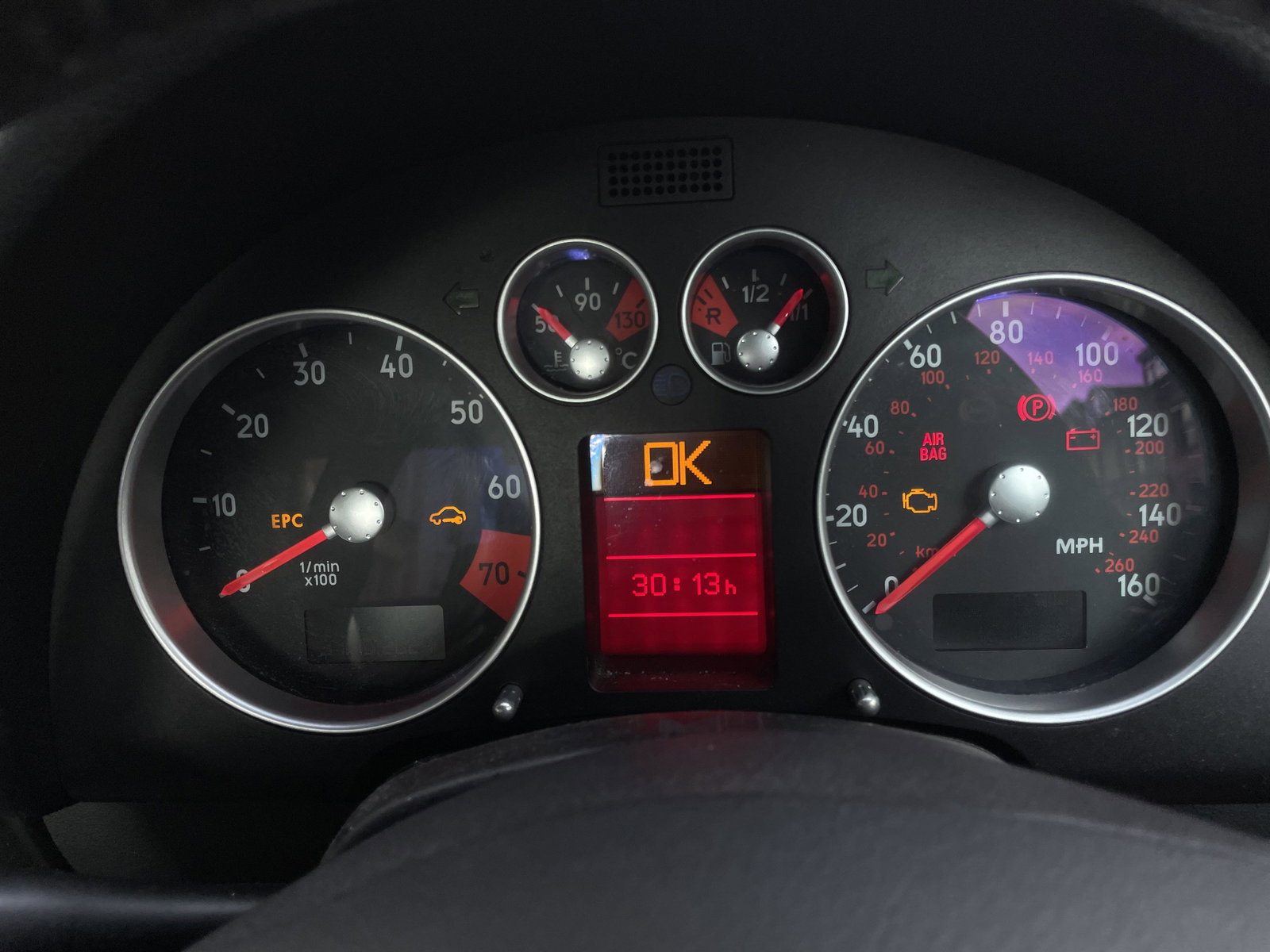
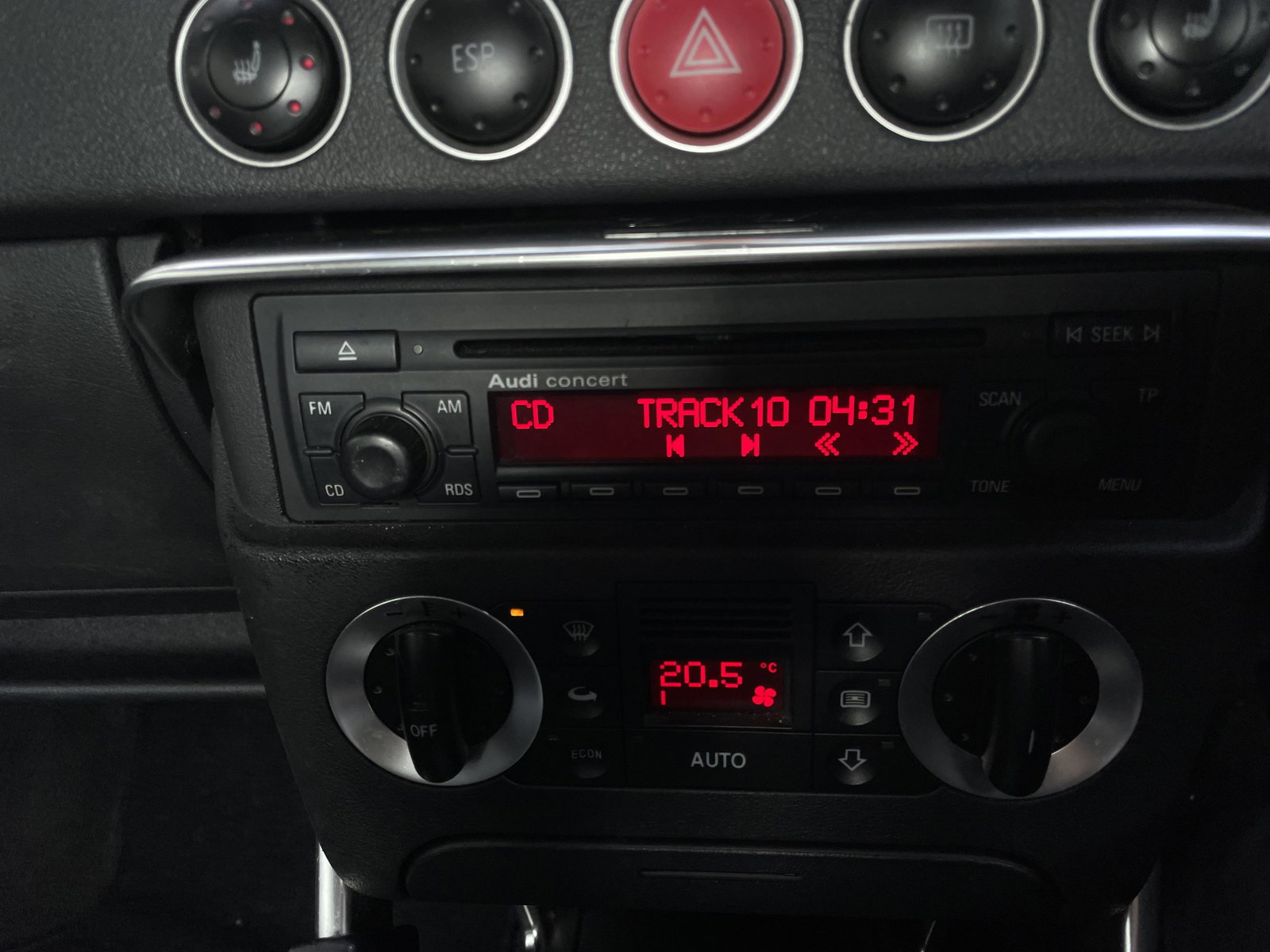
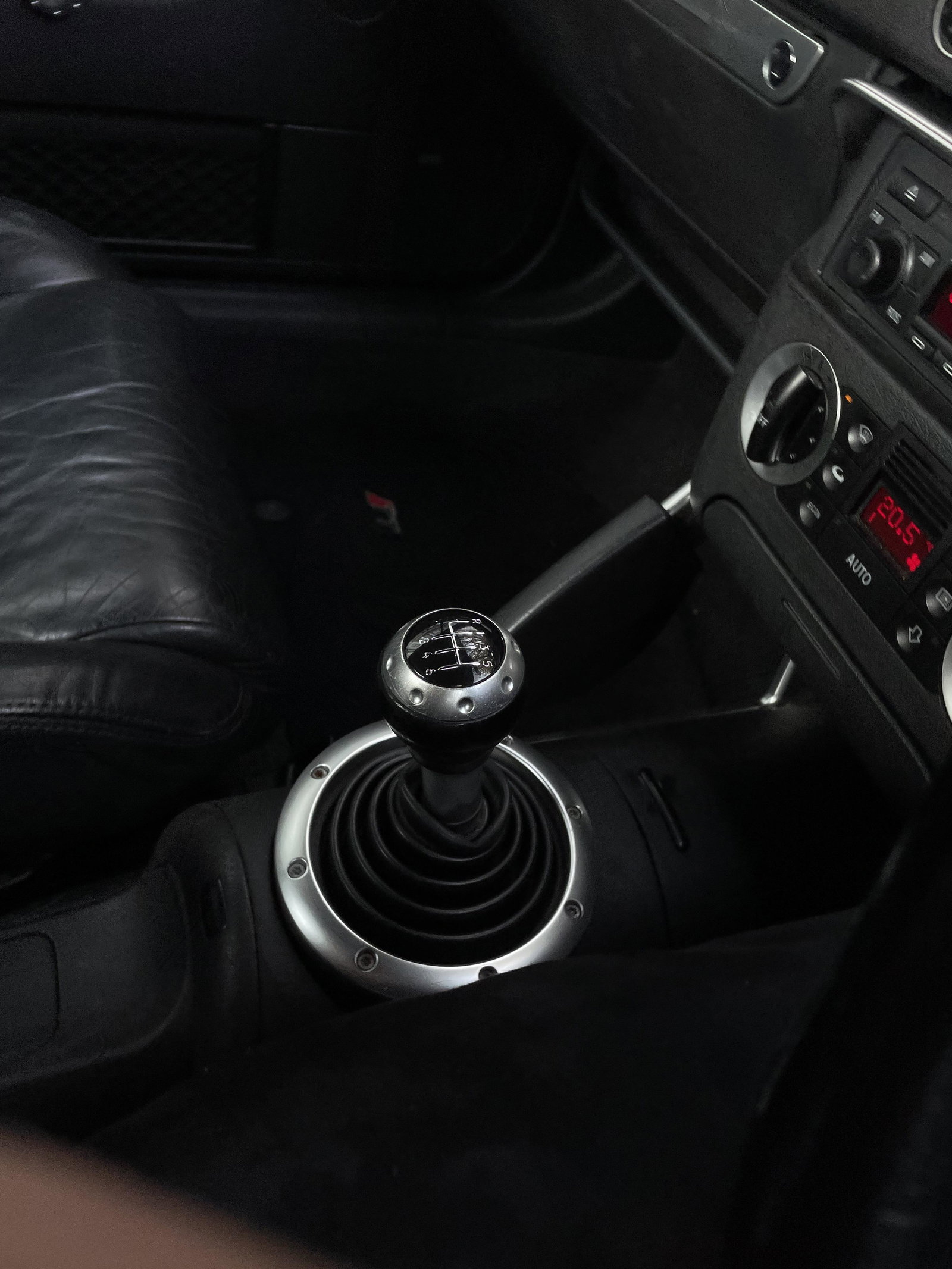
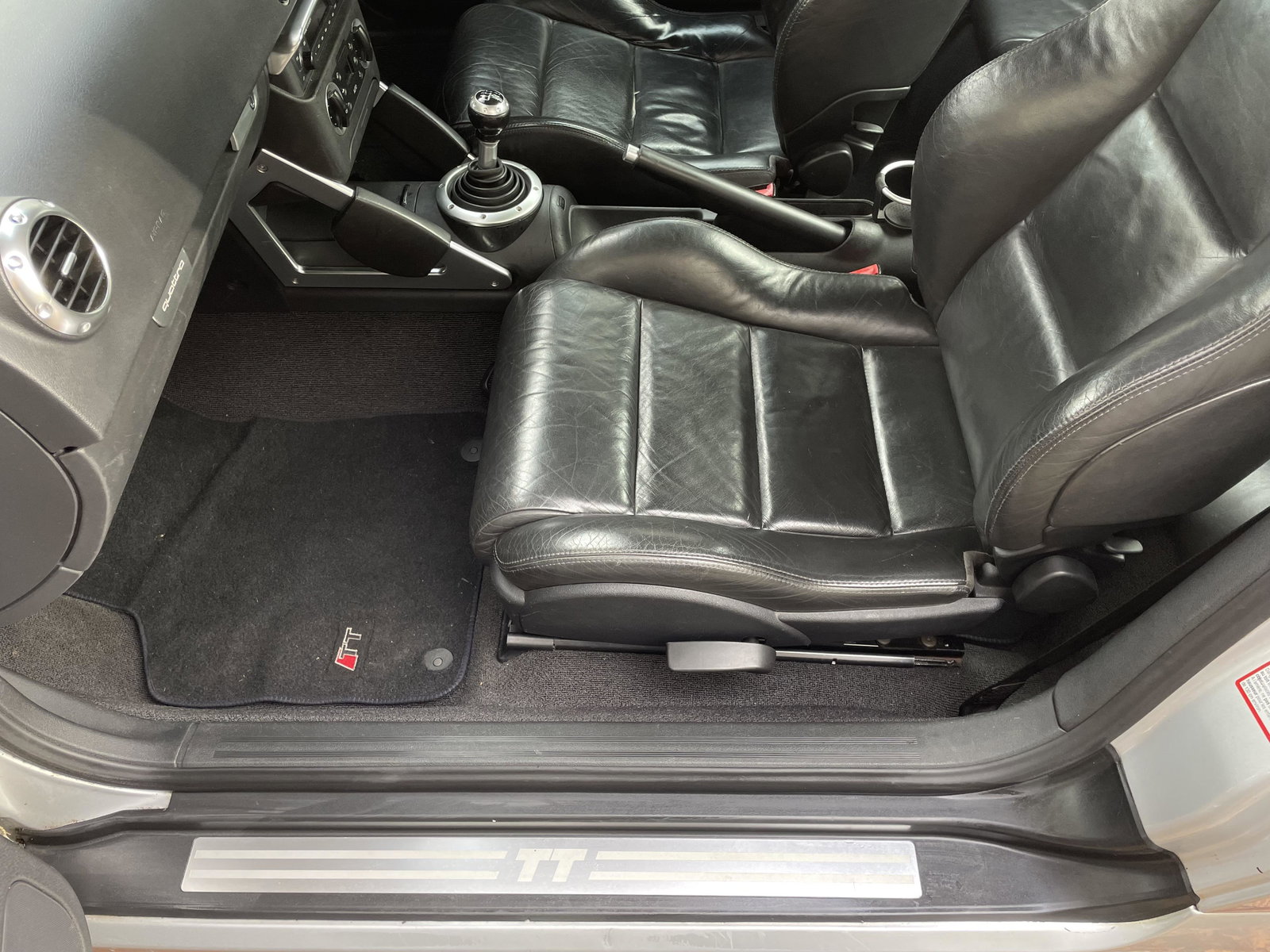
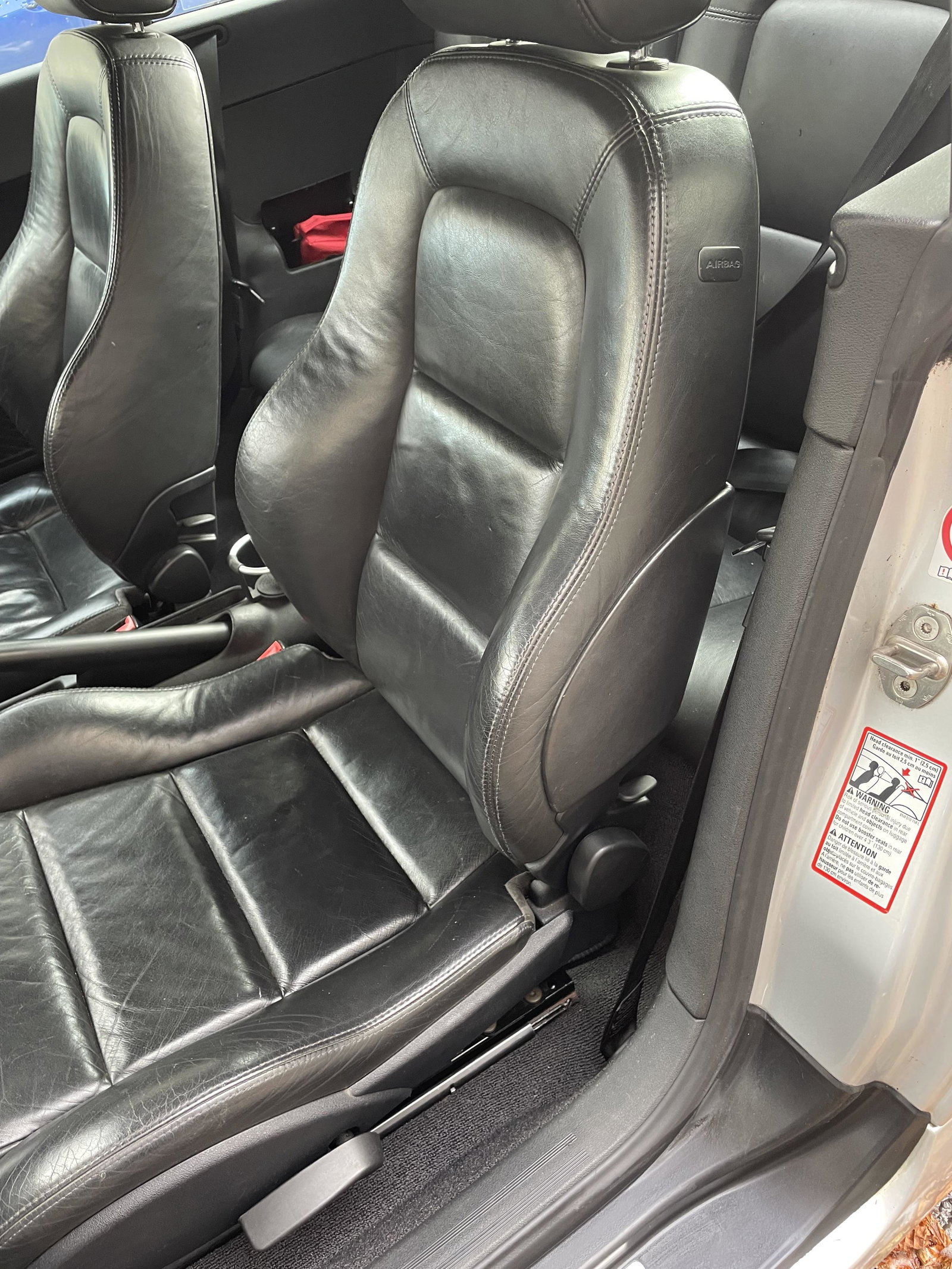
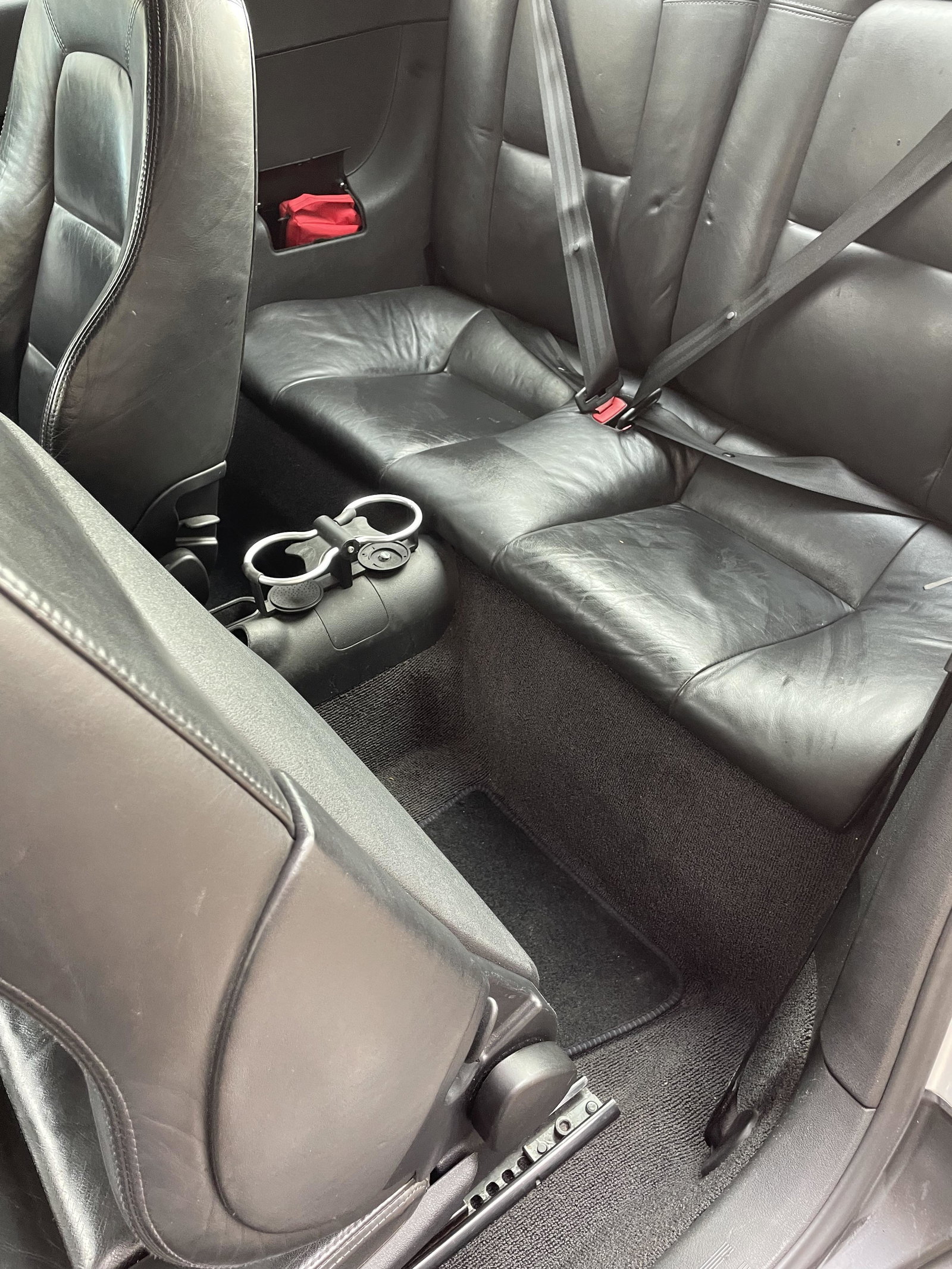
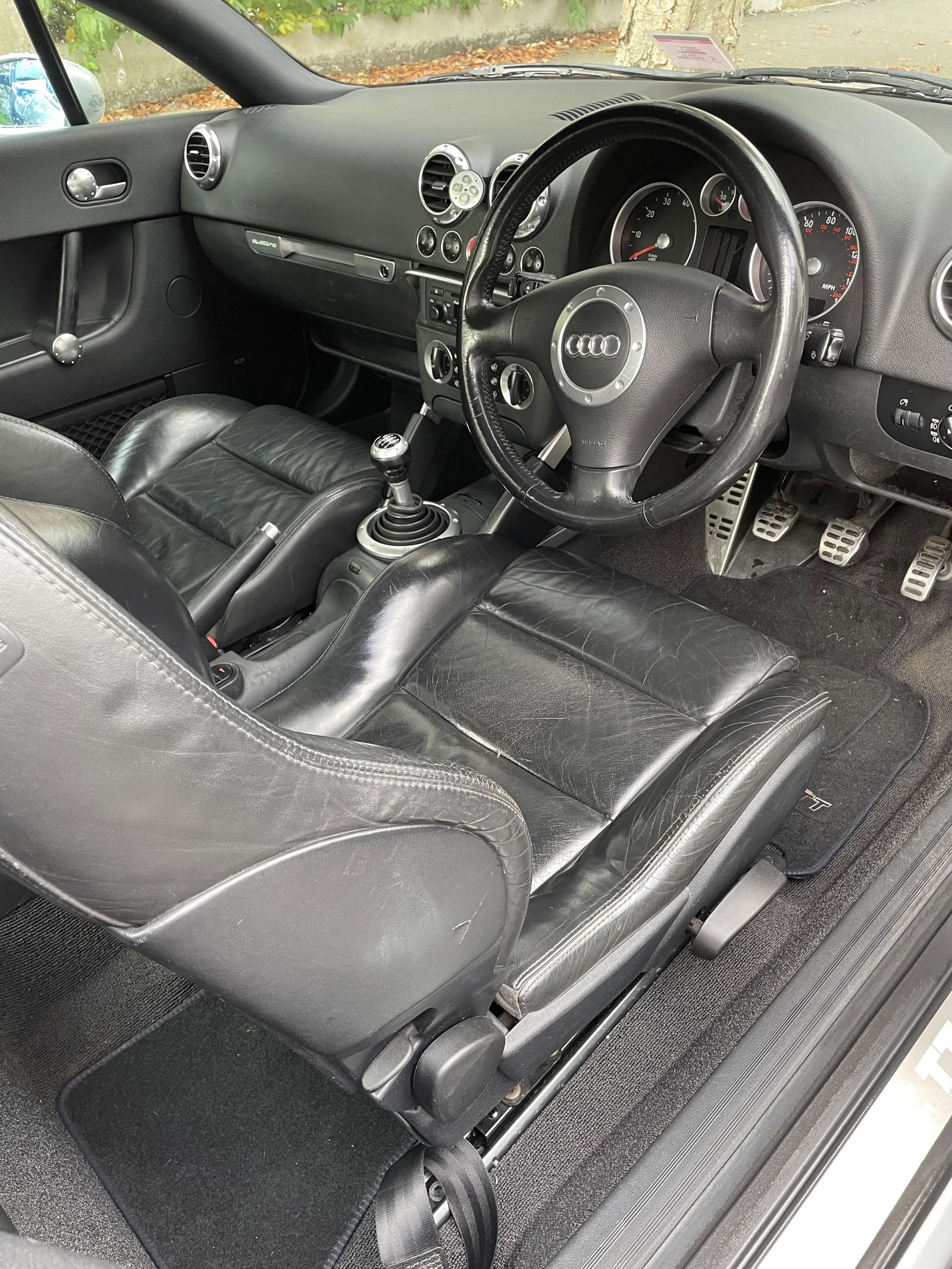
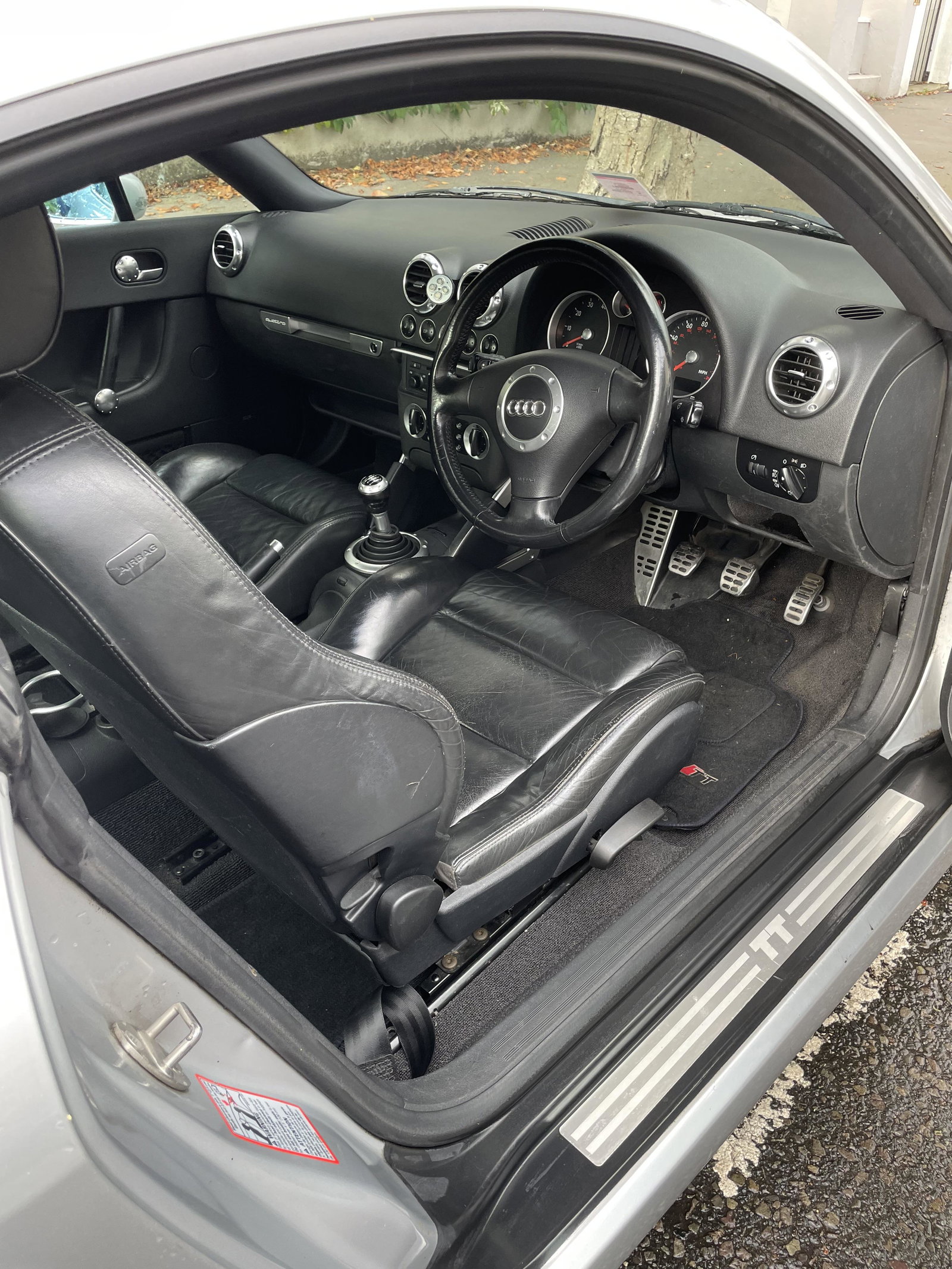
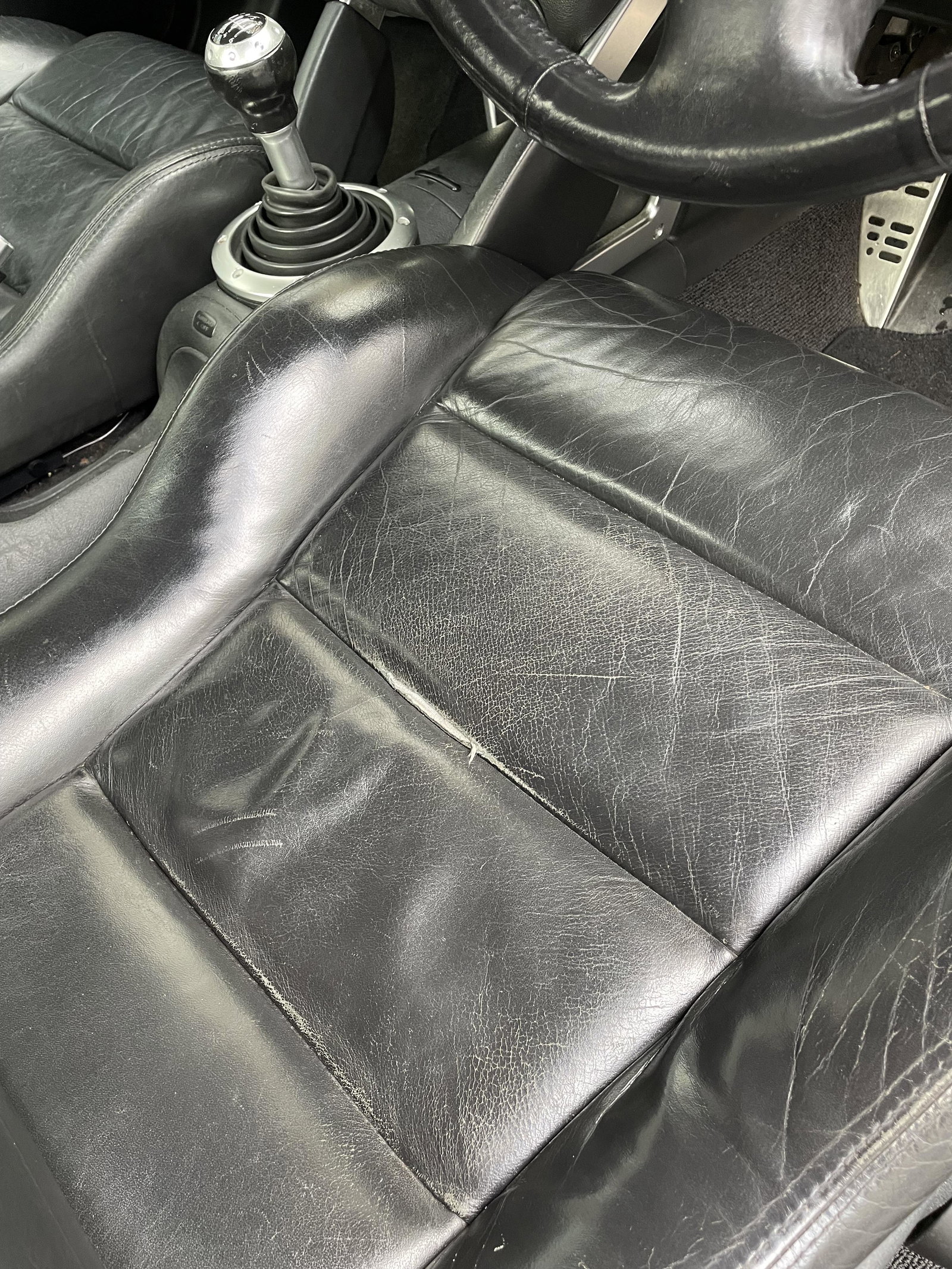
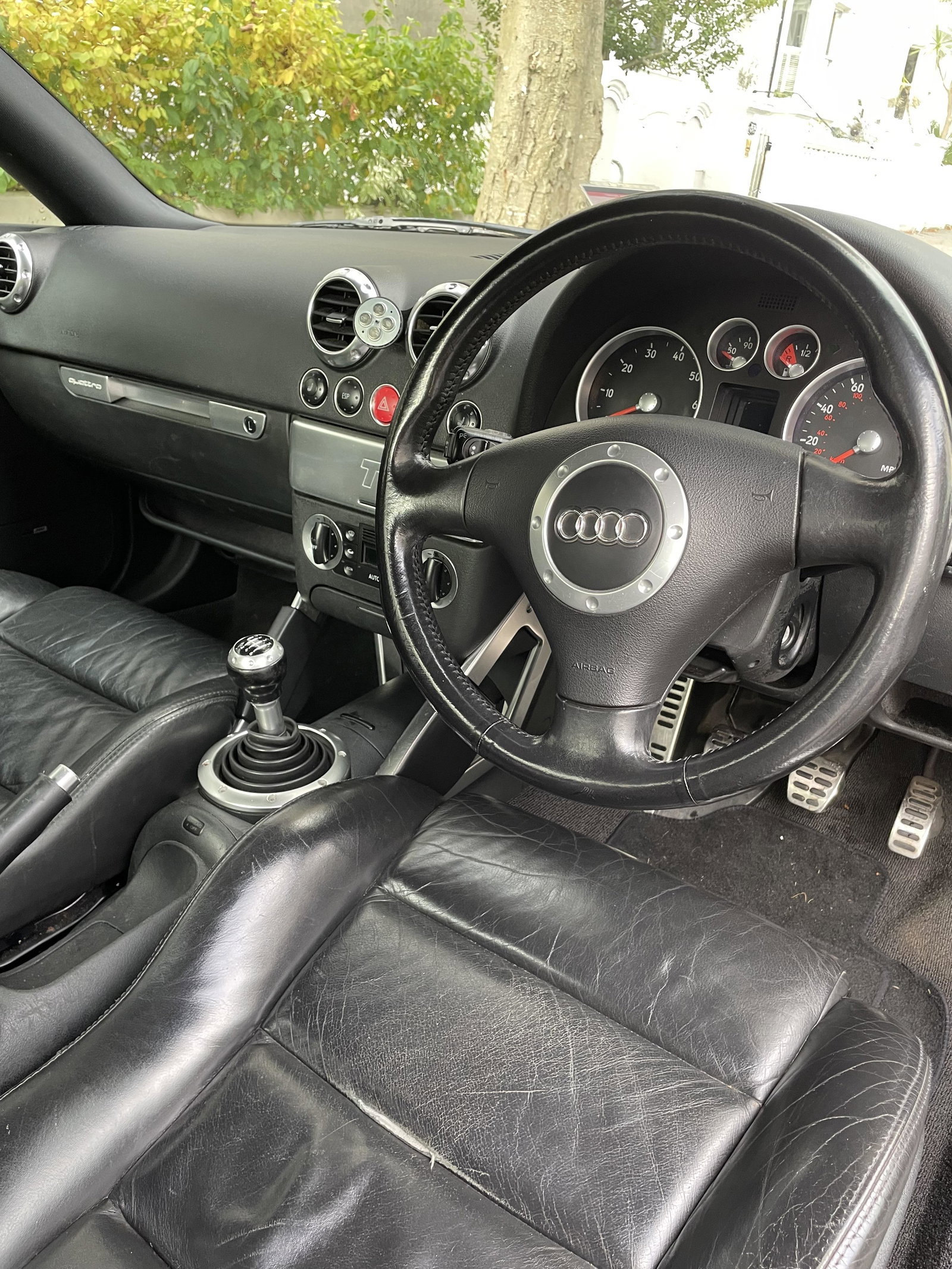
Selling my Oct 2001 silver TT 225 BHP MK1 TT with TT Competition wheels. This TT isn't immaculate, has 125k on the clock and has never given me any trouble and always passed the MOT. The paintwork needs attention, the engine light has been on few months but with all the MK1s I've owned, as they get older the engine management light comes on and off. Drives absolutely spot on, such a great car. Both heated seats work perfectly, original CD player with CD changer and dashboard LCD display all working perfectly no pixelation problems. Drivers seat has a worn away seam. I’m leaving the U.K in a couple of weeks so I sadly have to say goodbye to this car after 5 years , I wouldn’t be selling it otherwise. As anyone who knows these cars will attest, the build quality is superb and they drive like proper sports cars. Honest seller. text for call me 07718835420. Fred