NathanR777
Members
-
Joined
-
Last visited
-
Hi James and Soggo, Thanks for both the replies. I only just saw in my e-mail James reply today! I took the Audi to the Basingstoke Branch and they ordered me up a new locking wheel nut key as they had a master set there (some were missing but mine was present) Thank God!! So I didn't have to get them drilled out/risk marking the alloys which was great. Again, thanks both for taking the time to answer/reply. They also gave me a spare bolt with the key and was only around £40 so was happy. I would recommend anyone do the same in a similar situation as they were happy to help and changed both front tyres (as one had a slow puncture) and both were on about 2.5-3mm tread. The best part was they price matched, so paid £96ish a tyre for conti sport contract 5's. Again, beyond please. Cheers James & Soggo, Nathan
-
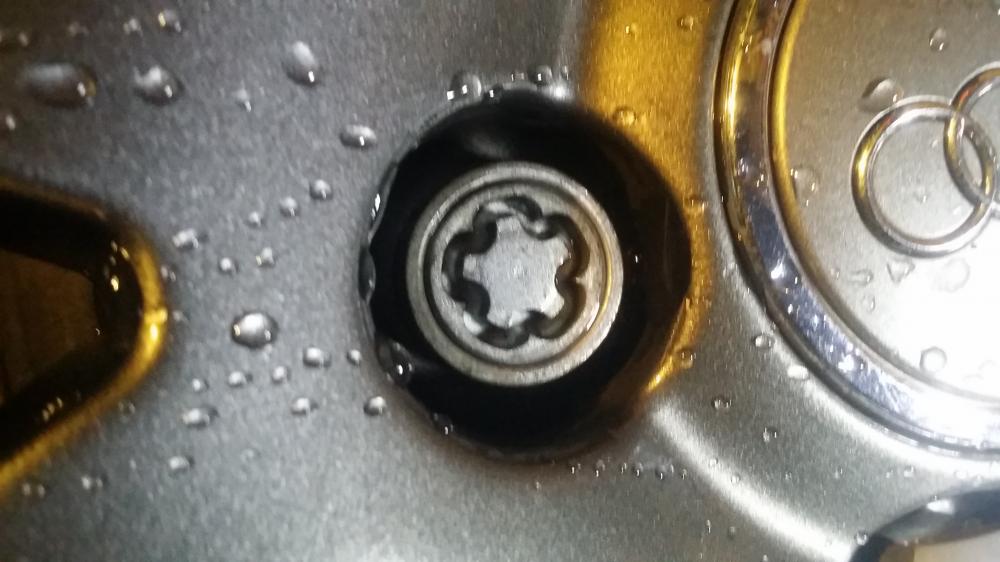
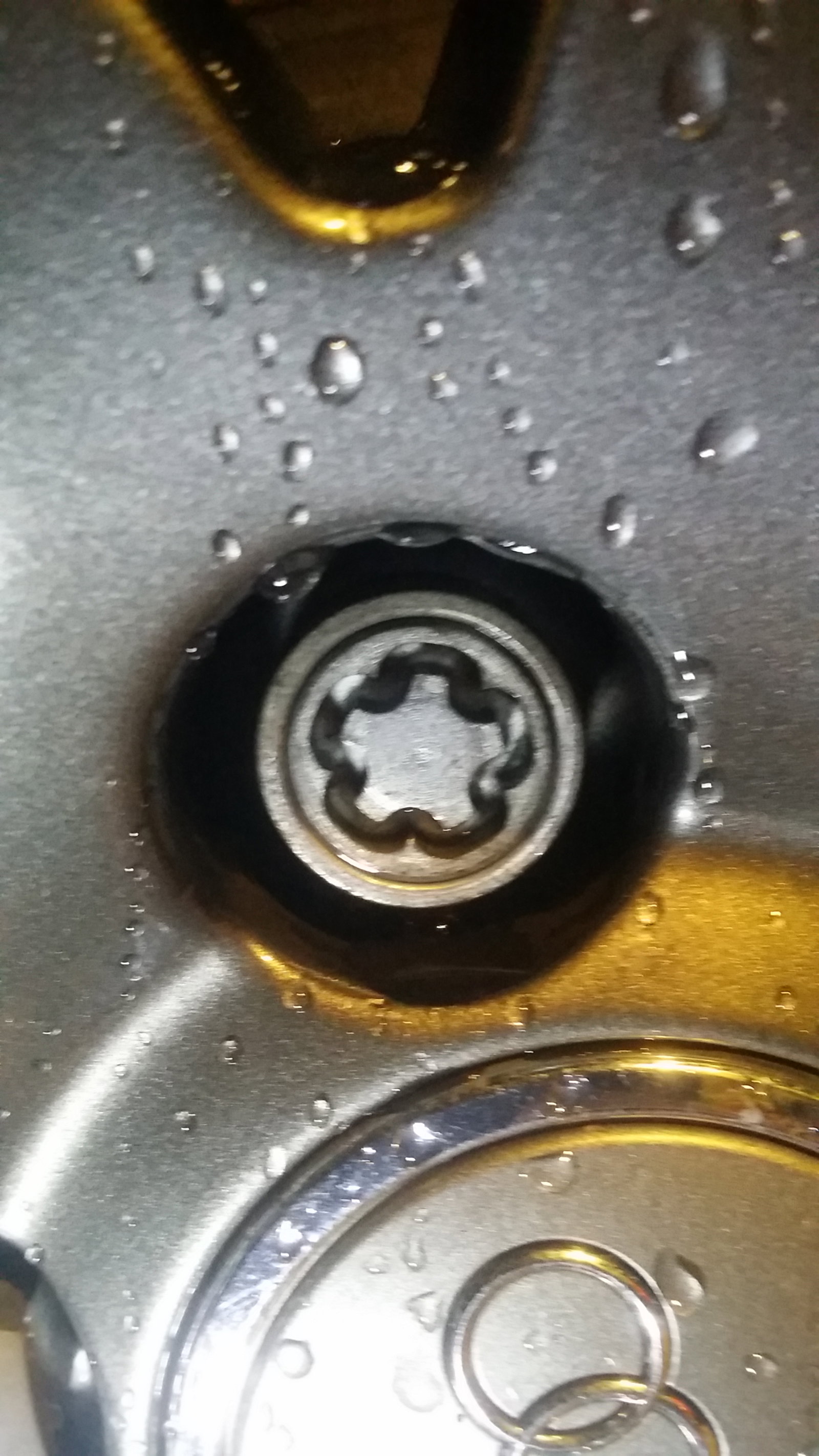
Hey Everyone, I just recently (2 days ago) brought an Audi A3 S-Line, 08 reg. But the dealer didn't have the Locking Wheel Nut. It is the one which looks like a star (5 pointed) and seems like it needs a Male adapter (Go INTO, not OVER) the Bolt inside. PHOTO ATTACHED What would be my best course of action? Could I take it to an Audi Dealer? Would they either let me know what adapter to buy and or even take them all off for me? Granted I can imagine it would cost a bit. But the Driver Front tyre has a slow puncture so I want that sorted too. Many thanks in advance! Nathan