





WBCA3
Members
-
Joined
-
Last visited
-
Am I right to assume its a MMI2?
-
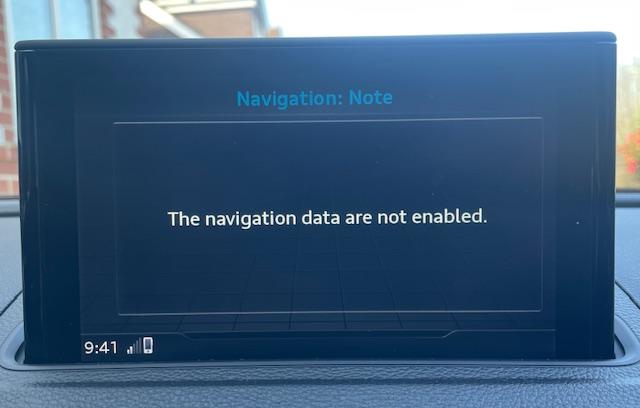
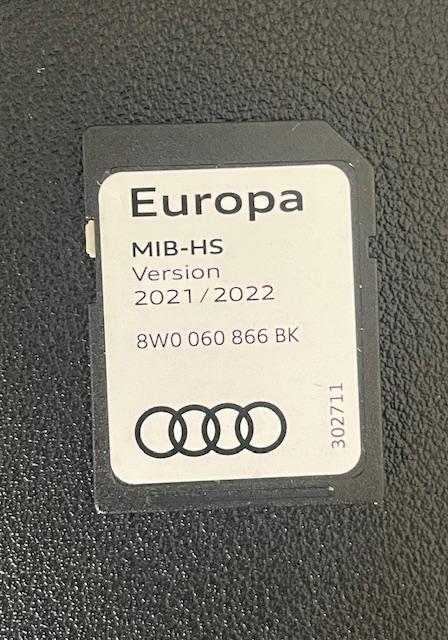
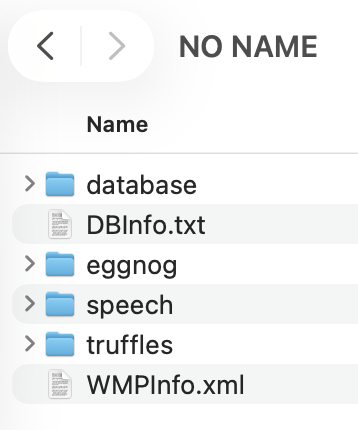
Afternoon all, hope you are good. I've had a search but can't find an answer to my question. I've just picked up a 2016 A3 and I can't get Maps to work. As pictures attached, I have the SD card for Europe 2021/2022 but consistently get the error message about not enabled (pictured). If I remove and reinsert the SD card, it pops up with a message around no suitable media files yet if I plug the SD card into a lappy, it shows me the structure below? As I go into the lower levels of the file structure, it does look to have maps on it, so am stumped. Any ideas? Thanks in advance
-
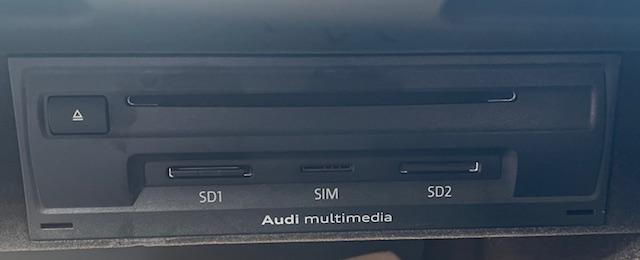
Afternoon all, am hoping you can help. I've searched the forum and the general interwebs to no avail! I've just picked up a 2016 Sport TFSI and am looking at if the MMI is upto date or whether it could do with a firmware upgrade. Problem I have is that everything I read doesnt relate to the version numbers I'm seeing? Can anyone confirm from the photo's what I have and how far out of date it it? Thanks in advance
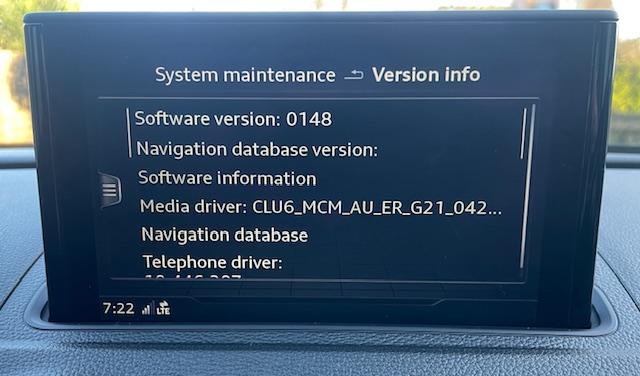
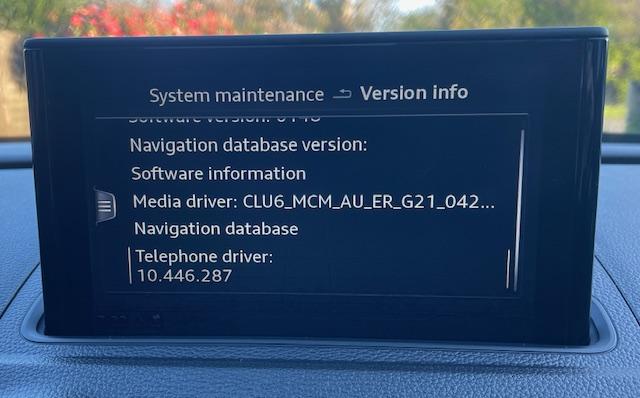
-
Morning all, Have just picked up a 2016 A3, liking the car alot. I have a few questions that I already need help with, but promise to search first!! 😀