Harra
Members
-
Joined
-
Last visited
Everything posted by Harra
-
I have a 2012 A5 and asked same question when I got it. I was told then and i believe it still stands that you would better off buying a screen mountable gps system
-
Fitting a dash cam to my A5 (hardwire) is there anything I need to avoid?
-
James, Forgive the ignorance. I will have to take some pics and post them. I the system has been taken out of a Q5 as thats where the 19" wheels came from. Previous owner was a rep for Audi.
-
Probably both but first thing would be installing a sat nav? Then move onto stying and then maybe performance.
-
Mmmmm, I was planning on keeping it standard due to being a newbie to Audi however I am open to suggestions.
-
I cannot see any reason why anyone would want to go back
-
Hi James, Thank You I came from a Vauxhall Insignia. It was an okay car however it wasn't in the same class
-
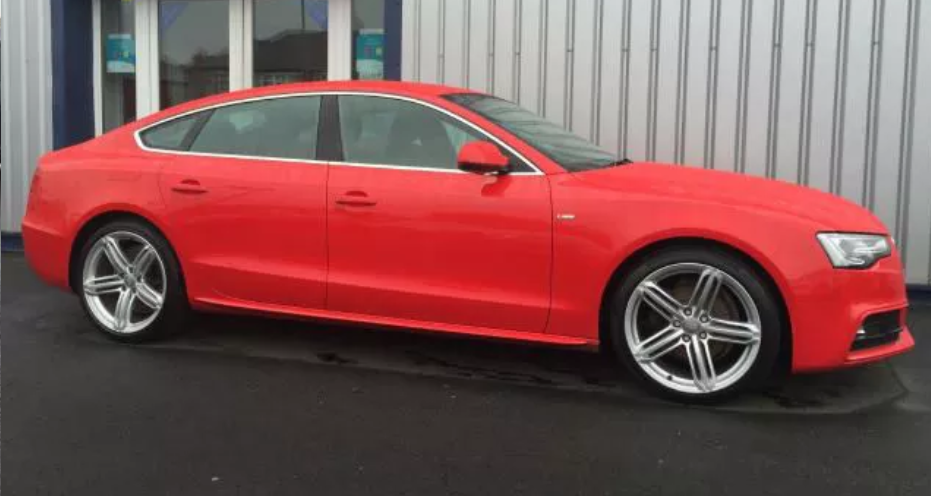
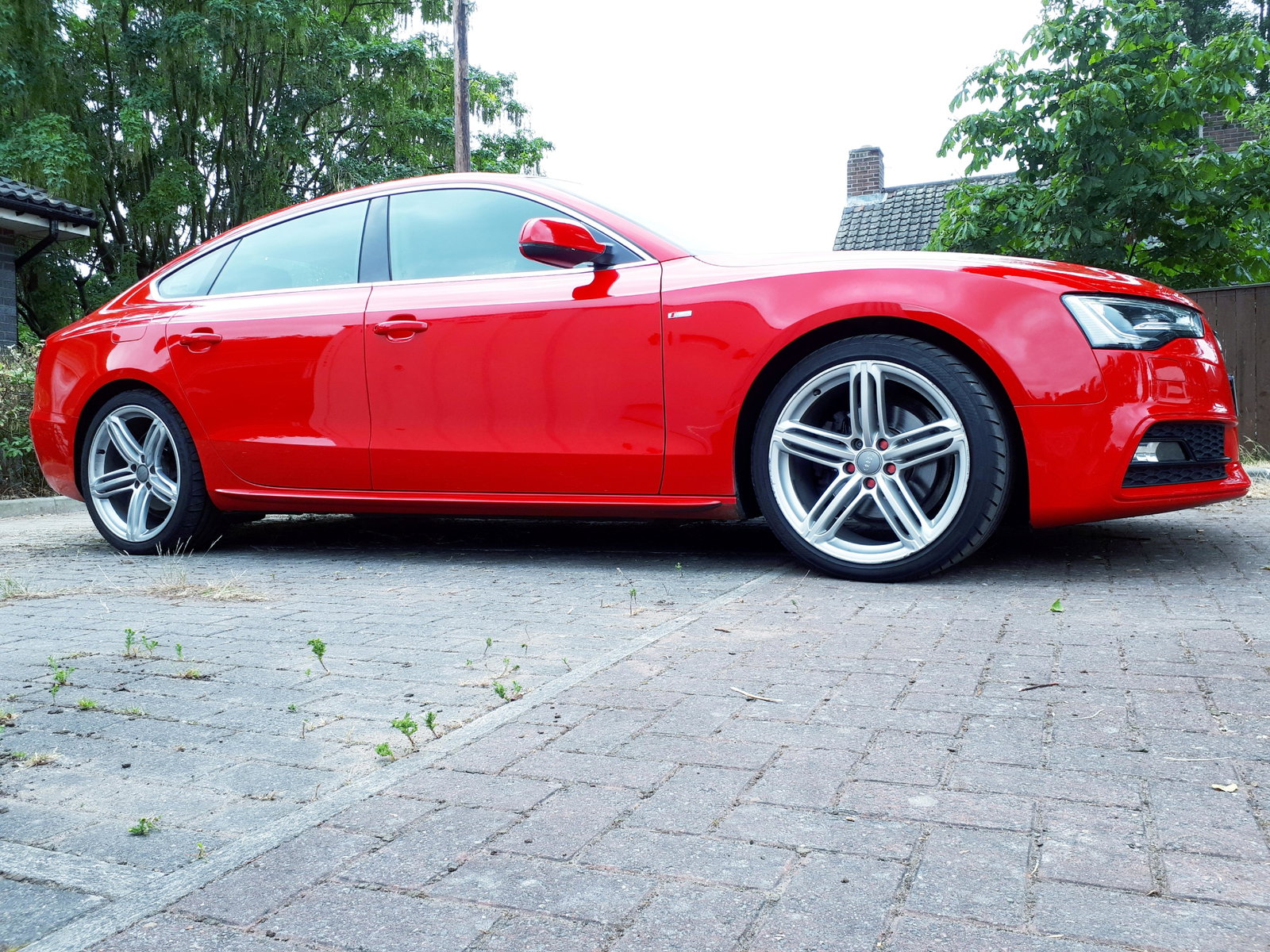
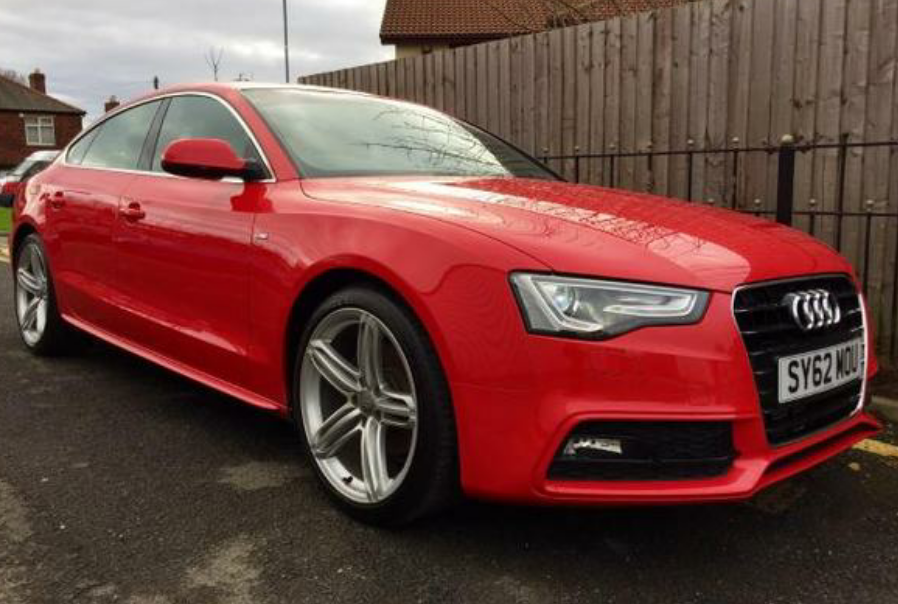
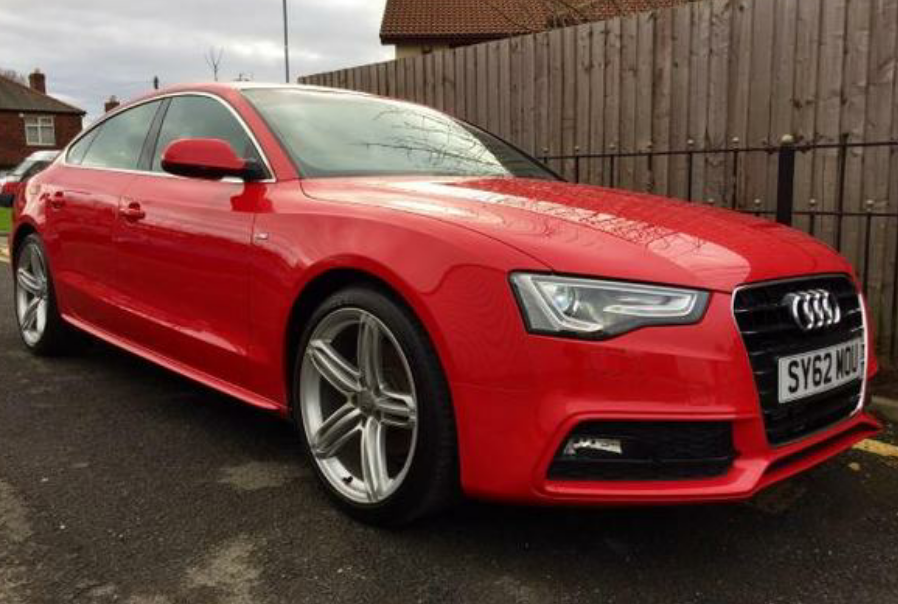
Hi All, Today I became an Audi owner for the first time. I have added a pic of my A5 2.0L TDI Sportsback S Line. What a beautiful drive.