




Skip to content
View in the app

A better way to browse. Learn more.

Audi Owners Club (UK)

A full-screen app on your home screen with push notifications, badges and more.

To install this app on iOS and iPadOS
  1. Tap the Share icon in Safari
  2. Scroll the menu and tap Add to Home Screen.
  3. Tap Add in the top-right corner.
To install this app on Android
  1. Tap the 3-dot menu (⋮) in the top-right corner of the browser.
  2. Tap Add to Home screen or Install app.
  3. Confirm by tapping Install.

gillettos

Members
  • Joined

  • Last visited

Everything posted by gillettos

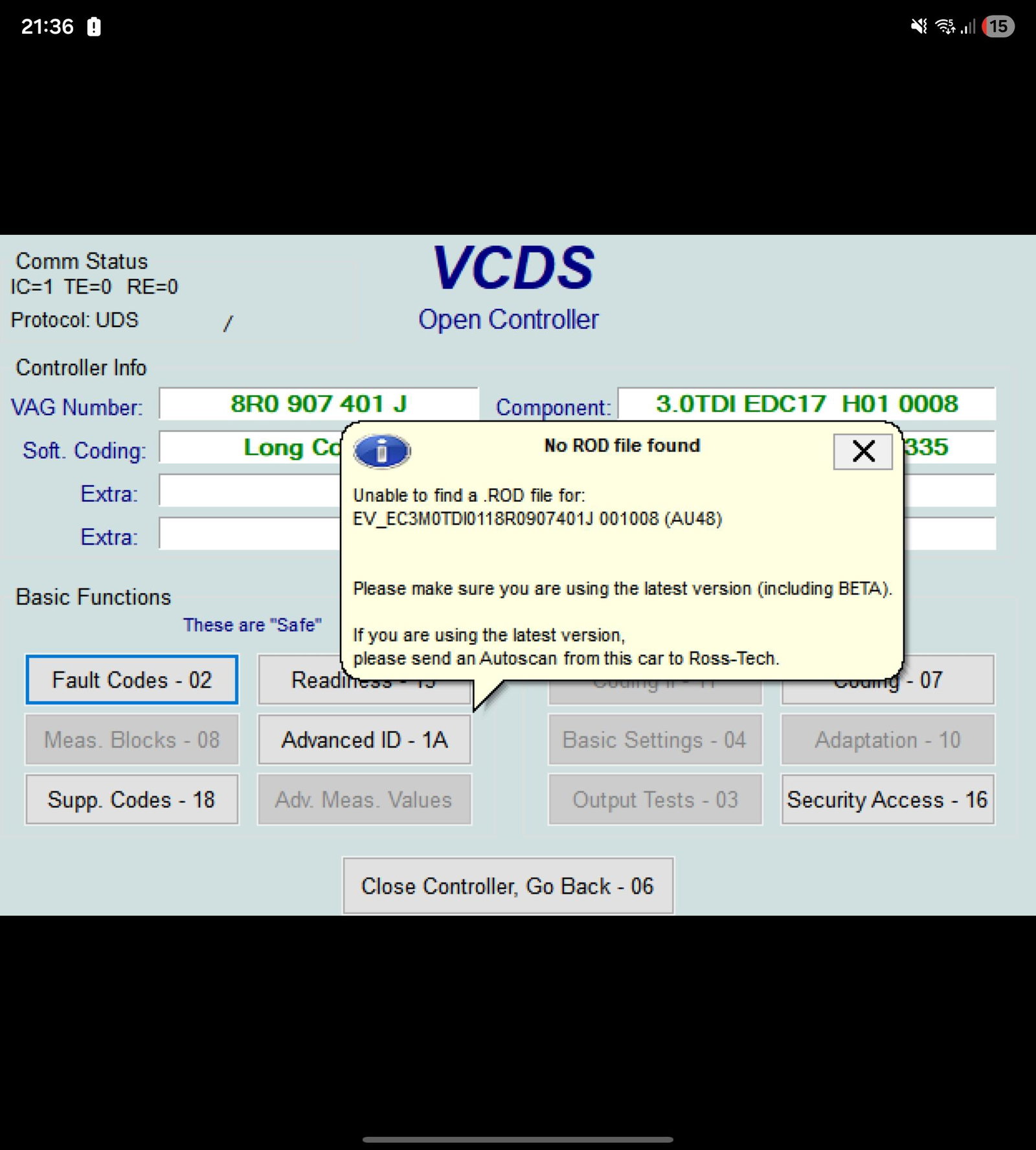
  1. This is the screen I get in regards the missing file.... (EV_EC3M0TDI0118R0907401J_001008.rod)
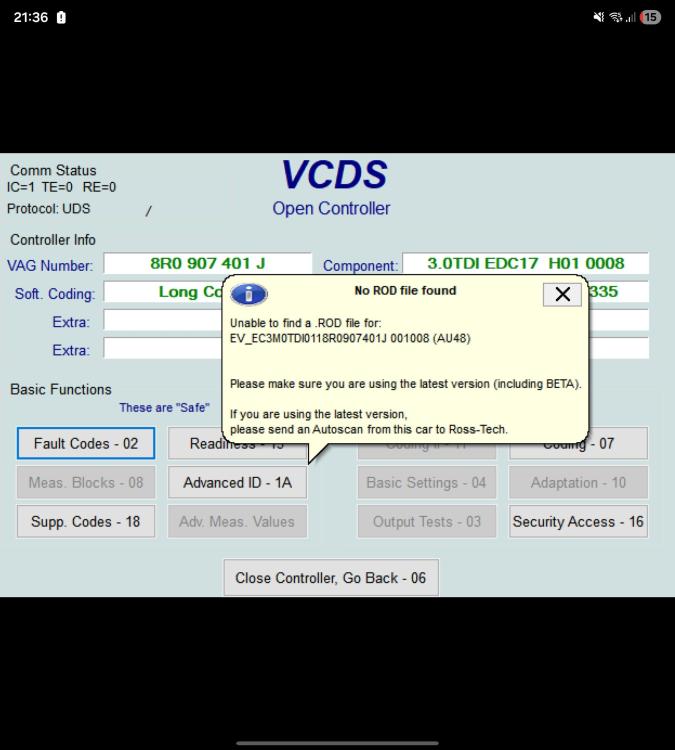
  2. Unfortunately I can't get into any of it, its all greyed out, followed all the you tube vids but haven't got the access to get obtain the readings :0( Like I say concerned to take into auldi as Im predicting a costly bill!!! Potentially a write off!!
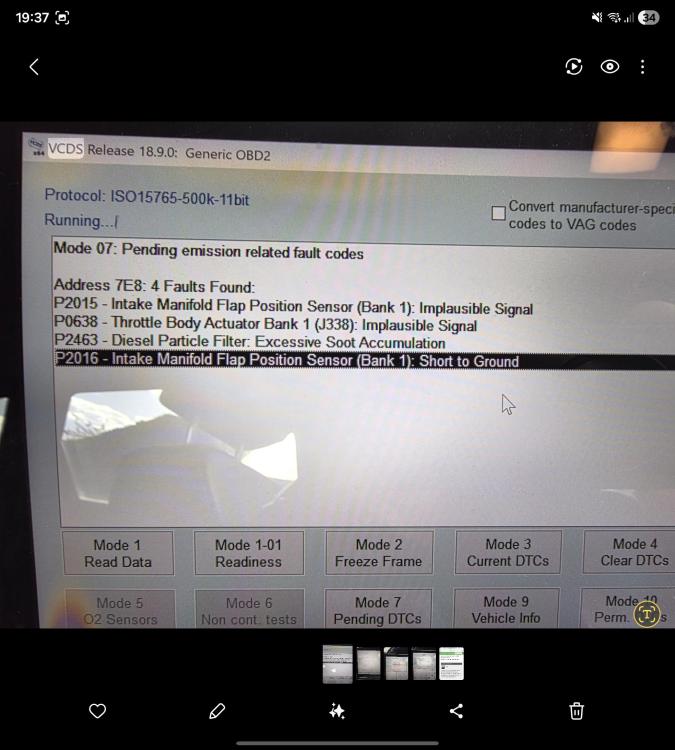
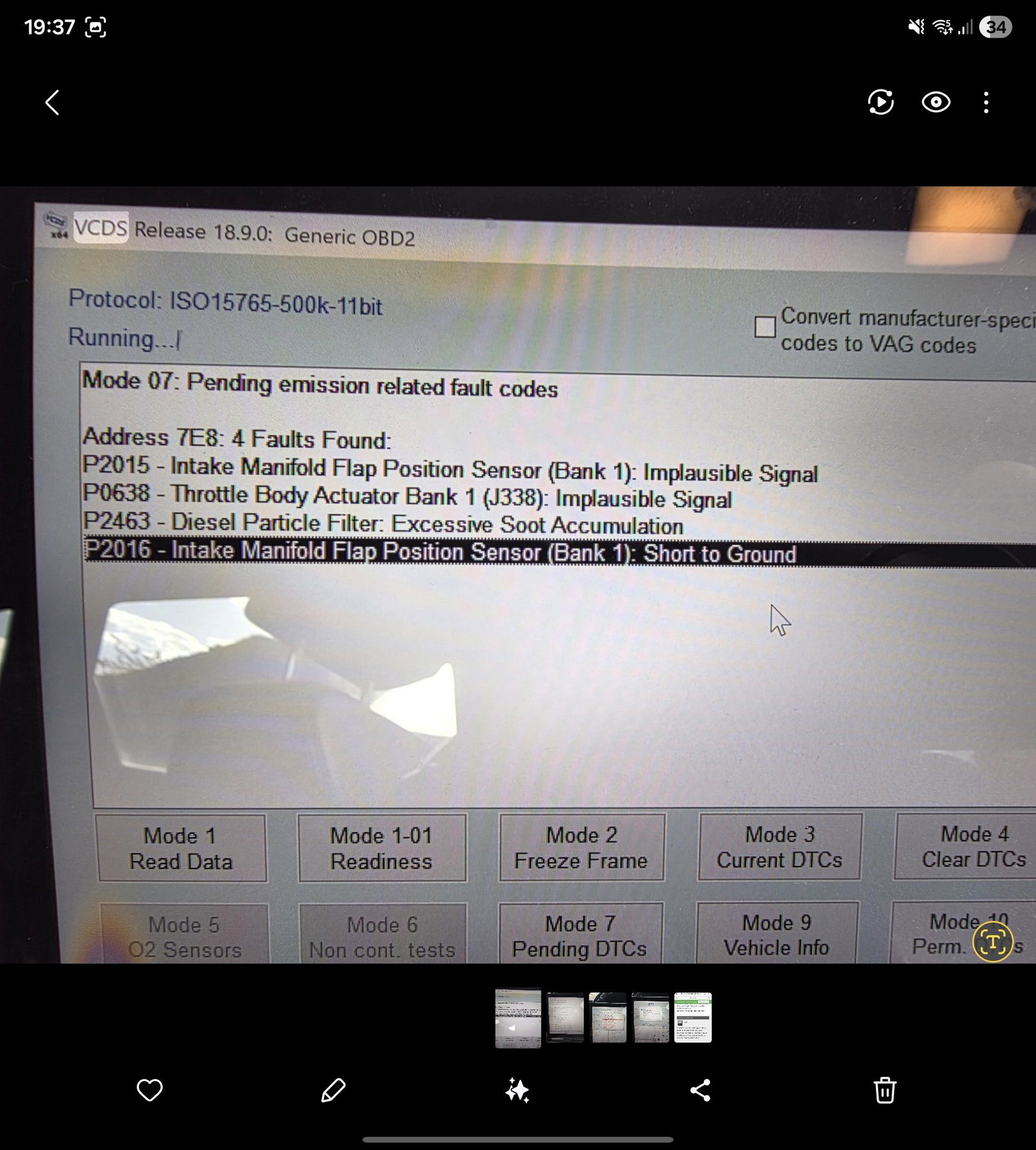
  3. Hi, Anyone ever had these back from the VCDS, the engine light is on along with the flashing glow plug L. The engine is also in limp mode not going above 3000revs. It's beenleft running with the revs at 3000 for 25 mins and this cleared the particular filter light.... I cant do a forced regen from my VCDS as its greyed out due to a missing file..... Not sure whats going on or how serious it is now though, looking at selling soon so cautious of costing a fortune!!

Background Picker
Customize Layout

Account

Navigation

Search

Search

Configure browser push notifications

Chrome (Android)
  1. Tap the lock icon next to the address bar.
  2. Tap Permissions → Notifications.
  3. Adjust your preference.
Chrome (Desktop)
  1. Click the padlock icon in the address bar.
  2. Select Site settings.
  3. Find Notifications and adjust your preference.