alanmm
Members
-
Joined
-
Last visited
Everything posted by alanmm
-
thanks, its off to the garage tomorrow, I will include these suggestions
-
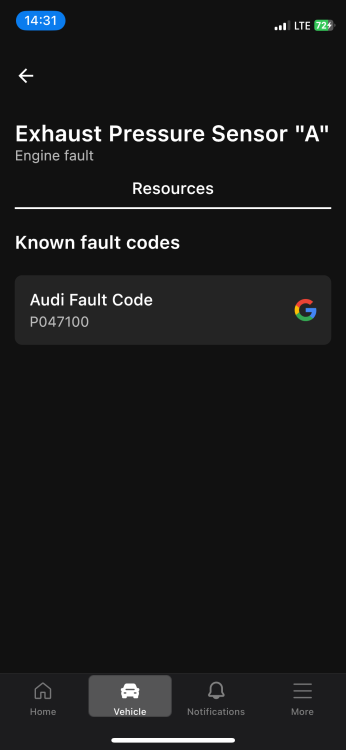
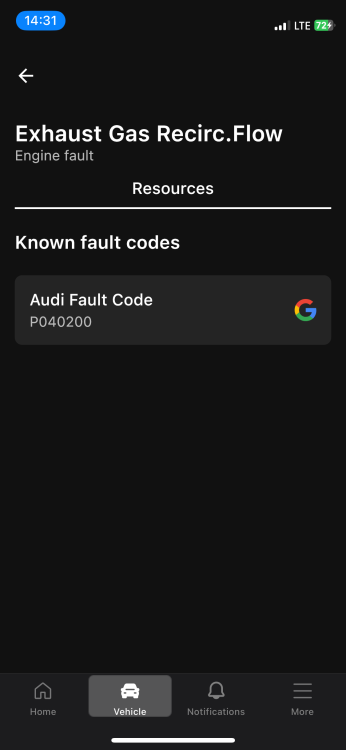
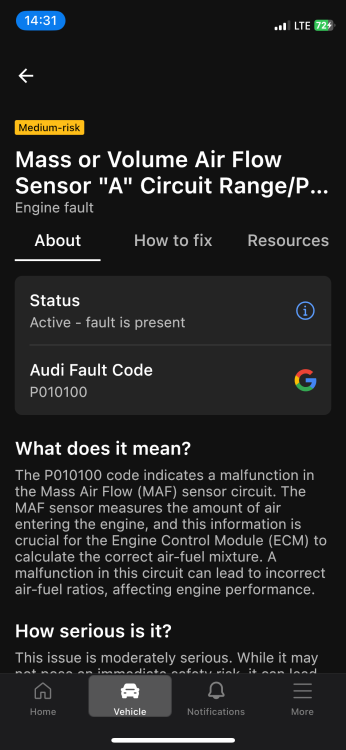
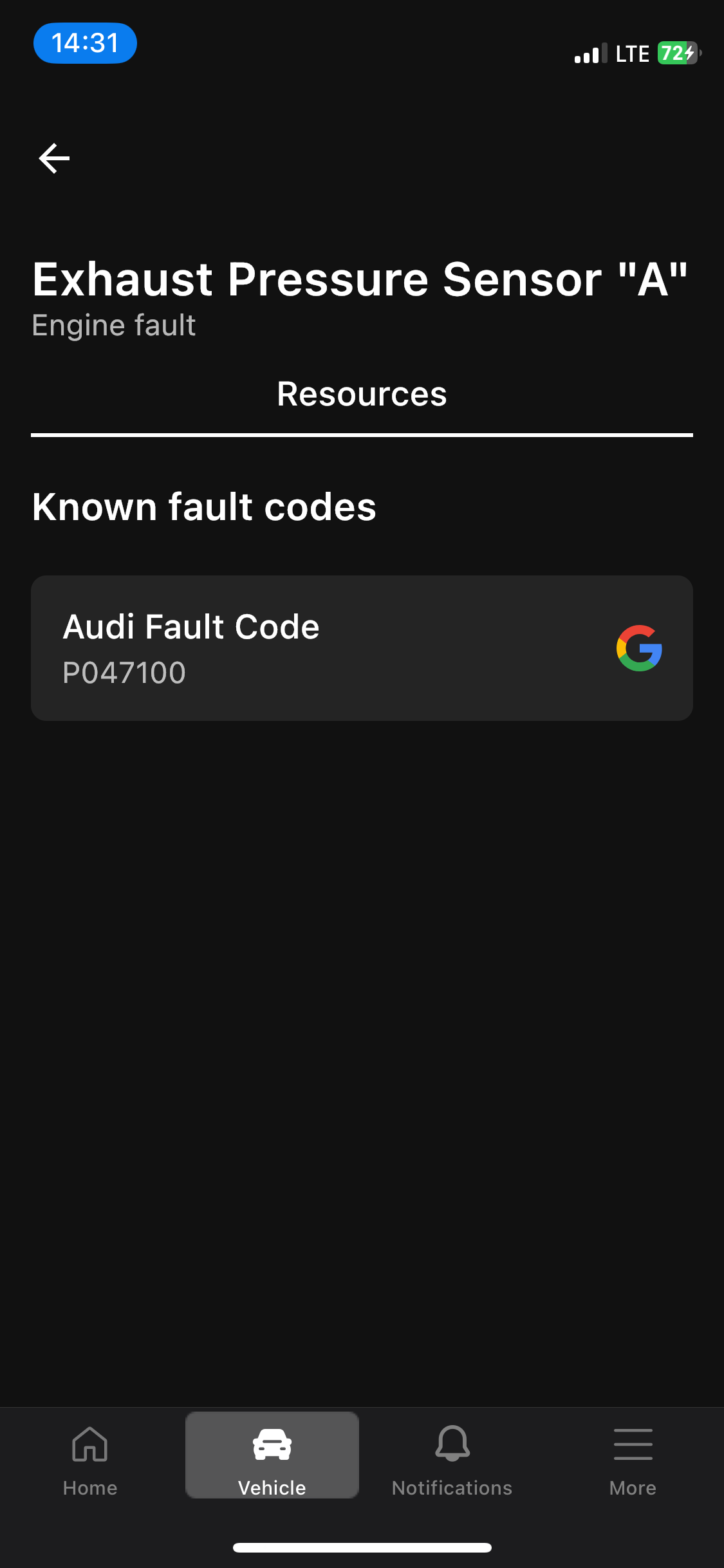
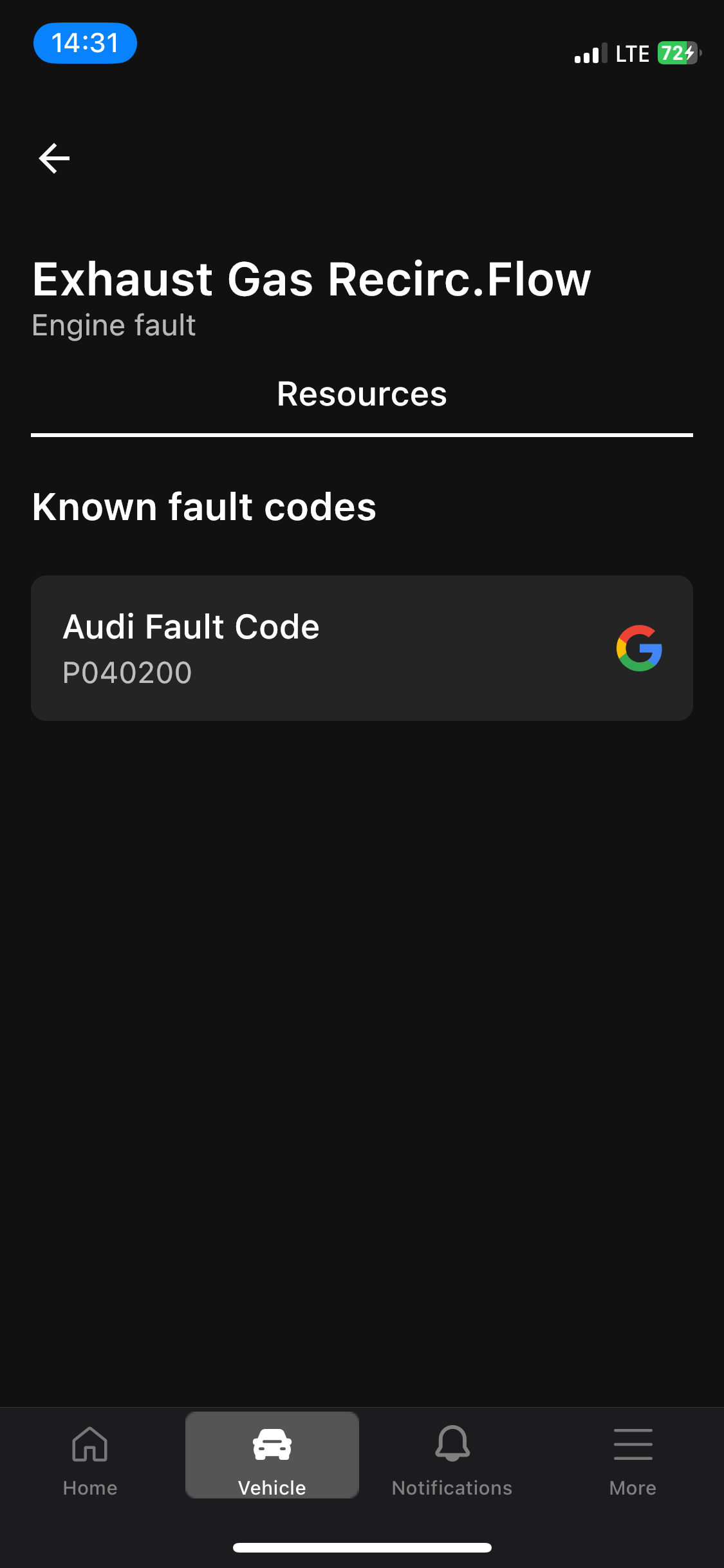
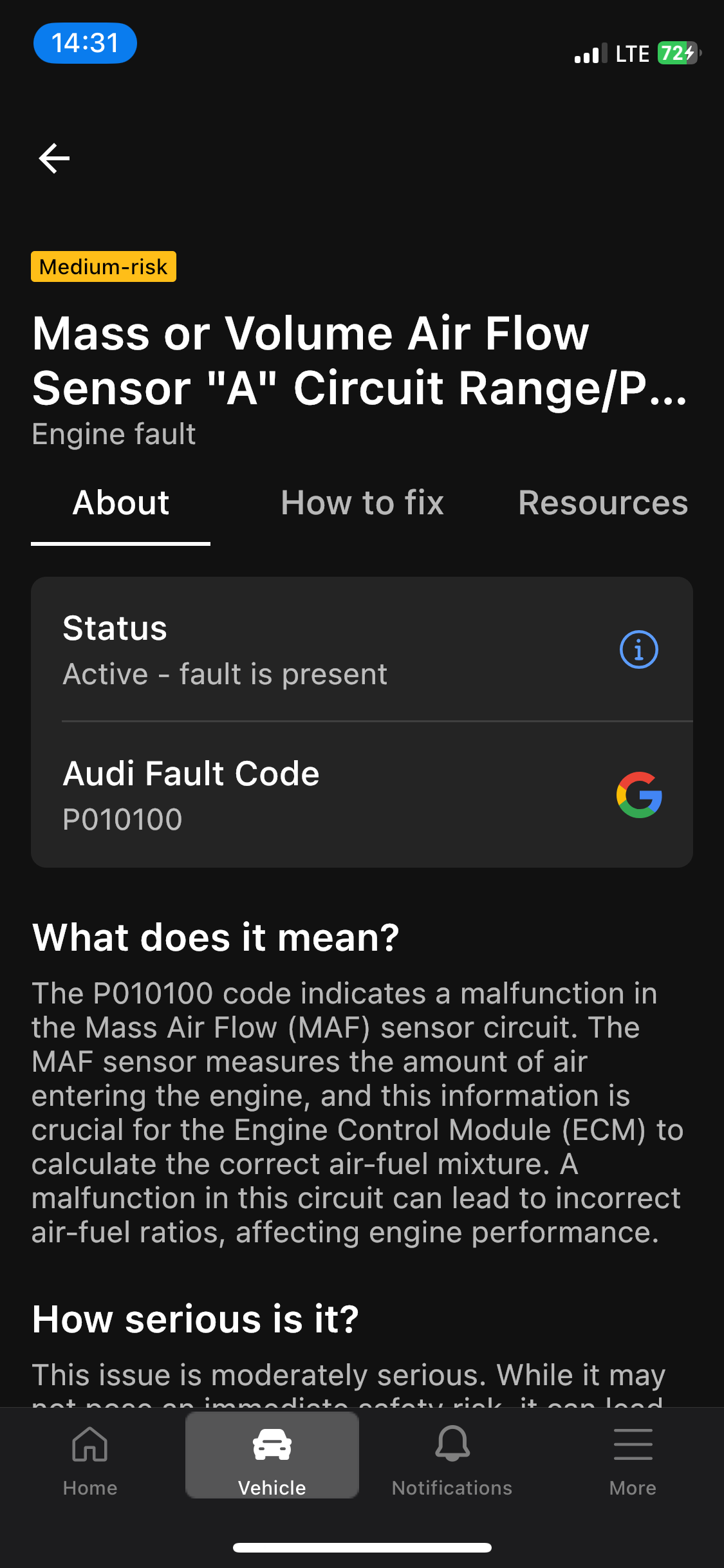
Hello, I would be very grateful if someone could give me some advice. I recently bought a 2015 Audi A3 Cabrio Ambition 1.6 TDI clean diesel 110 CV 6 speed . Soon I noticed that the engine light was on. This is on permanently. Then occasionally the flashing glow plug comes on, usually after 30 minutes of motorway driving. This glowplug light clears if the ignition is restarted. I did an OBD scan and got: P040200 — Excessive flow in the EGR system P010100 — Mass Air Flow (MAF) sensor, range/performance P047100 — Exhaust pressure sensor, range/performance I put the car in to an Audi main dealership, and they replaced the battery, and cleared the faults, but the faults returned immediately. I then went to an independent dealership where they wanted to immediately remove the DPF which seemed excessive with no diagnostic evidence to justify it. As far as I understand, things like the EGR can be tested without dismantling by commanding them to act and reading the physical responses and gases. I was hoping that a garage would do tests like this to actually diagnose the fault before taking physical action and replacing items. I am looking for advice regarding what the likely cause could be, and also, what action I should take, and what I should ask the next garage to do. Many thanks!