FP A5 40tfsi
Members
-
Joined
-
Last visited
Everything posted by FP A5 40tfsi
-
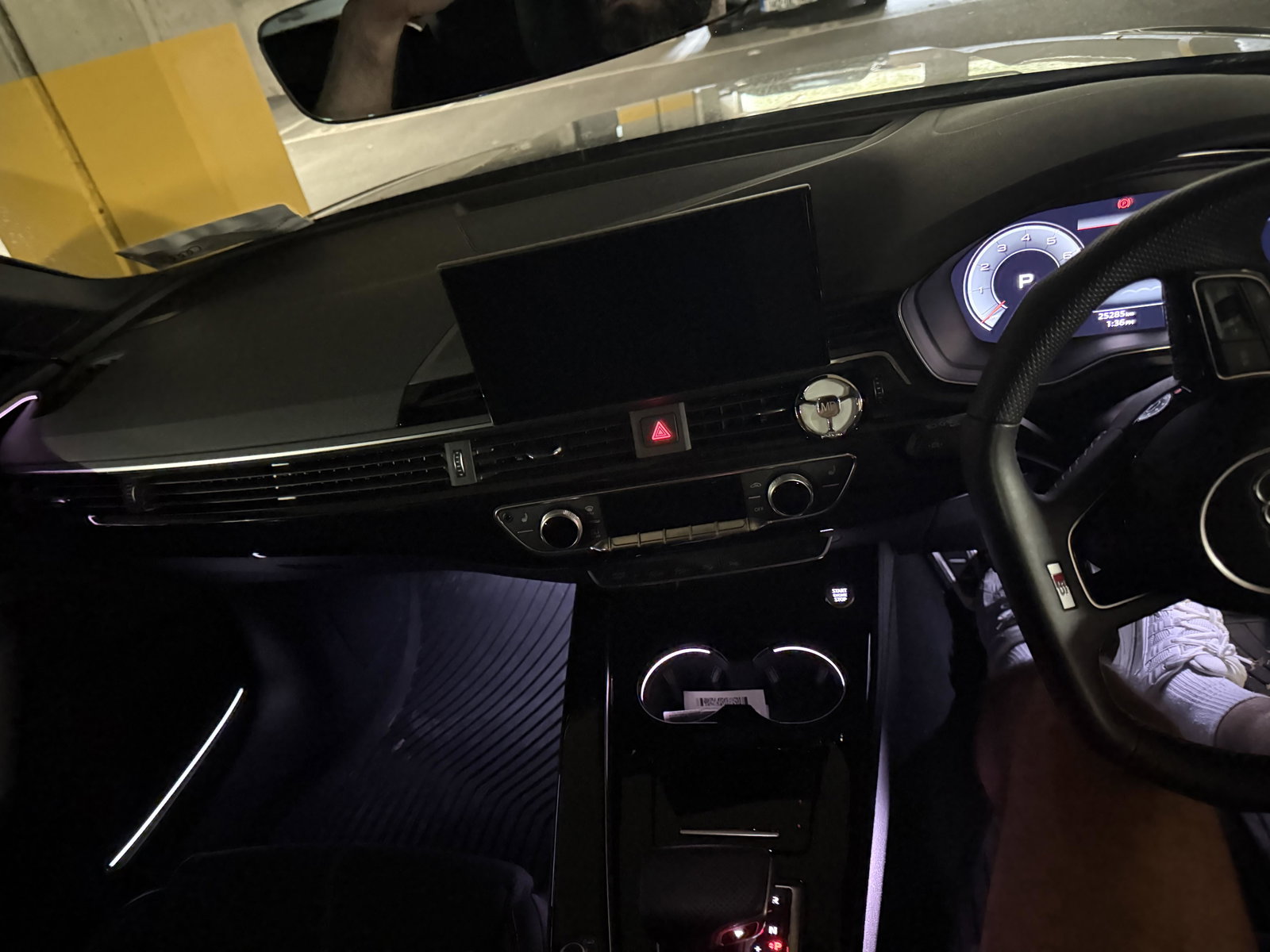
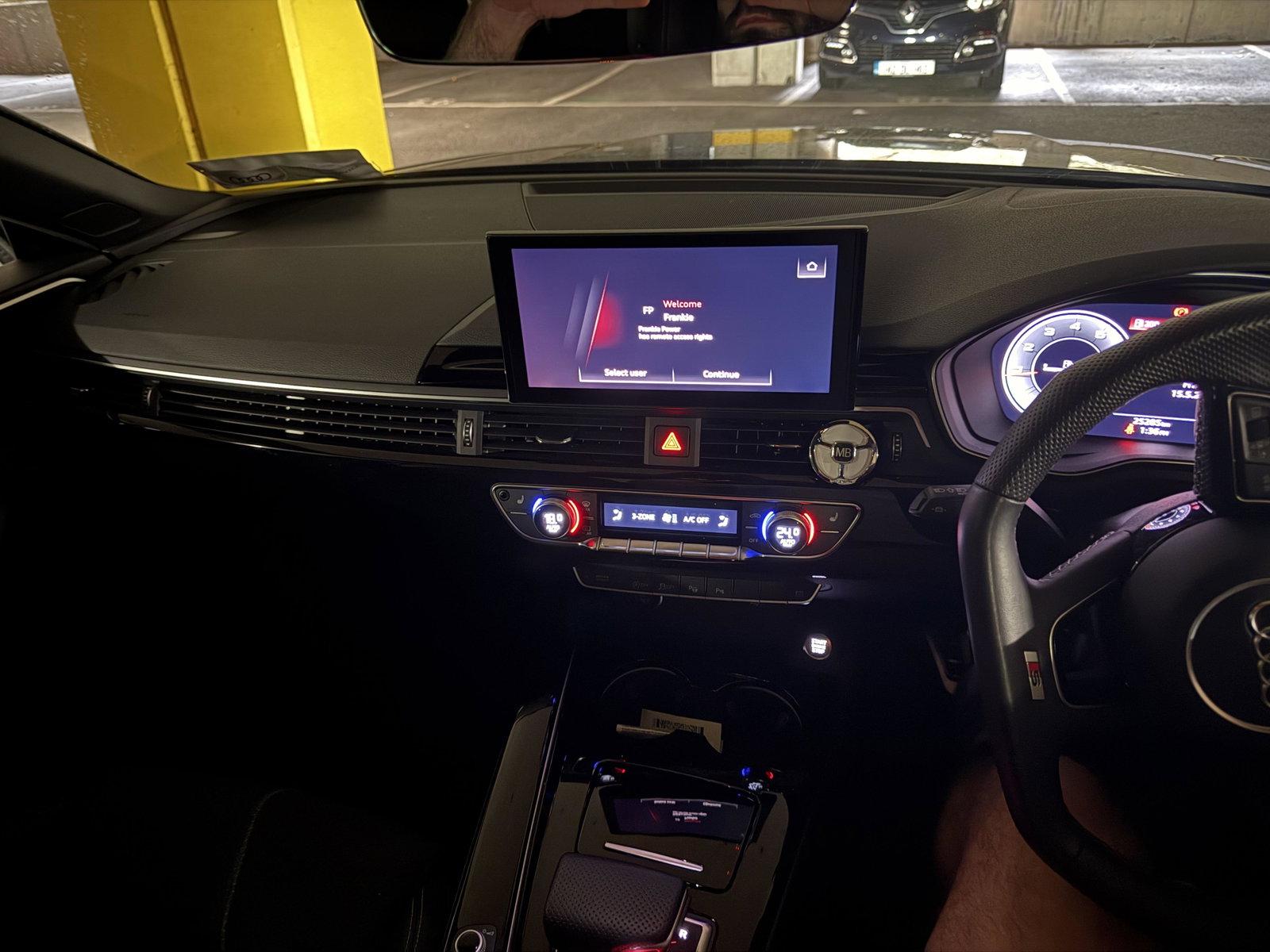
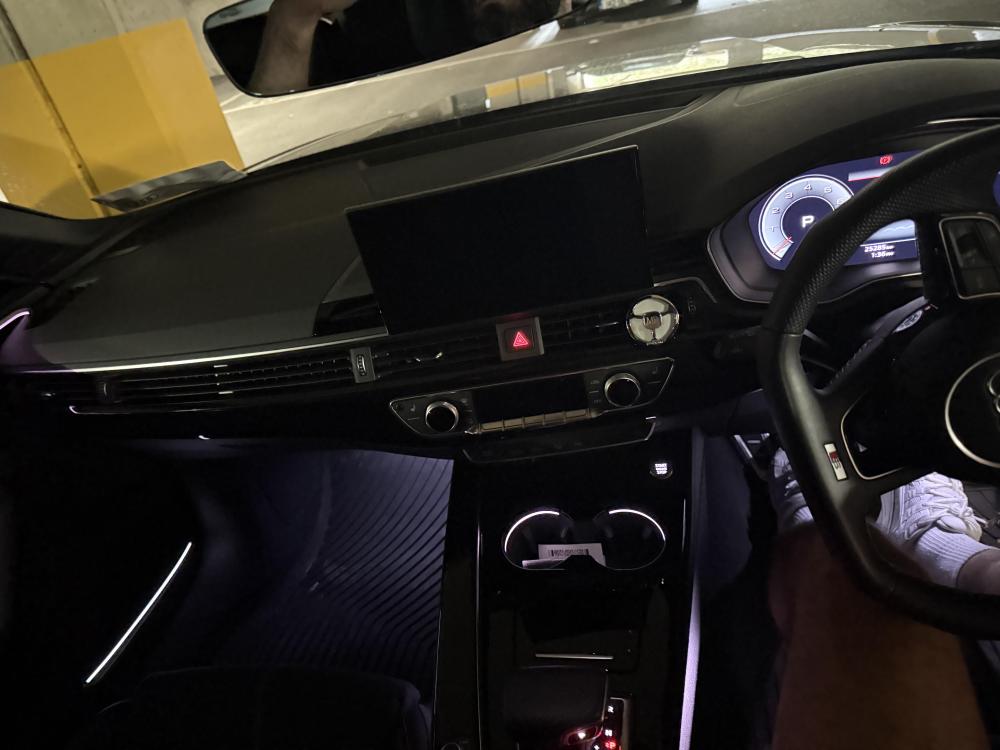
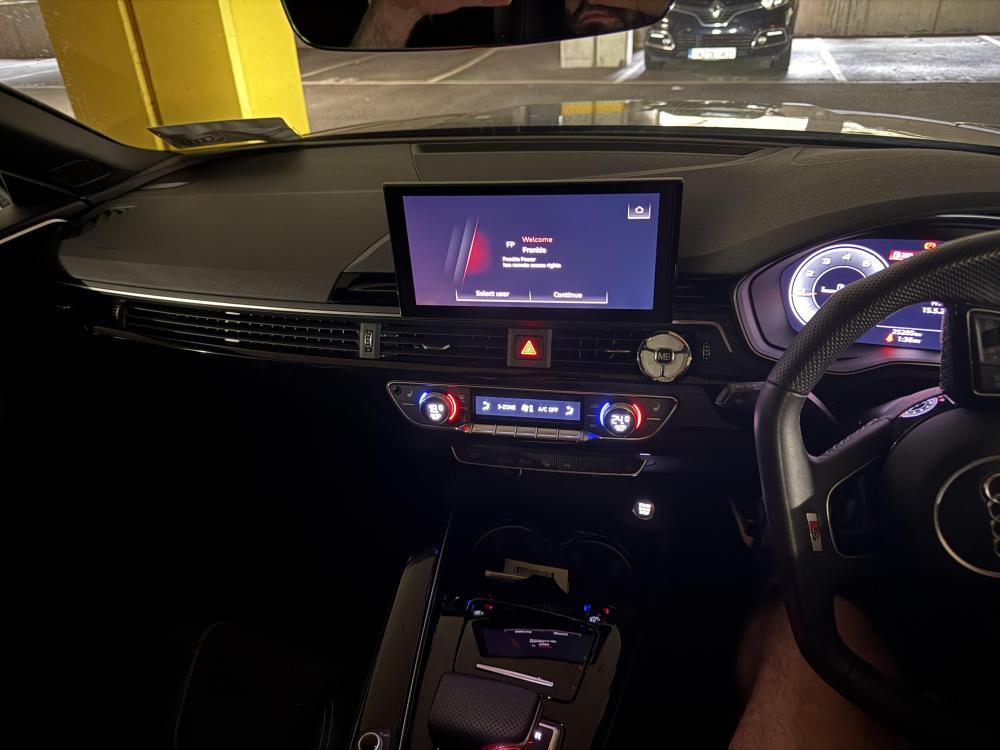
Sorry never uploaded the pics properly on my first message. You’ll see first pic is when I have a door open, the lights are on. But see the second pic, once I close the doors and the engine is on, no lighting at all. I wonder is there a software glitch or update required perhaps? Any help or knowledge much appreciated anyway, thanks in advance !
-
First time poster here - I have an A5 black edition, 2023 and having an issue with the interior lighting as well. I’ve attached a video but hoping someone can tell me if I’m being stupid and I have changed a setting my mistake , or perhaps if it is an issue and I need to go to get it looked at. In short, the ambient lighting turns off fully when I start the ignition. This was never the case, it was always on without any issue but as you’ll see in the video it now just fully turns off when I start the car. Any help appreciated ?! IMG_2753.mov