christo098
Members
-
Joined
-
Last visited
Everything posted by christo098
-
Ok thank you I will try get it back to standard
-
The cars dpf was gutted as I saw it had been welded and confirmed it by tapping it with a screwdriver and it made that hallow sound
-
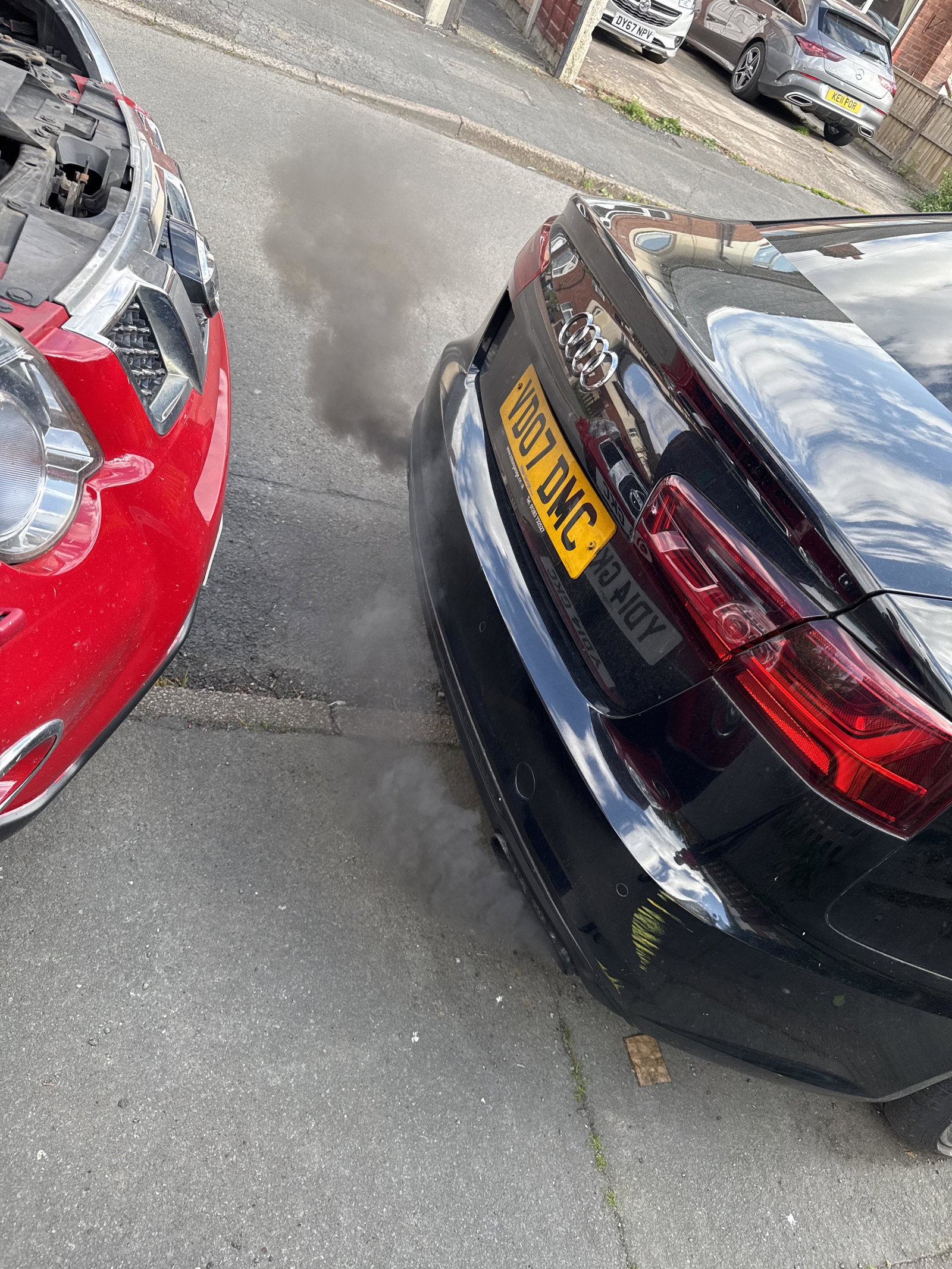
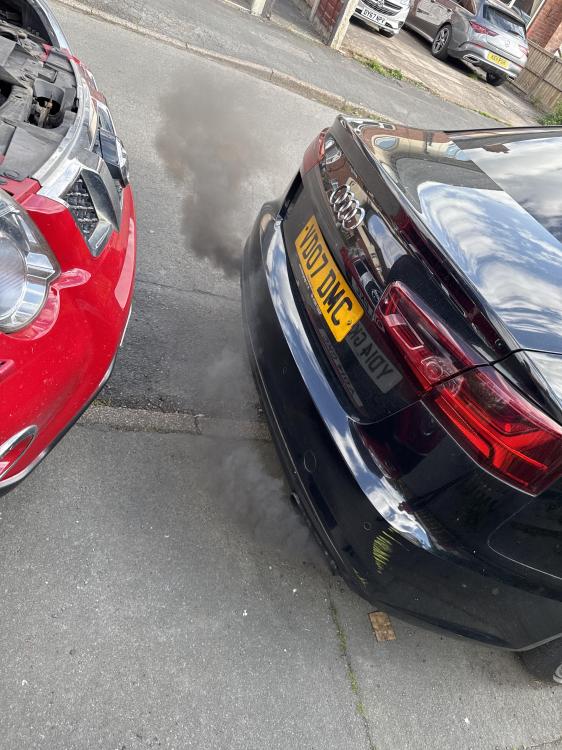
Sorry, I’m not sure if it’s been remapped and has full service history and is currently on 91k miles and it’s not losing oil whatsoever it was a thing that happened overtime slowly worse. Was on the motorway went to switch lanes and then boom suddenly loss of power and glow plug light, I had then come to a stop and restarted the car and then ot drove normal again and then when I got to about 70 same thing limp mode and then over time it slowly got worse more smoke and started getting slower till about a month ago where it started to judder and not go past 2k revs and loads of smoke and won’t even go up the slightest bit of hill an so far I have changed the injectors map and maf sensor but the car starts fine no issues and sounds normal at idle it’s only when reved or driven it starts to happen
-
No luck still
-
Garage said it was injectors
-
I have changed the maf and map sensor and it’s still doing it knocking when reved to 1.5k revs even took it for a drive and still won’t go above 2 and when it gets near it, it starts to jerk
-
No codes whatsoever said it was injectors had them changed and it still smokes 66F357E0-9379-4ECF-9F13-1BA43A04620C.mov
-
do you still have this problem as my car is doing the same and no one knows the fault