




Skip to content
View in the app

A better way to browse. Learn more.

Audi Owners Club (UK)

A full-screen app on your home screen with push notifications, badges and more.

To install this app on iOS and iPadOS
  1. Tap the Share icon in Safari
  2. Scroll the menu and tap Add to Home Screen.
  3. Tap Add in the top-right corner.
To install this app on Android
  1. Tap the 3-dot menu (⋮) in the top-right corner of the browser.
  2. Tap Add to Home screen or Install app.
  3. Confirm by tapping Install.

Robert Winning

Members
  • Joined

  • Last visited

Everything posted by Robert Winning

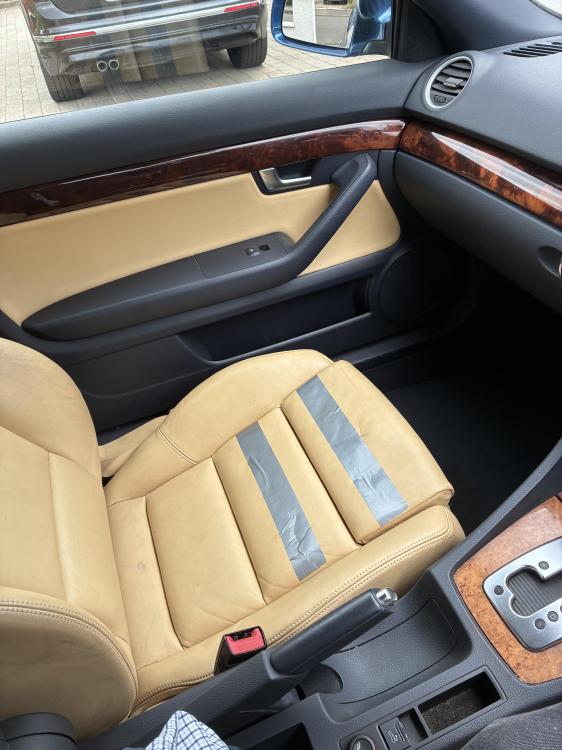
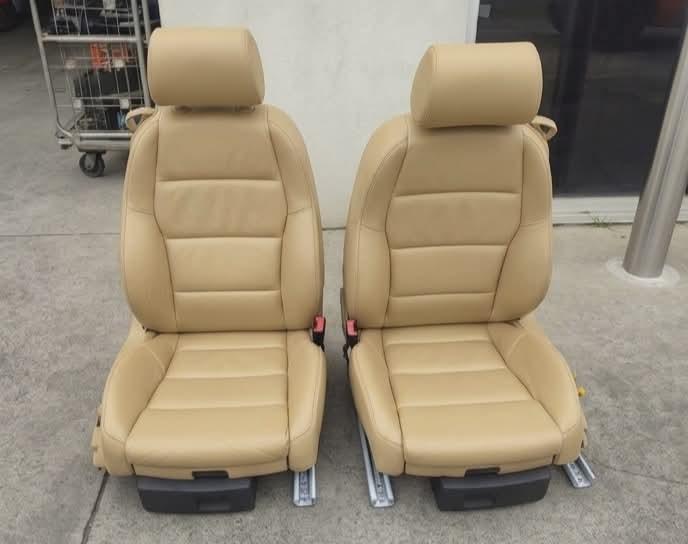
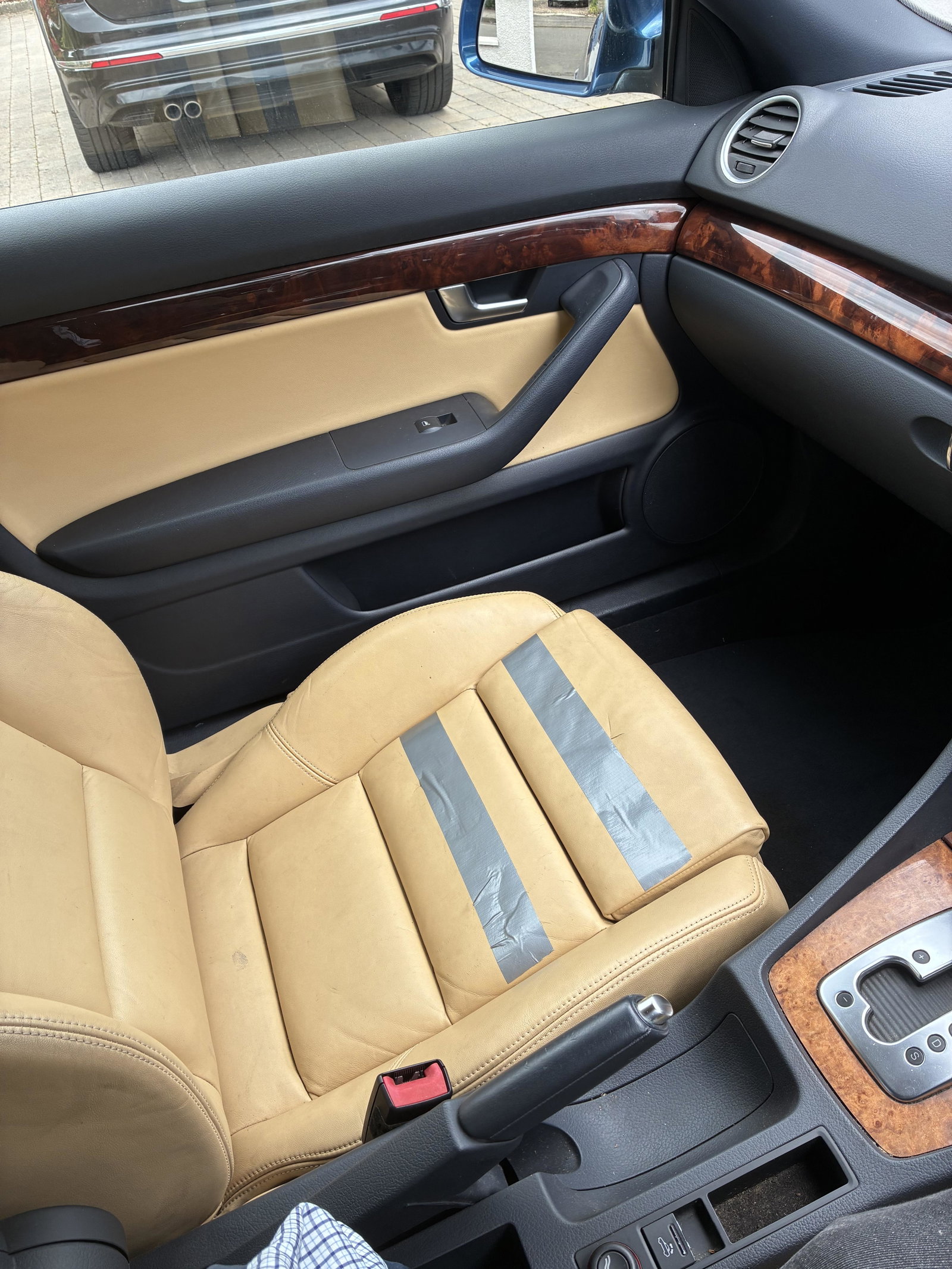
  1. Thanks for your advice. I’m looking into getting repair quotes. I’m also considering getting manually operated front seats to replace the electric ones if I can find them in the same beige leather. They are hard to find and Facebook seems to be riddled with scammers who can find photos of ideal seats or spare parts online, or doctored by Ai.
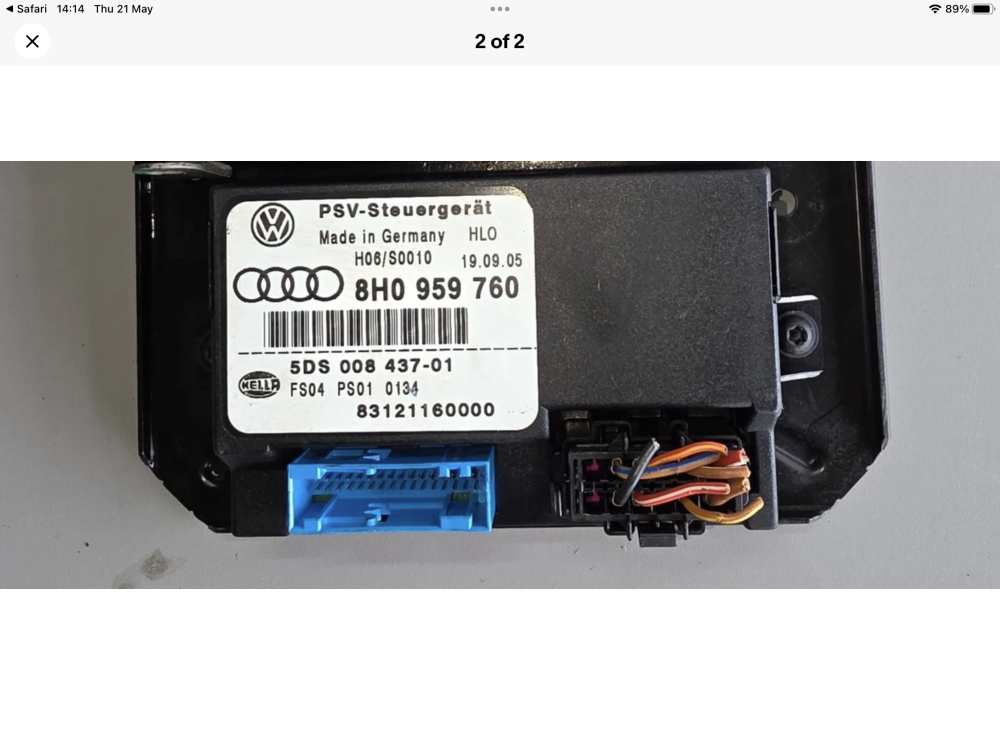
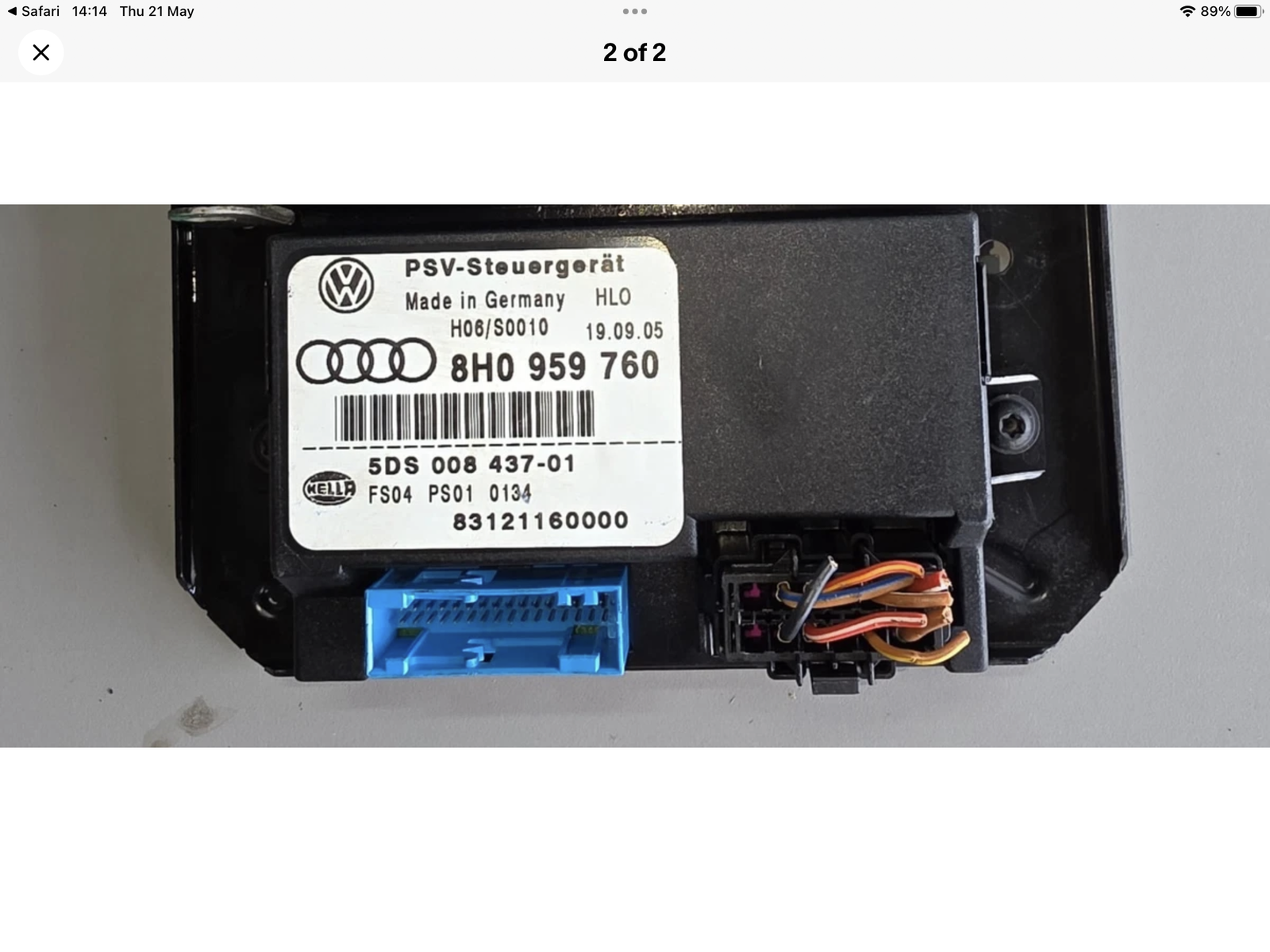
  2. Hope someone can help please? I’m looking for a pair of front seats (or even just a front passenger seat) for my B7 Audi A4 Cabriolet 2006 model. Beige leather seats, either electric or manually adjusted. Also looking for an electric seat module, part number 8H0959760A. Many thanks.
Background Picker
Customize Layout

Account

Navigation

Search

Search

Configure browser push notifications

Chrome (Android)
  1. Tap the lock icon next to the address bar.
  2. Tap Permissions → Notifications.
  3. Adjust your preference.
Chrome (Desktop)
  1. Click the padlock icon in the address bar.
  2. Select Site settings.
  3. Find Notifications and adjust your preference.