geo1168
Members
-
Joined
-
Last visited
-
Thanks James I take on board what you say but the strange thing is I can run about in the car all day and it doesn't work then all of a sudden it works a couple of times then stops working the rest of the day That Makes me think everything just can't be perfect for 30 minutes of the day then go back to normal? Thanks anyway.
-
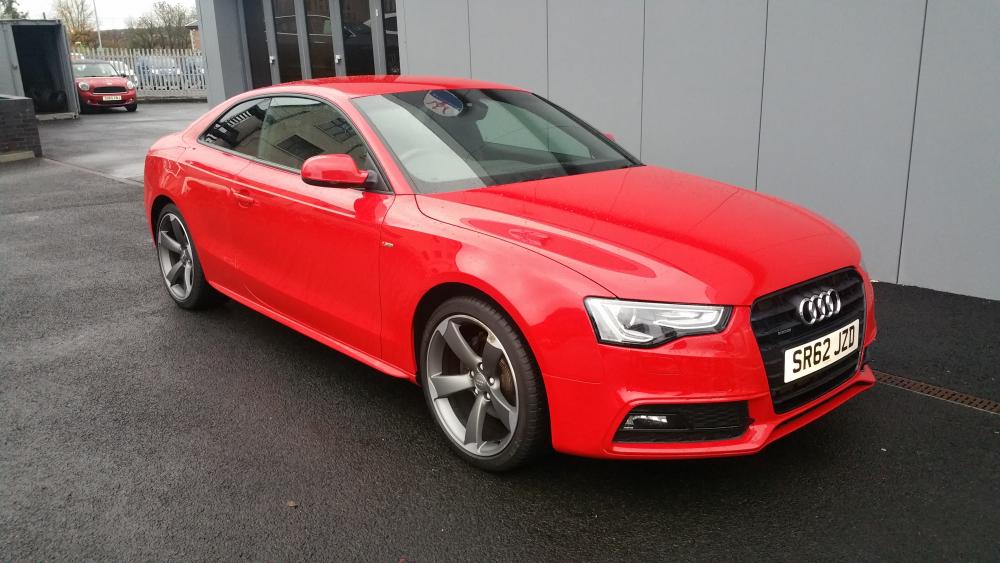
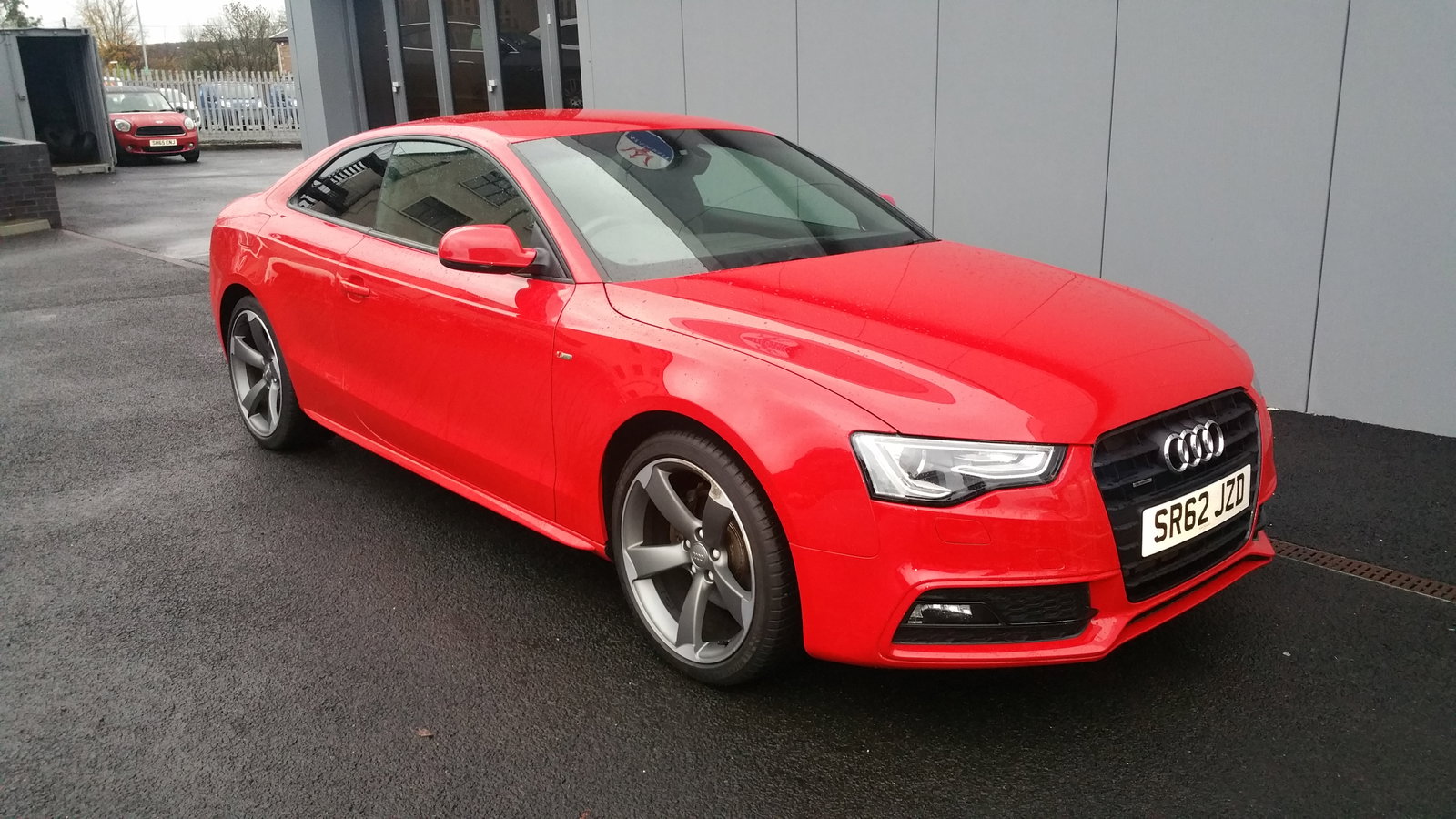
Hi there Im new to the forum so hi to everyone. Ive just bought a a5 2.0tdi quattro black edition, it is a stunning car and wonder to drive, I gave 1 problem and that is the start/stop. It seems to work when it wants? The garage says it is a pain, there is to many factors to consider weather it works or not, ive never had this technology in a car and cant see why it wont work? I put it into an audi garage and they put it on a diagnostic machine and said there were no codes and no problems? I dont trust garages 100% (been done in the past) can anyone help? Please.