Skip to content
View in the app

A better way to browse. Learn more.

Audi Owners Club (UK)

A full-screen app on your home screen with push notifications, badges and more.

To install this app on iOS and iPadOS
  1. Tap the Share icon in Safari
  2. Scroll the menu and tap Add to Home Screen.
  3. Tap Add in the top-right corner.
To install this app on Android
  1. Tap the 3-dot menu (⋮) in the top-right corner of the browser.
  2. Tap Add to Home screen or Install app.
  3. Confirm by tapping Install.


666damned

Members
  • Joined

  • Last visited

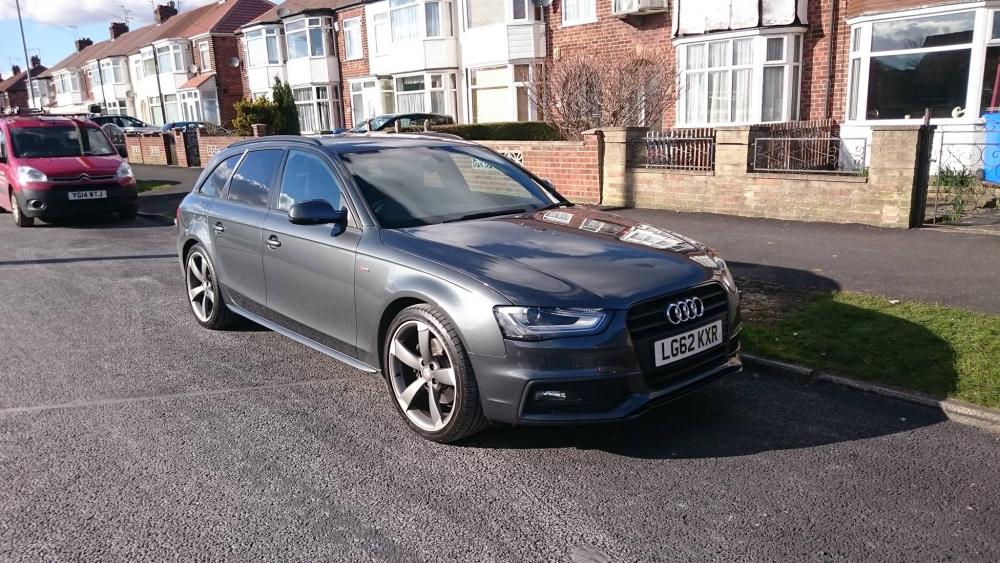
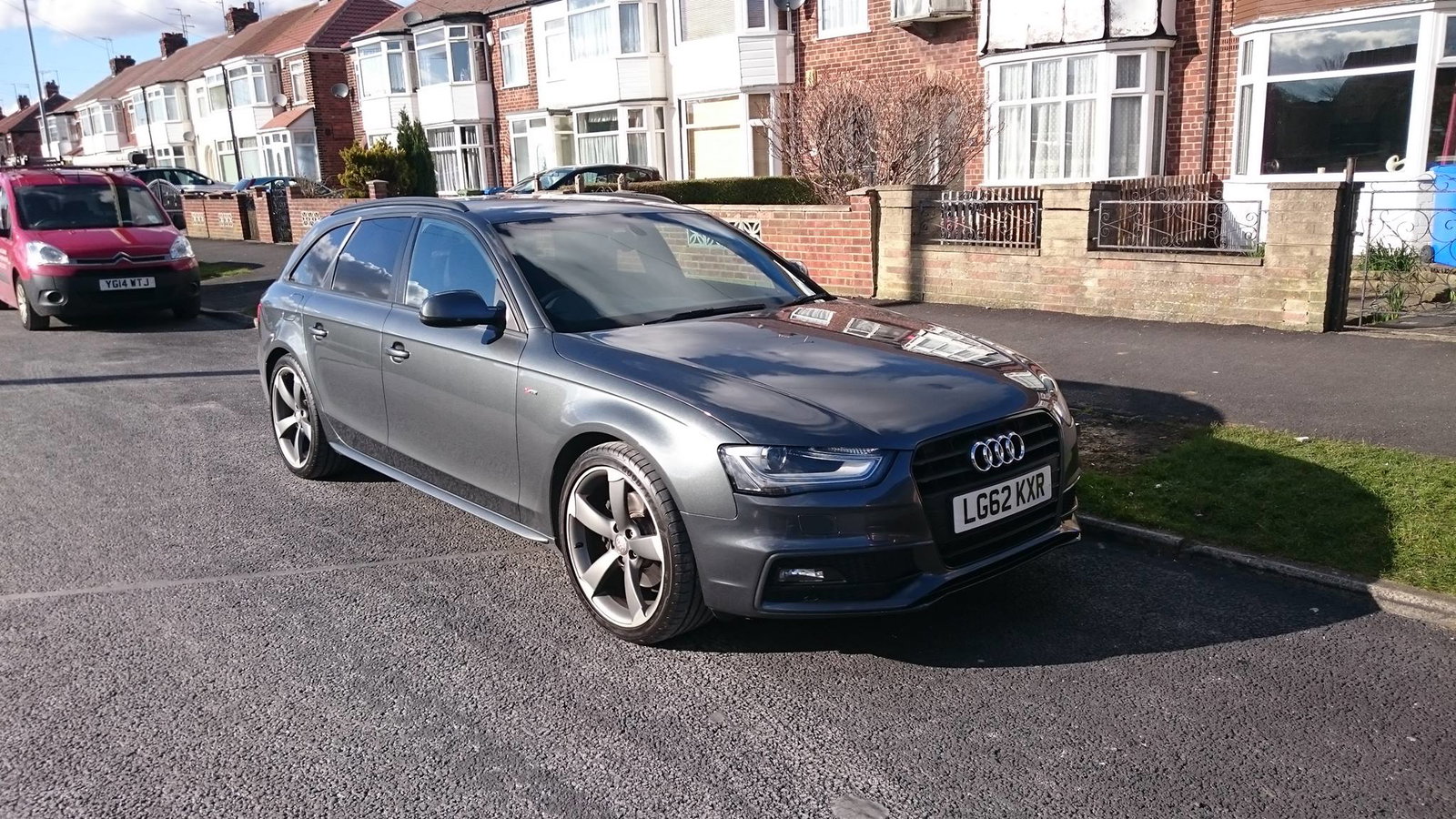
  1. hi james,thnx for the welcome.........compared to the mitsi it's like chalk and cheese..........lol........here's a couple of pics..mitsi in the sunshine,latest aquisition Black Edition,the little 1.3 golf and last but not least my long term project baby ninja(400)...

  2. evening people,i'm new to Audi ownership and thought i would join up.....name is dave,live in Hull( i know..but somebody has to..lol)....just purchased my very first Audi,an A4 S Line Black edition 2.0TDi....just moving over from my 20 yr old import Mitsi VR4 twin turbo...slight drop in performance...lol........also own a VW MK1 Golf 1.3 driver...and last but not least a Kawasaki baby Ninja........hoping to become a regular...got a few bits and pieces for you guys to hopefully help me with..... rgrds.dave



Background Picker
Customize Layout

Account

Navigation

Search

Search

Configure browser push notifications

Chrome (Android)
  1. Tap the lock icon next to the address bar.
  2. Tap Permissions → Notifications.
  3. Adjust your preference.
Chrome (Desktop)
  1. Click the padlock icon in the address bar.
  2. Select Site settings.
  3. Find Notifications and adjust your preference.