




Skip to content
View in the app

A better way to browse. Learn more.

Audi Owners Club (UK)

A full-screen app on your home screen with push notifications, badges and more.

To install this app on iOS and iPadOS
  1. Tap the Share icon in Safari
  2. Scroll the menu and tap Add to Home Screen.
  3. Tap Add in the top-right corner.
To install this app on Android
  1. Tap the 3-dot menu (⋮) in the top-right corner of the browser.
  2. Tap Add to Home screen or Install app.
  3. Confirm by tapping Install.


Steven Legge

Members
  • Joined

  • Last visited

Everything posted by Steven Legge

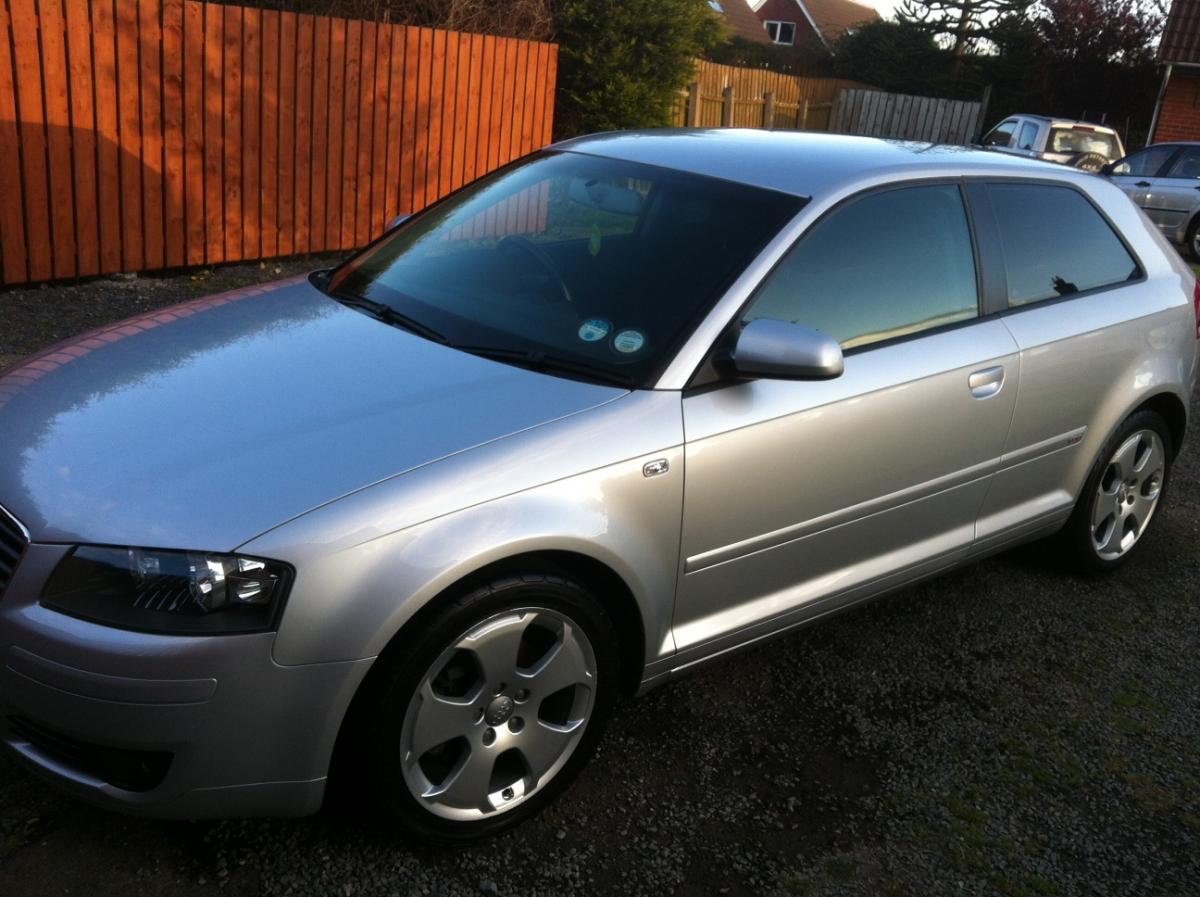
  1. Hi guys, Steveo here from Northern Ireland, purchased an Audi in October last year, meant to sign up ages ago but only getting round to it. Hoping to get a lot of hints and tips from the forum and post lots too. Ive an 03 Audi A3 2.0 TDi Sport in Silver. Have done a few small things just to tidy it up not planning on going overboard just keeping her as clean as possible. Speak to you all soon. Cheers



Background Picker
Customize Layout

Account

Navigation

Search

Search

Configure browser push notifications

Chrome (Android)
  1. Tap the lock icon next to the address bar.
  2. Tap Permissions → Notifications.
  3. Adjust your preference.
Chrome (Desktop)
  1. Click the padlock icon in the address bar.
  2. Select Site settings.
  3. Find Notifications and adjust your preference.